
Похожие презентации:







How to write a test case
1.
How to write a test case2.
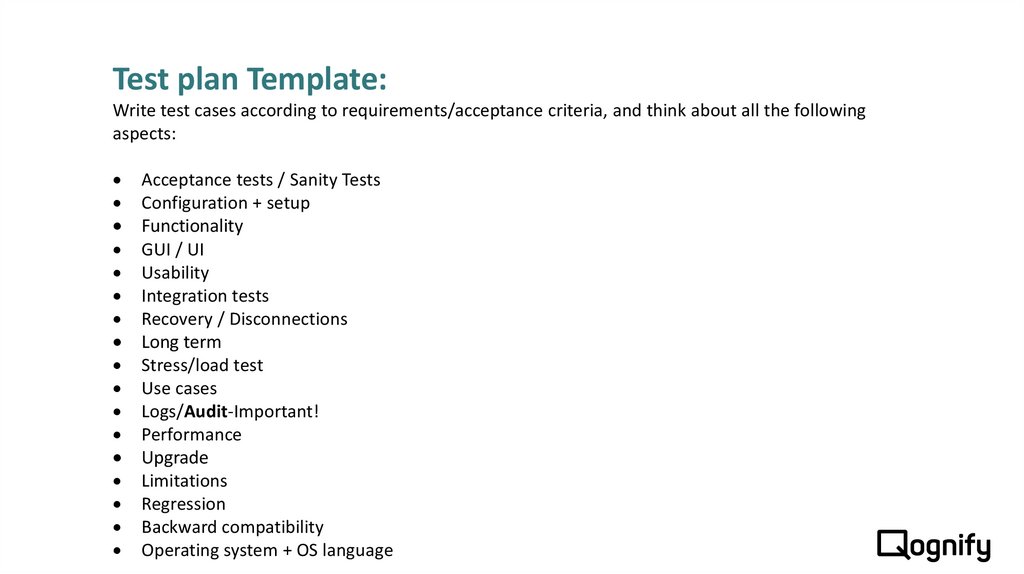
Test plan Template:Write test cases according to requirements/acceptance criteria, and think about all the following
aspects:
Acceptance tests / Sanity Tests
Configuration + setup
Functionality
GUI / UI
Usability
Integration tests
Recovery / Disconnections
Long term
Stress/load test
Use cases
Logs/Audit-Important!
Performance
Upgrade
Limitations
Regression
Backward compatibility
Operating system + OS language
3. How to write a test for the Automation
Pay attention when you write Regression tests for the automation:The test case should be short and divided by topics
The expected result should be one and exact
4. Test case fields and links:
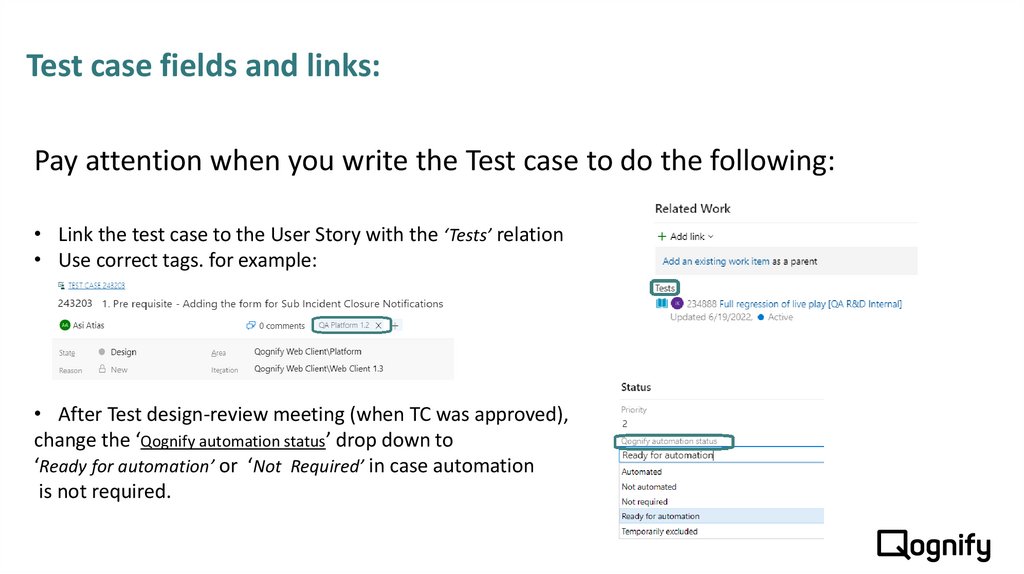
Pay attention when you write the Test case to do the following:• Link the test case to the User Story with the ‘Tests’ relation
• Use correct tags. for example:
• After Test design-review meeting (when TC was approved),
change the ‘Qognify automation status’ drop down to
‘Ready for automation’ or ‘Not Required’ in case automation
is not required.
5.
Bug definition6. Before opening a bug
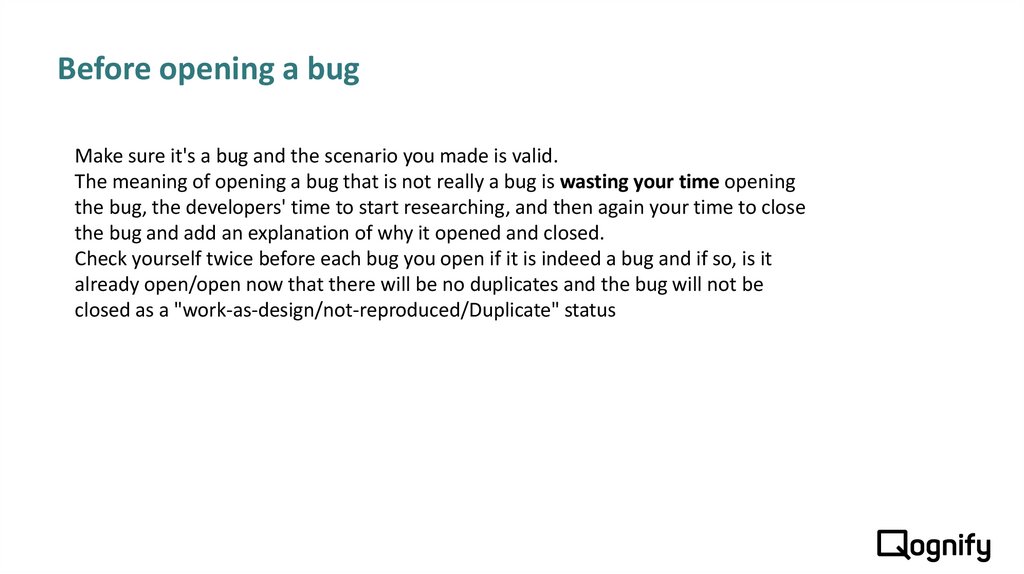
Make sure it's a bug and the scenario you made is valid.The meaning of opening a bug that is not really a bug is wasting your time opening
the bug, the developers' time to start researching, and then again your time to close
the bug and add an explanation of why it opened and closed.
Check yourself twice before each bug you open if it is indeed a bug and if so, is it
already open/open now that there will be no duplicates and the bug will not be
closed as a "work-as-design/not-reproduced/Duplicate" status
7. Bug structure
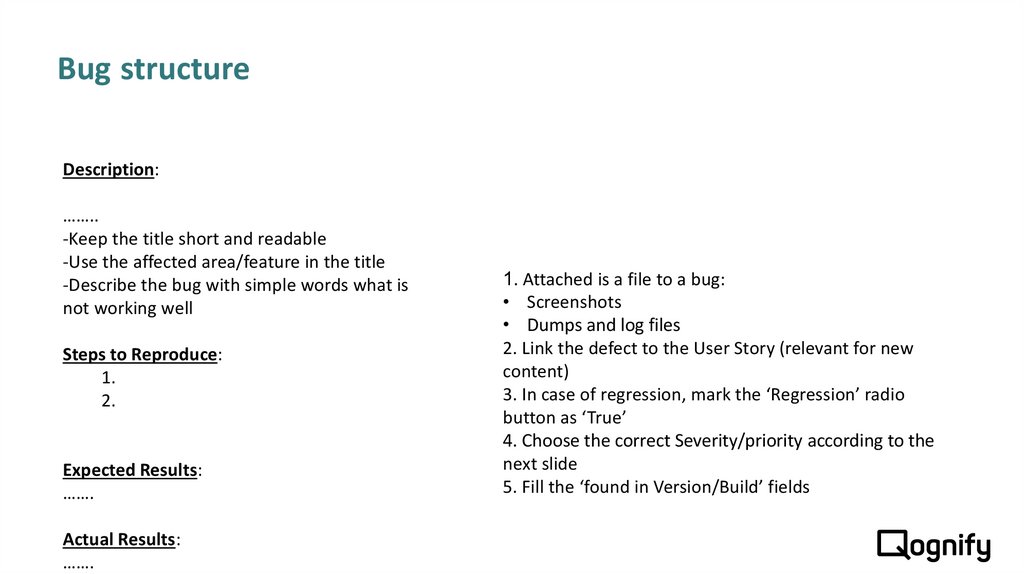
Description:……..
-Keep the title short and readable
-Use the affected area/feature in the title
-Describe the bug with simple words what is
not working well
Steps to Reproduce:
1.
2.
Expected Results:
…….
Actual Results:
…….
1. Attached is a file to a bug:
• Screenshots
• Dumps and log files
2. Link the defect to the User Story (relevant for new
content)
3. In case of regression, mark the ‘Regression’ radio
button as ‘True’
4. Choose the correct Severity/priority according to the
next slide
5. Fill the ‘found in Version/Build’ fields
8. Defect Severity
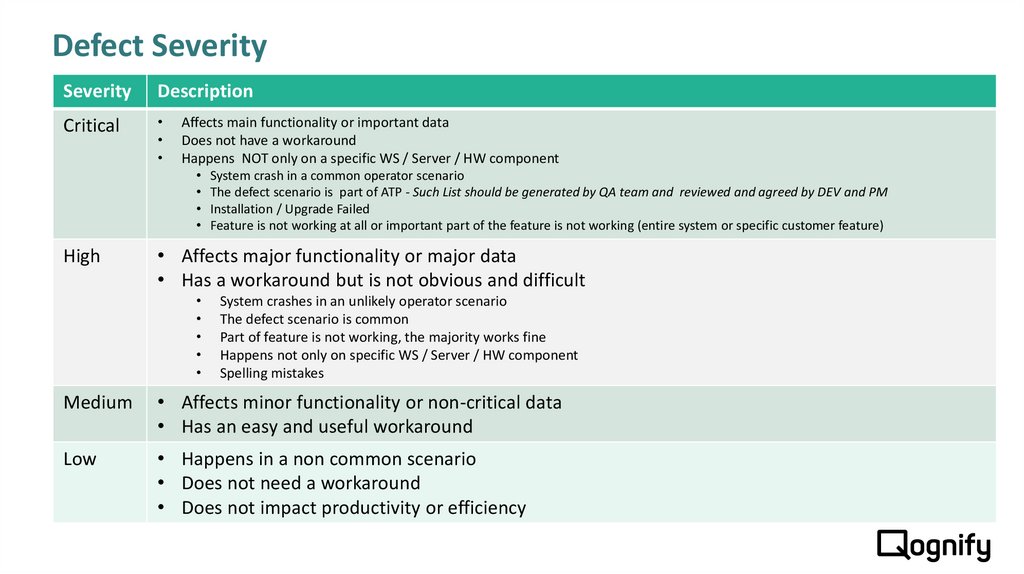
SeverityDescription
Critical
Affects main functionality or important data
Does not have a workaround
Happens NOT only on a specific WS / Server / HW component
High
System crash in a common operator scenario
The defect scenario is part of ATP - Such List should be generated by QA team and reviewed and agreed by DEV and PM
Installation / Upgrade Failed
Feature is not working at all or important part of the feature is not working (entire system or specific customer feature)
• Affects major functionality or major data
• Has a workaround but is not obvious and difficult
System crashes in an unlikely operator scenario
The defect scenario is common
Part of feature is not working, the majority works fine
Happens not only on specific WS / Server / HW component
Spelling mistakes
Medium
• Affects minor functionality or non-critical data
• Has an easy and useful workaround
Low
• Happens in a non common scenario
• Does not need a workaround
• Does not impact productivity or efficiency
9. Regression Defects
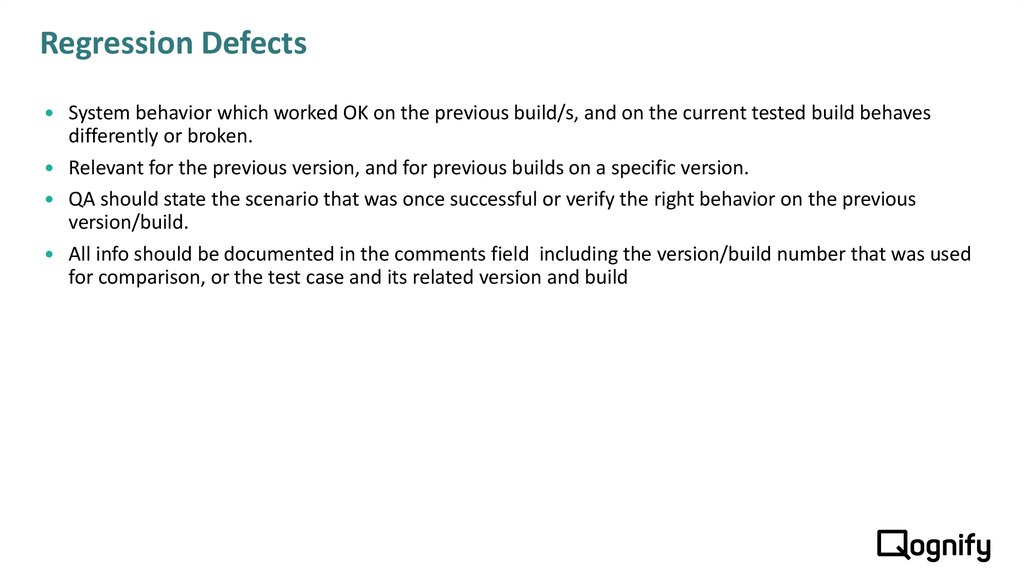
System behavior which worked OK on the previous build/s, and on the current tested build behavesdifferently or broken.
Relevant for the previous version, and for previous builds on a specific version.
QA should state the scenario that was once successful or verify the right behavior on the previous
version/build.
All info should be documented in the comments field including the version/build number that was used
for comparison, or the test case and its related version and build
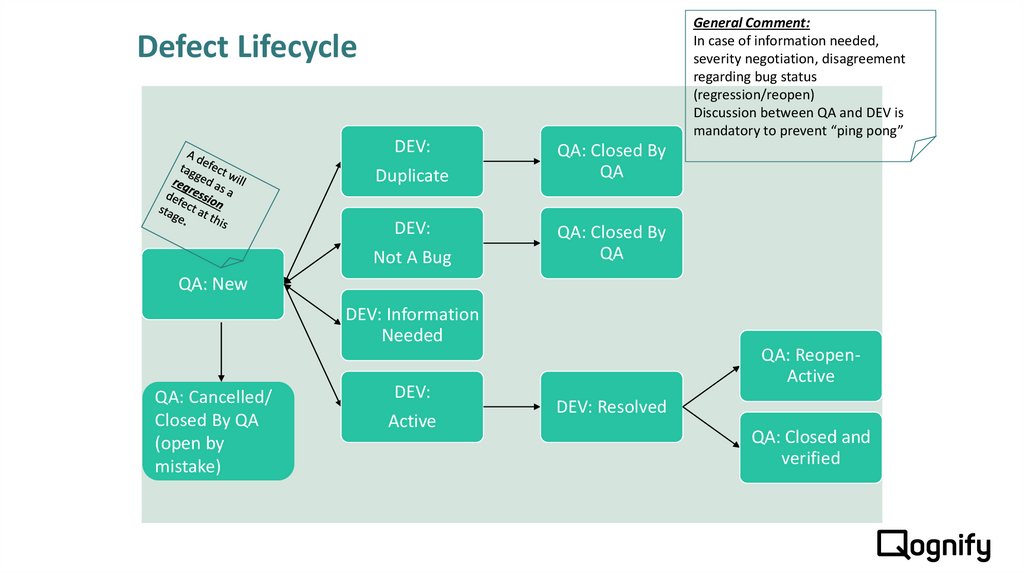
10. Defect Lifecycle
General Comment:In case of information needed,
severity negotiation, disagreement
regarding bug status
(regression/reopen)
Discussion between QA and DEV is
mandatory to prevent “ping pong”
Defect Lifecycle
DEV:
Duplicate
DEV:
Not A Bug
QA: Closed By
QA
QA: Closed By
QA
QA: New
DEV: Information
Needed
QA: Cancelled/
Closed By QA
(open by
mistake)
DEV:
Active
QA: ReopenActive
DEV: Resolved
QA: Closed and
verified