 Интернет
Похожие презентации:



A Layered Approach Computer Networks
1. A Layered Approach
Presented byA Layered Approach
Computer Networks
2.
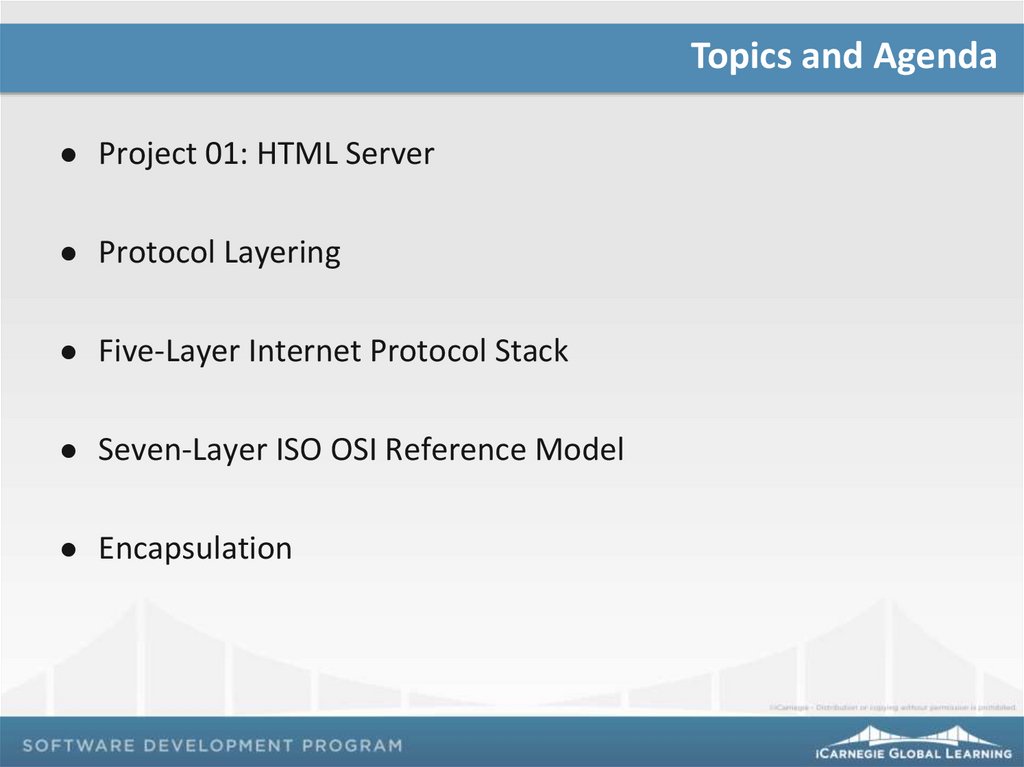
Topics and AgendaProject 01: HTML Server
Protocol Layering
Five-Layer Internet Protocol Stack
Seven-Layer ISO OSI Reference Model
Encapsulation
3.
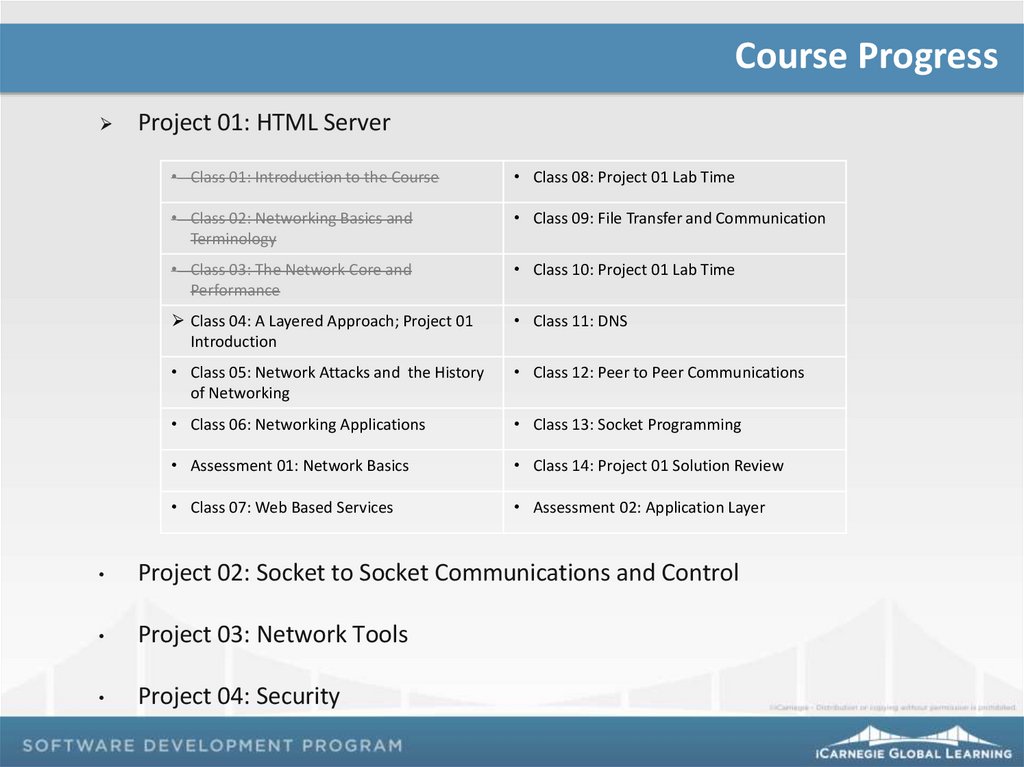
Course ProgressProject 01: HTML Server
• Class 01: Introduction to the Course
• Class 08: Project 01 Lab Time
• Class 02: Networking Basics and
Terminology
• Class 09: File Transfer and Communication
• Class 03: The Network Core and
Performance
• Class 10: Project 01 Lab Time
Class 04: A Layered Approach; Project 01
Introduction
• Class 11: DNS
• Class 05: Network Attacks and the History
of Networking
• Class 12: Peer to Peer Communications
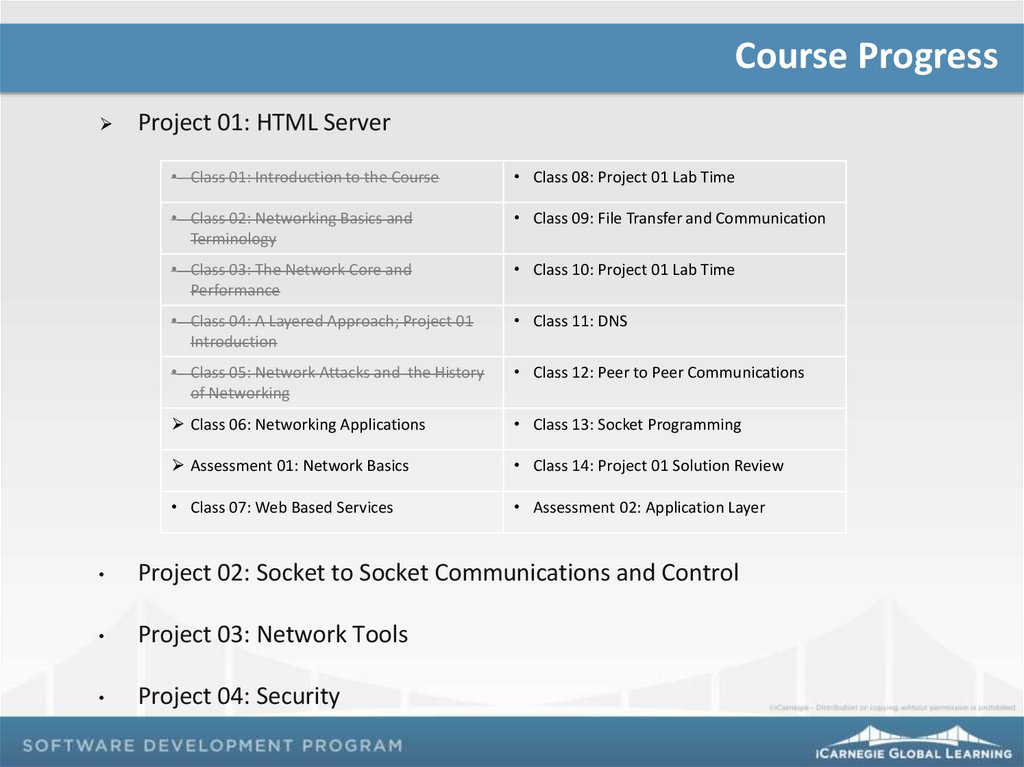
• Class 06: Networking Applications
• Class 13: Socket Programming
• Assessment 01: Network Basics
• Class 14: Project 01 Solution Review
• Class 07: Web Based Services
• Assessment 02: Application Layer
Project 02: Socket to Socket Communications and Control
Project 03: Network Tools
Project 04: Security
4.
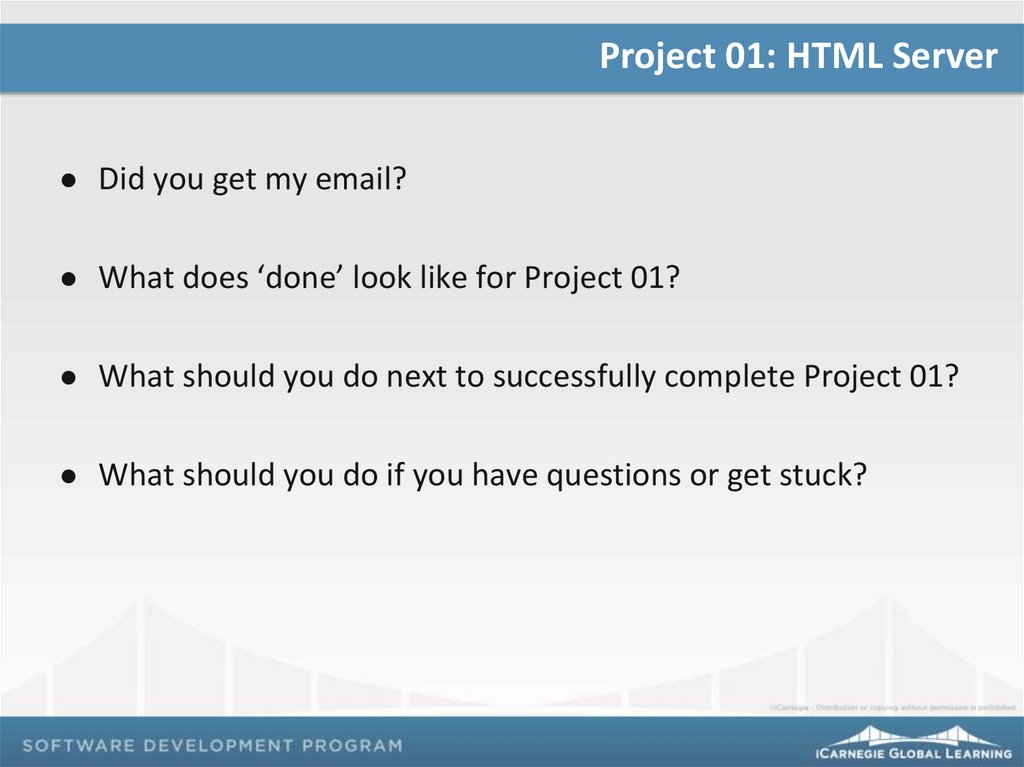
Project 01: HTML ServerDid you get my email?
What does ‘done’ look like for Project 01?
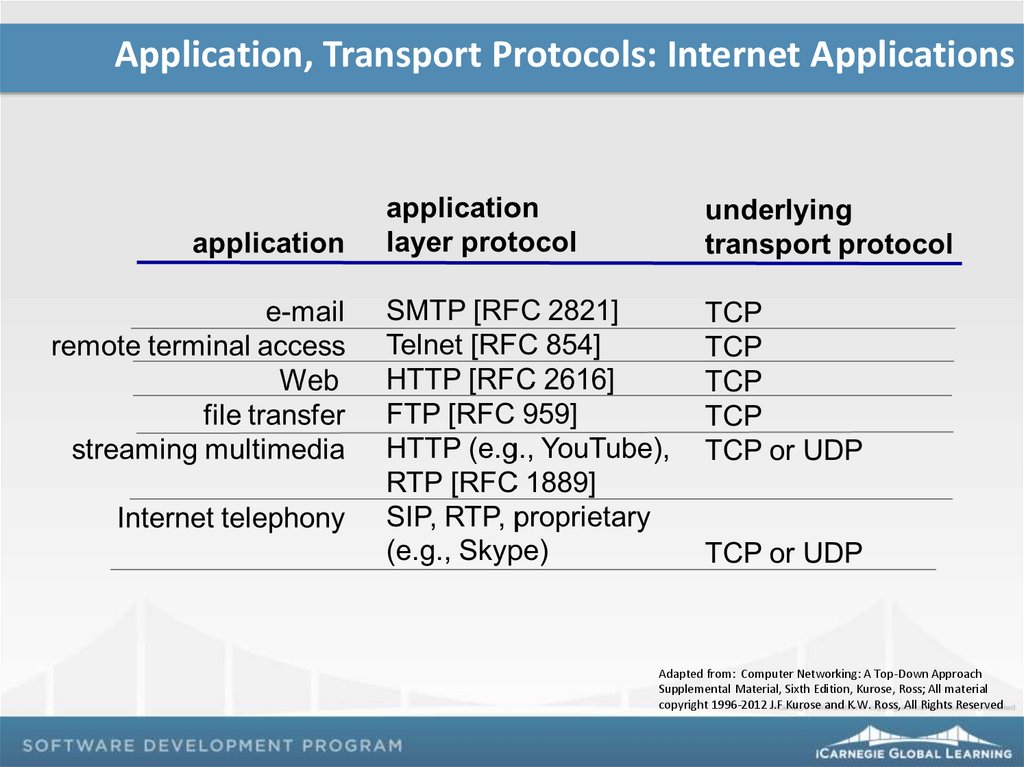
What should you do next to successfully complete Project 01?
What should you do if you have questions or get stuck?
5.
Protocol LayersNetworks can appear quite complex, with many “pieces and
parts”:
Hosts
Routers
Links
Applications
Hardware
Software
Protocol layers help in organizing the structure and discussion of
networks
6.
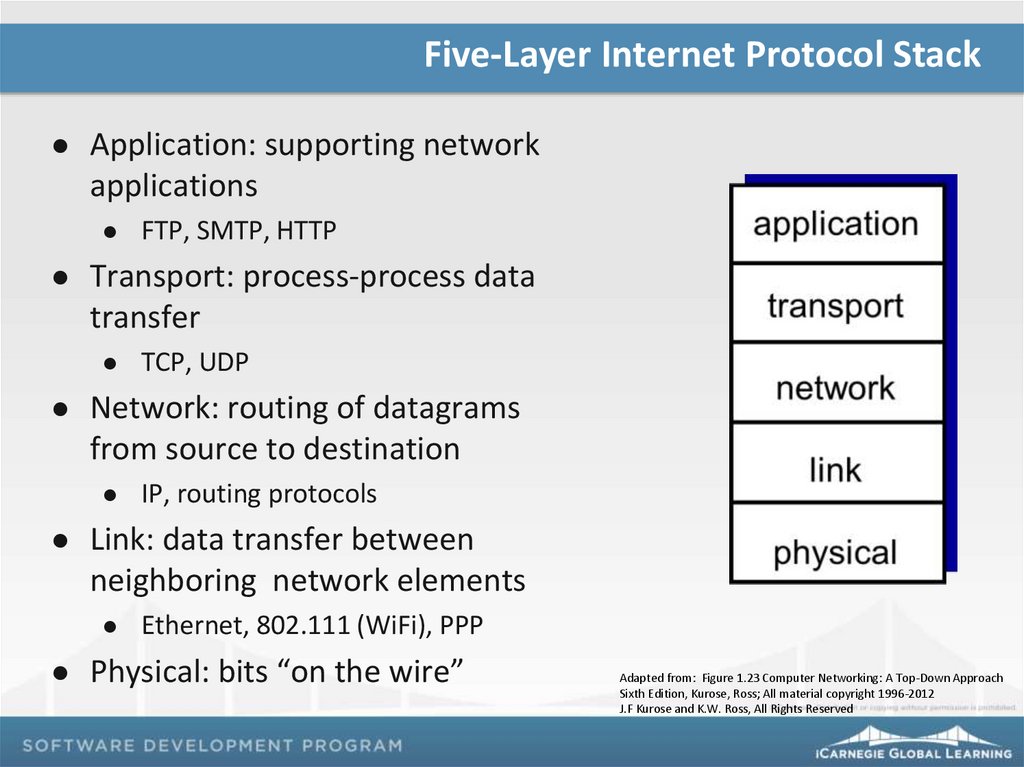
Five-Layer Internet Protocol StackApplication: supporting network
applications
Transport: process-process data
transfer
IP, routing protocols
Link: data transfer between
neighboring network elements
TCP, UDP
Network: routing of datagrams
from source to destination
FTP, SMTP, HTTP
Ethernet, 802.111 (WiFi), PPP
Physical: bits “on the wire”
Adapted from: Figure 1.23 Computer Networking: A Top-Down Approach
Sixth Edition, Kurose, Ross; All material copyright 1996-2012
J.F Kurose and K.W. Ross, All Rights Reserved
7.
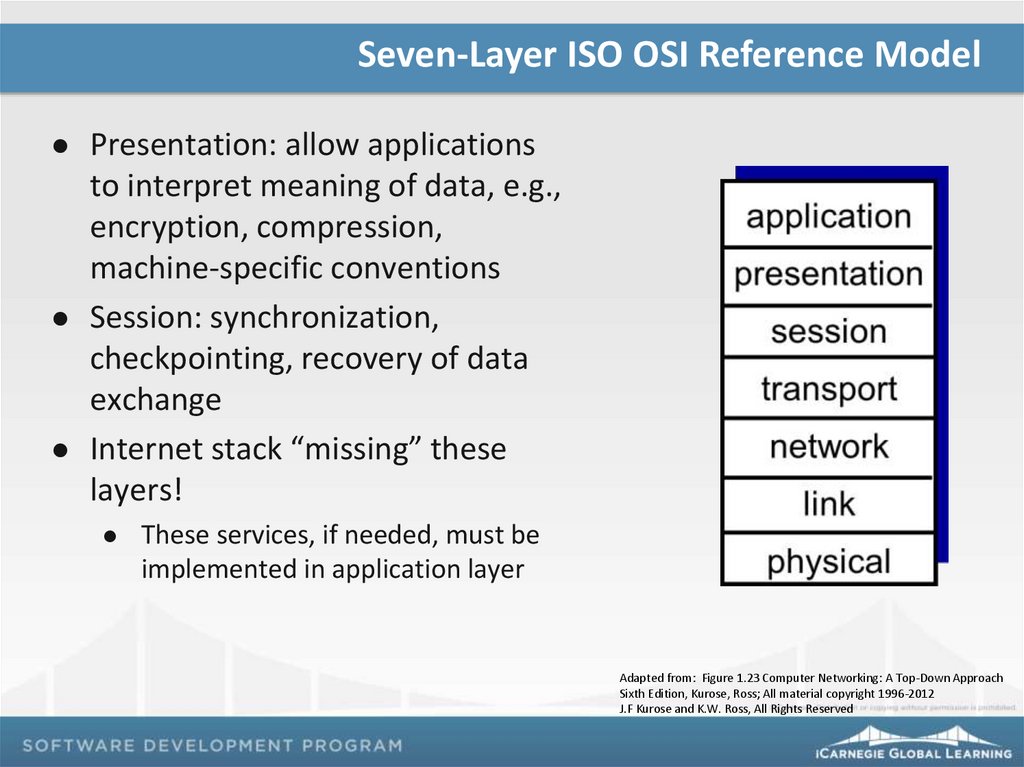
Seven-Layer ISO OSI Reference ModelPresentation: allow applications
to interpret meaning of data, e.g.,
encryption, compression,
machine-specific conventions
Session: synchronization,
checkpointing, recovery of data
exchange
Internet stack “missing” these
layers!
These services, if needed, must be
implemented in application layer
Adapted from: Figure 1.23 Computer Networking: A Top-Down Approach
Sixth Edition, Kurose, Ross; All material copyright 1996-2012
J.F Kurose and K.W. Ross, All Rights Reserved
8.
Why Layering?Protocol layering helps to structure and describe complicated
systems:
Explicit structure allows identification and relationship of complex
system’s “pieces and parts”
Layered reference model helps organize discussion
Each protocol belongs to one of the layers
Protocols can be implemented in software, hardware, or a
combination of the two
Modularization eases maintenance and updating of system
Change of implementation in one layer’s service is transparent to the
rest of system
9.
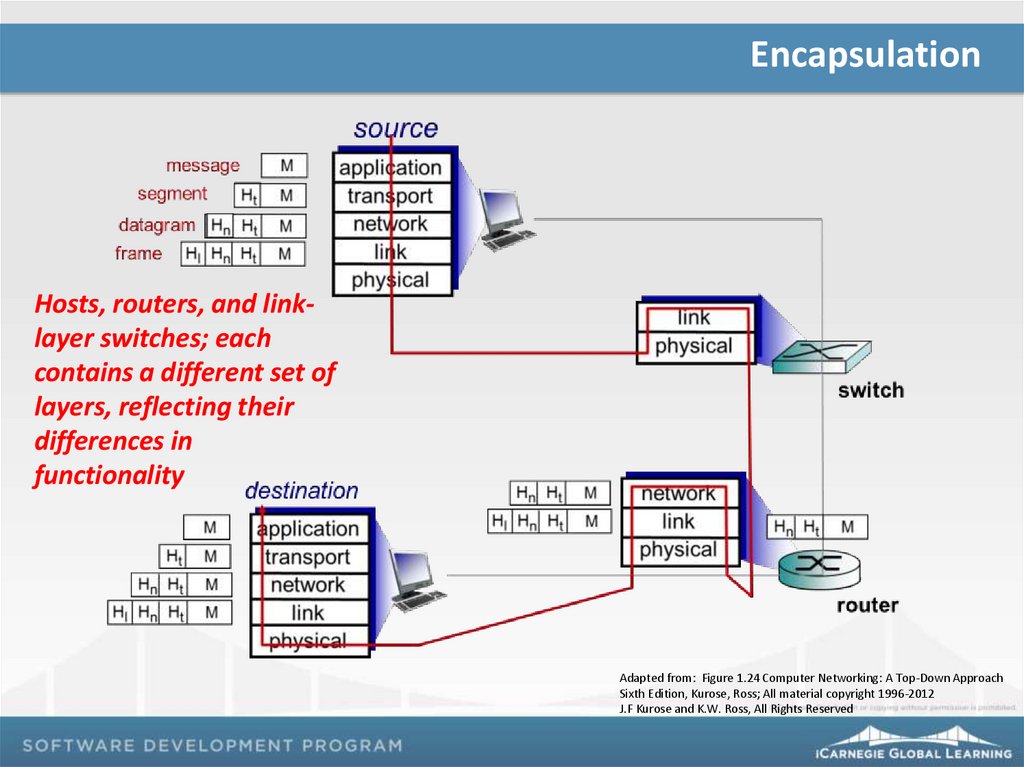
EncapsulationHosts, routers, and linklayer switches; each
contains a different set of
layers, reflecting their
differences in
functionality
Adapted from: Figure 1.24 Computer Networking: A Top-Down Approach
Sixth Edition, Kurose, Ross; All material copyright 1996-2012
J.F Kurose and K.W. Ross, All Rights Reserved
10.
EncapsulationPackaging of messages and header information between and
across layers
Each layer adds header information to the message and header from the
preceding layer and then passes encapsulated package to the next layer
Routers and link-layer switches typically only implement the
bottom layers
Link-layer switches implement layers 1 and 2
Routers implement layers 1 through 3
Transport-layer segment encapsulates the application-layer
message
Link-layer adds its own header information and creates a link-layer
frame
Each layer has two types of fields – header fields and a payload
field
11.
Remember…Project 01: Due on Class 13
Due by 8 p.m. via the LMS
Reading assignments
Computer Networking: A Top-Down Approach : Chapter 2 – complete by
Class 06
12. Network Attacks and the History of Networking
Network Attacks and the History ofPresented by
Networking
Networking and Security
13.
Topics and AgendaNetwork Attacks
History of Computer Networking and the Internet
Exercise 05: Calculate End-to-End Delay
Network Basics Summary
Project 01 Lab Time
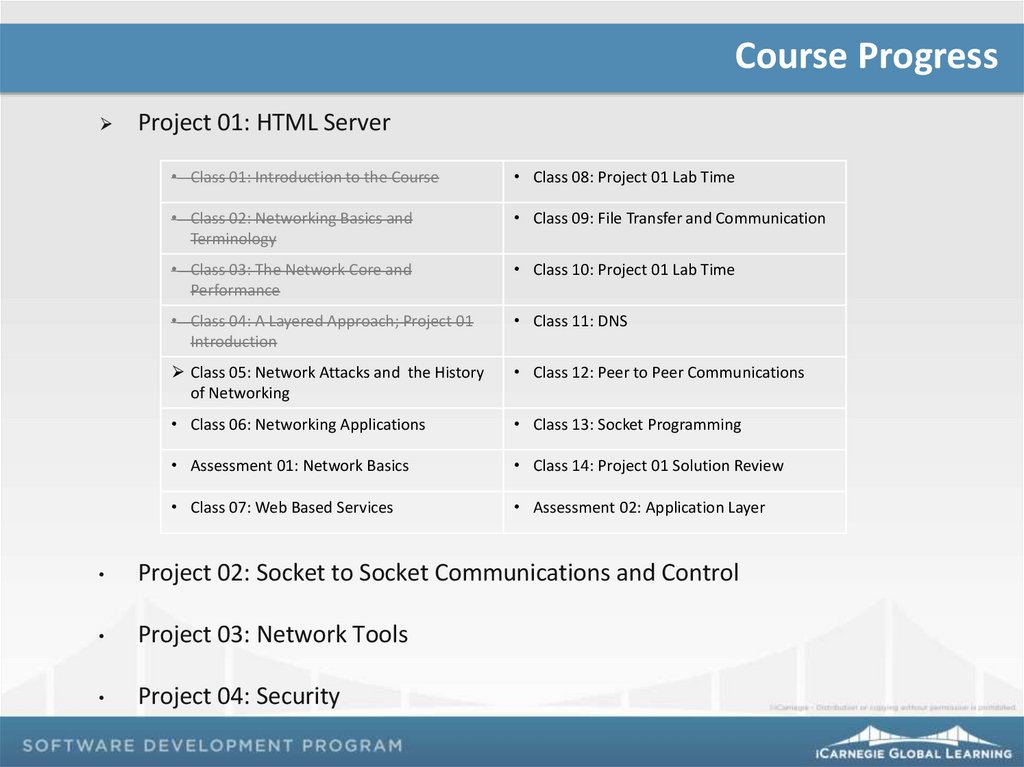
14.
Course ProgressProject 01: HTML Server
• Class 01: Introduction to the Course
• Class 08: Project 01 Lab Time
• Class 02: Networking Basics and
Terminology
• Class 09: File Transfer and Communication
• Class 03: The Network Core and
Performance
• Class 10: Project 01 Lab Time
• Class 04: A Layered Approach; Project 01
Introduction
• Class 11: DNS
Class 05: Network Attacks and the History
of Networking
• Class 12: Peer to Peer Communications
• Class 06: Networking Applications
• Class 13: Socket Programming
• Assessment 01: Network Basics
• Class 14: Project 01 Solution Review
• Class 07: Web Based Services
• Assessment 02: Application Layer
Project 02: Socket to Socket Communications and Control
Project 03: Network Tools
Project 04: Security
15.
Network AttacksNetwork attacks have contributed to the field of Network Security
Malware
Botnets
Viruses
Worms
Server and Network Infrastructure Attacks – Denial of Service
(DoS) attacks
Packet Sniffing
IP Spoofing
Network Security will be addressed more later in the course
16.
History: The Development of Packet Switching: 1961-721961: Kleinrock - queueing theory shows effectiveness of packetswitching
1964: Baran - packet-switching in military nets
1967: ARPAnet conceived by Advanced Research Projects Agency
1969: first ARPAnet node operational
1972: Kahn
ARPAnet public demo
NCP (Network Control Protocol) first host-host protocol
first e-mail program
ARPAnet has 15 nodes
17.
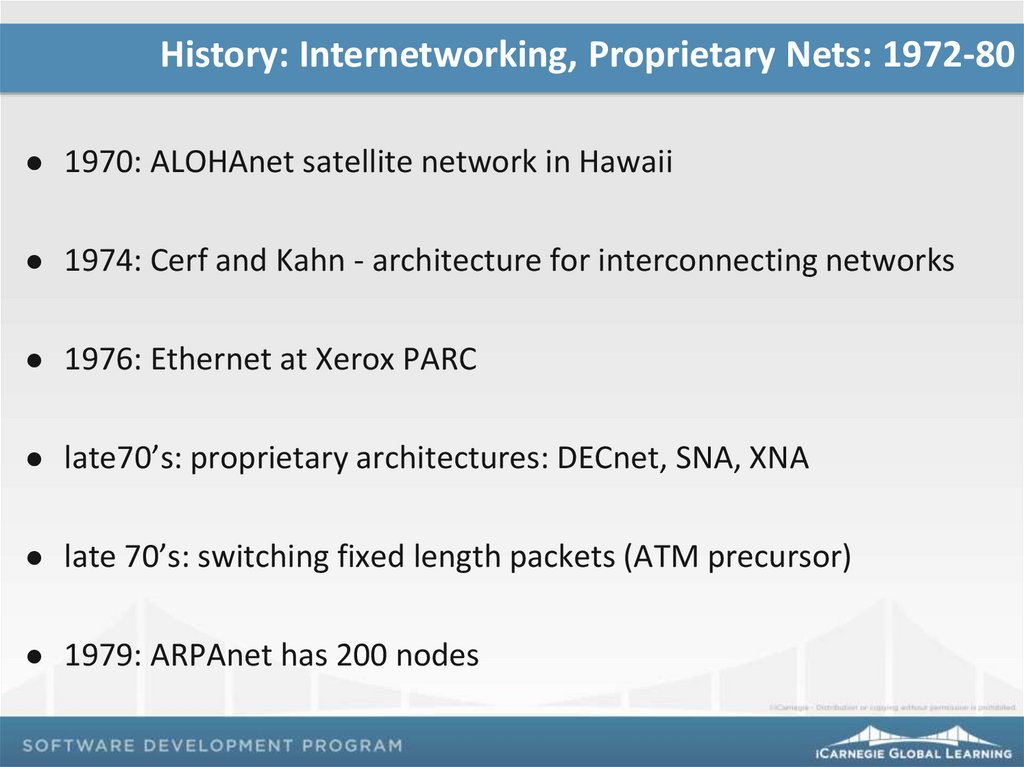
History: Internetworking, Proprietary Nets: 1972-801970: ALOHAnet satellite network in Hawaii
1974: Cerf and Kahn - architecture for interconnecting networks
1976: Ethernet at Xerox PARC
late70’s: proprietary architectures: DECnet, SNA, XNA
late 70’s: switching fixed length packets (ATM precursor)
1979: ARPAnet has 200 nodes
18.
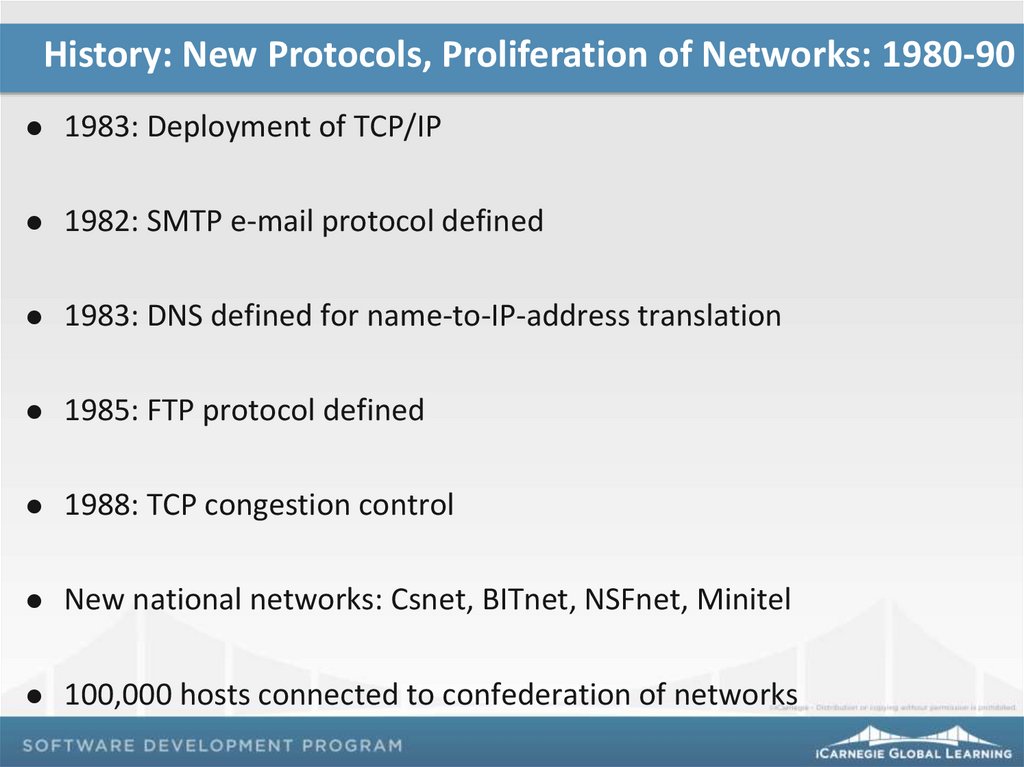
History: New Protocols, Proliferation of Networks: 1980-901983: Deployment of TCP/IP
1982: SMTP e-mail protocol defined
1983: DNS defined for name-to-IP-address translation
1985: FTP protocol defined
1988: TCP congestion control
New national networks: Csnet, BITnet, NSFnet, Minitel
100,000 hosts connected to confederation of networks
19.
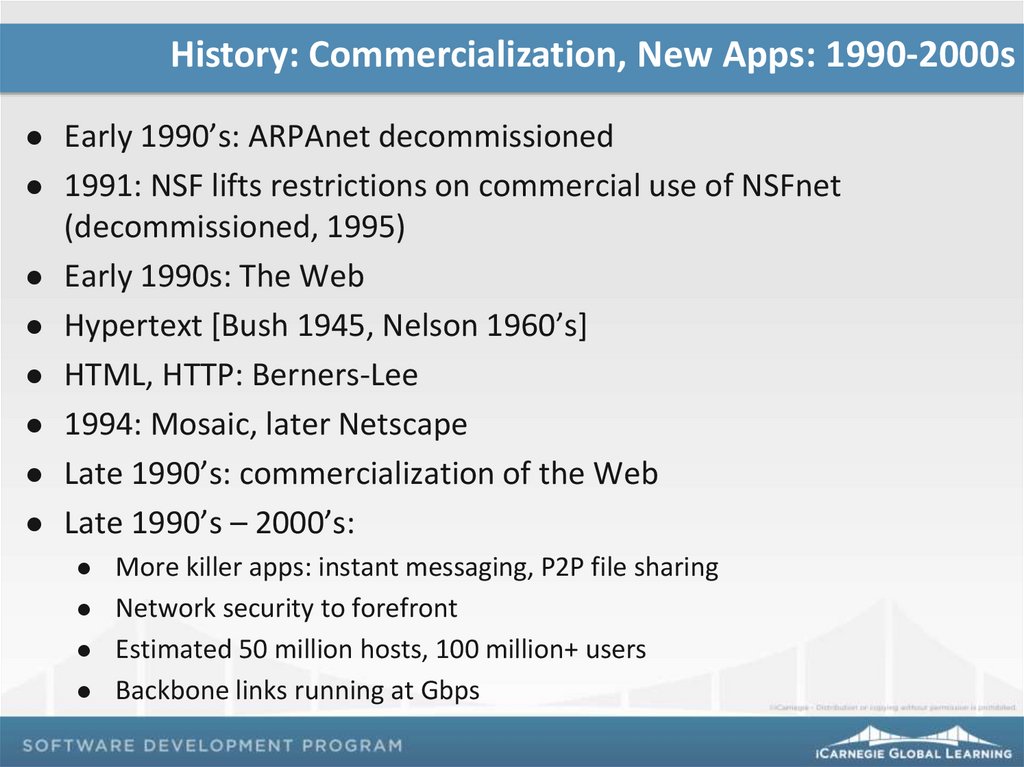
History: Commercialization, New Apps: 1990-2000sEarly 1990’s: ARPAnet decommissioned
1991: NSF lifts restrictions on commercial use of NSFnet
(decommissioned, 1995)
Early 1990s: The Web
Hypertext [Bush 1945, Nelson 1960’s]
HTML, HTTP: Berners-Lee
1994: Mosaic, later Netscape
Late 1990’s: commercialization of the Web
Late 1990’s – 2000’s:
More killer apps: instant messaging, P2P file sharing
Network security to forefront
Estimated 50 million hosts, 100 million+ users
Backbone links running at Gbps
20.
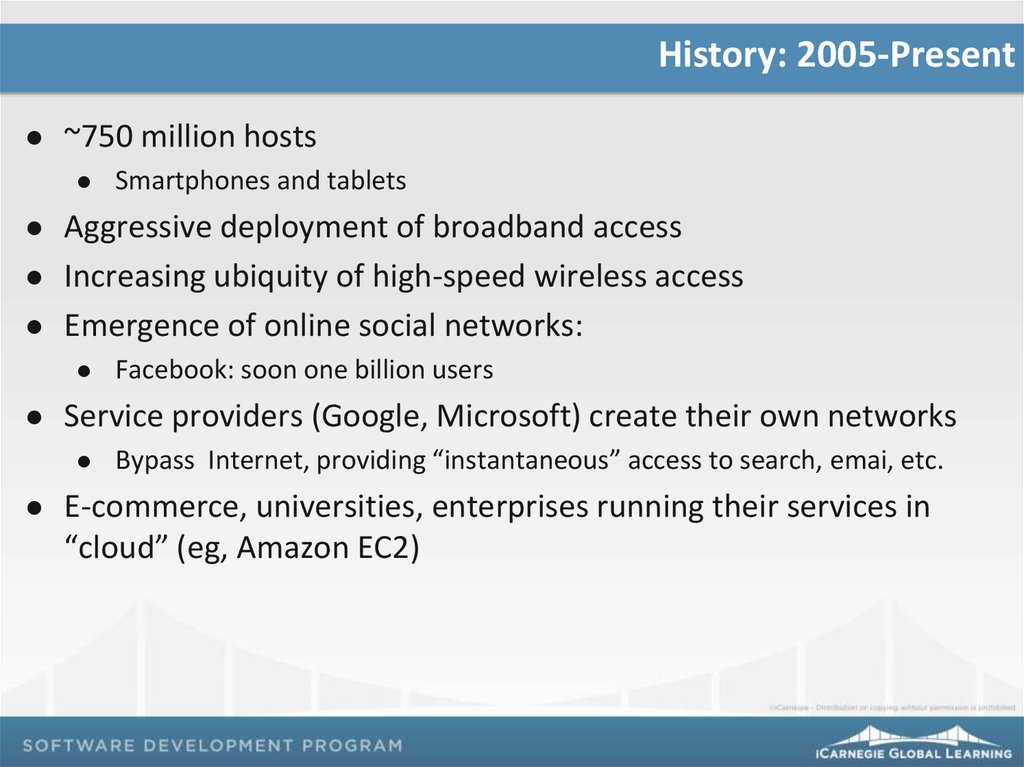
History: 2005-Present~750 million hosts
Smartphones and tablets
Aggressive deployment of broadband access
Increasing ubiquity of high-speed wireless access
Emergence of online social networks:
Service providers (Google, Microsoft) create their own networks
Facebook: soon one billion users
Bypass Internet, providing “instantaneous” access to search, emai, etc.
E-commerce, universities, enterprises running their services in
“cloud” (eg, Amazon EC2)
21.
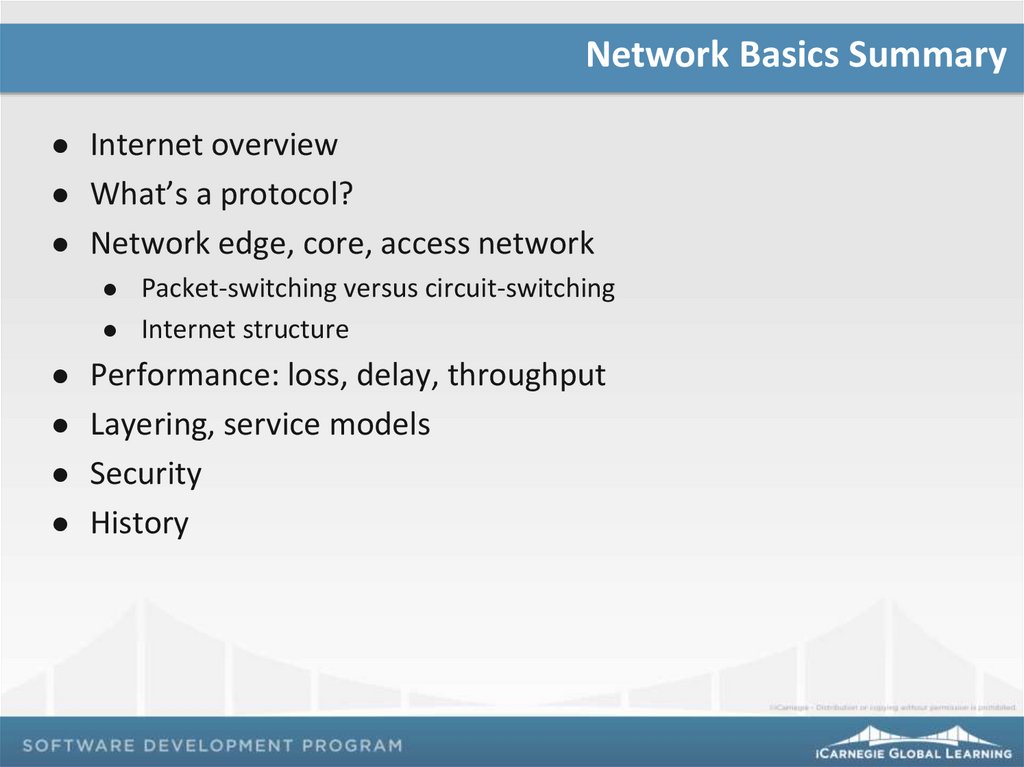
Network Basics SummaryInternet overview
What’s a protocol?
Network edge, core, access network
Packet-switching versus circuit-switching
Internet structure
Performance: loss, delay, throughput
Layering, service models
Security
History
22.
You have 15 minutesComplete
Exercise 05
23.
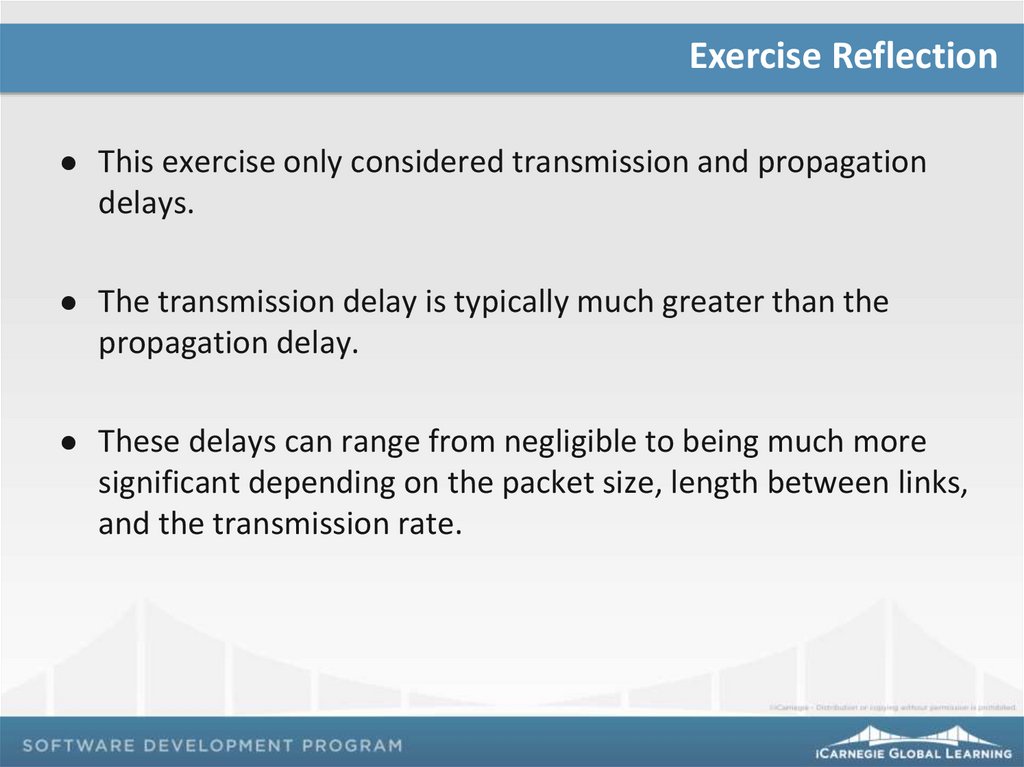
Exercise ReflectionThis exercise only considered transmission and propagation
delays.
The transmission delay is typically much greater than the
propagation delay.
These delays can range from negligible to being much more
significant depending on the packet size, length between links,
and the transmission rate.
24.
Project 01 Lab TimeProject 01 Lab Time
Today, you will get together with your Project 01 team.
Use this time productively as a team to work on Project 01 deliverables,
provide team updates, and ask questions.
There are no documents required to be downloaded or uploaded to the
LMS today.
Have fun!
25.
You have the remainder of classProject 01 Lab
Time
26.
Remember…Project 01: Due on Class 13
Due by 8 p.m. via the LMS
Assessment 01: Network Basics – Next Class
Reading assignments
Computer Networking: A Top-Down Approach : Chapter 2 – complete by
Class 06
27. Networking Applications
Presented byNetworking Applications
Networking and Security
28.
Topics and AgendaAssessment 01: Network Basics
Principles of Network Applications
Network Application Architectures
Processes Communicating
Transport Services
Application-Layer Protocols
Exercise 06: HTTP GET Message
29.
Course ProgressProject 01: HTML Server
• Class 01: Introduction to the Course
• Class 08: Project 01 Lab Time
• Class 02: Networking Basics and
Terminology
• Class 09: File Transfer and Communication
• Class 03: The Network Core and
Performance
• Class 10: Project 01 Lab Time
• Class 04: A Layered Approach; Project 01
Introduction
• Class 11: DNS
• Class 05: Network Attacks and the History
of Networking
• Class 12: Peer to Peer Communications
Class 06: Networking Applications
• Class 13: Socket Programming
Assessment 01: Network Basics
• Class 14: Project 01 Solution Review
• Class 07: Web Based Services
• Assessment 02: Application Layer
Project 02: Socket to Socket Communications and Control
Project 03: Network Tools
Project 04: Security
30.
You have 10 minutesComplete
Assessment 01
31.
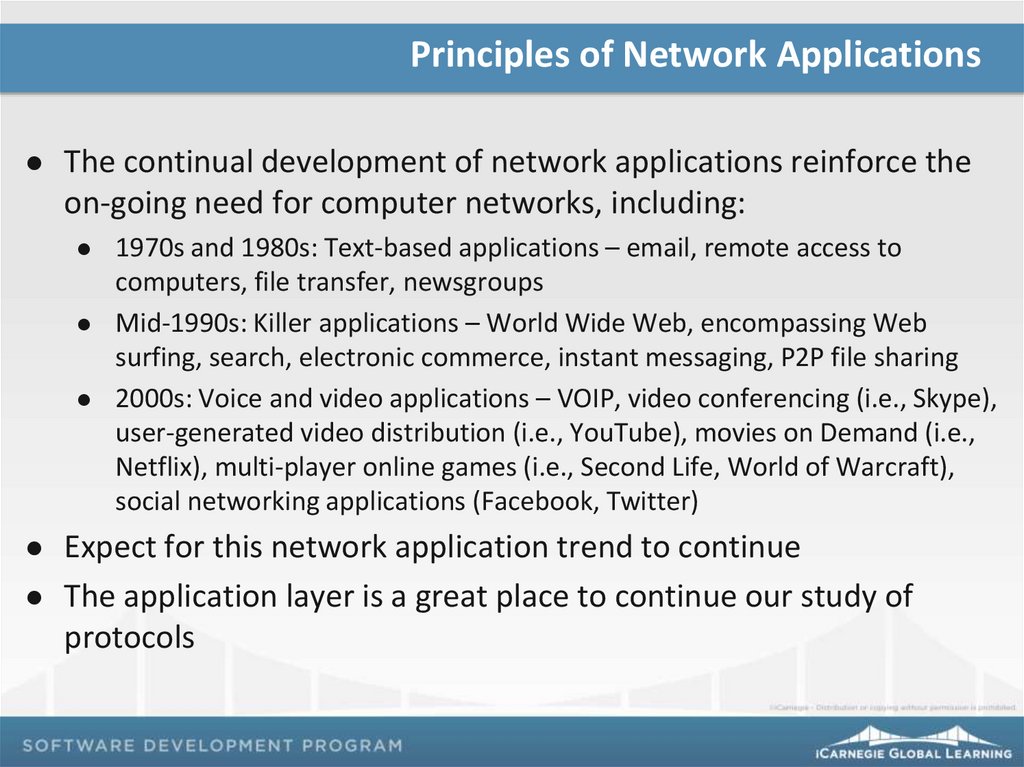
Principles of Network ApplicationsThe continual development of network applications reinforce the
on-going need for computer networks, including:
1970s and 1980s: Text-based applications – email, remote access to
computers, file transfer, newsgroups
Mid-1990s: Killer applications – World Wide Web, encompassing Web
surfing, search, electronic commerce, instant messaging, P2P file sharing
2000s: Voice and video applications – VOIP, video conferencing (i.e., Skype),
user-generated video distribution (i.e., YouTube), movies on Demand (i.e.,
Netflix), multi-player online games (i.e., Second Life, World of Warcraft),
social networking applications (Facebook, Twitter)
Expect for this network application trend to continue
The application layer is a great place to continue our study of
protocols
32.
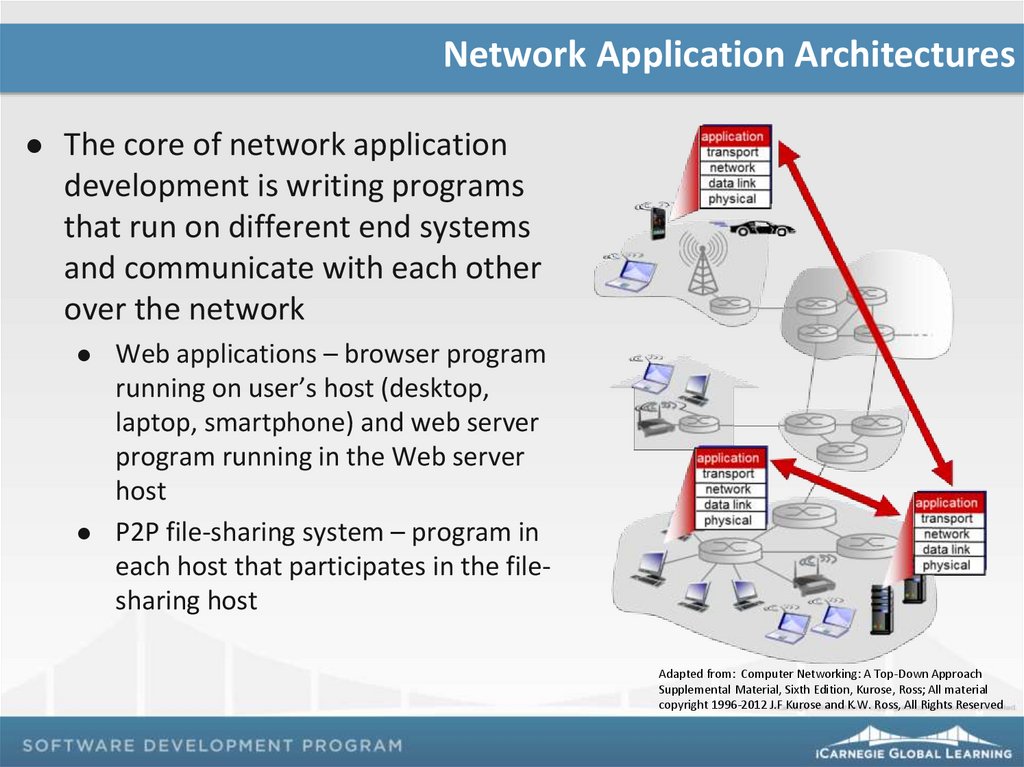
Network Application ArchitecturesThe core of network application
development is writing programs
that run on different end systems
and communicate with each other
over the network
Web applications – browser program
running on user’s host (desktop,
laptop, smartphone) and web server
program running in the Web server
host
P2P file-sharing system – program in
each host that participates in the filesharing host
Adapted from: Computer Networking: A Top-Down Approach
Supplemental Material, Sixth Edition, Kurose, Ross; All material
copyright 1996-2012 J.F Kurose and K.W. Ross, All Rights Reserved
33.
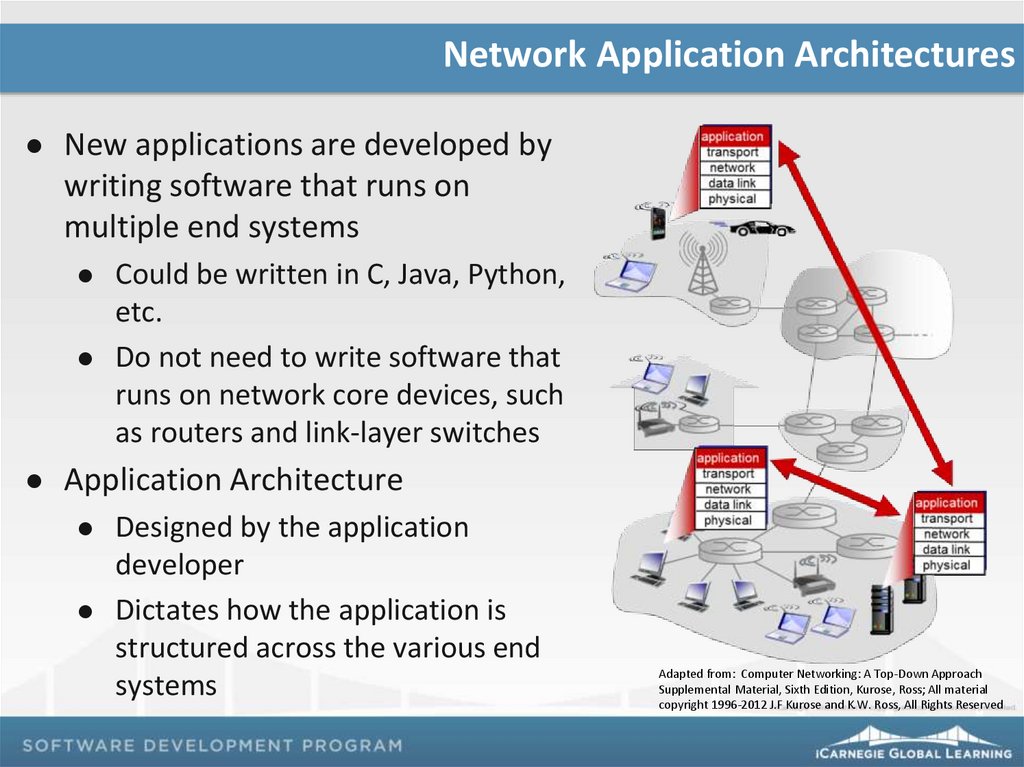
Network Application ArchitecturesNew applications are developed by
writing software that runs on
multiple end systems
Could be written in C, Java, Python,
etc.
Do not need to write software that
runs on network core devices, such
as routers and link-layer switches
Application Architecture
Designed by the application
developer
Dictates how the application is
structured across the various end
systems
Adapted from: Computer Networking: A Top-Down Approach
Supplemental Material, Sixth Edition, Kurose, Ross; All material
copyright 1996-2012 J.F Kurose and K.W. Ross, All Rights Reserved
34.
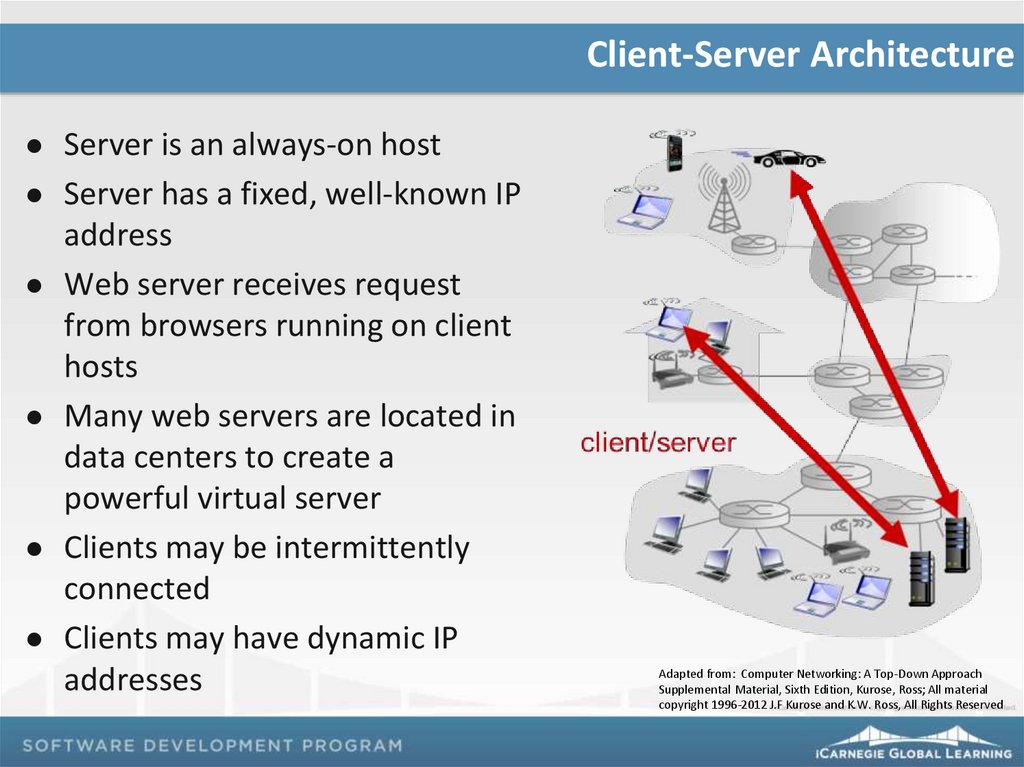
Client-Server ArchitectureServer is an always-on host
Server has a fixed, well-known IP
address
Web server receives request
from browsers running on client
hosts
Many web servers are located in
data centers to create a
powerful virtual server
Clients may be intermittently
connected
Clients may have dynamic IP
addresses
Adapted from: Computer Networking: A Top-Down Approach
Supplemental Material, Sixth Edition, Kurose, Ross; All material
copyright 1996-2012 J.F Kurose and K.W. Ross, All Rights Reserved
35.
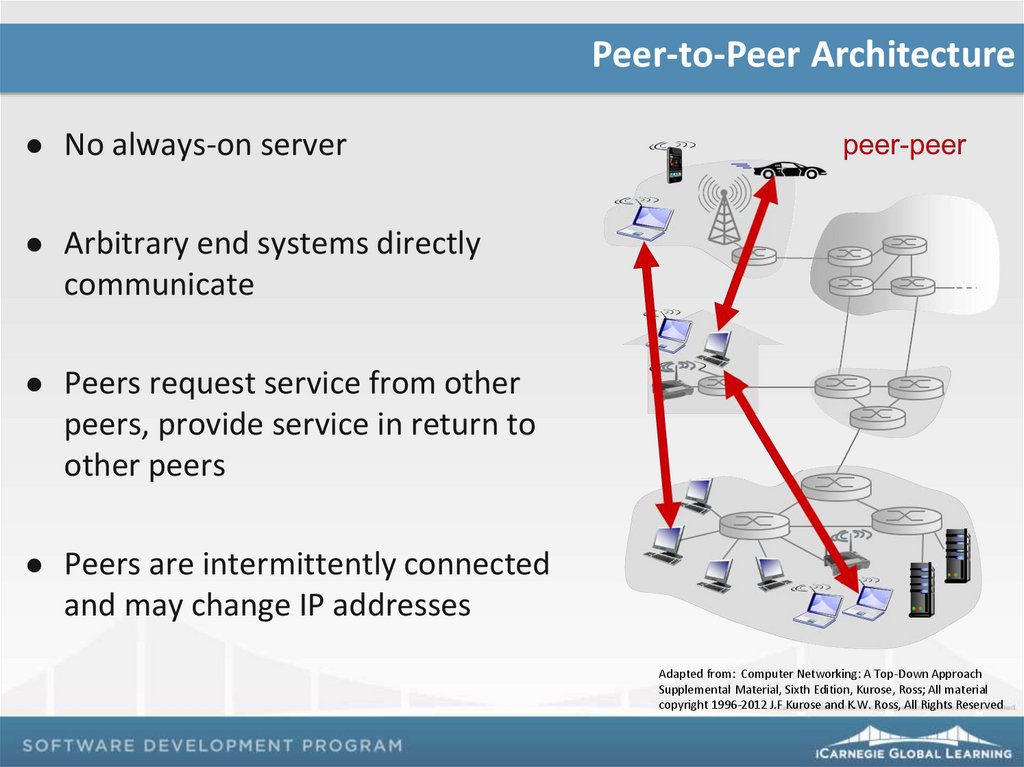
Peer-to-Peer ArchitectureNo always-on server
Arbitrary end systems directly
communicate
Peers request service from other
peers, provide service in return to
other peers
Peers are intermittently connected
and may change IP addresses
Adapted from: Computer Networking: A Top-Down Approach
Supplemental Material, Sixth Edition, Kurose, Ross; All material
copyright 1996-2012 J.F Kurose and K.W. Ross, All Rights Reserved
36.
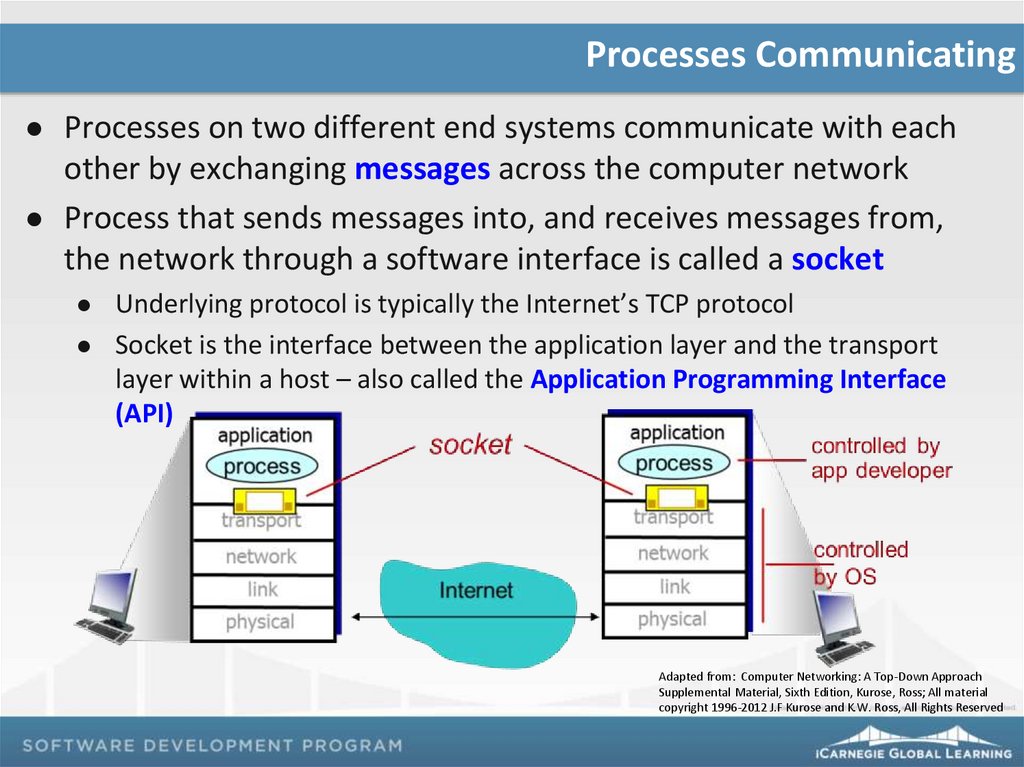
Processes CommunicatingProcesses on two different end systems communicate with each
other by exchanging messages across the computer network
Process that sends messages into, and receives messages from,
the network through a software interface is called a socket
Underlying protocol is typically the Internet’s TCP protocol
Socket is the interface between the application layer and the transport
layer within a host – also called the Application Programming Interface
(API)
Adapted from: Computer Networking: A Top-Down Approach
Supplemental Material, Sixth Edition, Kurose, Ross; All material
copyright 1996-2012 J.F Kurose and K.W. Ross, All Rights Reserved
37.
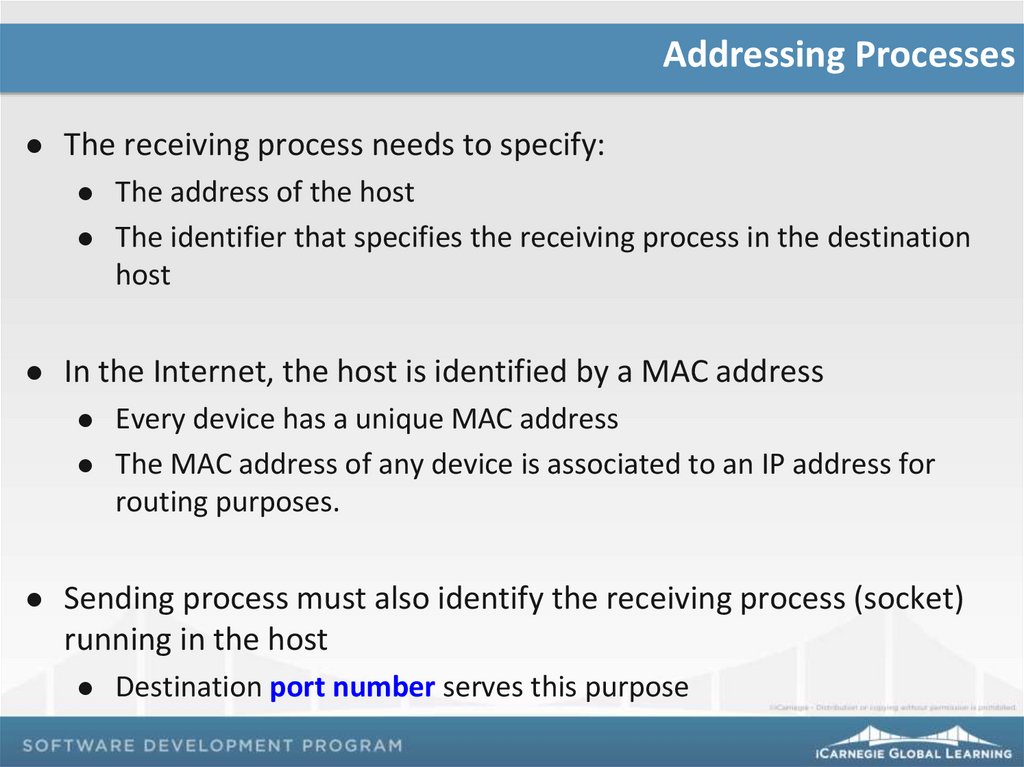
Addressing ProcessesThe receiving process needs to specify:
In the Internet, the host is identified by a MAC address
The address of the host
The identifier that specifies the receiving process in the destination
host
Every device has a unique MAC address
The MAC address of any device is associated to an IP address for
routing purposes.
Sending process must also identify the receiving process (socket)
running in the host
Destination port number serves this purpose
38.
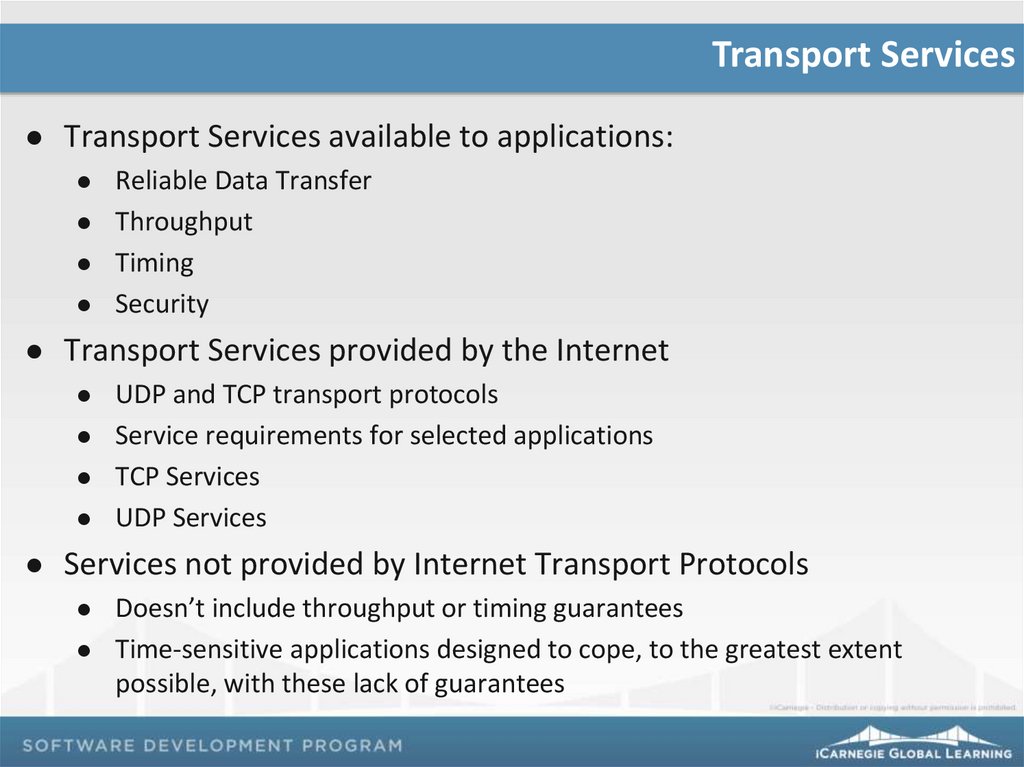
Transport ServicesTransport Services available to applications:
Transport Services provided by the Internet
Reliable Data Transfer
Throughput
Timing
Security
UDP and TCP transport protocols
Service requirements for selected applications
TCP Services
UDP Services
Services not provided by Internet Transport Protocols
Doesn’t include throughput or timing guarantees
Time-sensitive applications designed to cope, to the greatest extent
possible, with these lack of guarantees
39.
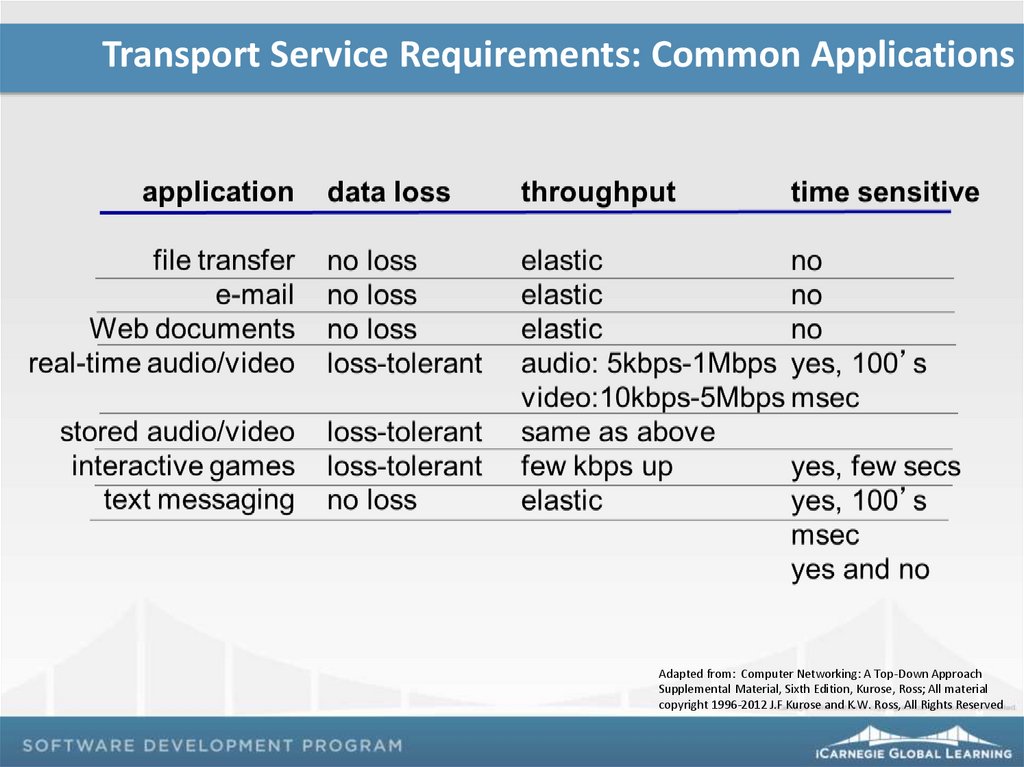
Transport Service Requirements: Common ApplicationsAdapted from: Computer Networking: A Top-Down Approach
Supplemental Material, Sixth Edition, Kurose, Ross; All material
copyright 1996-2012 J.F Kurose and K.W. Ross, All Rights Reserved
40.
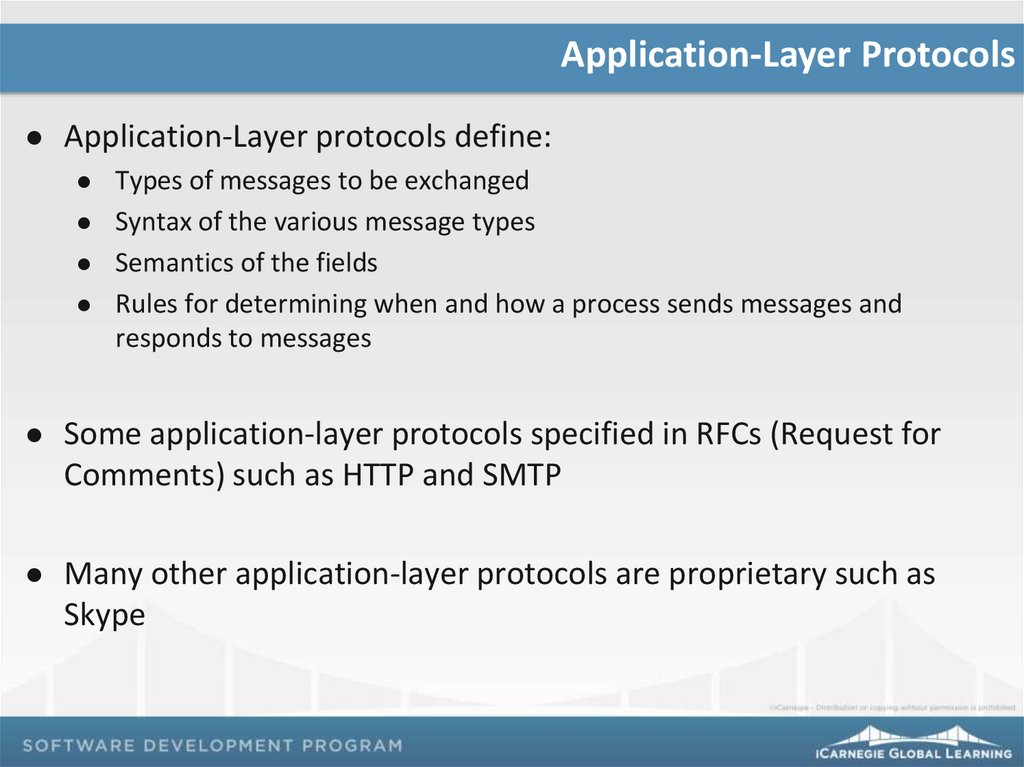
Application-Layer ProtocolsApplication-Layer protocols define:
Types of messages to be exchanged
Syntax of the various message types
Semantics of the fields
Rules for determining when and how a process sends messages and
responds to messages
Some application-layer protocols specified in RFCs (Request for
Comments) such as HTTP and SMTP
Many other application-layer protocols are proprietary such as
Skype
41.
Application, Transport Protocols: Internet ApplicationsAdapted from: Computer Networking: A Top-Down Approach
Supplemental Material, Sixth Edition, Kurose, Ross; All material
copyright 1996-2012 J.F Kurose and K.W. Ross, All Rights Reserved
42.
You have 10 minutesComplete
Exercise 06
43.
Exercise ReflectionThe HTTP GET message is a useful mechanism used to verify
that cached objects are up-to-date
We will learn more about this subject later in the course
44.
Remember…Project 01: Due on Class 13
Due by 8 p.m. via the LMS
Reading assignments
Computer Networking: A Top-Down Approach : Chapter 3 – complete by
Class 15