
 Информатика
Похожие презентации:





Ethical Hacking Basics, Penetration Testing Methodologies, Kali Linux and Virtual Machine Environment
1.
Lecture 2Ethical Hacking Basics, Penetration Testing Methodologies, Kali
Linux and Virtual Machine Environment
Author: Zhumabekov Dias Zhumabekouly
E-mail:
dias.zhumabekov@narxoz.kz
ТЕМА
2.
INTRODUCTIONIn the first lecture, we introduced ethical hacking as a
legal and structured security practice. Ethical hacking
focuses on risk identification, not system destruction.
We discussed authorization, responsibility, and ethical
boundaries
and tools
3.
ObjecTIVES OFLECTURE 2
After this lecture, students will be able to:
• Understand penetration testing methodology
• Explain why Kali Linux is used by ethical hackers
• Work with a virtual machine safely
• Use basic and intermediate Linux terminal
commands
• Prepare a working environment for future labs
4.
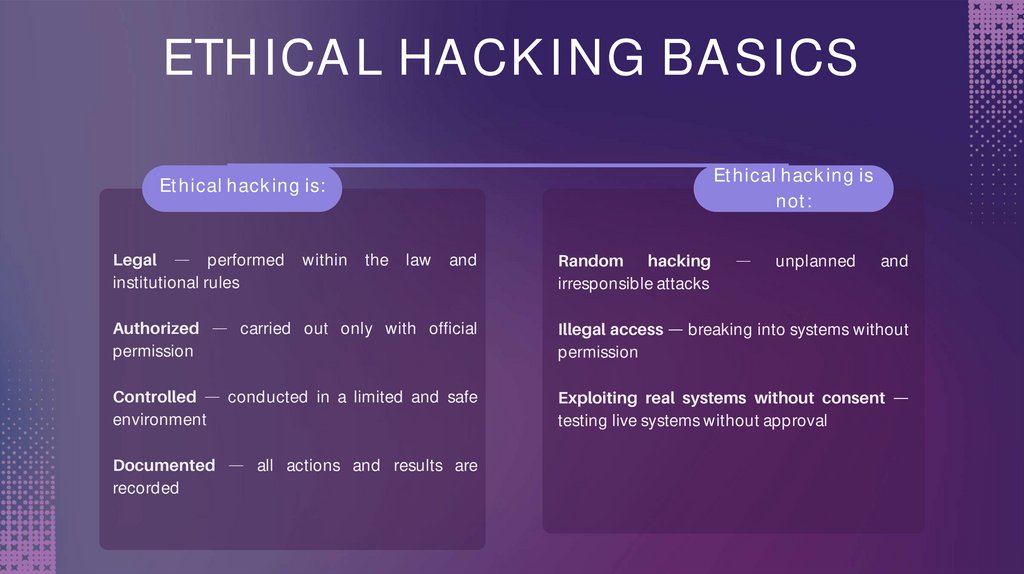
ETHICAL HACKING BASICSEthical hacking is
not:
Ethical hacking is:
Legal
performed
institutional rules
within
the
law
and
Authorized
permission
carried out only with official
Controlled
environment
conducted in a limited and safe
Documented
recorded
all actions and results are
Random hacking
irresponsible attacks
Illegal access
permission
unplanned
and
breaking into systems without
Exploiting real systems without consent
testing live systems without approval
5.
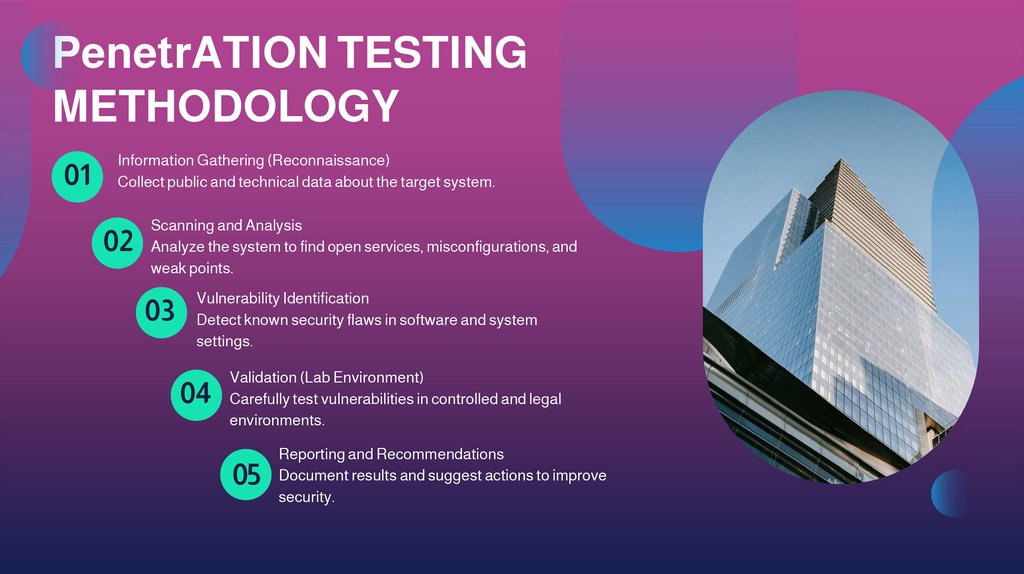
PenetrATION TESTINGMETHODOLOGY
01
Information Gathering (Reconnaissance)
Collect public and technical data about the target system.
02
Scanning and Analysis
Analyze the system to find open services, misconfigurations, and
weak points.
03
Vulnerability Identification
Detect known security flaws in software and system
settings.
04
Validation (Lab Environment)
Carefully test vulnerabilities in controlled and legal
environments.
05
Reporting and Recommendations
Document results and suggest actions to improve
security.
6.
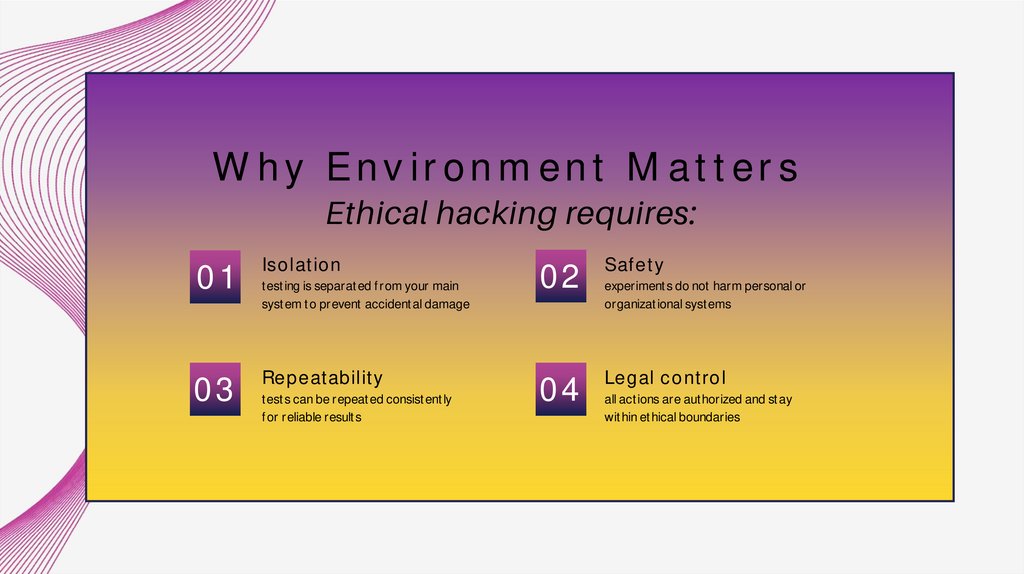
Why Environment MattersEthical hacking requires:
01
Isolation
03
Repeatability
testing is separated from your main
system to prevent accidental damage
tests can be repeated consistently
for reliable results
02
Safety
04
Legal control
experiments do not harm personal or
organizational systems
all actions are authorized and stay
within ethical boundaries
7.
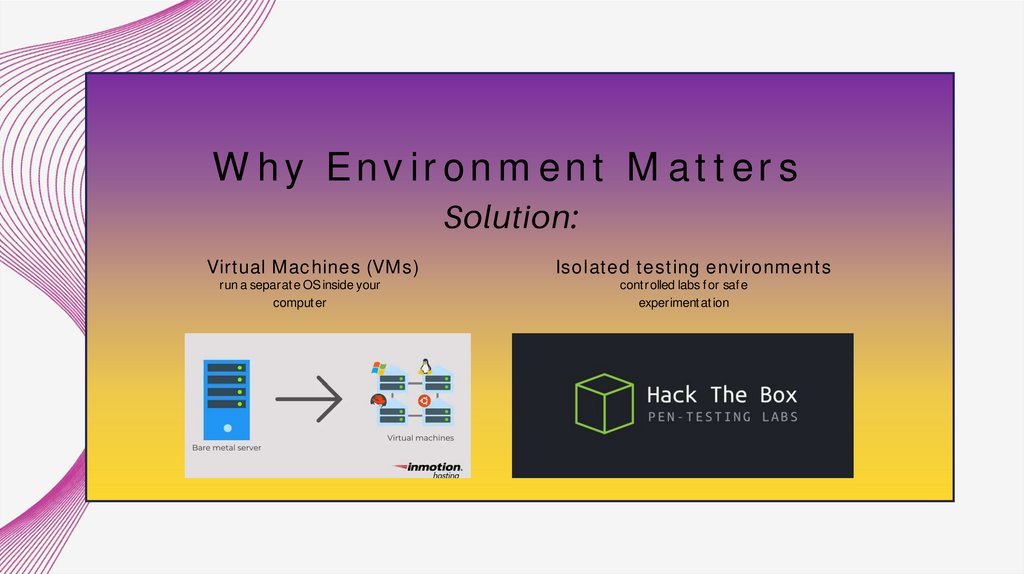
Why Environment MattersSolution:
Virtual Machines (VMs)
run a separate OS inside your
computer
Isolated testing environments
controlled labs for safe
experimentation
8.
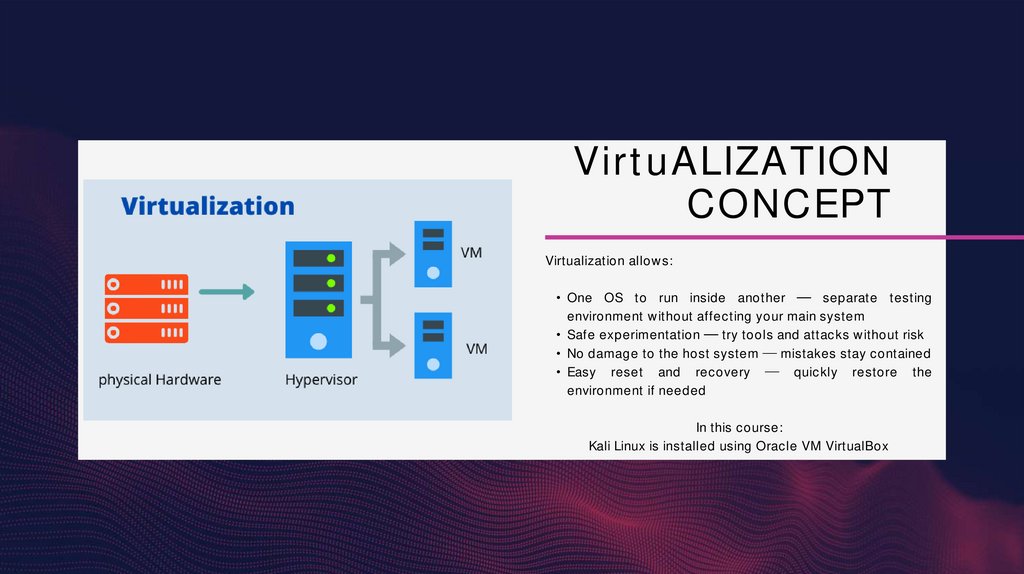
VirtuALIZATIONCONCEPT
Virtualization allows:
• One OS to run inside another
separate testing
environment without affecting your main system
• Safe experimentation
try tools and attacks without risk
• No damage to the host system
mistakes stay contained
• Easy reset and recovery
quickly restore the
environment if needed
In this course:
Kali Linux is installed using Oracle VM VirtualBox
9.
WhaTLINUX
IS
KALI
It includes:
• Hundreds of preinstalled security tools
• Tools organized by testing stages
matches penetration testing methodology
• Terminal-centric workflow
most tools run
via command-line
Linux-based
system
operating
open-source OS built on Linux
Designed for security testing
penetration testing, digital forensics, and research
Widely used in cybersecurity
education and industry
standard in labs and professional work
10.
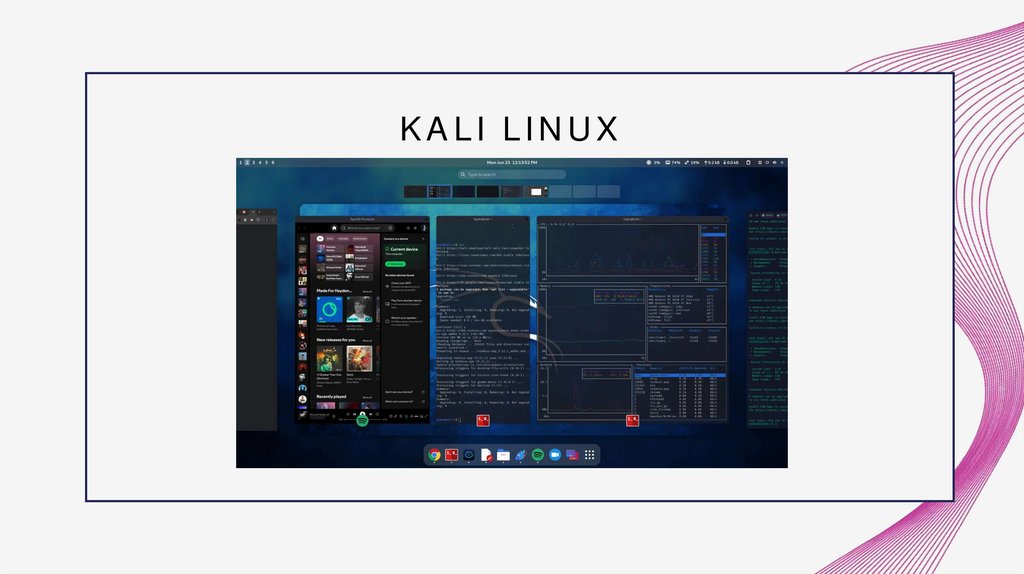
KALI LINUX11.
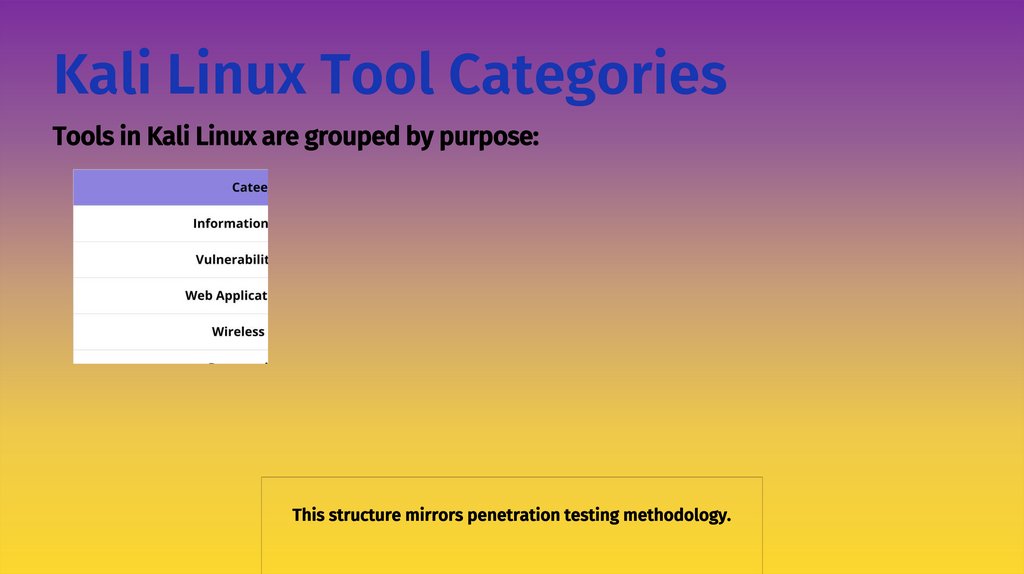
Kali Linux Tool CategoriesTools in Kali Linux are grouped by purpose:
This structure mirrors penetration testing methodology.
12.
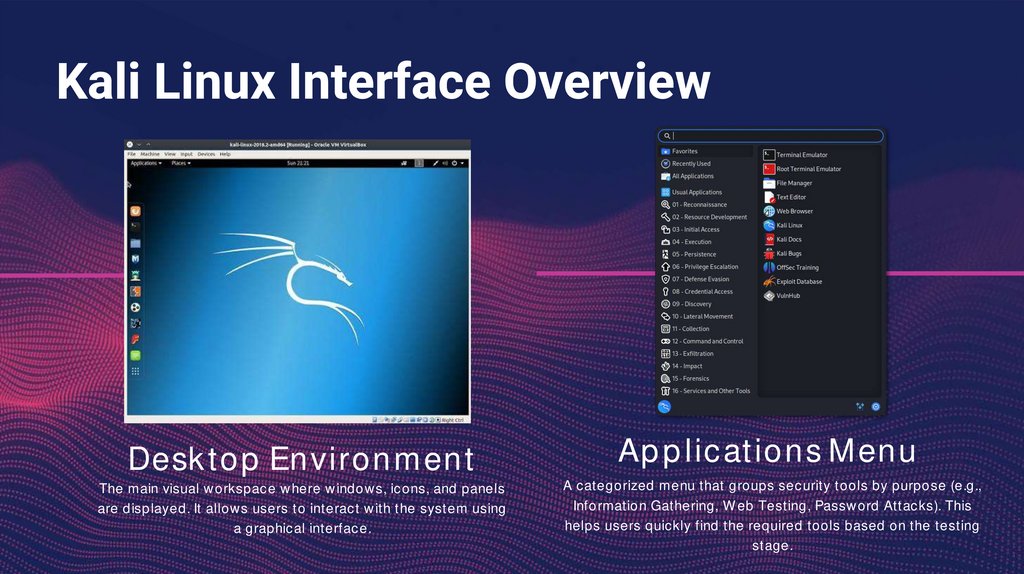
Kali Linux Interface OverviewDesktop Environment
The main visual workspace where windows, icons, and panels
are displayed. It allows users to interact with the system using
a graphical interface.
Applications Menu
A categorized menu that groups security tools by purpose (e.g.,
Information Gathering, Web Testing, Password Attacks). This
helps users quickly find the required tools based on the testing
stage.
13.
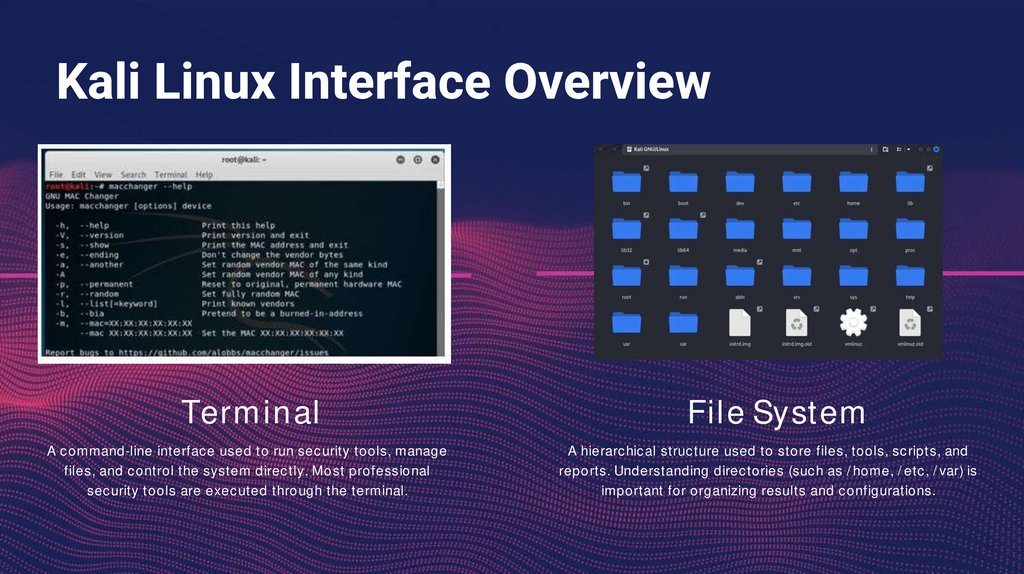
Kali Linux Interface OverviewTerminal
A command-line interface used to run security tools, manage
files, and control the system directly. Most professional
security tools are executed through the terminal.
File System
A hierarchical structure used to store files, tools, scripts, and
reports. Understanding directories (such as /home, /etc, /var) is
important for organizing results and configurations.
14.
Why Terminal SkillsAre Critical
The terminal allows:
Direct system
control
manage files, processes, and
network settings
Scripting
create simple programs for security
testing
Automation
repeat tasks using commands and
scripts
Efficient work with
security tools
faster than graphical interfaces
15.
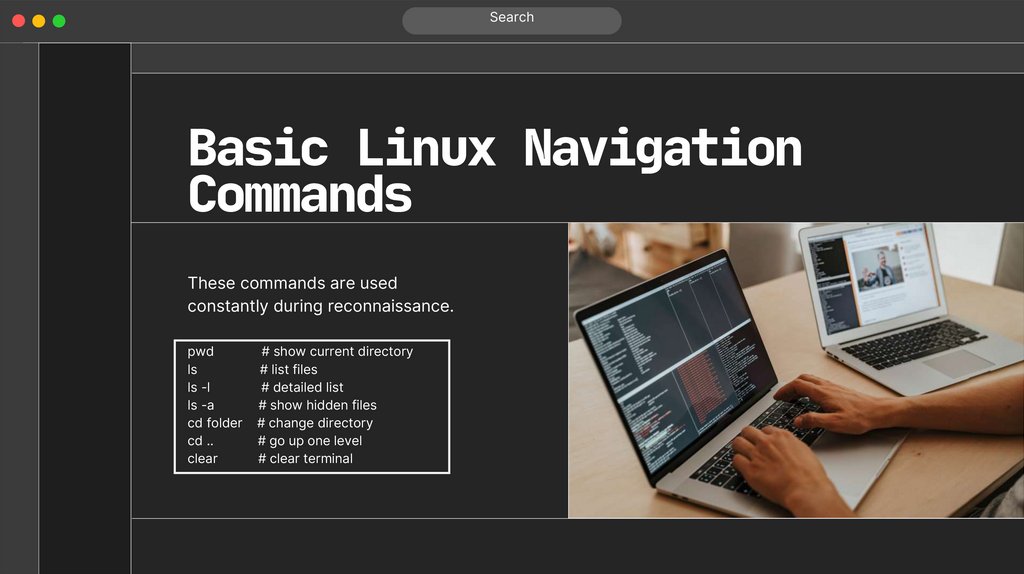
SearchBasic Linux Navigation
Commands
These commands are used
constantly during reconnaissance.
pwd
ls
ls -l
ls -a
cd folder
cd ..
clear
# show current directory
# list files
# detailed list
# show hidden files
# change directory
# go up one level
# clear terminal
16.
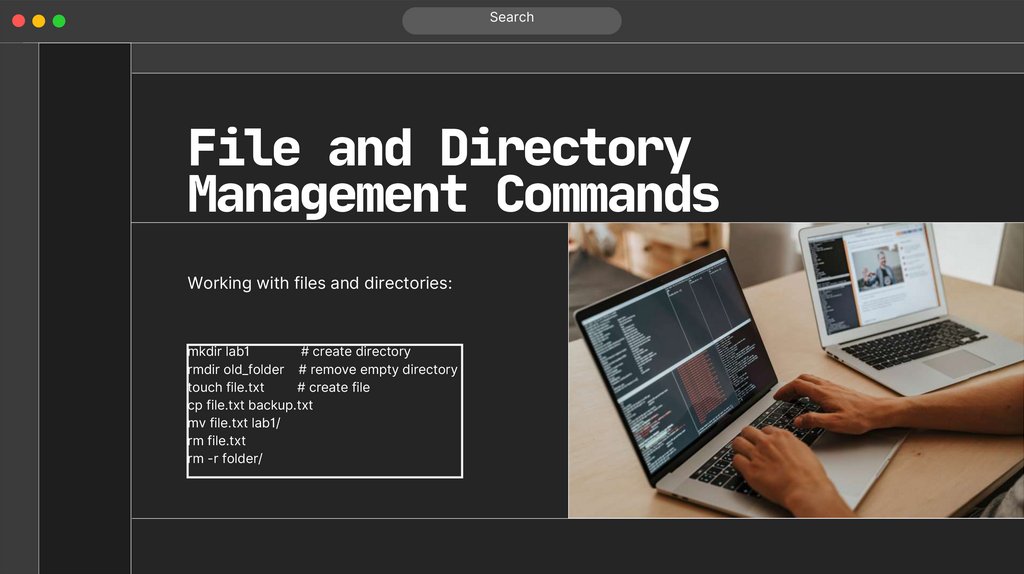
SearchFile and Directory
Management Commands
Working with files and directories:
mkdir lab1
# create directory
rmdir old_folder # remove empty directory
touch file.txt
# create file
cp file.txt backup.txt
mv file.txt lab1/
rm file.txt
rm -r folder/
17.
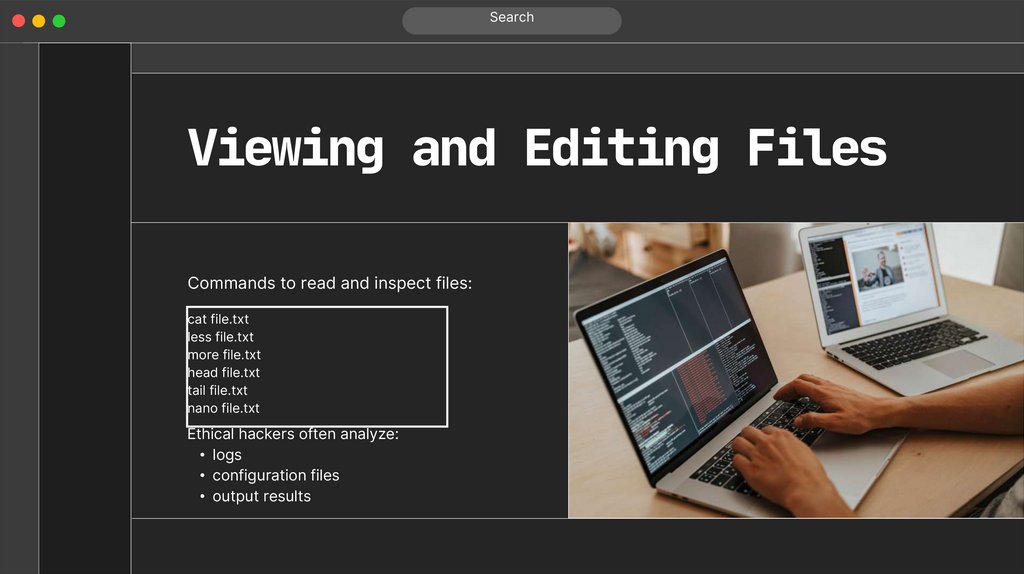
SearchViewing and Editing Files
Commands to read and inspect files:
cat file.txt
less file.txt
more file.txt
head file.txt
tail file.txt
nano file.txt
Ethical hackers often analyze:
• logs
• configuration files
• output results
18.
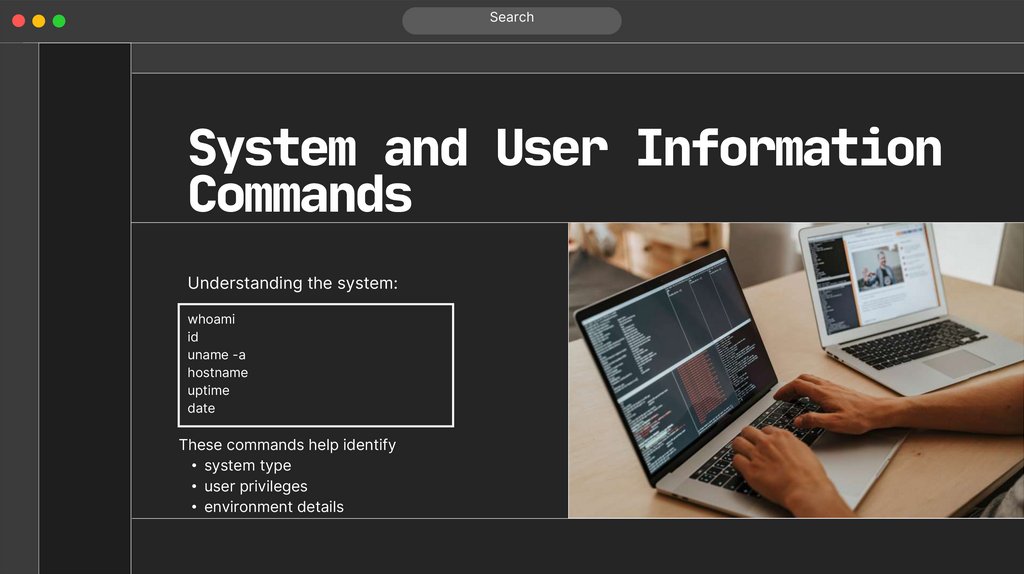
SearchSystem and User Information
Commands
Understanding the system:
whoami
id
uname -a
hostname
uptime
date
These commands help identify
• system type
• user privileges
• environment details
19.
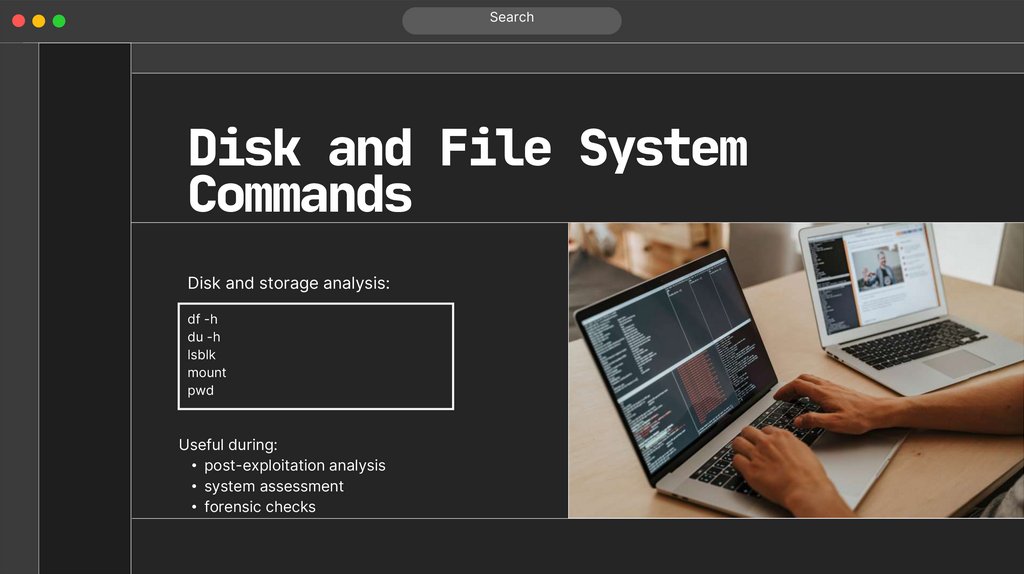
SearchDisk and File System
Commands
Disk and storage analysis:
df -h
du -h
lsblk
mount
pwd
Useful during:
• post-exploitation analysis
• system assessment
• forensic checks
20.
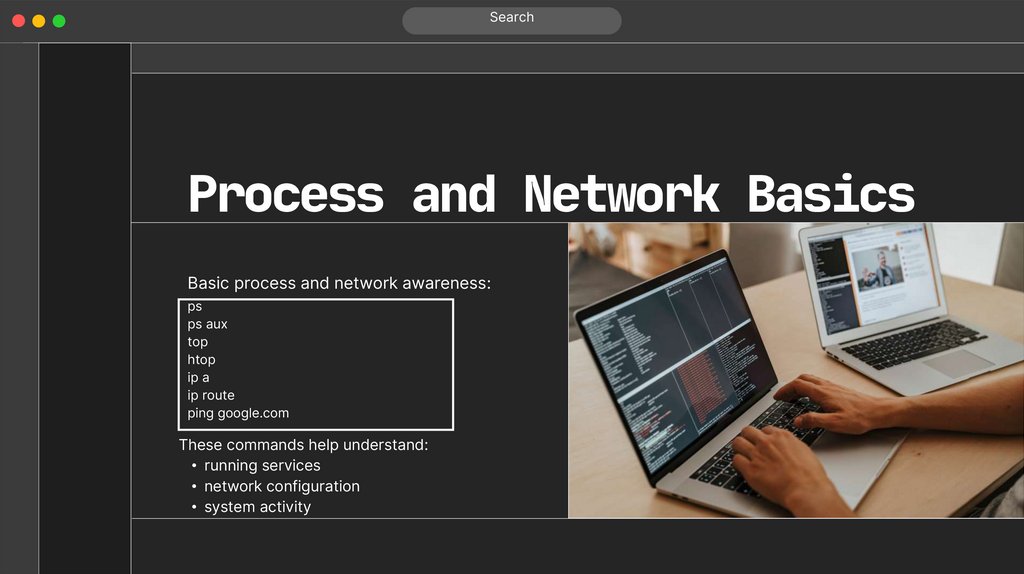
SearchProcess and Network Basics
Basic process and network awareness:
ps
ps aux
top
htop
ip a
ip route
ping google.com
These commands help understand:
• running services
• network configuration
• system activity
21.
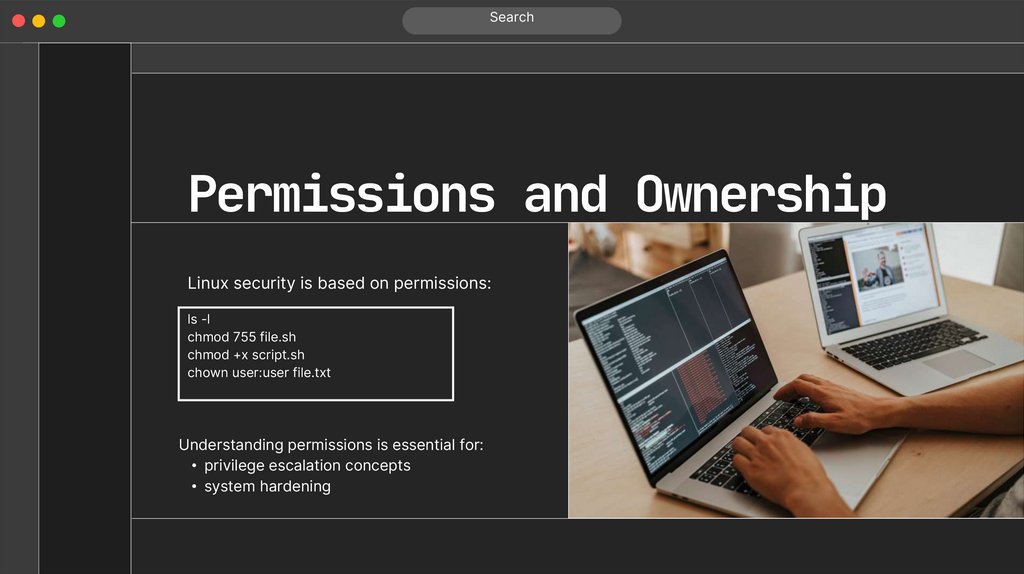
SearchPermissions and Ownership
Linux security is based on permissions:
ls -l
chmod 755 file.sh
chmod +x script.sh
chown user:user file.txt
Understanding permissions is essential for:
• privilege escalation concepts
• system hardening
22.
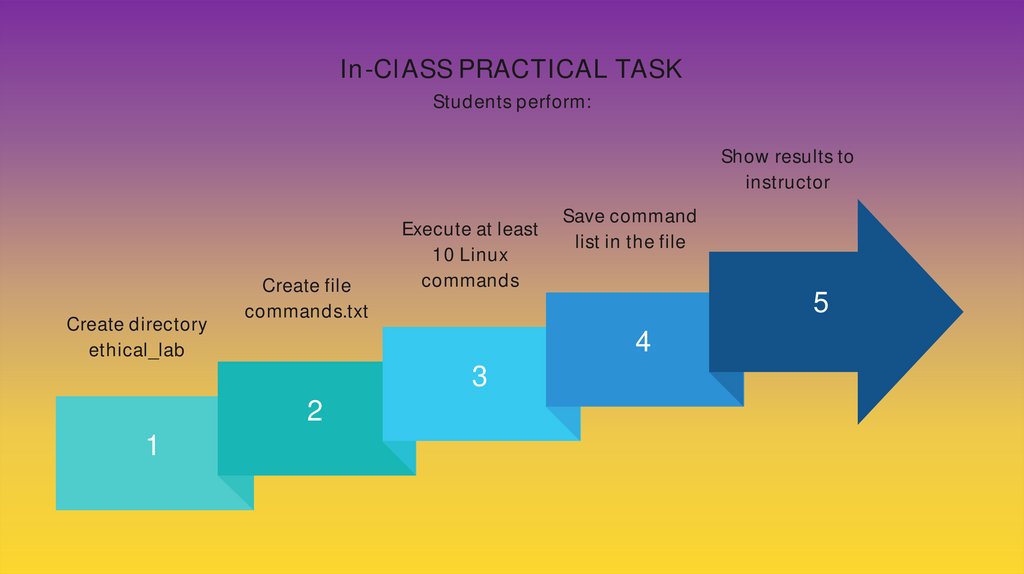
In-ClASS PRACTICAL TASKStudents perform:
Show results to
instructor
Create directory
ethical_lab
Create file
commands.txt
5
4
3
2
1
Execute at least
10 Linux
commands
Save command
list in the file
23.
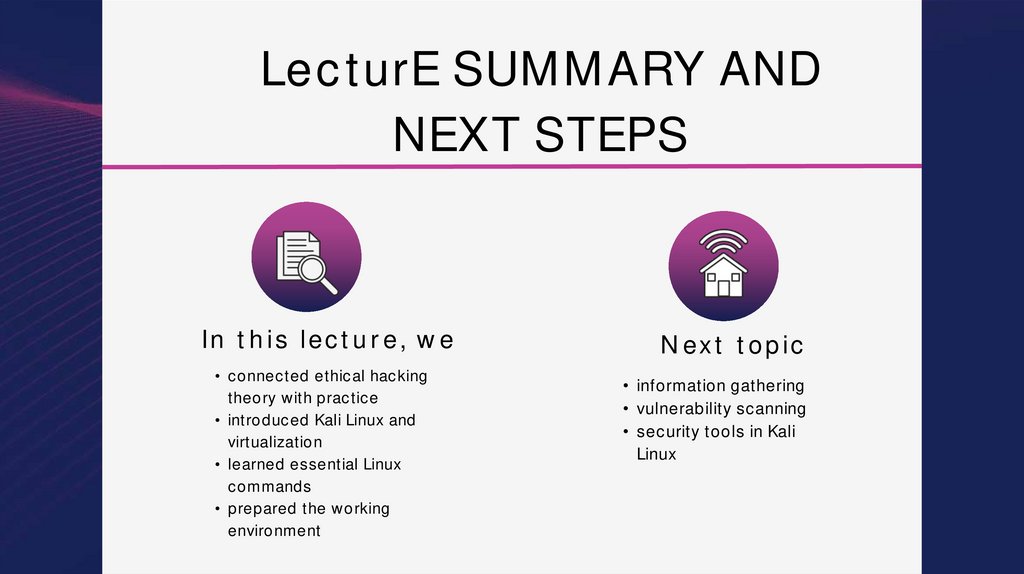
LecturE SUMMARY ANDNEXT STEPS
In this lecture, we
• connected ethical hacking
theory with practice
• introduced Kali Linux and
virtualization
• learned essential Linux
commands
• prepared the working
environment
Next topic
• information gathering
• vulnerability scanning
• security tools in Kali
Linux
24.
THANK YOU FOR YOUR ATTENTIONAuthor: Zhumabekov Dias Zhumabekouly
E-mail: dias.zhumabekov@narxoz.kz
ТЕМА