Похожие презентации:






Software computer. Choice of configuration computer
1. Practice Work 4
Software computer.Choice of configuration
computer
2. Computer software. Choice of configuration.
Hardware configuration ofpersonal computers.
Computer configuration - the design features
of a computer, including the architecture,
composition and characteristics of the main
components and auxiliary (peripheral)
means, as well as the organization of
connections between them.
2
3. Computer software. Choice of configuration.
A configuration is understood as a certain set ofcomponents, based on their purpose, number and basic
characteristics.
Configuration means the choice of hardware and
software, firmware and accompanying documentation.
Configuration affects the operation and performance of
your computer.
3
4. Computer software. Choice of configuration.
The nature of the configuration of personalcomputers, both in their design and selection, is
determined by the composition and complexity
of the tasks for which they are designed,
including the requirements imposed by the
corresponding software tools.
4
5. Computer software. Choice of configuration.
The main directions for changing the configuration:1. replacing obsolete components and expanding
capabilities is called an upgrade (upgrade).
2. An increase in system performance can also be
achieved by artificially increasing the clock frequency of
microprocessors (central and / or others) "overclocking" (overclocking).
3. Changing the look of your computer is called modding.
5
6. Computer software. Choice of configuration.
Minimal, basic and optimal configurationThe term "minimum configuration" of a personal
computer is usually associated with a specific type of
central processing unit, standard or minimum sizes of
internal and external memory, keyboard and monitor.
6
7. Computer software. Choice of configuration.
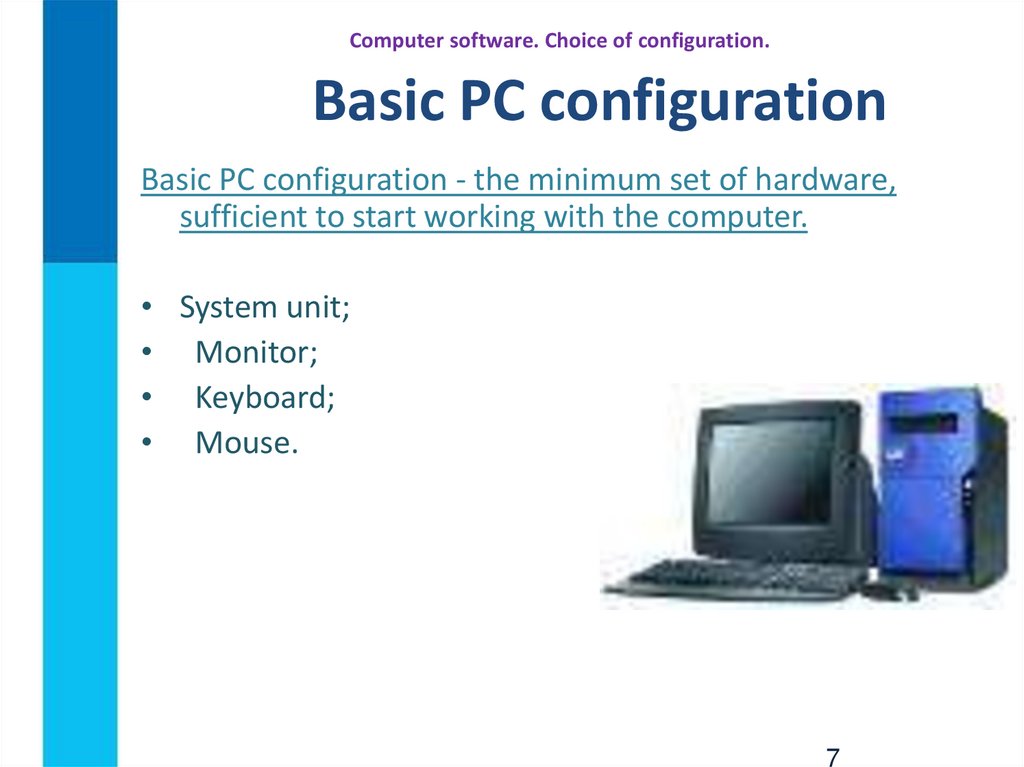
Basic PC configurationBasic PC configuration - the minimum set of hardware,
sufficient to start working with the computer.
• System unit;
• Monitor;
• Keyboard;
• Mouse.
7
8. Computer software. Choice of configuration.
All functions performed by a computer can be roughly divided intoseveral categories:
work in office applications,
visiting sites on the Internet,
playback of music and films,
3D animation, games, etc.
Most categories have their own optimal level of PC performance,
and exceeding it will not do any good. On the contrary, a computer
that is too fast will consume additional electricity, heat up more and
make a louder noise.
Therefore, the advice is simple: in order not to overpay for excess
power, purchase a system with the optimal operating speed for
solving your range of tasks.
8
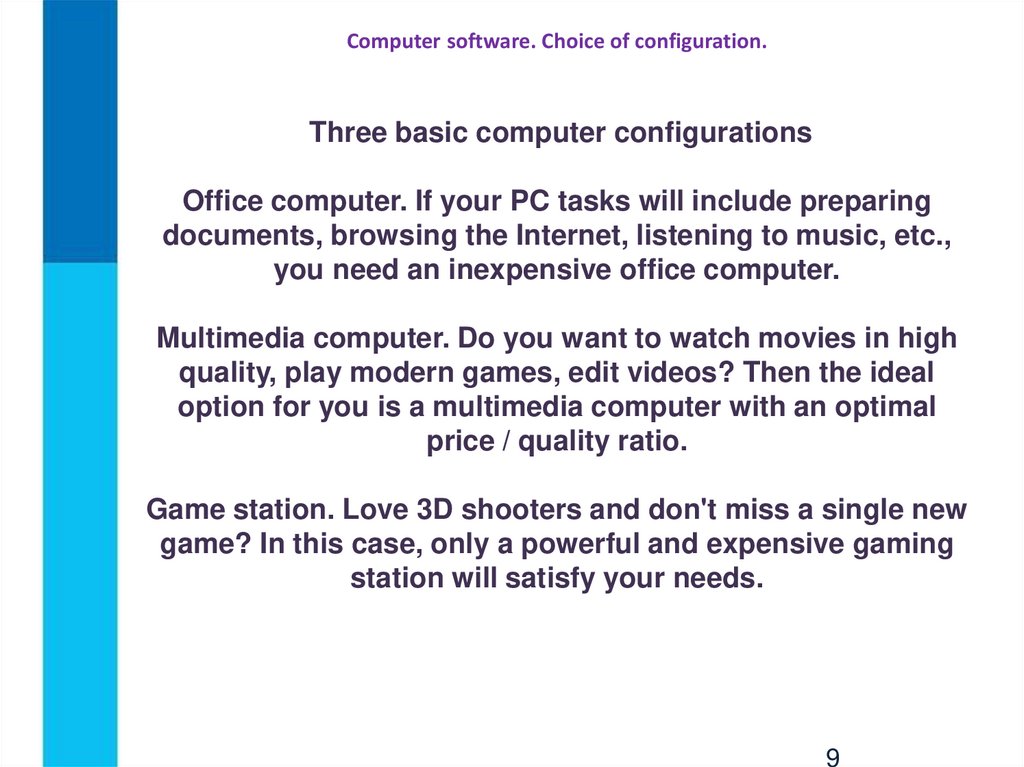
9. Computer software. Choice of configuration.
Three basic computer configurationsOffice computer. If your PC tasks will include preparing
documents, browsing the Internet, listening to music, etc.,
you need an inexpensive office computer.
Multimedia computer. Do you want to watch movies in high
quality, play modern games, edit videos? Then the ideal
option for you is a multimedia computer with an optimal
price / quality ratio.
Game station. Love 3D shooters and don't miss a single new
game? In this case, only a powerful and expensive gaming
station will satisfy your needs.
9
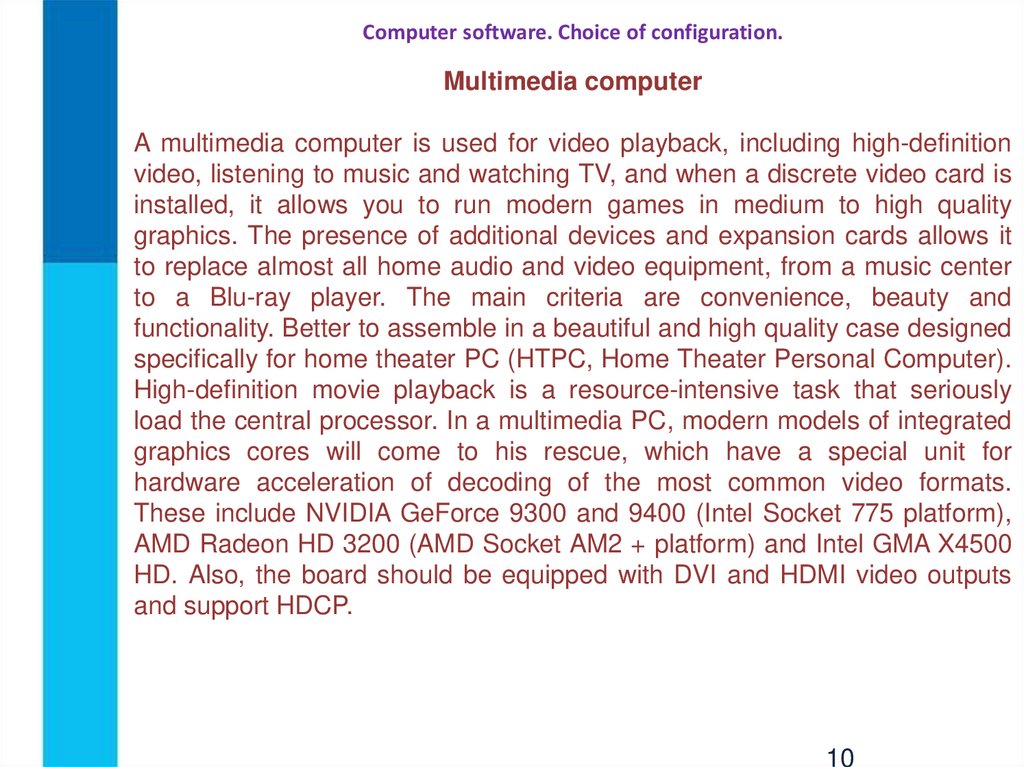
10. Computer software. Choice of configuration.
Multimedia computerA multimedia computer is used for video playback, including high-definition
video, listening to music and watching TV, and when a discrete video card is
installed, it allows you to run modern games in medium to high quality
graphics. The presence of additional devices and expansion cards allows it
to replace almost all home audio and video equipment, from a music center
to a Blu-ray player. The main criteria are convenience, beauty and
functionality. Better to assemble in a beautiful and high quality case designed
specifically for home theater PC (HTPC, Home Theater Personal Computer).
High-definition movie playback is a resource-intensive task that seriously
load the central processor. In a multimedia PC, modern models of integrated
graphics cores will come to his rescue, which have a special unit for
hardware acceleration of decoding of the most common video formats.
These include NVIDIA GeForce 9300 and 9400 (Intel Socket 775 platform),
AMD Radeon HD 3200 (AMD Socket AM2 + platform) and Intel GMA X4500
HD. Also, the board should be equipped with DVI and HDMI video outputs
and support HDCP.
10