 Программирование
Похожие презентации:







V-Ray for 3DS MAX. Sampling. Lecture
1.
2.
V-RAY FOR 3DS MAXSampling
3.
LESSON INTRODUCTIONOrientation
• This presentation covers the sampling
options of the V-Ray Quick Settings
• This lesson topic is approximately 40
minutes in length
• This presentation covers all three
learning cycles: Lecture, Demonstration
and Activity
4.
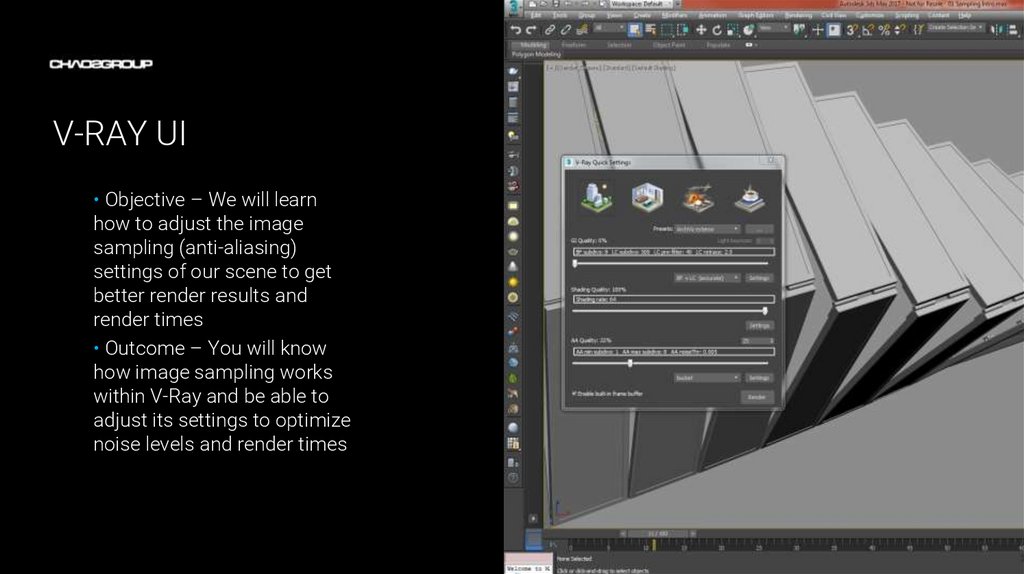
V-RAY UI• Objective – We will learn
how to adjust the image
sampling (anti-aliasing)
settings of our scene to get
better render results and
render times
• Outcome – You will know
how image sampling works
within V-Ray and be able to
adjust its settings to optimize
noise levels and render times
Artwork by Name
5.
TERMINOLOGY• These are some of the terms to be aware of when thinking about Image Sampling
–
–
–
–
–
Raytracing – Ray-tracer render engines shoot out rays that collect data on what each pixel should
look like in the final render
Primary rays – rays shot from the camera into the scene to determine what’s visible in the final
image
Secondary rays – rays that are shot from the end point of primary rays to calculate shading
effects
Sampling – gathers information from the rays to determine what each pixel will look like in the
render
Anti-aliasing – controls how information from the primary rays is combined (blended) in order to
produce a cleaner (noise-free) image
6.
RAY TRACING 101Overview
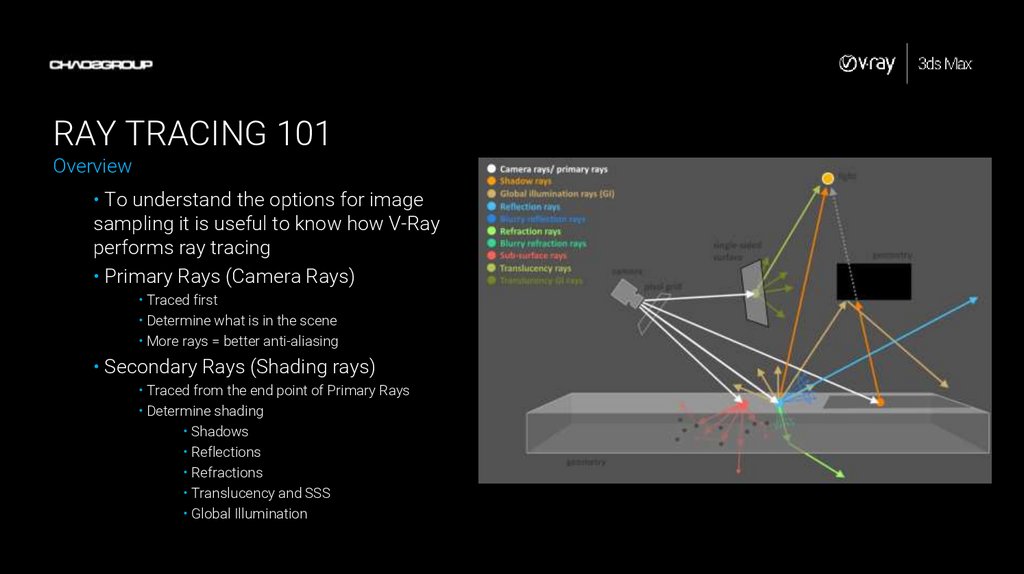
• To understand the options for image
sampling it is useful to know how V-Ray
performs ray tracing
• Primary Rays (Camera Rays)
• Traced first
• Determine what is in the scene
• More rays = better anti-aliasing
• Secondary Rays (Shading rays)
• Traced from the end point of Primary Rays
• Determine shading
• Shadows
• Reflections
• Refractions
• Translucency and SSS
• Global Illumination
7.
RAY TRACING 101Primary rays (Camera Rays; AA Rays)
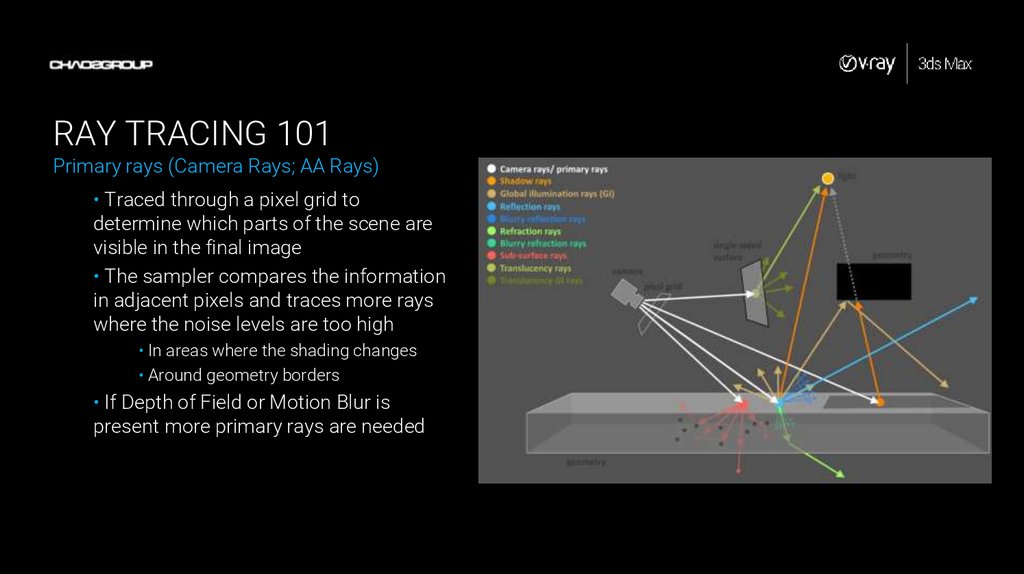
• Traced through a pixel grid to
determine which parts of the scene are
visible in the final image
• The sampler compares the information
in adjacent pixels and traces more rays
where the noise levels are too high
• In areas where the shading changes
• Around geometry borders
• If Depth of Field or Motion Blur is
present more primary rays are needed
8.
RAY TRACING 101Secondary Rays(Shading Rays)
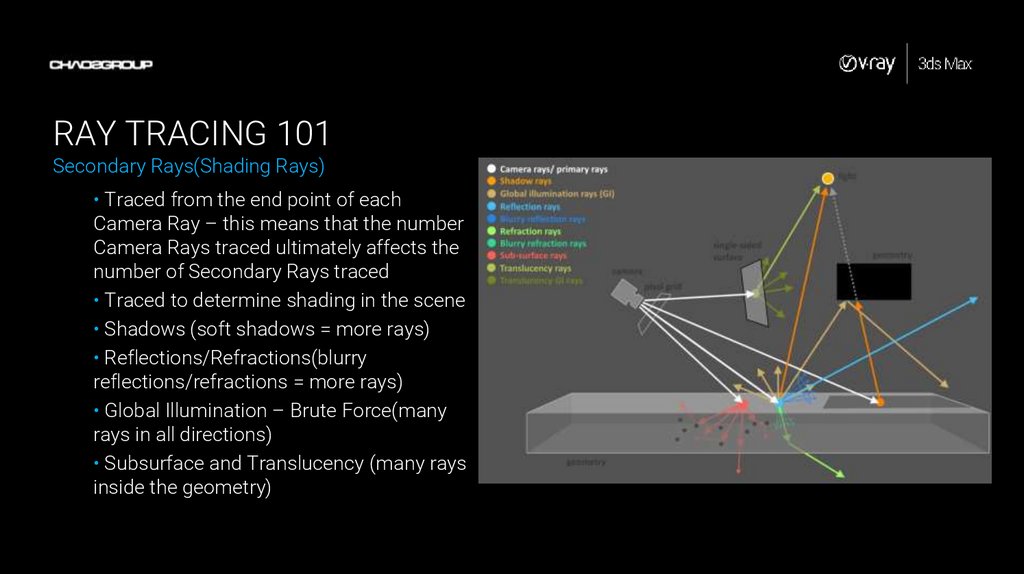
• Traced from the end point of each
Camera Ray – this means that the number
Camera Rays traced ultimately affects the
number of Secondary Rays traced
• Traced to determine shading in the scene
• Shadows (soft shadows = more rays)
• Reflections/Refractions(blurry
reflections/refractions = more rays)
• Global Illumination – Brute Force(many
rays in all directions)
• Subsurface and Translucency (many rays
inside the geometry)
9.
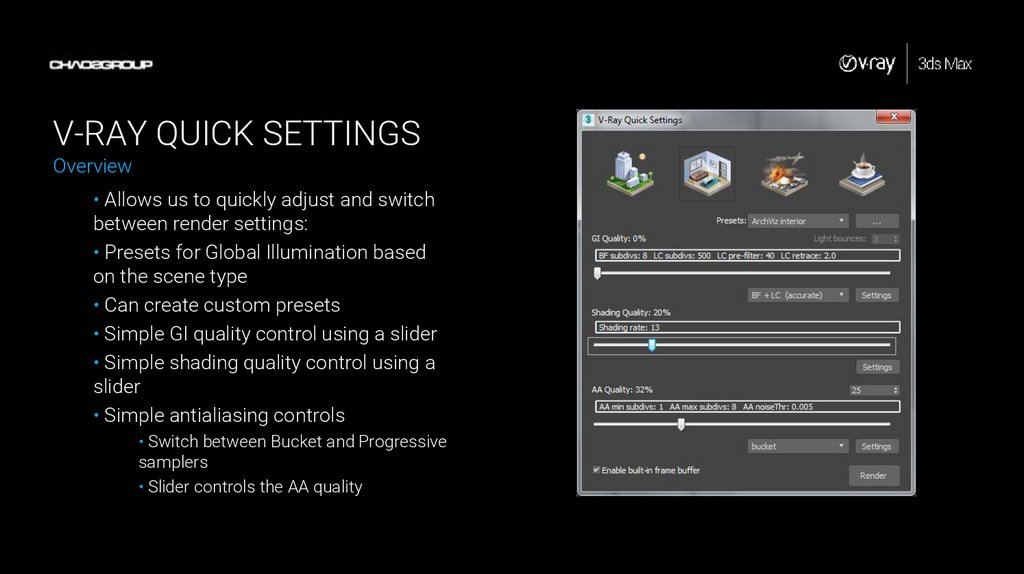
V-RAY QUICK SETTINGSOverview
• Allows us to quickly adjust and switch
between render settings:
• Presets for Global Illumination based
on the scene type
• Can create custom presets
• Simple GI quality control using a slider
• Simple shading quality control using a
slider
• Simple antialiasing controls
• Switch between Bucket and Progressive
samplers
• Slider controls the AA quality
10.
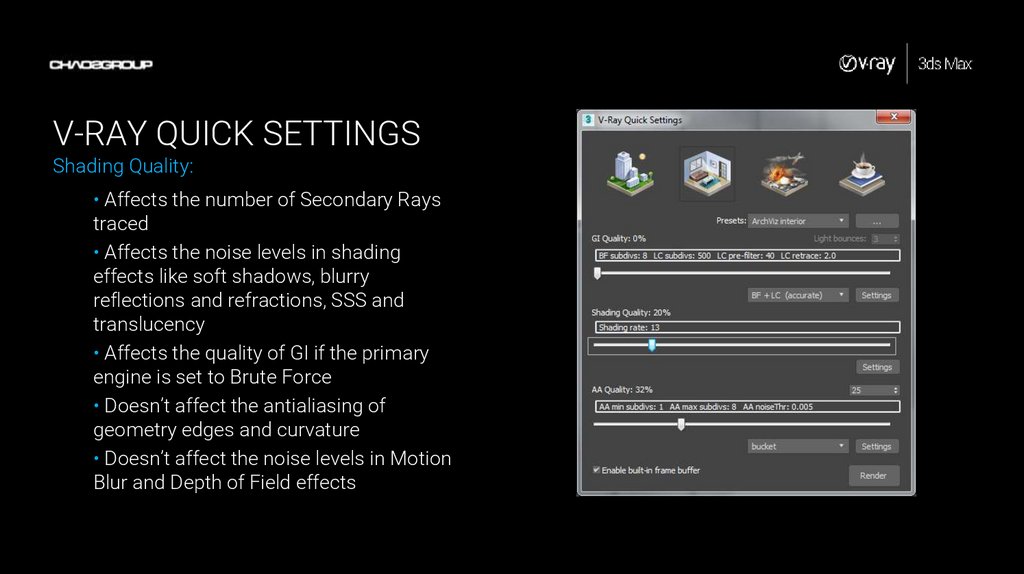
V-RAY QUICK SETTINGSShading Quality:
• Affects the number of Secondary Rays
traced
• Affects the noise levels in shading
effects like soft shadows, blurry
reflections and refractions, SSS and
translucency
• Affects the quality of GI if the primary
engine is set to Brute Force
• Doesn’t affect the antialiasing of
geometry edges and curvature
• Doesn’t affect the noise levels in Motion
Blur and Depth of Field effects
11.
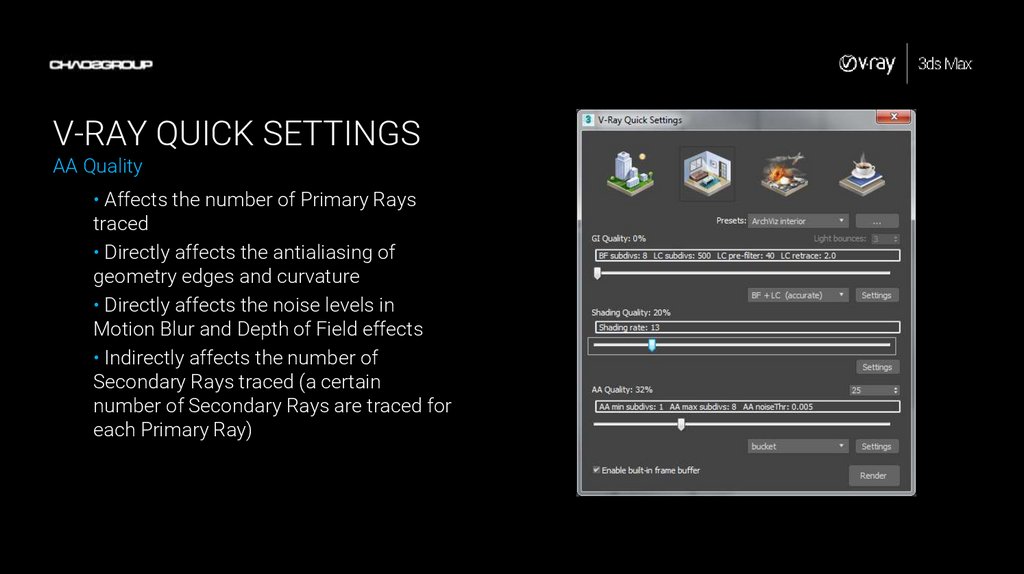
V-RAY QUICK SETTINGSAA Quality
• Affects the number of Primary Rays
traced
• Directly affects the antialiasing of
geometry edges and curvature
• Directly affects the noise levels in
Motion Blur and Depth of Field effects
• Indirectly affects the number of
Secondary Rays traced (a certain
number of Secondary Rays are traced for
each Primary Ray)
12.
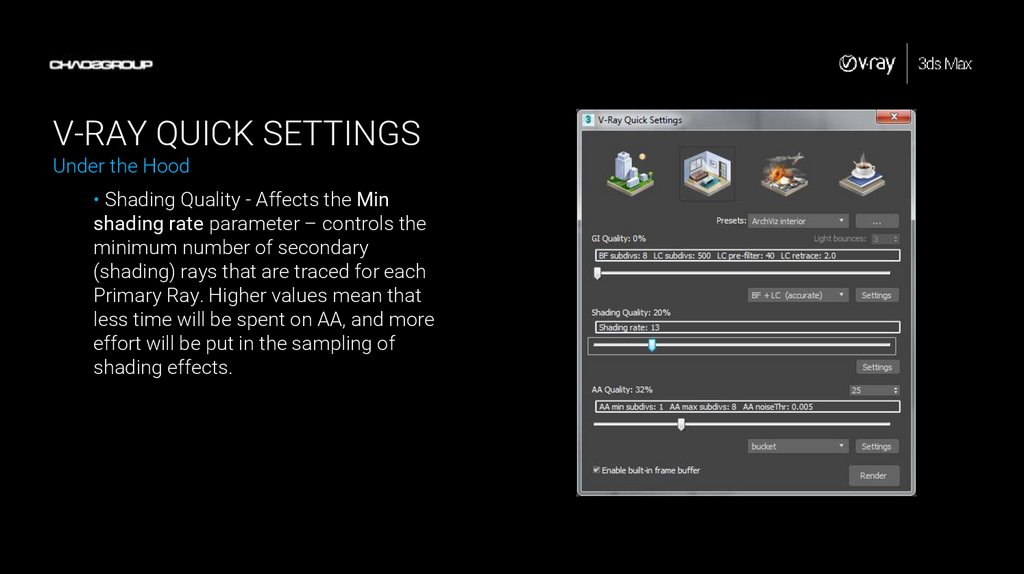
V-RAY QUICK SETTINGSUnder the Hood
• Shading Quality - Affects the Min
shading rate parameter – controls the
minimum number of secondary
(shading) rays that are traced for each
Primary Ray. Higher values mean that
less time will be spent on AA, and more
effort will be put in the sampling of
shading effects.
13.
V-RAY QUICK SETTINGSUnder the Hood
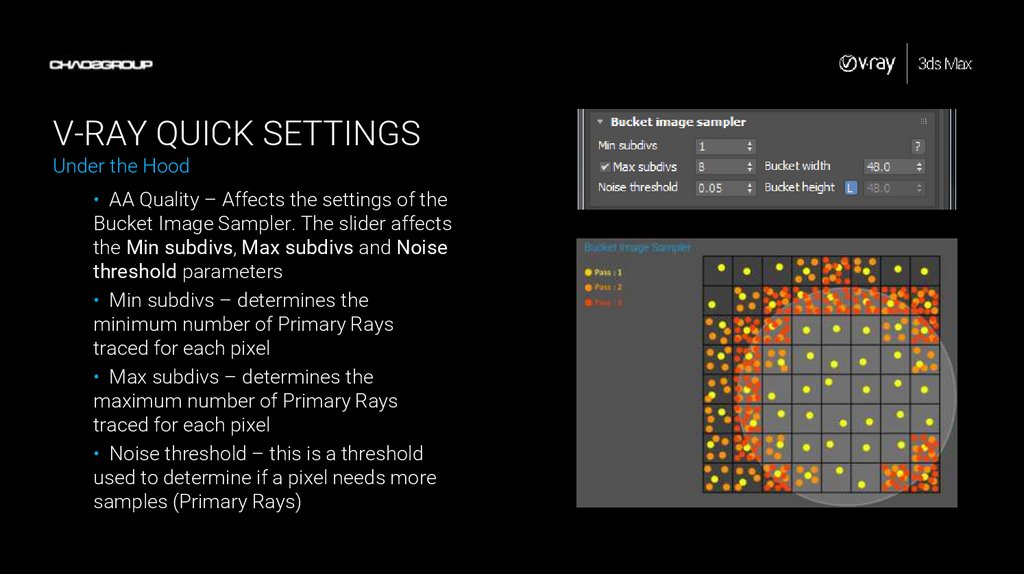
• AA Quality – Affects the settings of the
Bucket Image Sampler. The slider affects
the Min subdivs, Max subdivs and Noise
threshold parameters
• Min subdivs – determines the
minimum number of Primary Rays
traced for each pixel
• Max subdivs – determines the
maximum number of Primary Rays
traced for each pixel
• Noise threshold – this is a threshold
used to determine if a pixel needs more
samples (Primary Rays)
14.
V-RAY QUICK SETTINGSMain Points:
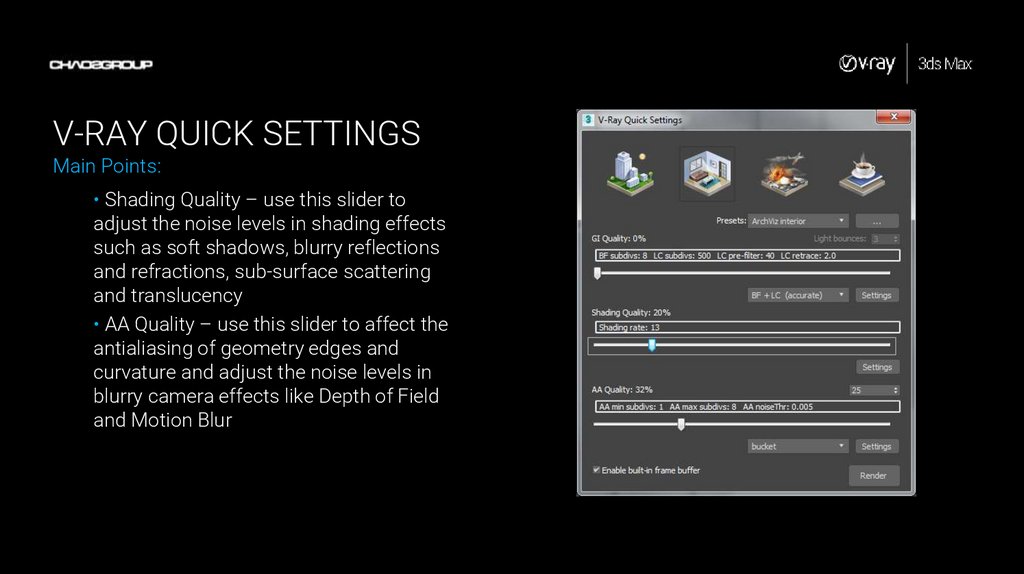
• Shading Quality – use this slider to
adjust the noise levels in shading effects
such as soft shadows, blurry reflections
and refractions, sub-surface scattering
and translucency
• AA Quality – use this slider to affect the
antialiasing of geometry edges and
curvature and adjust the noise levels in
blurry camera effects like Depth of Field
and Motion Blur
15.
DEMONSTRATIONImage Sampling with V-Ray Quick Settings
Sit back and watch as I demonstrate how
to use the V-Ray Quick Settings in order to
properly set up Image Sampling (antialiasing)…
16.
ACTIVITYImage Sampling with V-Ray Quick Settings
Now it’s your turn. Use the provided scene
and handout to experiment with the Image
Sampling options of V-Ray…