
 Английский язык
Похожие презентации:









Speaking skills. Module 4b
1.
Speaking skillsModule 4b
2.
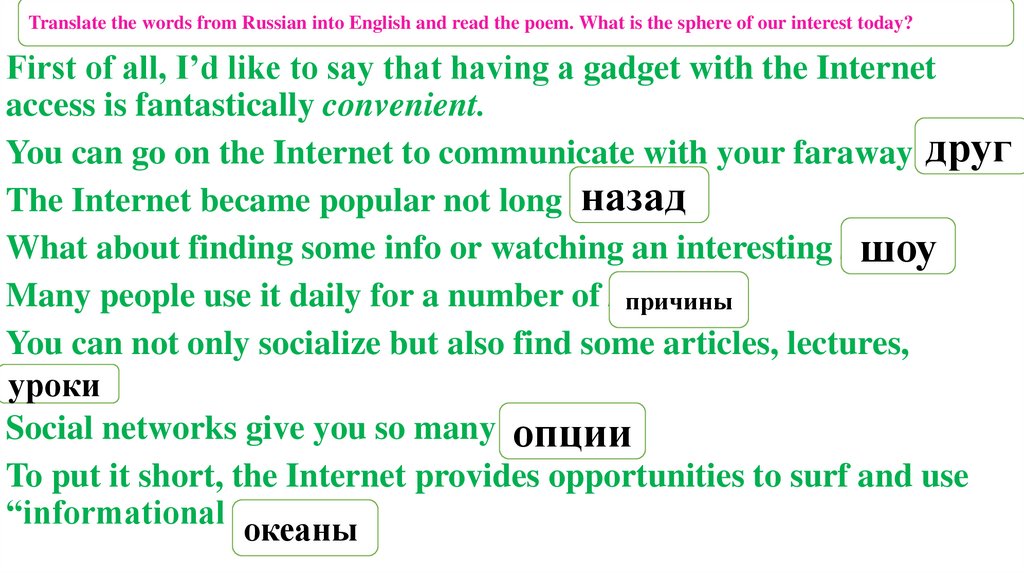
Translate the words from Russian into English and read the poem. What is the sphere of our interest today?First of all, I’d like to say that having a gadget with the Internet
access is fantastically convenient.
друг
You can go on the Internet to communicate with your faraway friend.
назад
The Internet became popular not long ago.
What about finding some info or watching an interesting show?
шоу
Many people use it daily for a number of reasons.
причины
You can not only socialize but also find some articles, lectures,
lessons.
уроки
Social networks give you so many options.
опции
To put it short, the Internet provides opportunities to surf and use
“informational oceans.”
океаны
3.
4.
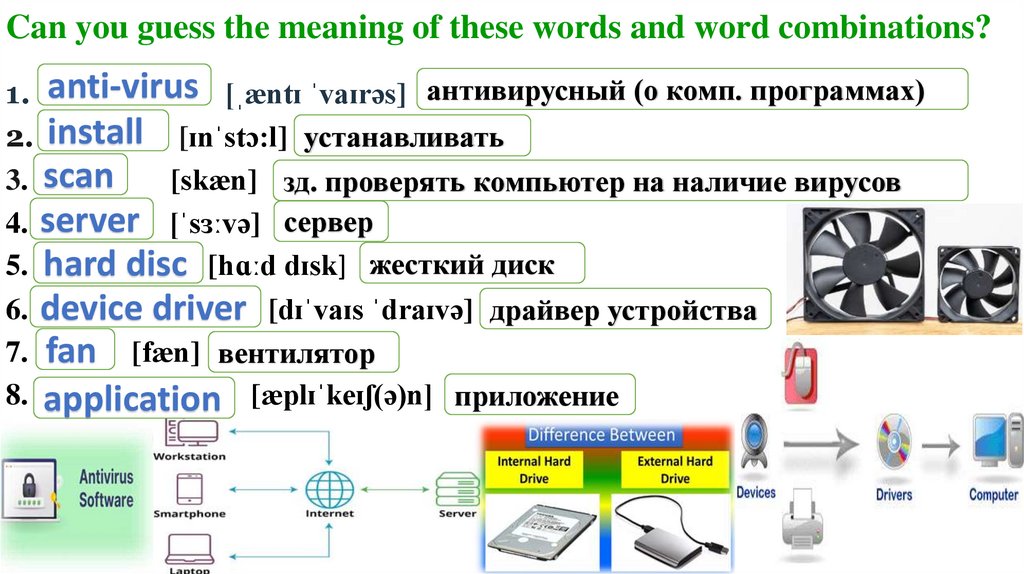
Can you guess the meaning of these words and word combinations?1. anti-virus [ˌæntɪ ˈvaɪrəs] антивирусный (о комп. программах)
2. install [ɪnˈstɔ:l] устанавливать
3. scan
[skæn] зд. проверять компьютер на наличие вирусов
4. server [ˈsɜːvə] сервер
5. hard disc [hɑːd dɪsk] жесткий диск
6. device driver [dɪˈvaɪs ˈdraɪvə] драйвер устройства
7. fan [fæn] вентилятор
8. application
8
[æplɪˈkeɪʃ(ə)n] приложение
5.
Can you read these new words according to theirtranscriptions?
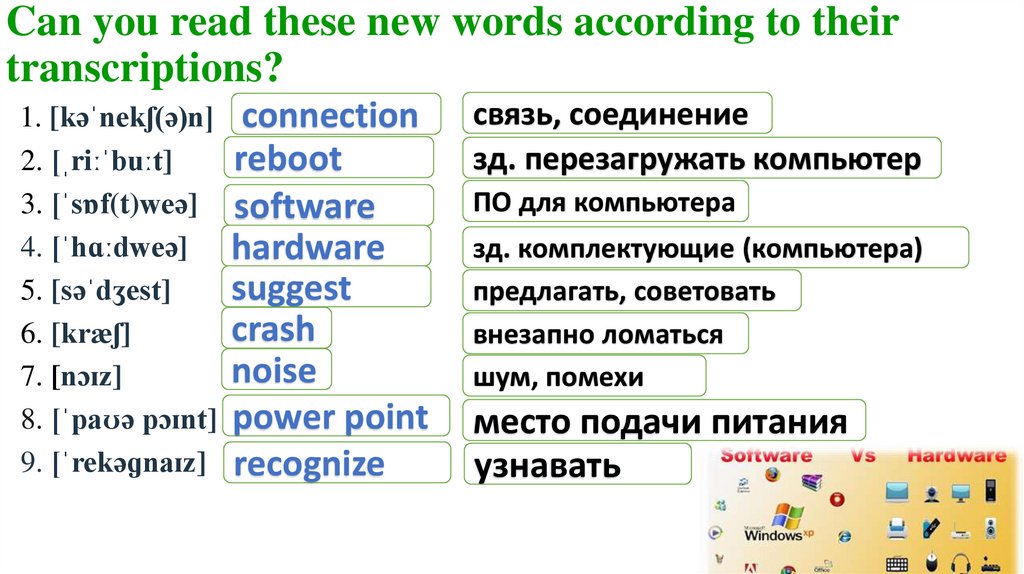
1. [kəˈnekʃ(ə)n] connection
reboot
2. [ˌriːˈbuːt]
3. [ˈsɒf(t)weə] software
4. [ˈhɑːdweə] hardware
suggest
5. [səˈdʒest]
crash
6. [kræʃ]
noise
7. [nɔɪz]
8. [ˈpaʊə pɔɪnt] power point
9. [ˈrekəɡnaɪz] recognize
связь, соединение
зд. перезагружать компьютер
ПО для компьютера
зд. комплектующие (компьютера)
предлагать, советовать
внезапно ломаться
шум, помехи
место подачи питания
узнавать
6.
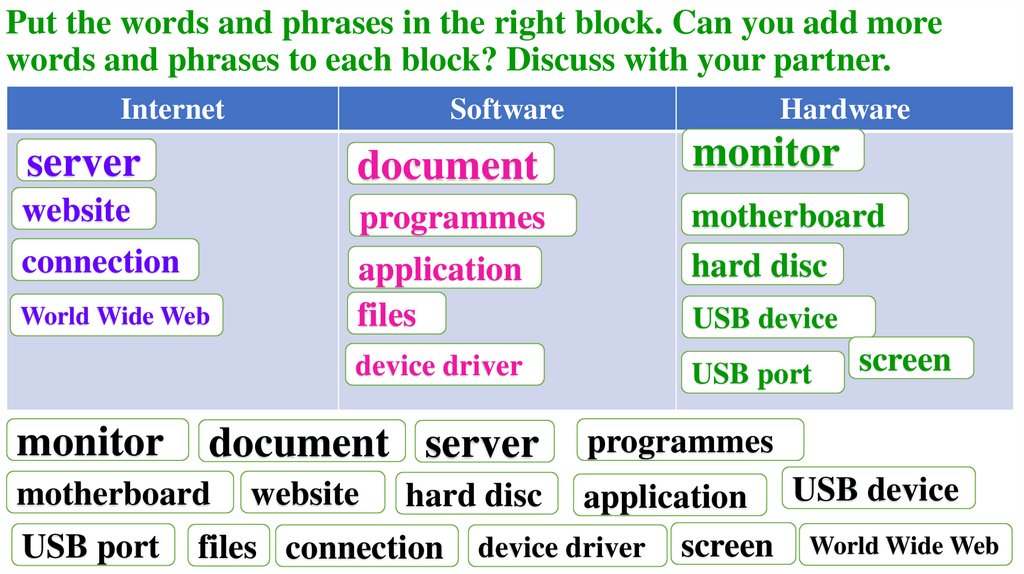
Put the words and phrases in the right block. Can you add morewords and phrases to each block? Discuss with your partner.
Internet
Software
Hardware
server
document
monitor
website
connection
programmes
motherboard
hard disc
World Wide Web
application
files
device driver
monitor
document server
motherboard
USB port
website
USB port
screen
programmes
application USB device
device driver screen World Wide Web
hard disc
files connection
USB device
7.
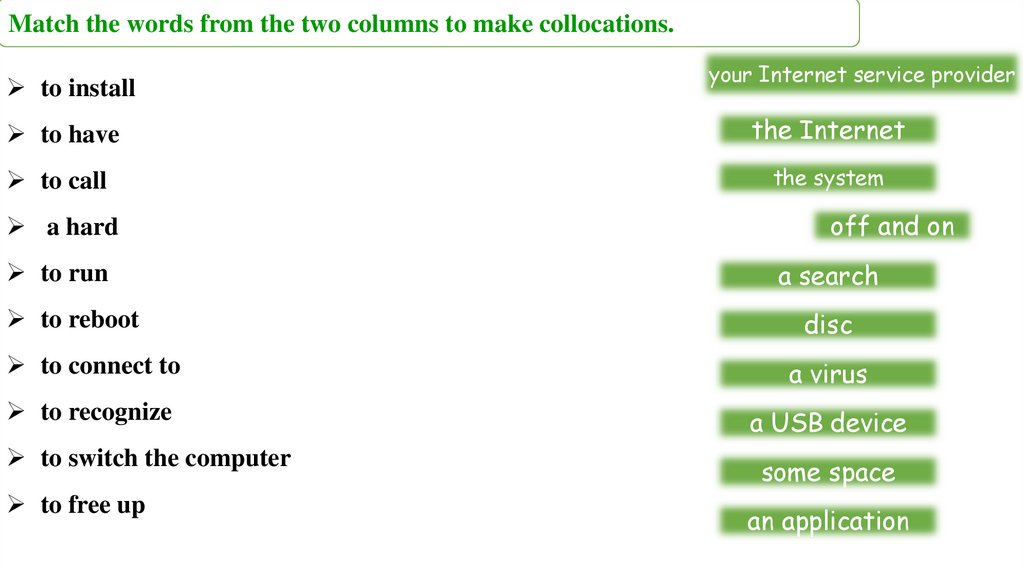
Match the words from the two columns to make collocations.to install
your Internet service provider
to have
the Internet
to call
the system
a hard
off and on
to run
a search
to reboot
disc
to connect to
a virus
to recognize
a USB device
to switch the computer
some space
to free up
an application
8.
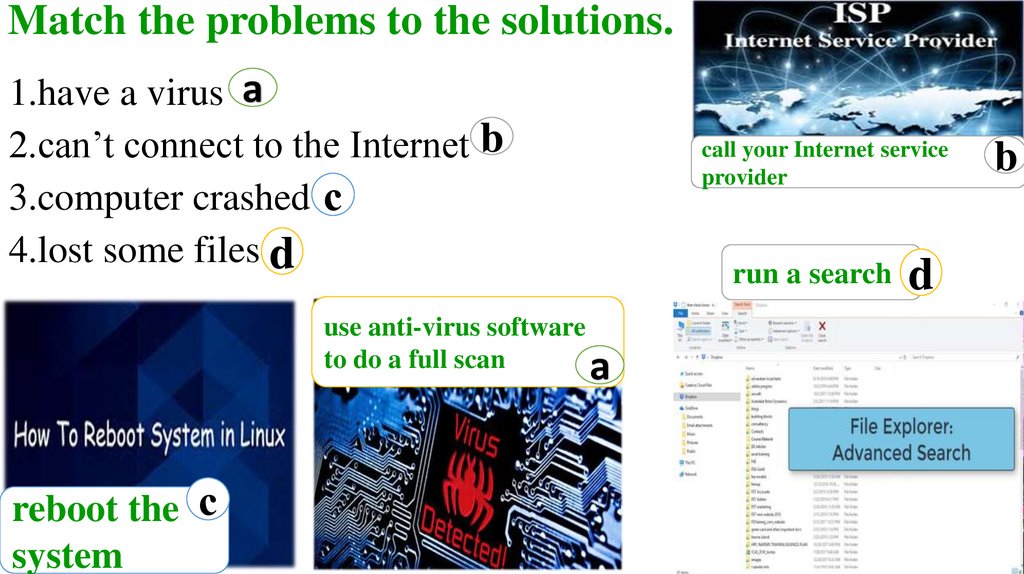
Match the problems to the solutions.1.have a virus a
2.can’t connect to the Internet b
3.computer crashed с
4.lost some files d
use anti-virus software
to do a full scan
a
reboot the с
system
call your Internet service
provider
run a search d
b
9.
MatchLabelthe the
problems
to thethe
solutions.
pictures. Match
problems to the solutions.
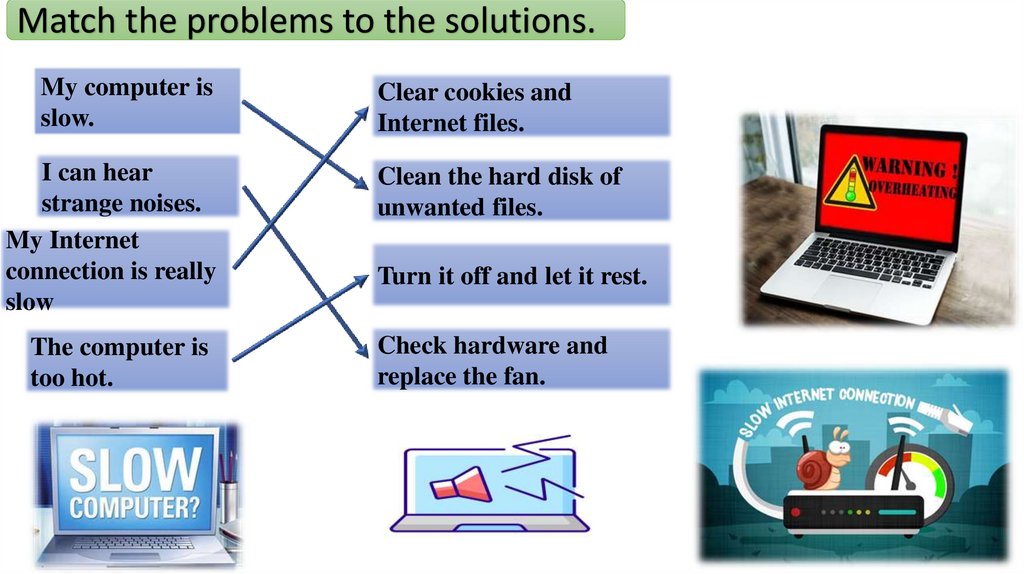
My computer is
slow.
Clear cookies and
Internet files.
I can hear
strange noises.
My Internet
connection is really
slow
Clean the hard disk of
unwanted files.
The computer is
too hot.
Check hardware and
replace the fan.
Turn it off and let it rest.
10.
MatchLabelthe the
problems
to thethe
solutions.
pictures. Match
problems to the solutions.
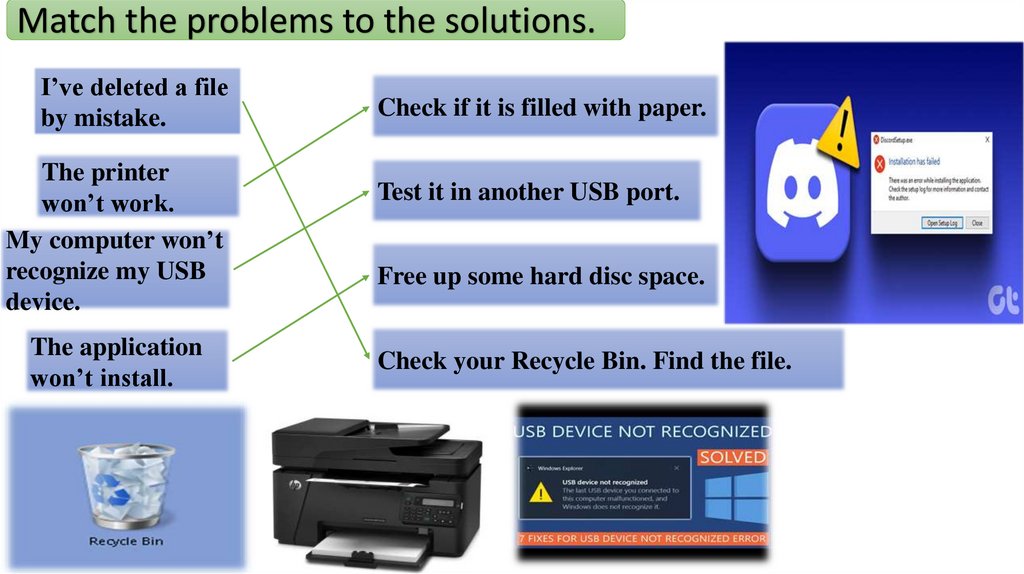
I’ve deleted a file
by mistake.
The printer
won’t work.
My computer won’t
recognize my USB
device.
The application
won’t install.
Check if it is filled with paper.
Test it in another USB port.
Free up some hard disc space.
Check your Recycle Bin. Find the file.
11.
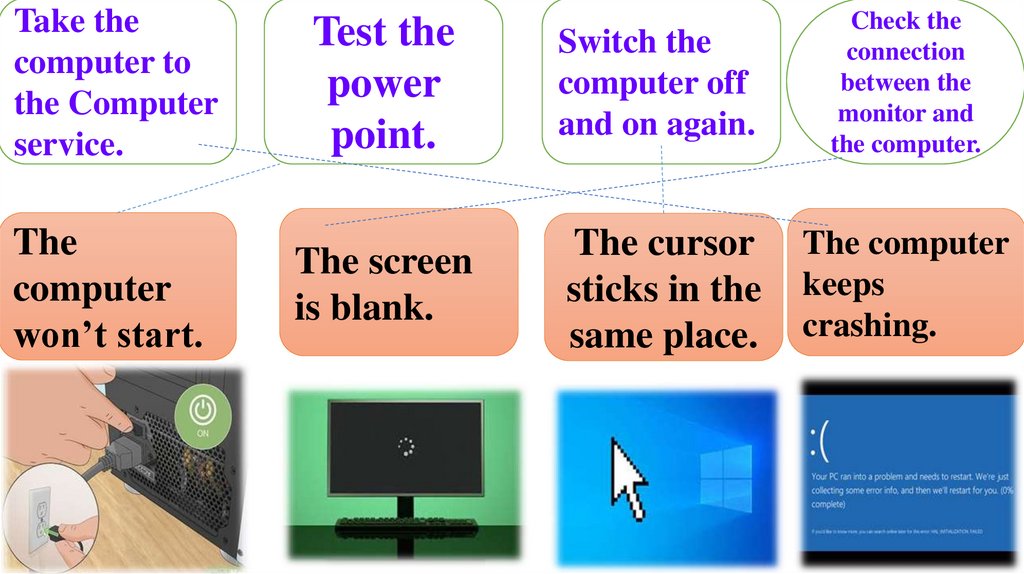
Take thecomputer to
the Computer
service.
The
computer
won’t start.
Test the
power
point.
Switch the
computer off
and on again.
Check the
connection
between the
monitor and
the computer.
The screen
is blank.
The cursor
sticks in the
same place.
The computer
keeps
crashing.
12.
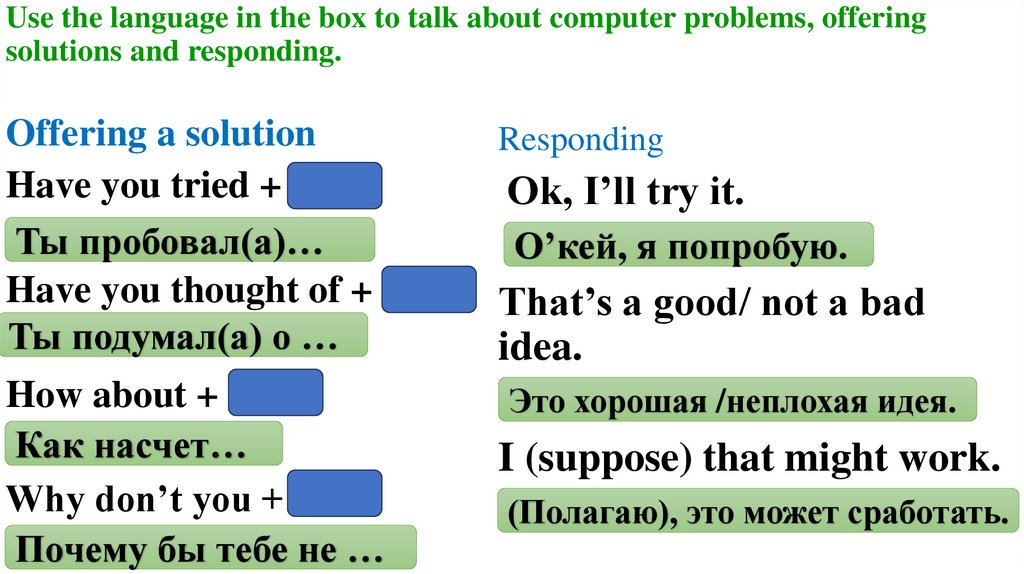
Use the language in the box to talk about computer problems, offeringsolutions and responding.
Offering a solution
Have you tried + Ving
Ты пробовал(a)…
Have you thought of + Ving
Ты подумал(а) о …
Responding
How about + Ving
Как насчет…
Why don’t you + V1
Почему бы тебе не …
Это хорошая /неплохая идея.
Ok, I’ll try it.
О’кей, я попробую.
That’s a good/ not a bad
idea.
I (suppose) that might work.
(Полагаю), это может сработать.
13.
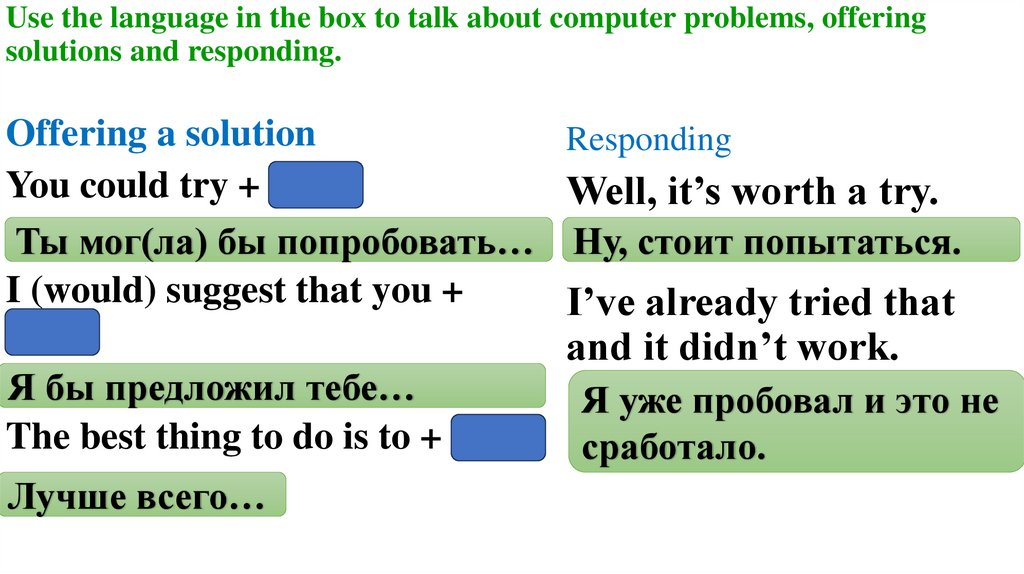
Use the language in the box to talk about computer problems, offeringsolutions and responding.
Offering a solution
You could try + Ving
Ты мог(ла) бы попробовать…
I (would) suggest that you +
V1
Я бы предложил тебе…
The best thing to do is to + V1
Лучше всего…
Responding
Well, it’s worth a try.
Ну, стоит попытаться.
I’ve already tried that
and it didn’t work.
Я уже пробовал и это не
сработало.
14.
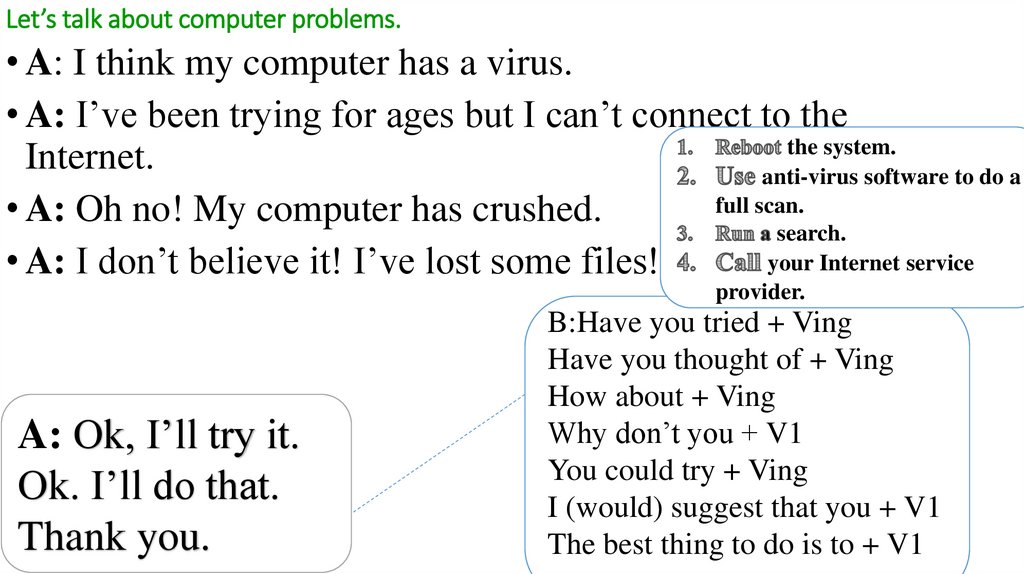
Let’s talk about computer problems.• A: I think my computer has a virus.
• A: I’ve been trying for ages but I can’t connect to the
the system.
Internet.
anti-virus software to do a
full scan.
• A: Oh no! My computer has crushed.
search.
your Internet service
• A: I don’t believe it! I’ve lost some files!
provider.
A: Ok, I’ll try it.
Ok. I’ll do that.
Thank you.
B:Have you tried + Ving
Have you thought of + Ving
How about + Ving
Why don’t you + V1
You could try + Ving
I (would) suggest that you + V1
The best thing to do is to + V1
15.
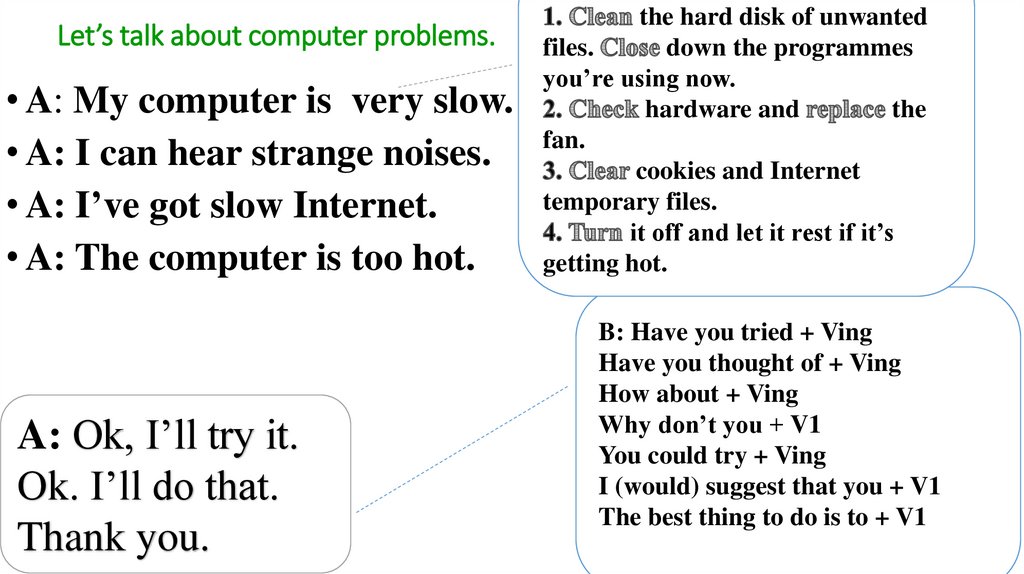
Let’s talk about computer problems.• A: My computer is very slow.
• A: I can hear strange noises.
• A: I’ve got slow Internet.
• A: The computer is too hot.
A: Ok, I’ll try it.
Ok. I’ll do that.
Thank you.
the hard disk of unwanted
files.
down the programmes
you’re using now.
hardware and
the
fan.
cookies and Internet
temporary files.
it off and let it rest if it’s
getting hot.
B: Have you tried + Ving
Have you thought of + Ving
How about + Ving
Why don’t you + V1
You could try + Ving
I (would) suggest that you + V1
The best thing to do is to + V1
16.
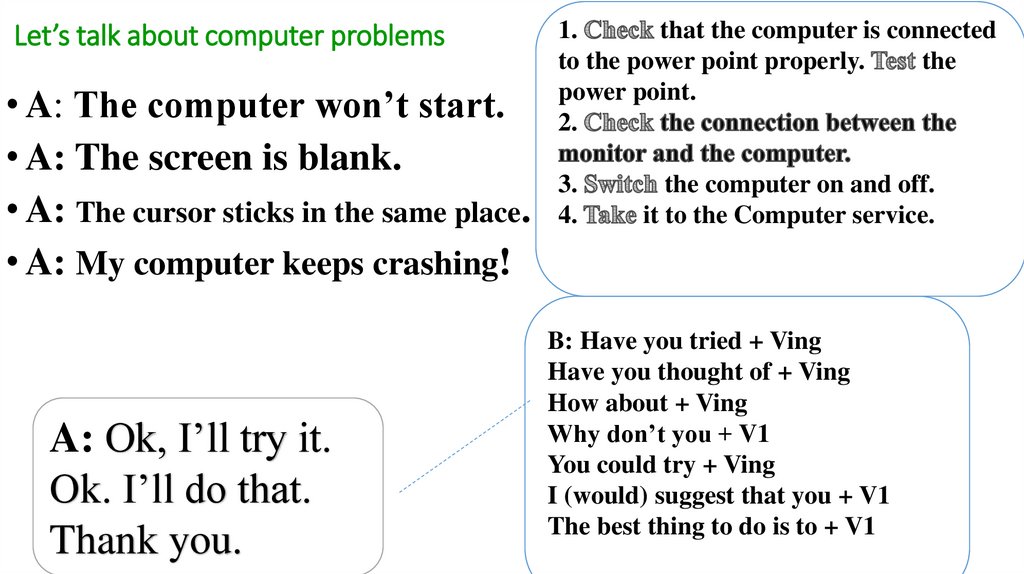
Let’s talk about computer problems• A: The computer won’t start.
• A: The screen is blank.
• A: The cursor sticks in the same place.
• A: My computer keeps crashing!
A: Ok, I’ll try it.
Ok. I’ll do that.
Thank you.
1.
that the computer is connected
to the power point properly.
the
power point.
2.
3.
4.
the computer on and off.
it to the Computer service.
B: Have you tried + Ving
Have you thought of + Ving
How about + Ving
Why don’t you + V1
You could try + Ving
I (would) suggest that you + V1
The best thing to do is to + V1
17.
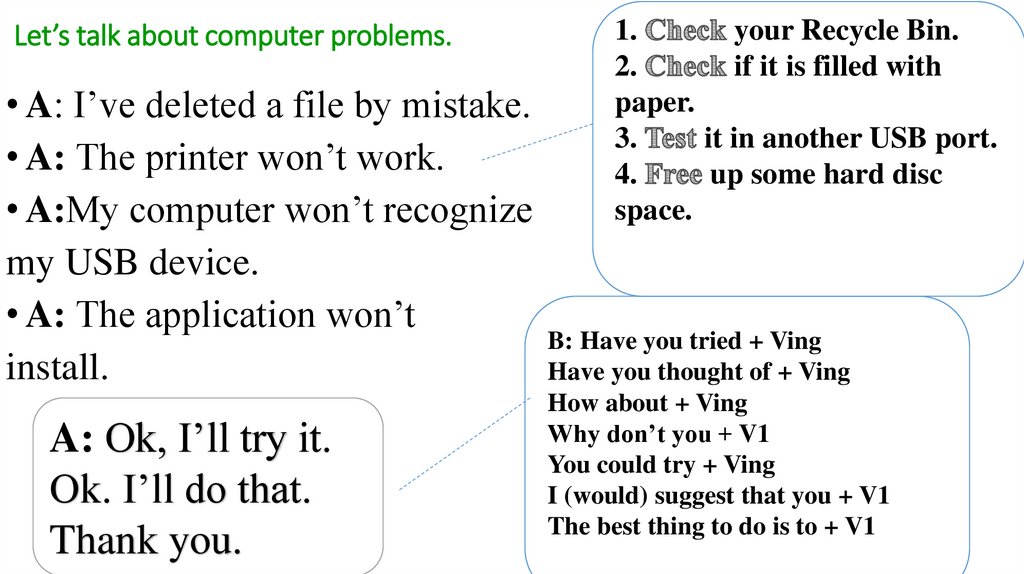
Let’s talk about computer problems.1.
your Recycle Bin.
2.
if it is filled with
paper.
3.
it in another USB port.
4.
up some hard disc
space.
• A: I’ve deleted a file by mistake.
• A: The printer won’t work.
• A:My computer won’t recognize
my USB device.
• A: The application won’t
B: Have you tried + Ving
install.
Have you thought of + Ving
A: Ok, I’ll try it.
Ok. I’ll do that.
Thank you.
How about + Ving
Why don’t you + V1
You could try + Ving
I (would) suggest that you + V1
The best thing to do is to + V1