
 Программирование
 Базы данных
Похожие презентации:





Databases Design. Introduction to SQ. Lecture 8. Relational algebra
1. Databases Design. Introduction to SQL LECTURE 8 Relational algebra
IITU, ALMATY2. Join
• Операция join позволяет запрашиватьинформацию из двух или более
связанных таблиц.
• Это похоже на условие выбора, за
исключением того, что сравниваются
значения в двух разных таблицах.
3. Join: example 1
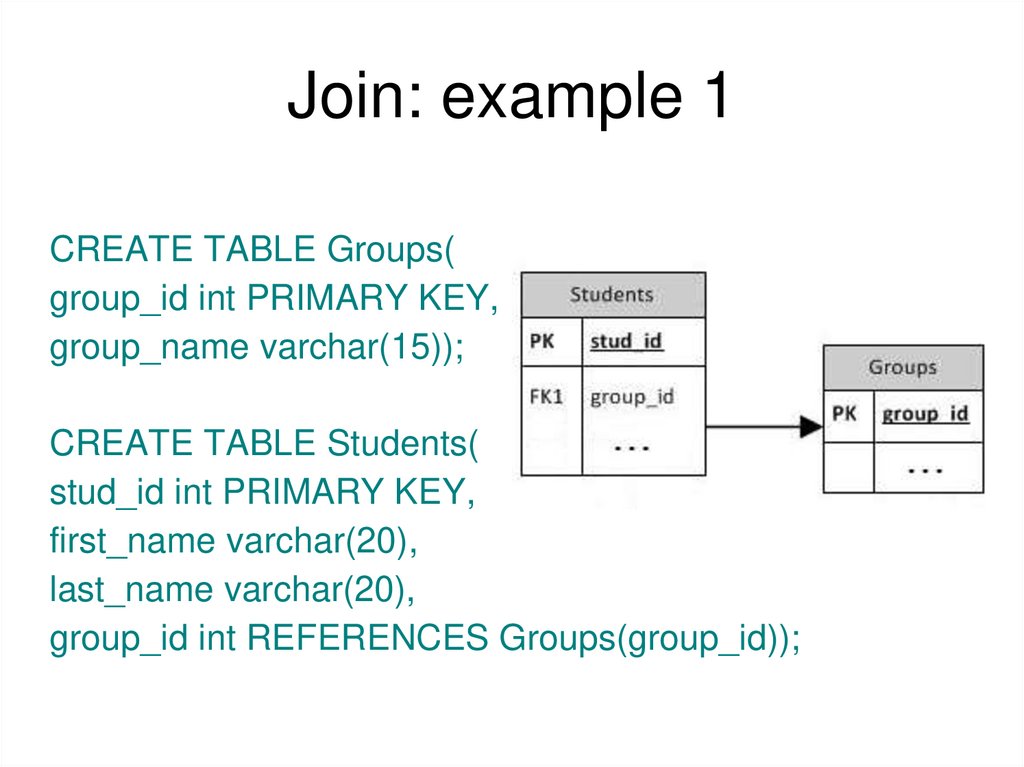
CREATE TABLE Groups(group_id int PRIMARY KEY,
group_name varchar(15));
CREATE TABLE Students(
stud_id int PRIMARY KEY,
first_name varchar(20),
last_name varchar(20),
group_id int REFERENCES Groups(group_id));
4. Join: example 1
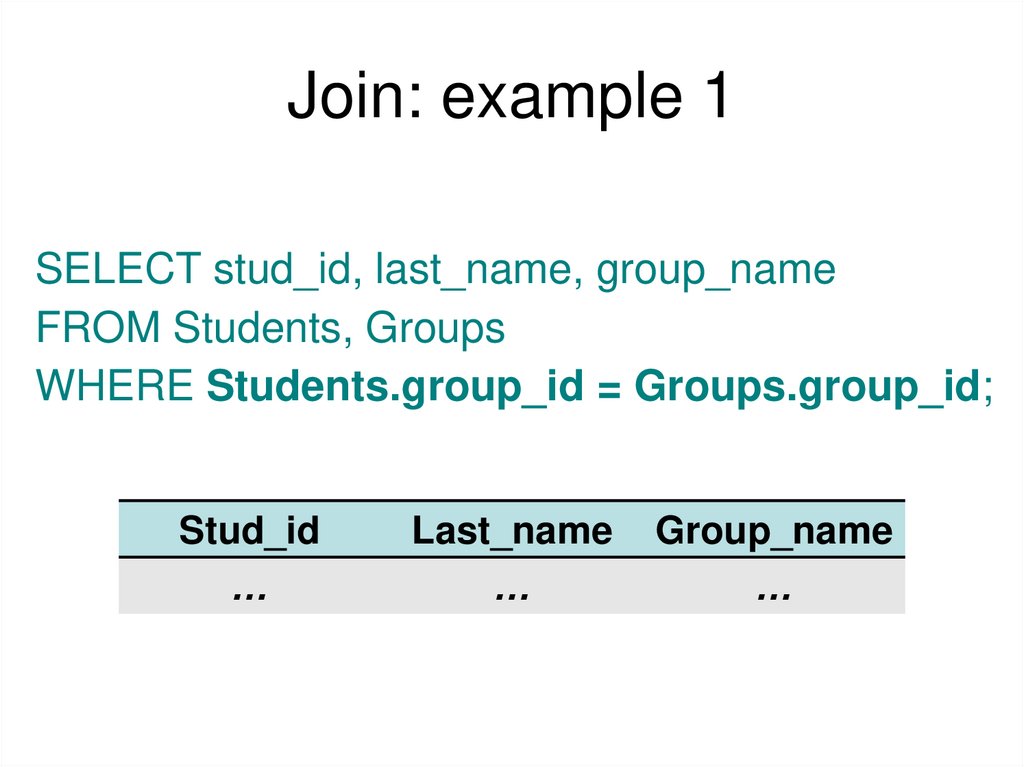
SELECT stud_id, last_name, group_nameFROM Students, Groups
WHERE Students.group_id = Groups.group_id;
Stud_id
…
Last_name
…
Group_name
…
5. table.column format
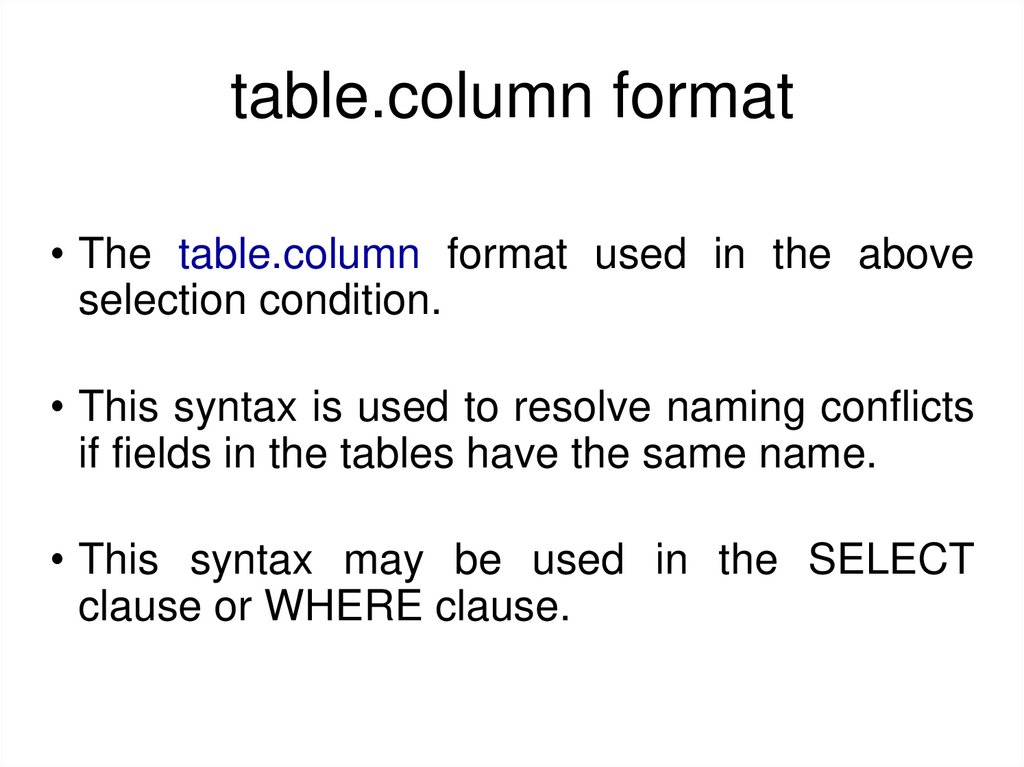
• The table.column format used in the aboveselection condition.
• This syntax is used to resolve naming conflicts
if fields in the tables have the same name.
• This syntax may be used in the SELECT
clause or WHERE clause.
6. Join: example 2
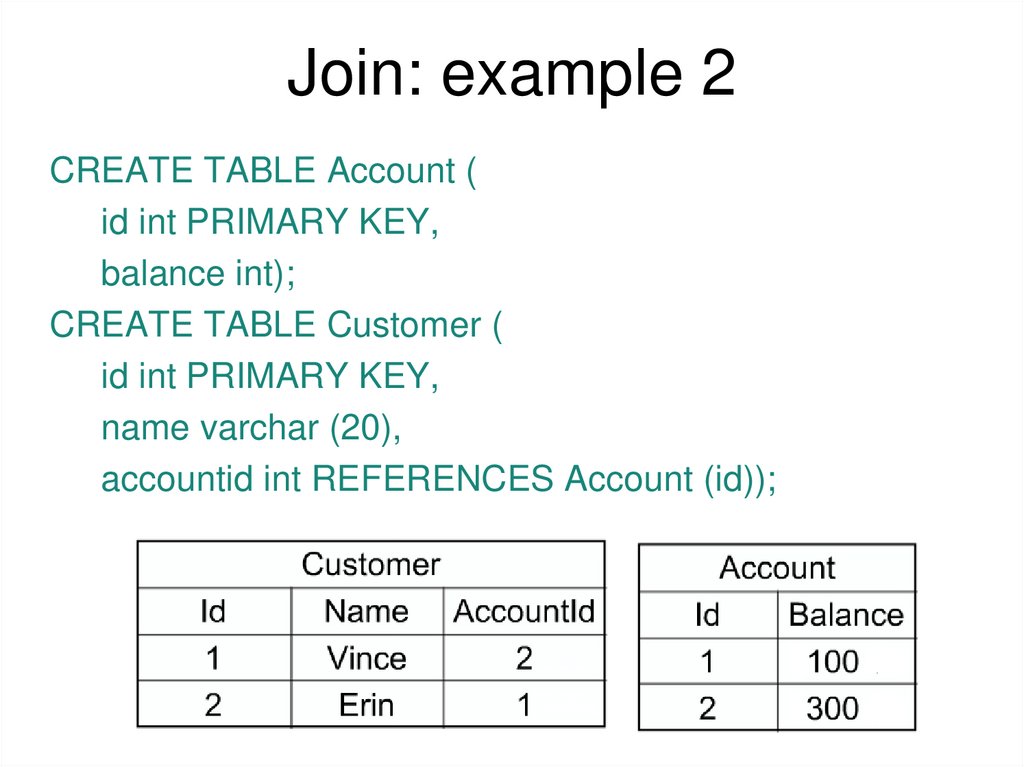
CREATE TABLE Account (id int PRIMARY KEY,
balance int);
CREATE TABLE Customer (
id int PRIMARY KEY,
name varchar (20),
accountid int REFERENCES Account (id));
7. Join: example 2
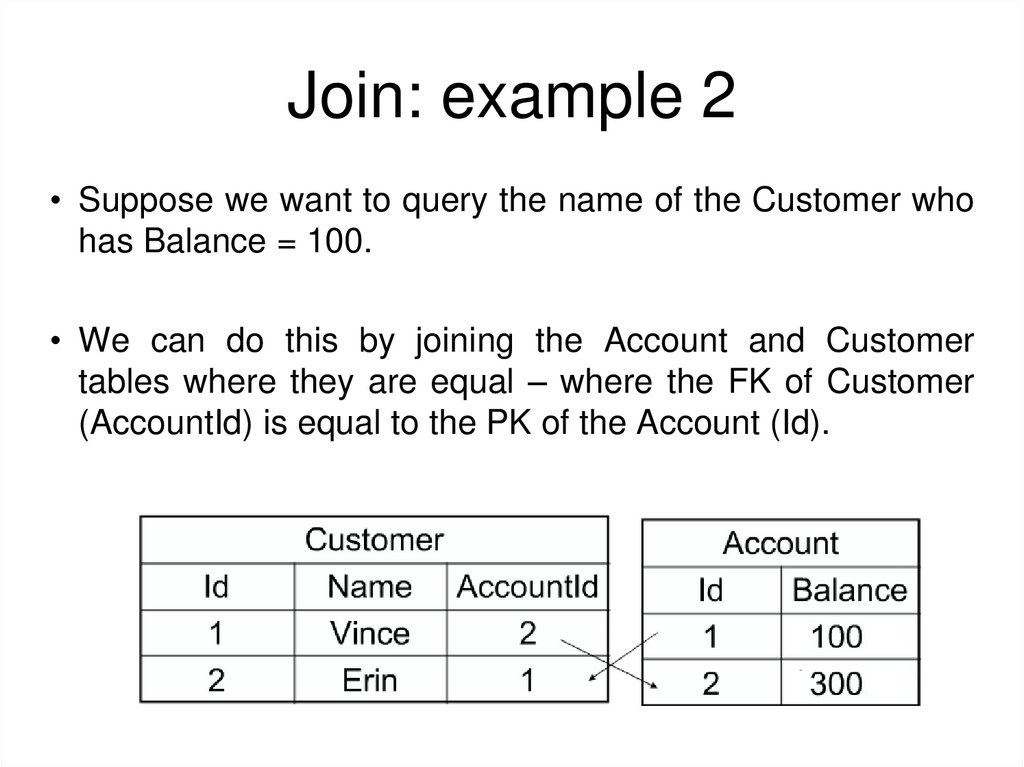
• Suppose we want to query the name of the Customer whohas Balance = 100.
• We can do this by joining the Account and Customer
tables where they are equal – where the FK of Customer
(AccountId) is equal to the PK of the Account (Id).
8. Join: example 2
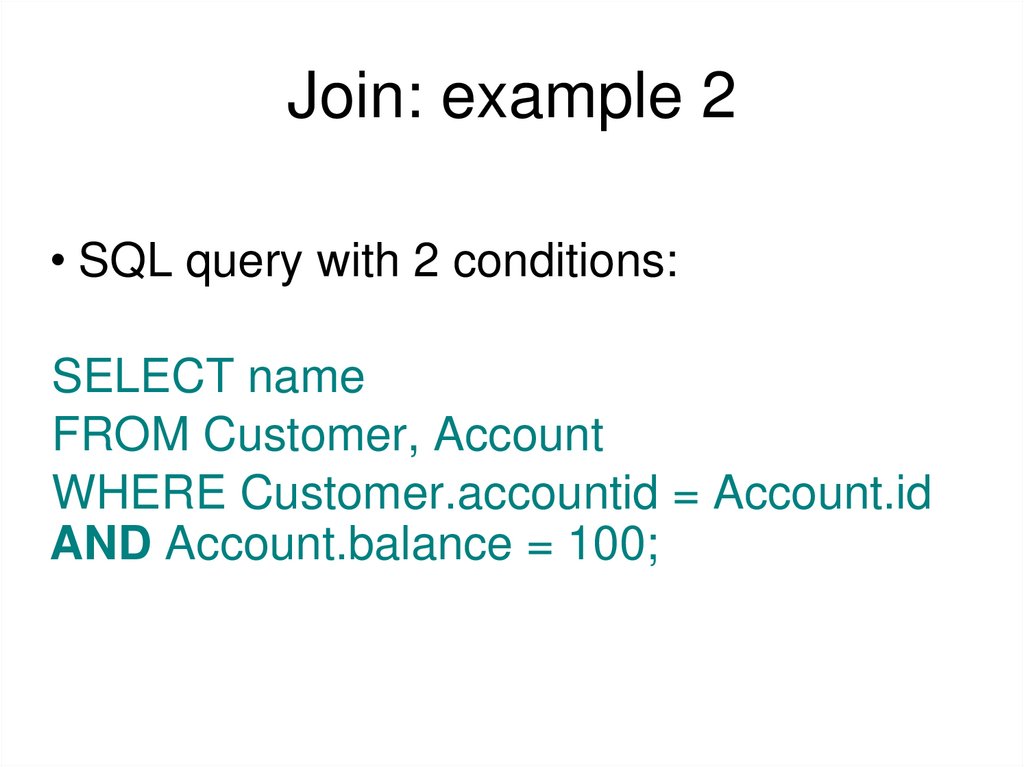
• SQL query with 2 conditions:SELECT name
FROM Customer, Account
WHERE Customer.accountid = Account.id
AND Account.balance = 100;
9. Join: example 3
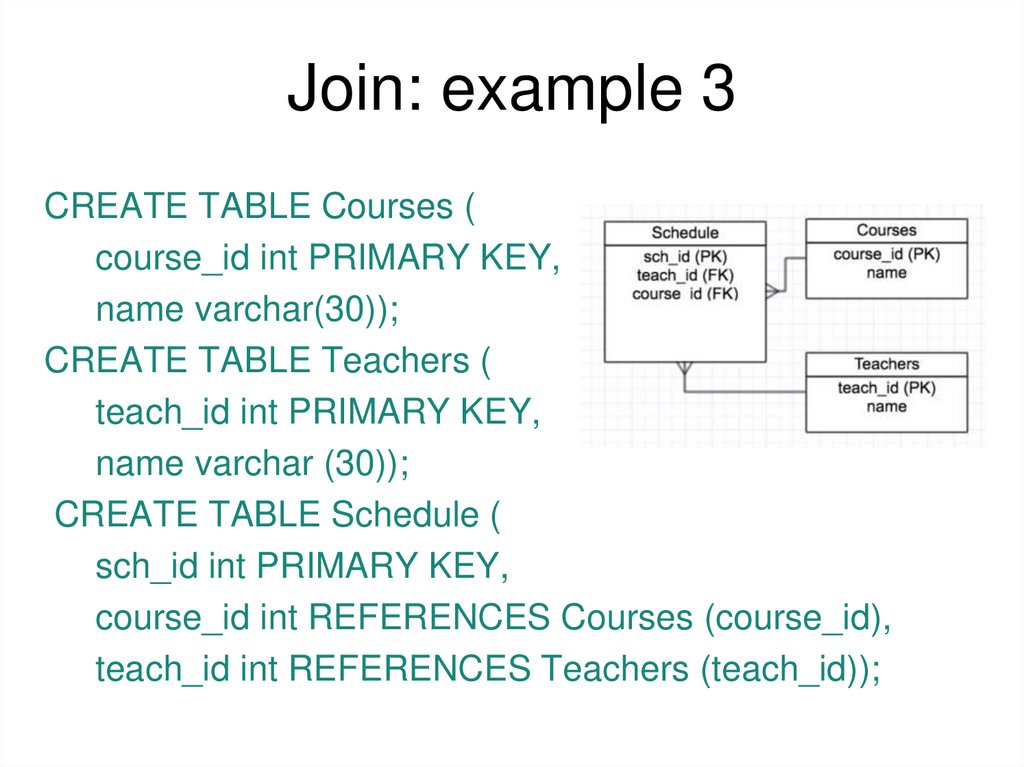
CREATE TABLE Courses (course_id int PRIMARY KEY,
name varchar(30));
CREATE TABLE Teachers (
teach_id int PRIMARY KEY,
name varchar (30));
CREATE TABLE Schedule (
sch_id int PRIMARY KEY,
course_id int REFERENCES Courses (course_id),
teach_id int REFERENCES Teachers (teach_id));
10. Join: example 3
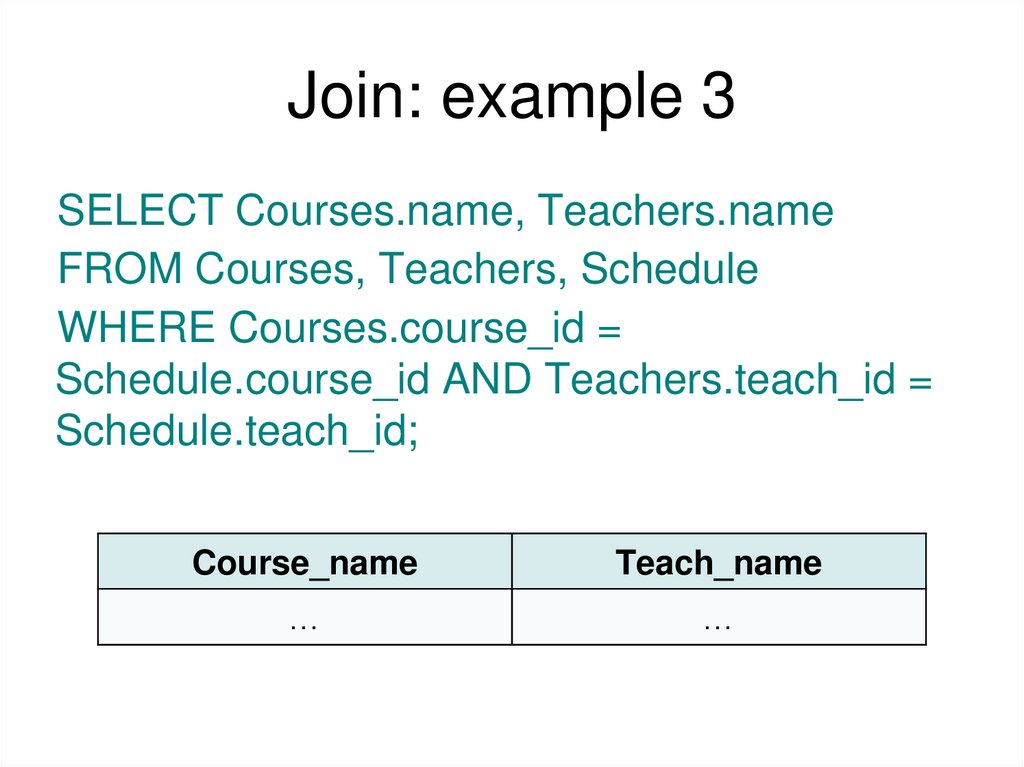
SELECT Courses.name, Teachers.nameFROM Courses, Teachers, Schedule
WHERE Courses.course_id =
Schedule.course_id AND Teachers.teach_id =
Schedule.teach_id;
Course_name
Teach_name
…
…
11. JOIN keyword
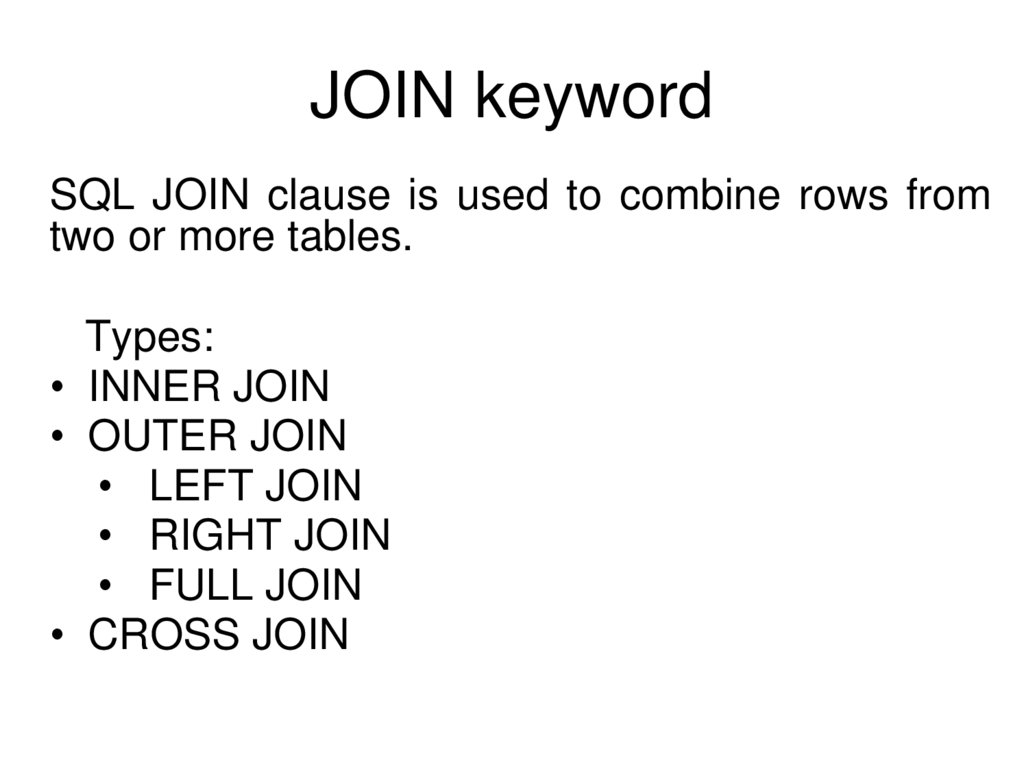
SQL JOIN clause is used to combine rows fromtwo or more tables.
Types:
• INNER JOIN
• OUTER JOIN
• LEFT JOIN
• RIGHT JOIN
• FULL JOIN
• CROSS JOIN
12. INNER JOIN
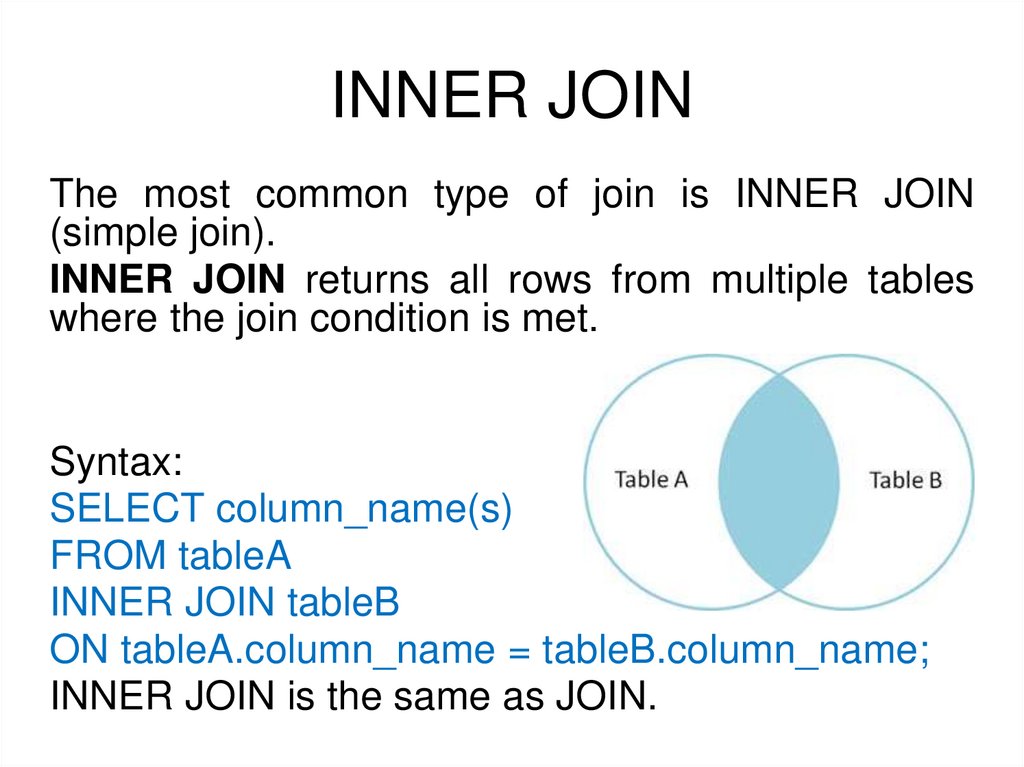
The most common type of join is INNER JOIN(simple join).
INNER JOIN returns all rows from multiple tables
where the join condition is met.
Syntax:
SELECT column_name(s)
FROM tableA
INNER JOIN tableB
ON tableA.column_name = tableB.column_name;
INNER JOIN is the same as JOIN.
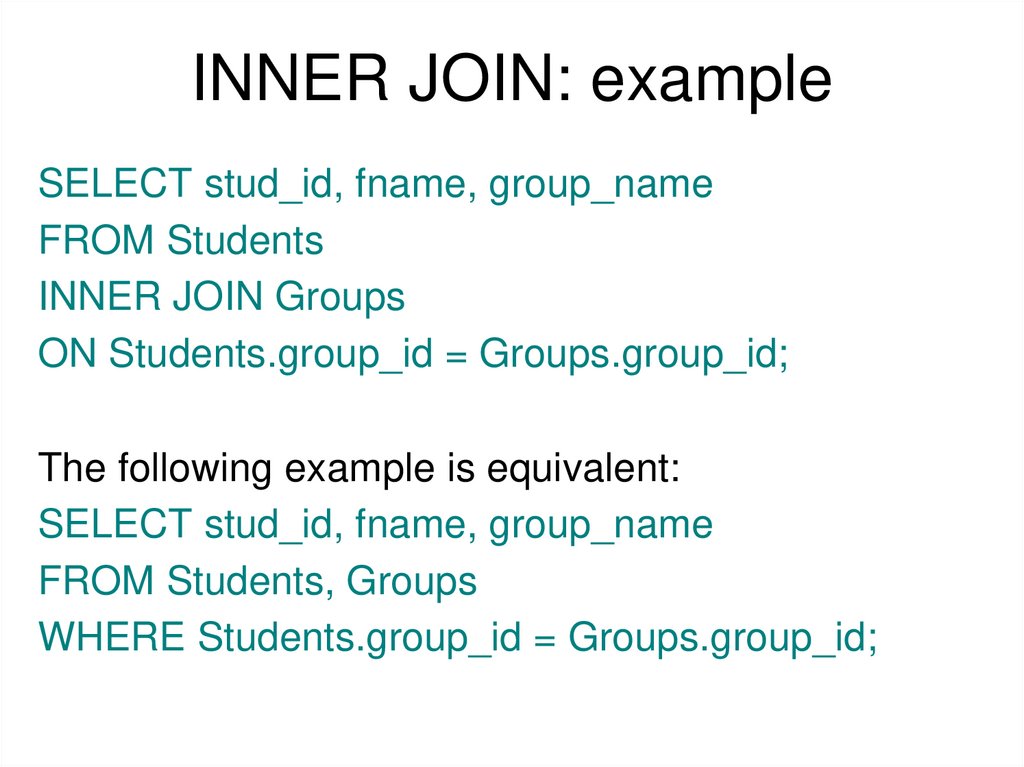
13. INNER JOIN: example
SELECT stud_id, fname, group_nameFROM Students
INNER JOIN Groups
ON Students.group_id = Groups.group_id;
The following example is equivalent:
SELECT stud_id, fname, group_name
FROM Students, Groups
WHERE Students.group_id = Groups.group_id;
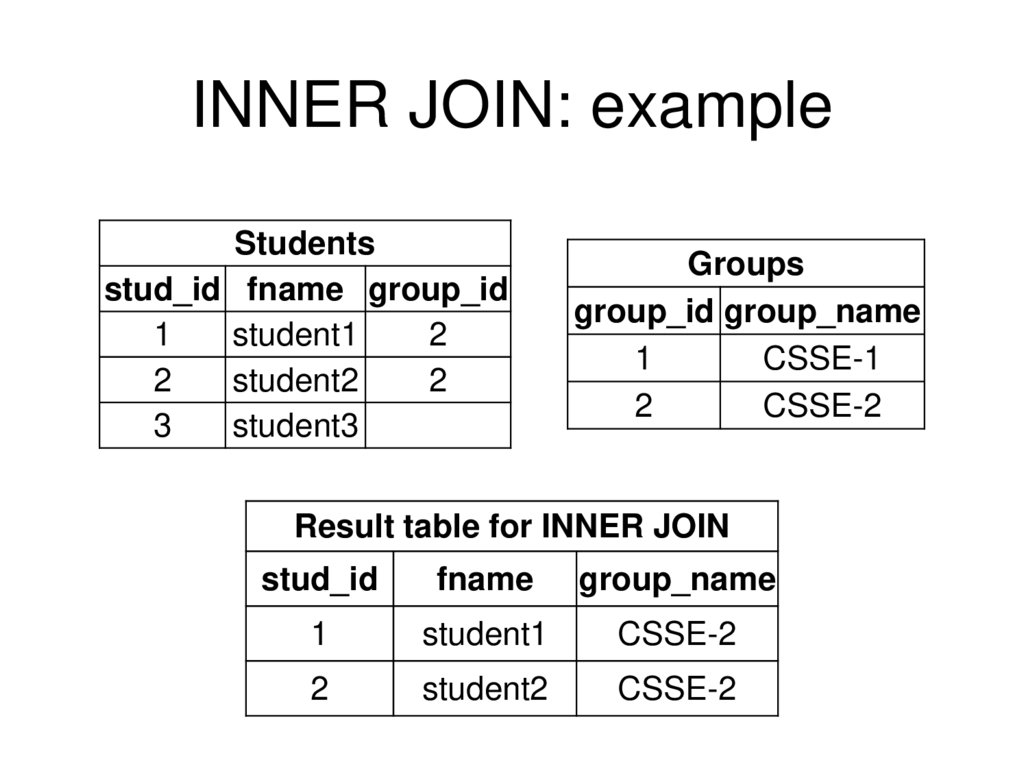
14. INNER JOIN: example
Studentsstud_id fname group_id
1
student1
2
2
student2
2
3
student3
Groups
group_id group_name
1
CSSE-1
2
CSSE-2
Result table for INNER JOIN
stud_id
fname
group_name
1
student1
CSSE-2
2
student2
CSSE-2
15. LEFT JOIN
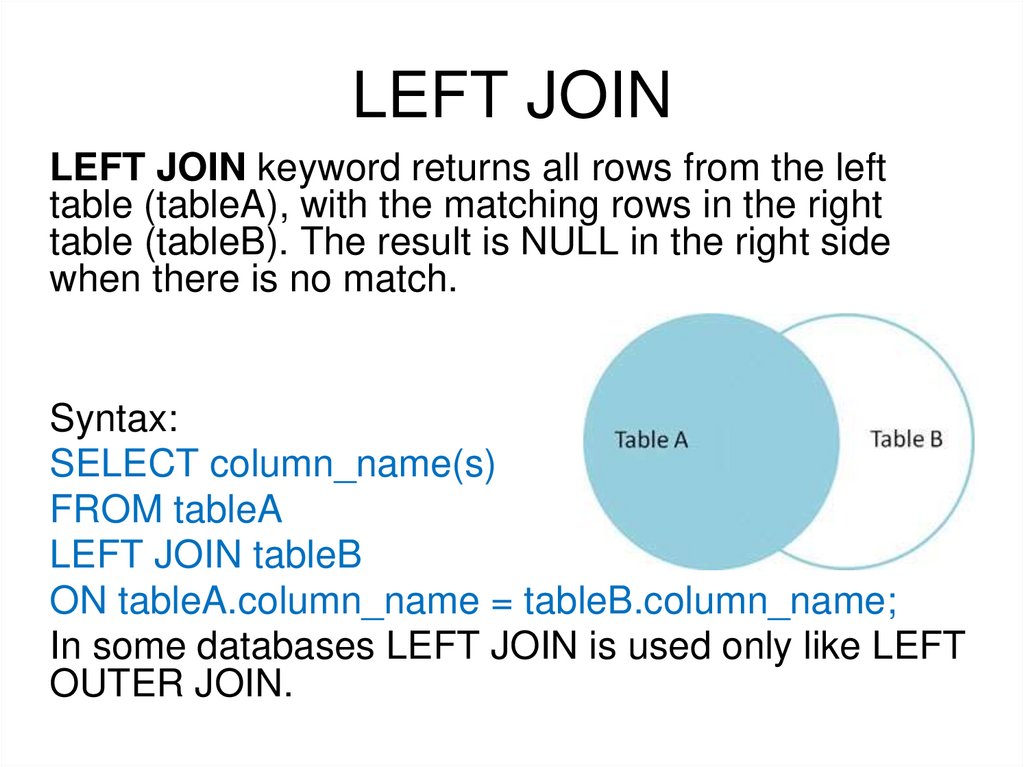
LEFT JOIN keyword returns all rows from the lefttable (tableA), with the matching rows in the right
table (tableB). The result is NULL in the right side
when there is no match.
Syntax:
SELECT column_name(s)
FROM tableA
LEFT JOIN tableB
ON tableA.column_name = tableB.column_name;
In some databases LEFT JOIN is used only like LEFT
OUTER JOIN.
16. LEFT JOIN: example
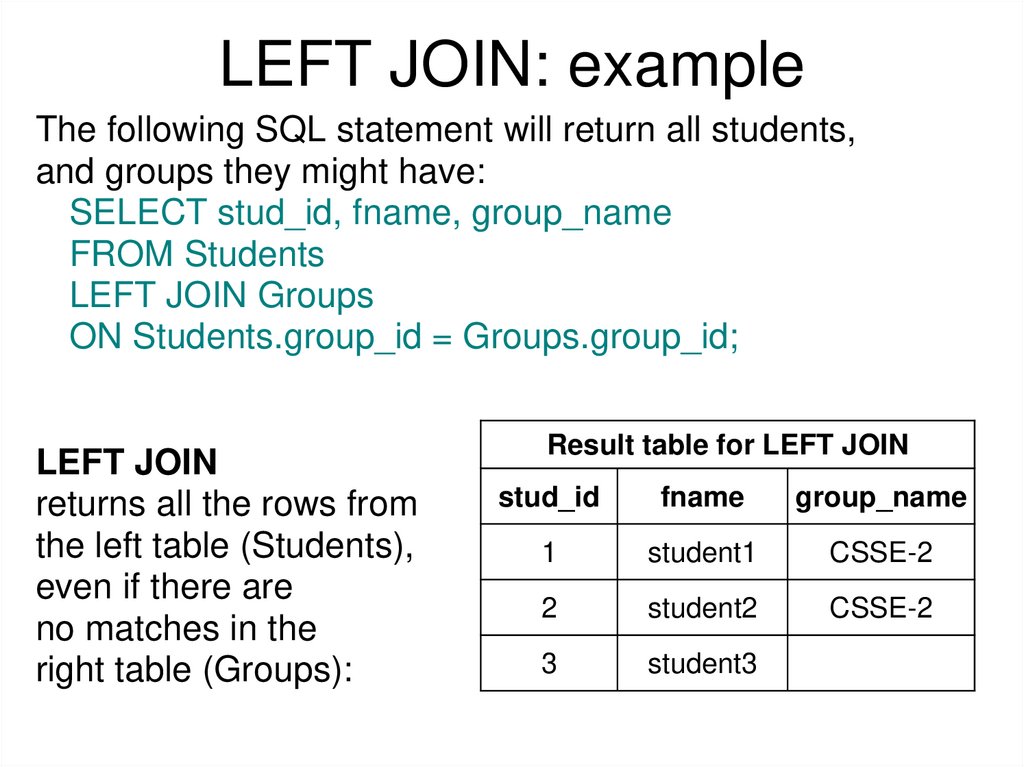
The following SQL statement will return all students,and groups they might have:
SELECT stud_id, fname, group_name
FROM Students
LEFT JOIN Groups
ON Students.group_id = Groups.group_id;
LEFT JOIN
returns all the rows from
the left table (Students),
even if there are
no matches in the
right table (Groups):
Result table for LEFT JOIN
stud_id
fname
group_name
1
student1
CSSE-2
2
student2
CSSE-2
3
student3
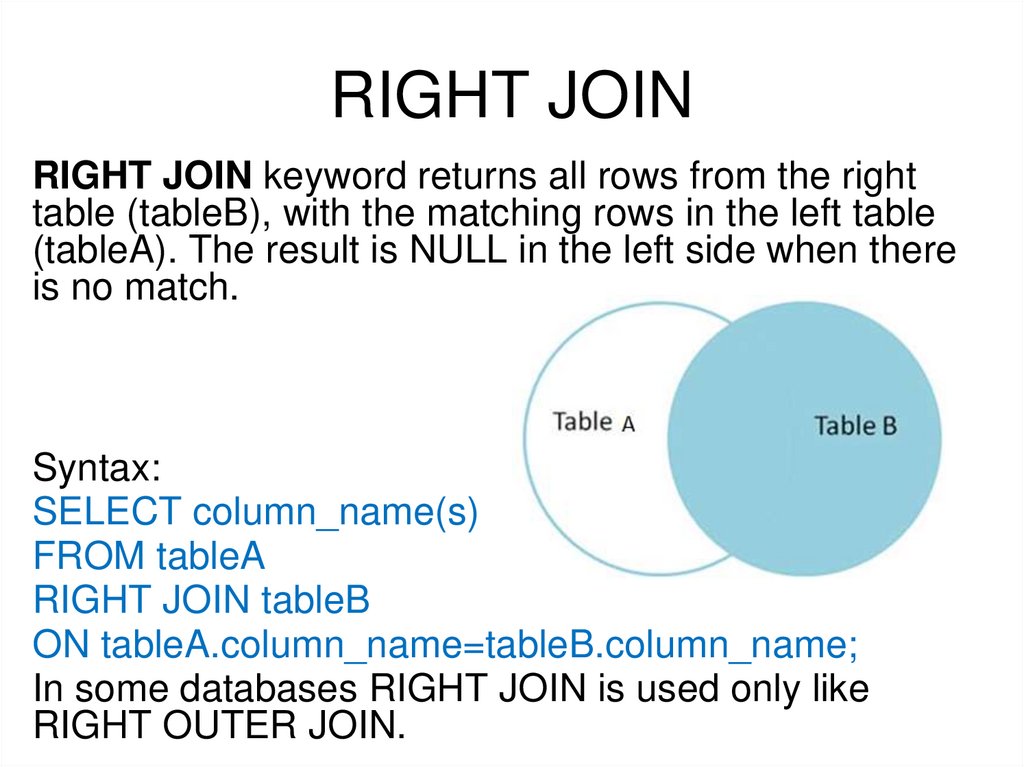
17. RIGHT JOIN
RIGHT JOIN keyword returns all rows from the righttable (tableB), with the matching rows in the left table
(tableA). The result is NULL in the left side when there
is no match.
Syntax:
SELECT column_name(s)
FROM tableA
RIGHT JOIN tableB
ON tableA.column_name=tableB.column_name;
In some databases RIGHT JOIN is used only like
RIGHT OUTER JOIN.
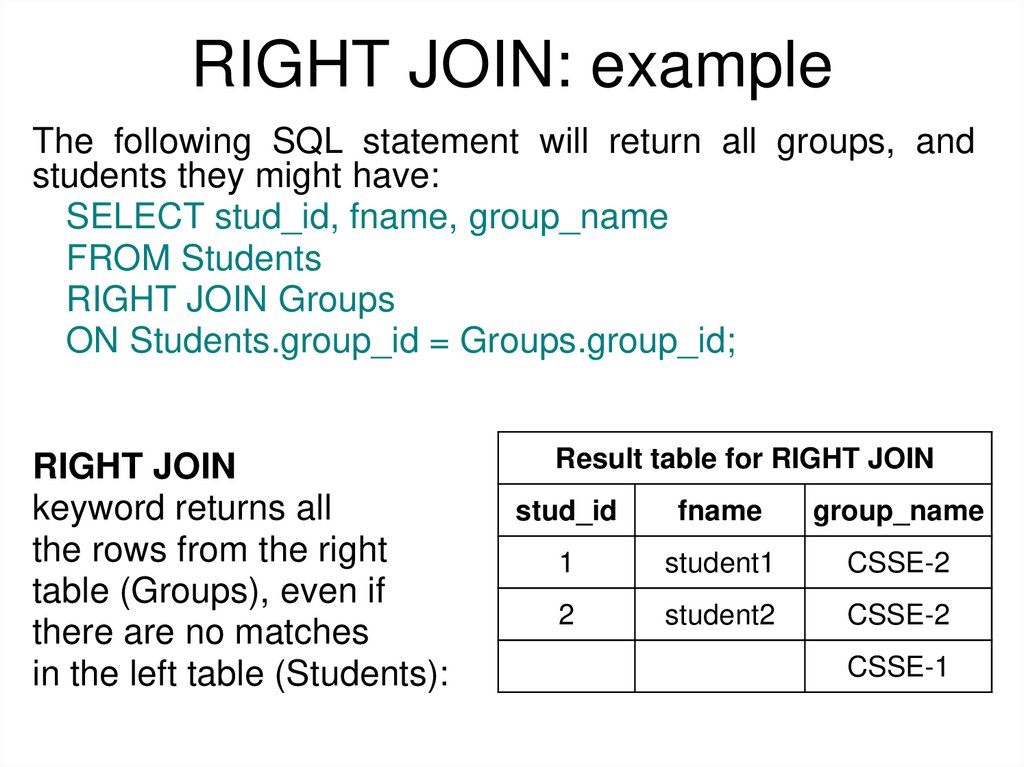
18. RIGHT JOIN: example
The following SQL statement will return all groups, andstudents they might have:
SELECT stud_id, fname, group_name
FROM Students
RIGHT JOIN Groups
ON Students.group_id = Groups.group_id;
RIGHT JOIN
keyword returns all
the rows from the right
table (Groups), even if
there are no matches
in the left table (Students):
Result table for RIGHT JOIN
stud_id
fname
group_name
1
student1
CSSE-2
2
student2
CSSE-2
CSSE-1
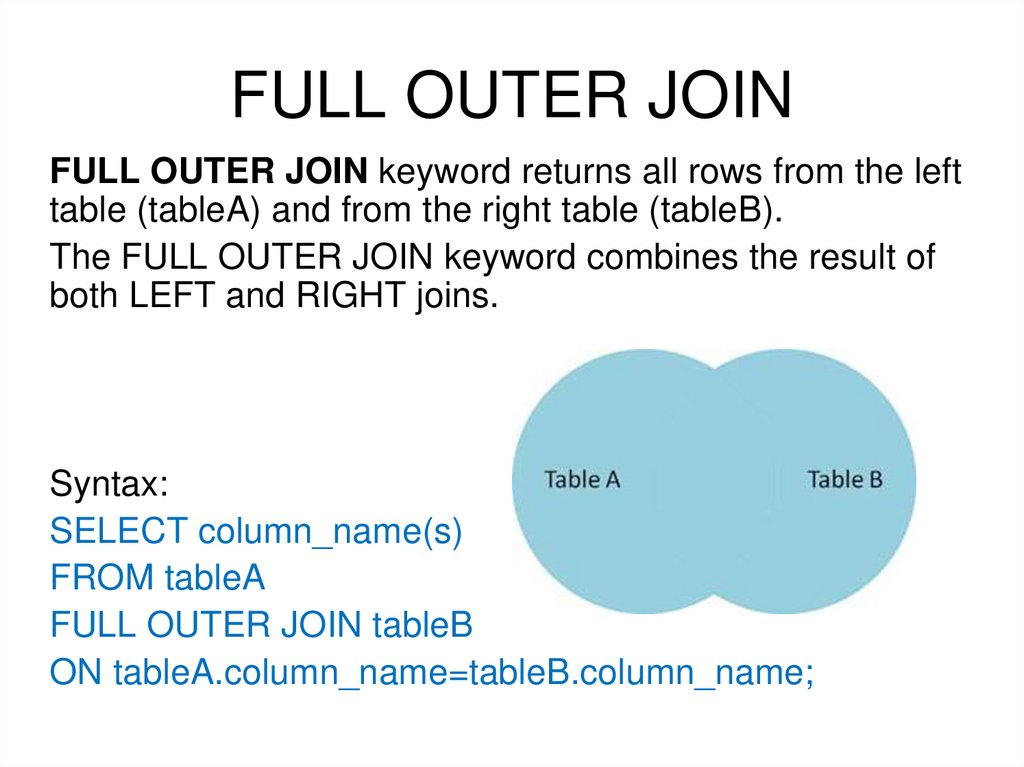
19. FULL OUTER JOIN
FULL OUTER JOIN keyword returns all rows from the lefttable (tableA) and from the right table (tableB).
The FULL OUTER JOIN keyword combines the result of
both LEFT and RIGHT joins.
Syntax:
SELECT column_name(s)
FROM tableA
FULL OUTER JOIN tableB
ON tableA.column_name=tableB.column_name;
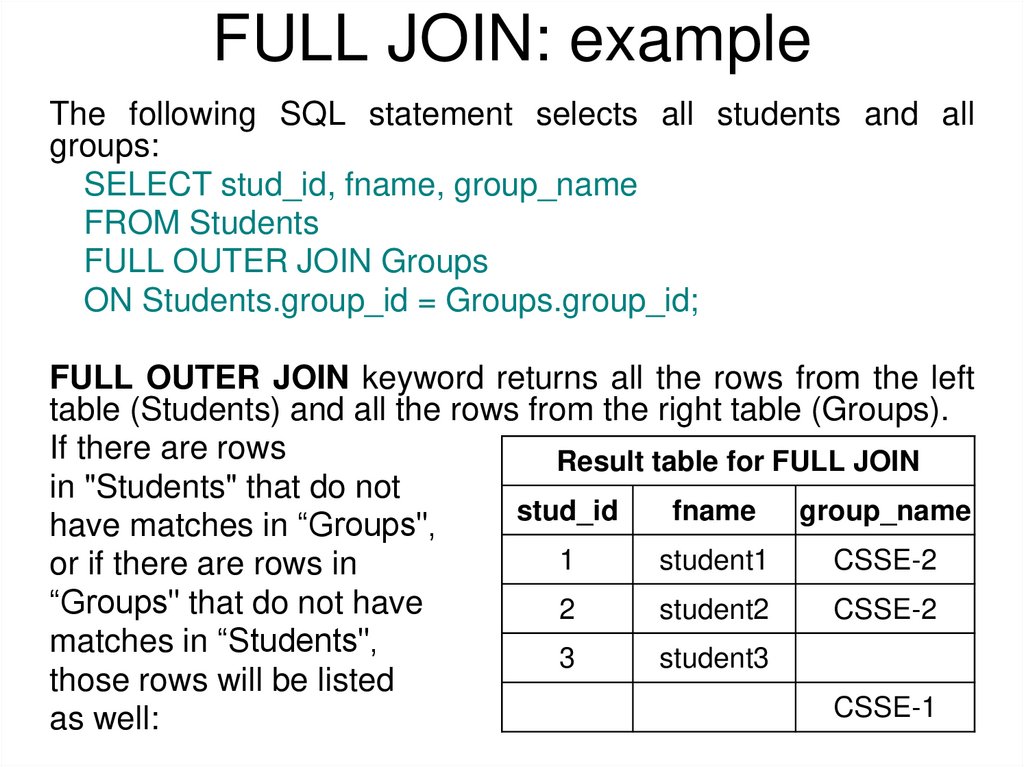
20. FULL JOIN: example
The following SQL statement selects all students and allgroups:
SELECT stud_id, fname, group_name
FROM Students
FULL OUTER JOIN Groups
ON Students.group_id = Groups.group_id;
FULL OUTER JOIN keyword returns all the rows from the left
table (Students) and all the rows from the right table (Groups).
If there are rows
Result table for FULL JOIN
in "Students" that do not
stud_id
fname
group_name
have matches in “Groups",
1
student1
CSSE-2
or if there are rows in
“Groups" that do not have
2
student2
CSSE-2
matches in “Students",
3
student3
those rows will be listed
CSSE-1
as well:
21. CROSS JOIN
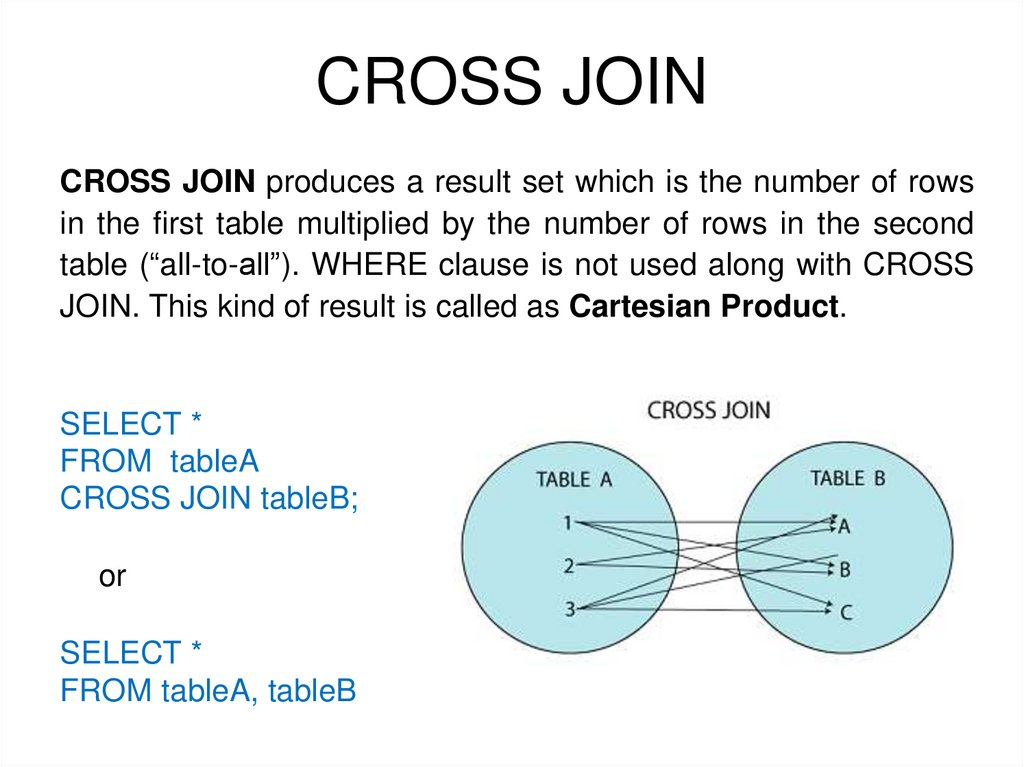
CROSS JOIN produces a result set which is the number of rowsin the first table multiplied by the number of rows in the second
table (“all-to-all”). WHERE clause is not used along with CROSS
JOIN. This kind of result is called as Cartesian Product.
SELECT *
FROM tableA
CROSS JOIN tableB;
or
SELECT *
FROM tableA, tableB
22. CROSS JOIN: example
SELECT *FROM Students
CROSS JOIN Groups;
or
SELECT *
FROM Students, Groups;
23. CROSS JOIN: example
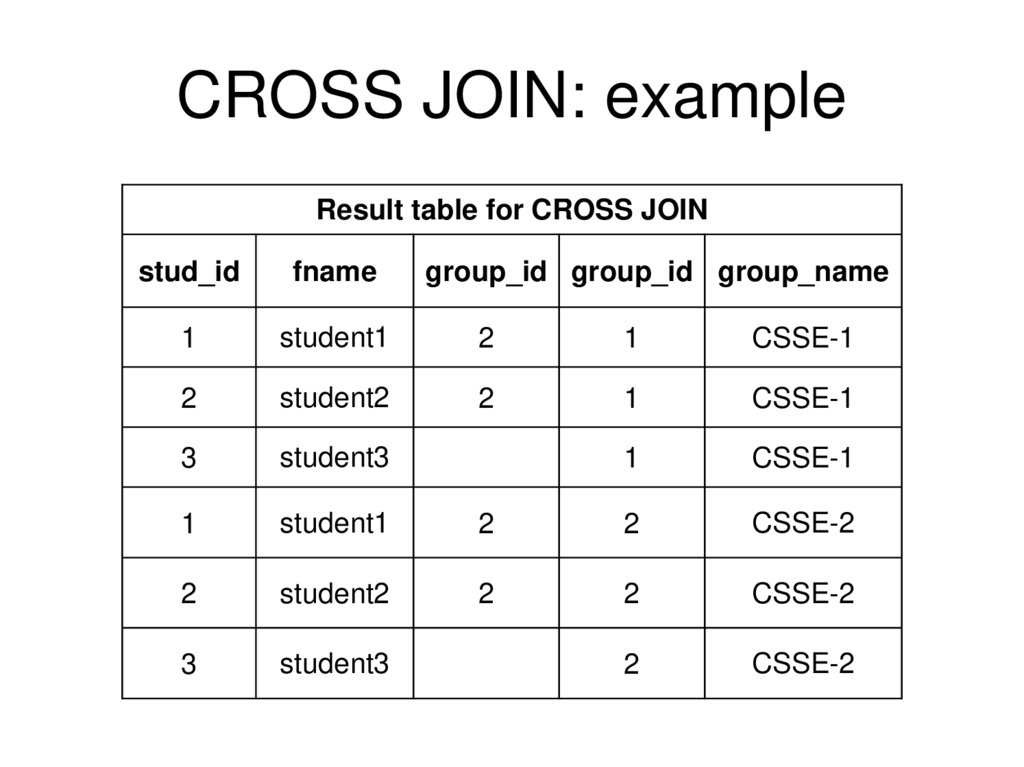
Result table for CROSS JOINstud_id
fname
group_id group_id group_name
1
student1
2
1
CSSE-1
2
student2
2
1
CSSE-1
3
student3
1
CSSE-1
1
student1
2
2
CSSE-2
2
student2
2
2
CSSE-2
3
student3
2
CSSE-2
24. Going back to join example 1
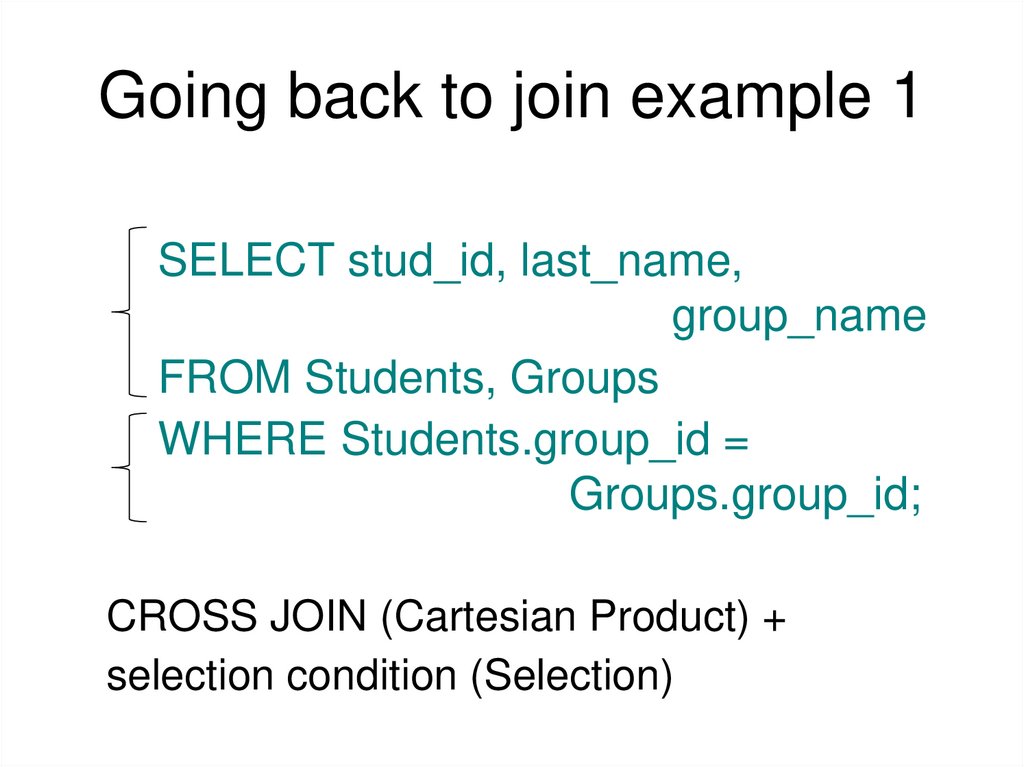
SELECT stud_id, last_name,group_name
FROM Students, Groups
WHERE Students.group_id =
Groups.group_id;
CROSS JOIN (Cartesian Product) +
selection condition (Selection)
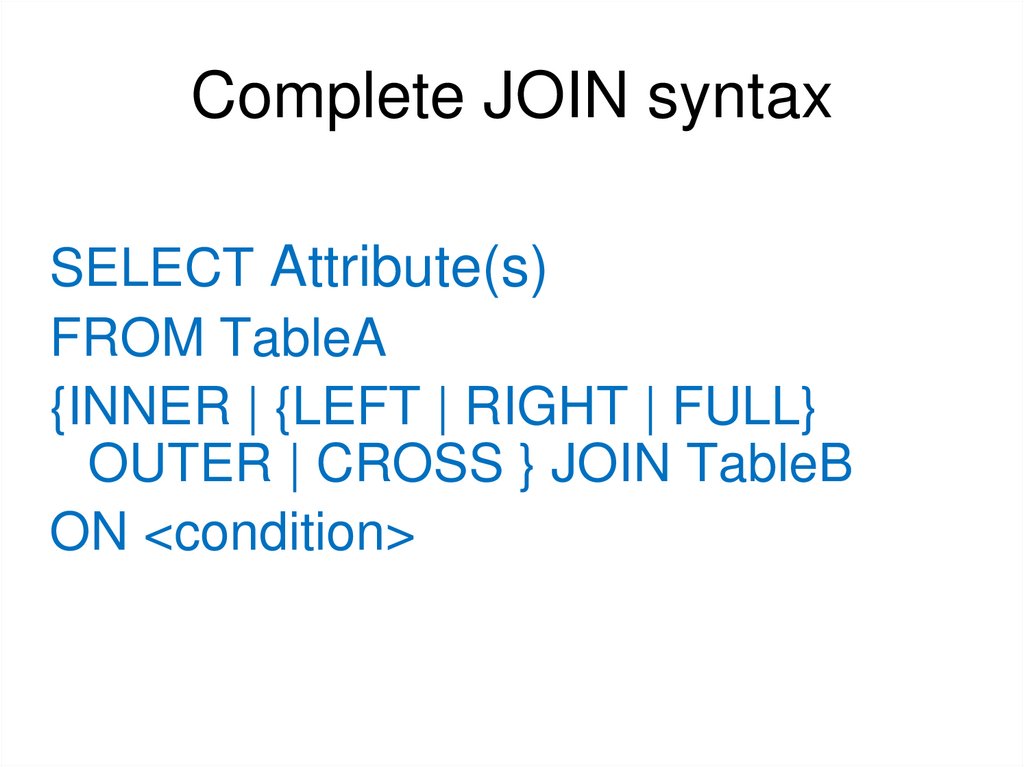
25. Complete JOIN syntax
SELECT Attribute(s)FROM TableA
{INNER | {LEFT | RIGHT | FULL}
OUTER | CROSS } JOIN TableB
ON <condition>
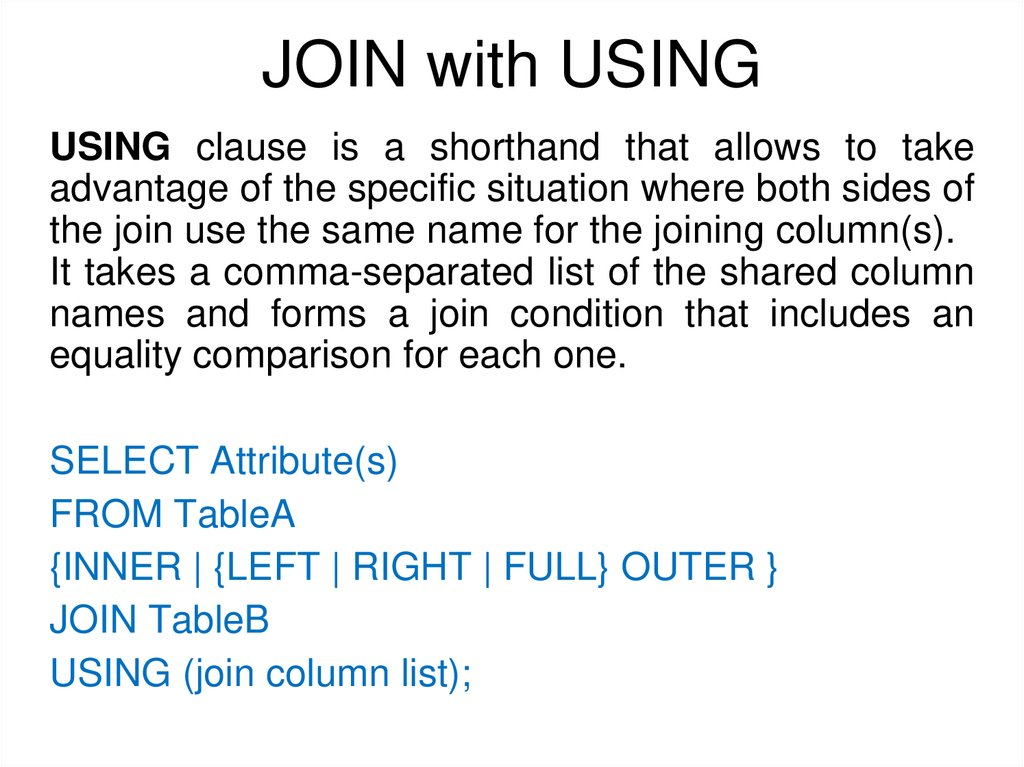
26. JOIN with USING
USING clause is a shorthand that allows to takeadvantage of the specific situation where both sides of
the join use the same name for the joining column(s).
It takes a comma-separated list of the shared column
names and forms a join condition that includes an
equality comparison for each one.
SELECT Attribute(s)
FROM TableA
{INNER | {LEFT | RIGHT | FULL} OUTER }
JOIN TableB
USING (join column list);
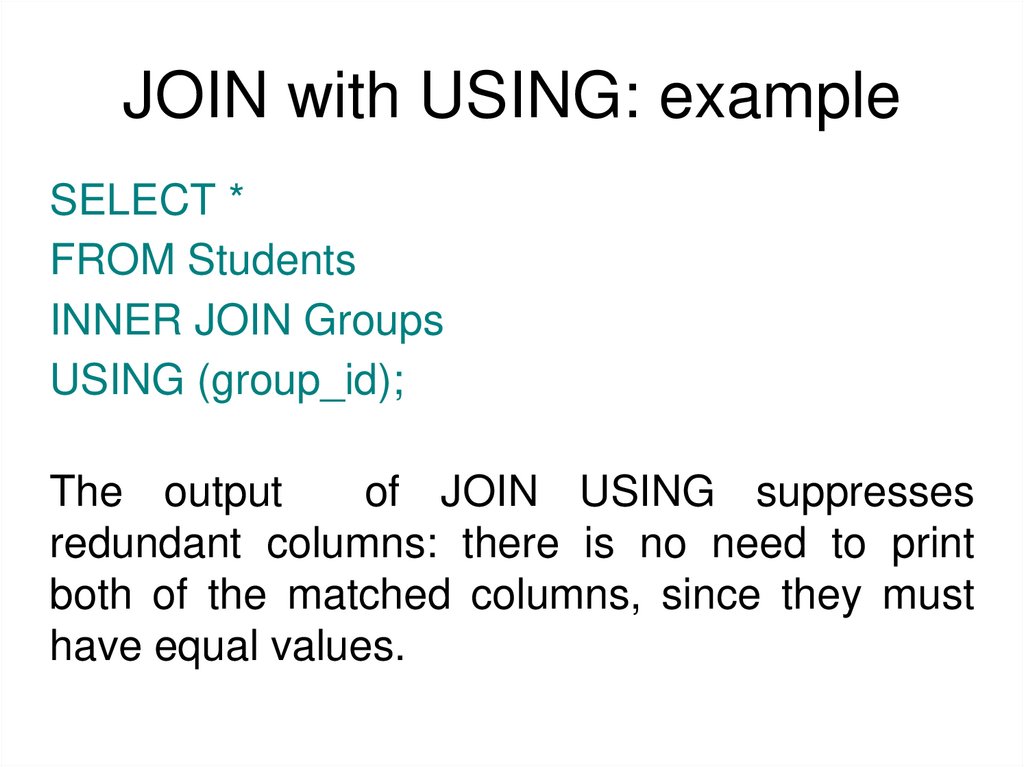
27. JOIN with USING: example
SELECT *FROM Students
INNER JOIN Groups
USING (group_id);
The output
of JOIN USING suppresses
redundant columns: there is no need to print
both of the matched columns, since they must
have equal values.
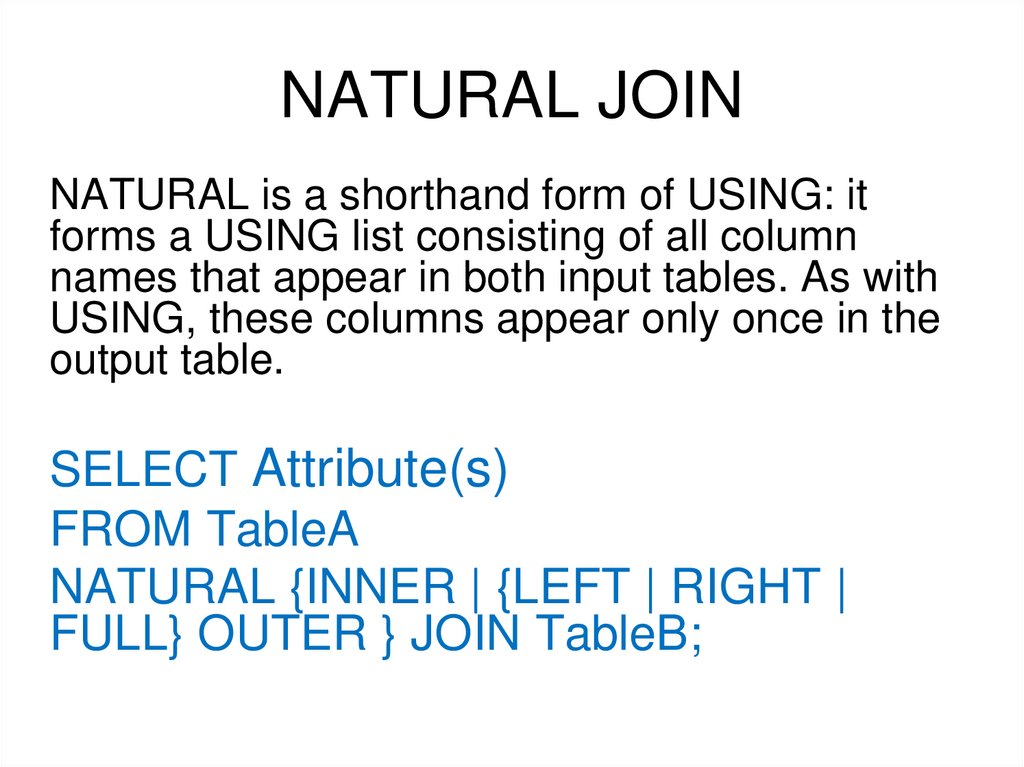
28. NATURAL JOIN
NATURAL is a shorthand form of USING: itforms a USING list consisting of all column
names that appear in both input tables. As with
USING, these columns appear only once in the
output table.
SELECT Attribute(s)
FROM TableA
NATURAL {INNER | {LEFT | RIGHT |
FULL} OUTER } JOIN TableB;
29. NATURAL JOIN: example
SELECT *FROM Students
NATURAL INNER JOIN Groups;
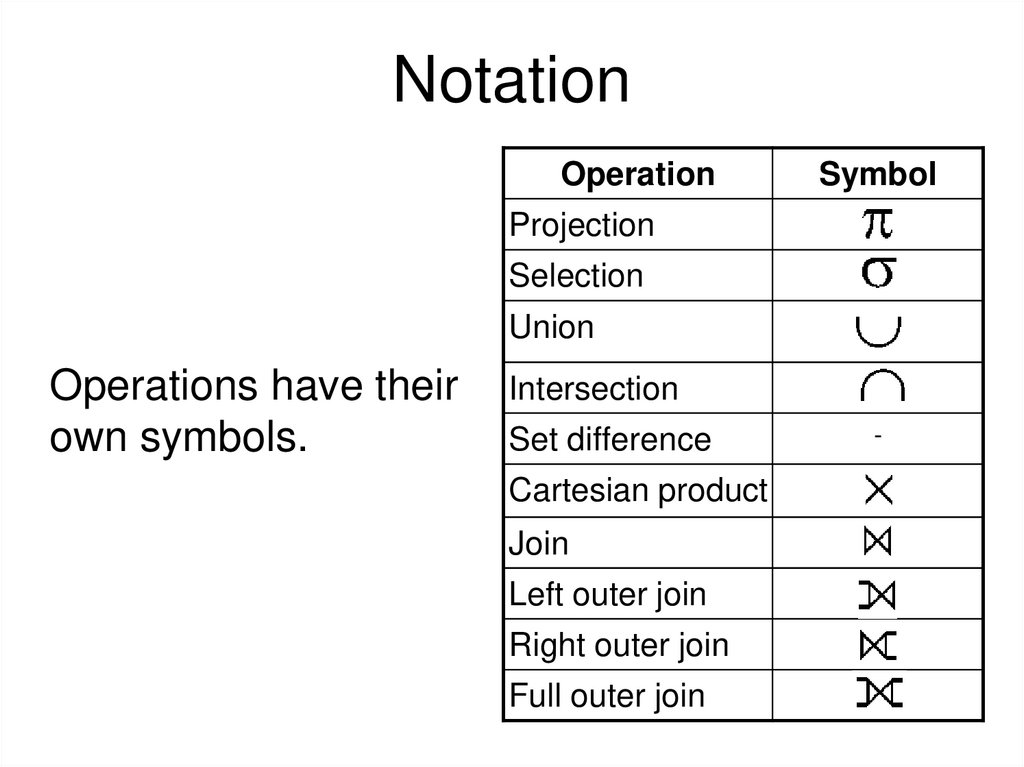
30. Notation
OperationSymbol
Projection
Selection
Union
Operations have their
own symbols.
Intersection
Set difference
Cartesian product
Join
Left outer join
Right outer join
Full outer join
-
31. Books
• Connolly, Thomas M. Database Systems: A Practical Approachto Design, Implementation, and Management / Thomas M.
Connolly, Carolyn E. Begg.- United States of America: Pearson
Education
• Garcia-Molina, H. Database system: The Complete Book /
Hector Garcia-Molina.- United States of America: Pearson
Prentice Hall
• Sharma, N. Database Fundamentals: A book for the community
by the community / Neeraj Sharma, Liviu Perniu.- Canada
• www.postgresql.org/docs/manuals/