 Электроника
Похожие презентации:






Week 1: installing virtual machine for oracle virtualbox
1.
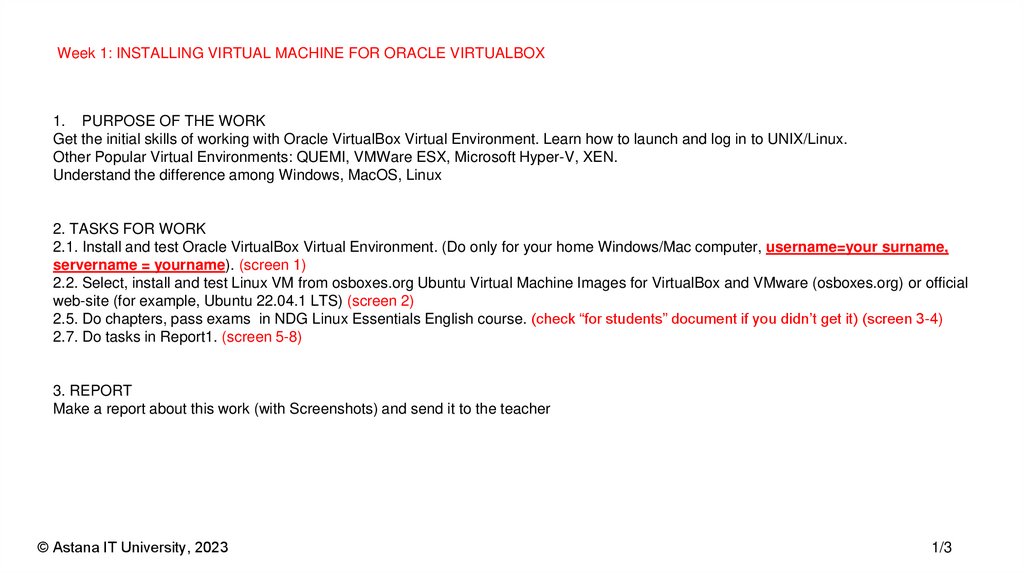
Week 1: INSTALLING VIRTUAL MACHINE FOR ORACLE VIRTUALBOX1. PURPOSE OF THE WORK
Get the initial skills of working with Oracle VirtualBox Virtual Environment. Learn how to launch and log in to UNIX/Linux.
Other Popular Virtual Environments: QUEMI, VMWare ESX, Microsoft Hyper-V, XEN.
Understand the difference among Windows, MacOS, Linux
2. TASKS FOR WORK
2.1. Install and test Oracle VirtualBox Virtual Environment. (Do only for your home Windows/Mac computer, username=your surname,
servername = yourname). (screen 1)
2.2. Select, install and test Linux VM from osboxes.org Ubuntu Virtual Machine Images for VirtualBox and VMware (osboxes.org) or official
web-site (for example, Ubuntu 22.04.1 LTS) (screen 2)
2.5. Do chapters, pass exams in NDG Linux Essentials English course. (check “for students” document if you didn’t get it) (screen 3-4)
2.7. Do tasks in Report1. (screen 5-8)
3. REPORT
Make a report about this work (with Screenshots) and send it to the teacher
© Astana IT University, 2023
1/3
2.
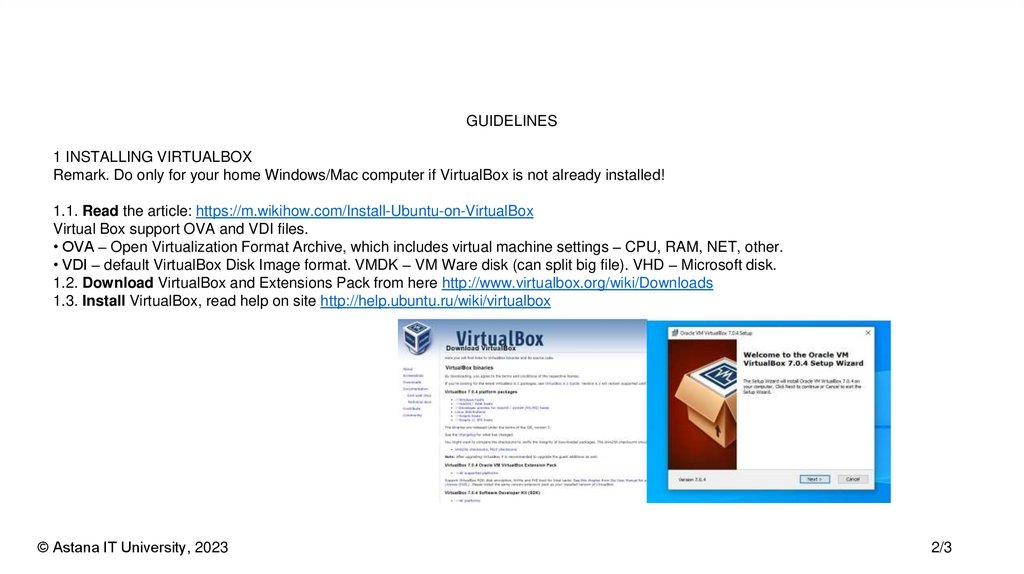
GUIDELINES1 INSTALLING VIRTUALBOX
Remark. Do only for your home Windows/Mac computer if VirtualBox is not already installed!
1.1. Read the article: https://m.wikihow.com/Install-Ubuntu-on-VirtualBox
Virtual Box support OVA and VDI files.
• OVA – Open Virtualization Format Archive, which includes virtual machine settings – CPU, RAM, NET, other.
• VDI – default VirtualBox Disk Image format. VMDK – VM Ware disk (can split big file). VHD – Microsoft disk.
1.2. Download VirtualBox and Extensions Pack from here http://www.virtualbox.org/wiki/Downloads
1.3. Install VirtualBox, read help on site http://help.ubuntu.ru/wiki/virtualbox
© Astana IT University, 2023
2/3
3.
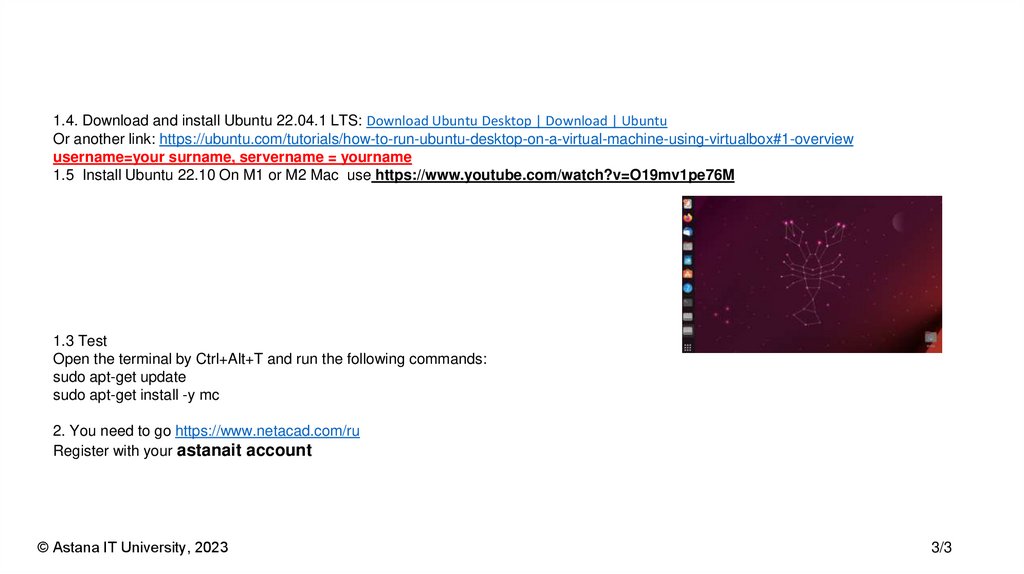
1.4. Download and install Ubuntu 22.04.1 LTS: Download Ubuntu Desktop | Download | UbuntuOr another link: https://ubuntu.com/tutorials/how-to-run-ubuntu-desktop-on-a-virtual-machine-using-virtualbox#1-overview
username=your surname, servername = yourname
1.5 Install Ubuntu 22.10 On M1 or M2 Mac use https://www.youtube.com/watch?v=O19mv1pe76M
1.3 Test
Open the terminal by Ctrl+Alt+T and run the following commands:
sudo apt-get update
sudo apt-get install -y mc
2. You need to go https://www.netacad.com/ru
Register with your astanait account
© Astana IT University, 2023
3/3
4.
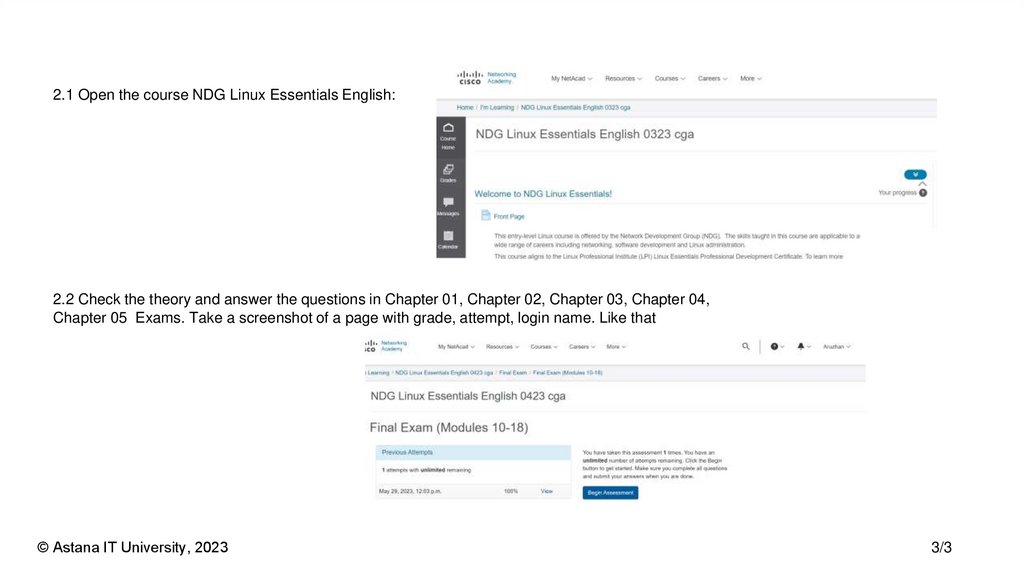
2.1 Open the course NDG Linux Essentials English:2.2 Check the theory and answer the questions in Chapter 01, Chapter 02, Chapter 03, Chapter 04,
Chapter 05 Exams. Take a screenshot of a page with grade, attempt, login name. Like that
© Astana IT University, 2023
3/3
5.
2.3 Do laboratory work 5 in the course NDG Linux Essentials English:2.4 Check the “report for assignment” document and fill it with your answers. Upload your document to the moodle. Name it like that:
Assignment1_ your NAME
© Astana IT University, 2023
3/3