 Программирование
Похожие презентации:








![C++ [ OOP ]](https://cf.ppt-online.org/files/thumb/b/bzXZmEKFkj9SVoJayThUqwL2Og3crYdivPB8eM.jpg "C++ [ OOP ]")
Lesson 2. Encapsulation and Subclassing
1. Lesson 2 Encapsulation and Subclassing
2. Objectives
After completing this lesson, you should beable to do the following:
– Use encapsulation in Java class design
– Model business problems using Java classes
– Make classes immutable
– Create and use Java subclasses
– Overload methods
– Use variable argument methods
3. Encapsulation
The term encapsulation means to enclose in acapsule, or to wrap something around an object to
cover it. In object-oriented programming,
encapsulation covers, or wraps, the internal
workings of a Java object.
– Data variables, or fields, are hidden from the user of the
object.
– Methods, the functions in Java, provide an explicit service to
the user of the object but hide the implementation.
– As long as the services do not change, the implementation
can be modified without impacting the user.
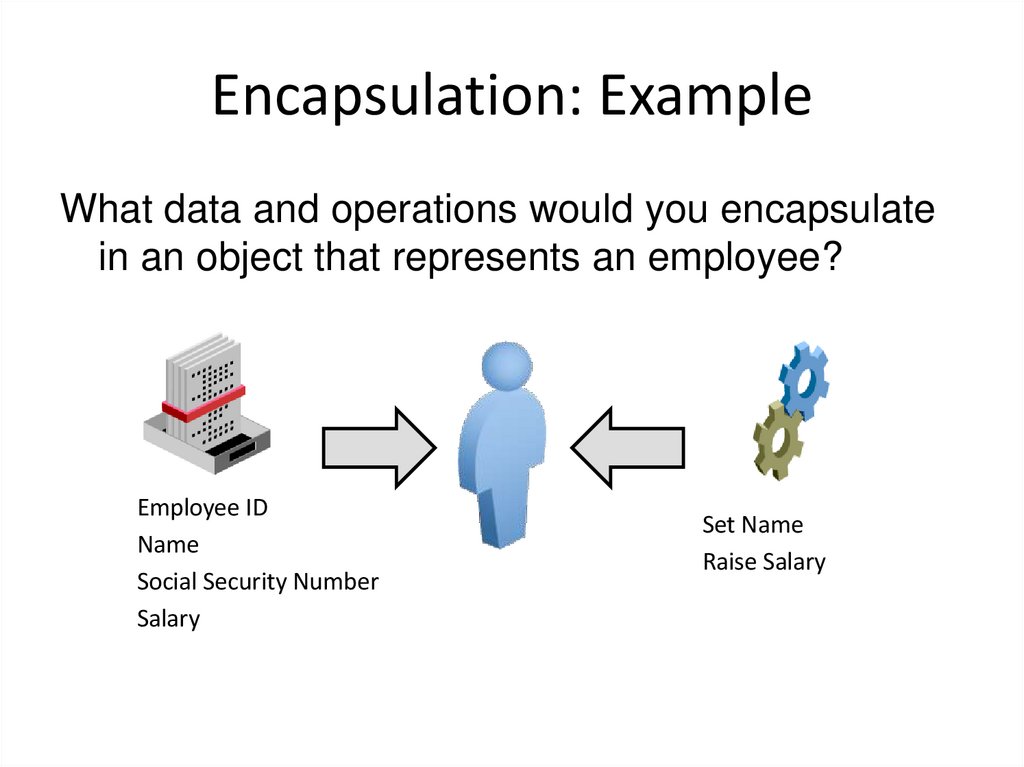
4. Encapsulation: Example
What data and operations would you encapsulatein an object that represents an employee?
Employee ID
Name
Social Security Number
Salary
Set Name
Raise Salary
5. Encapsulation: Private Data, Public Methods
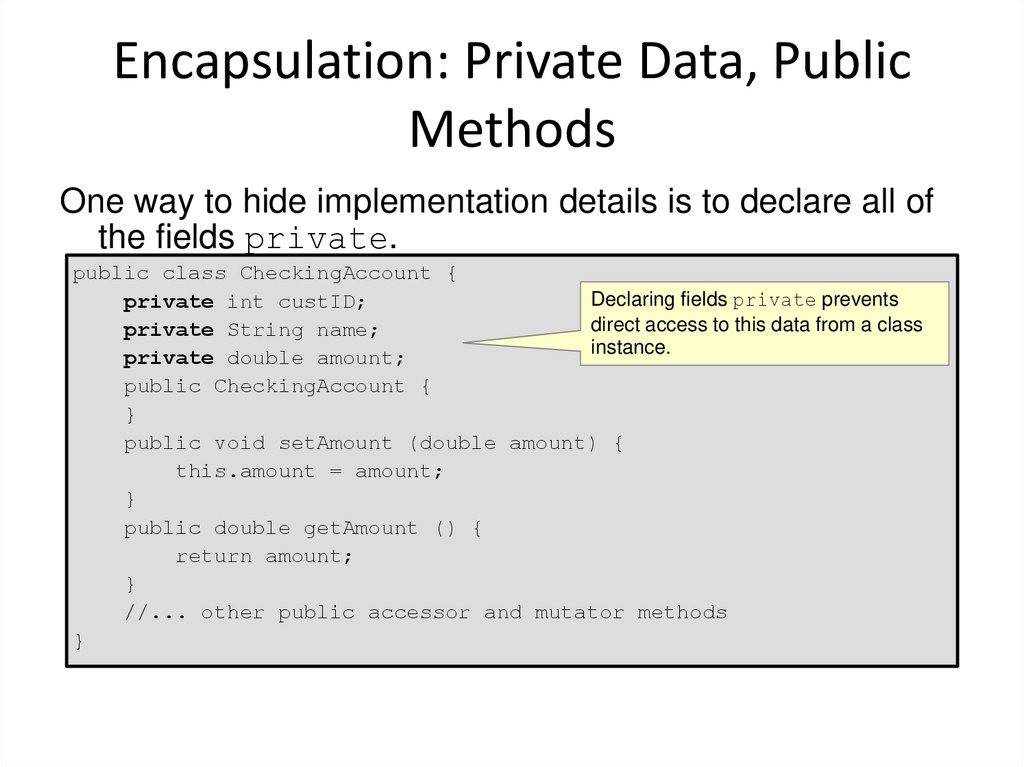
One way to hide implementation details is to declare all ofthe fields private.
public class CheckingAccount {
Declaring fields private prevents
private int custID;
direct access to this data from a class
private String name;
instance.
private double amount;
public CheckingAccount {
}
public void setAmount (double amount) {
this.amount = amount;
}
public double getAmount () {
return amount;
}
//... other public accessor and mutator methods
}
6. Public and Private Access Modifiers
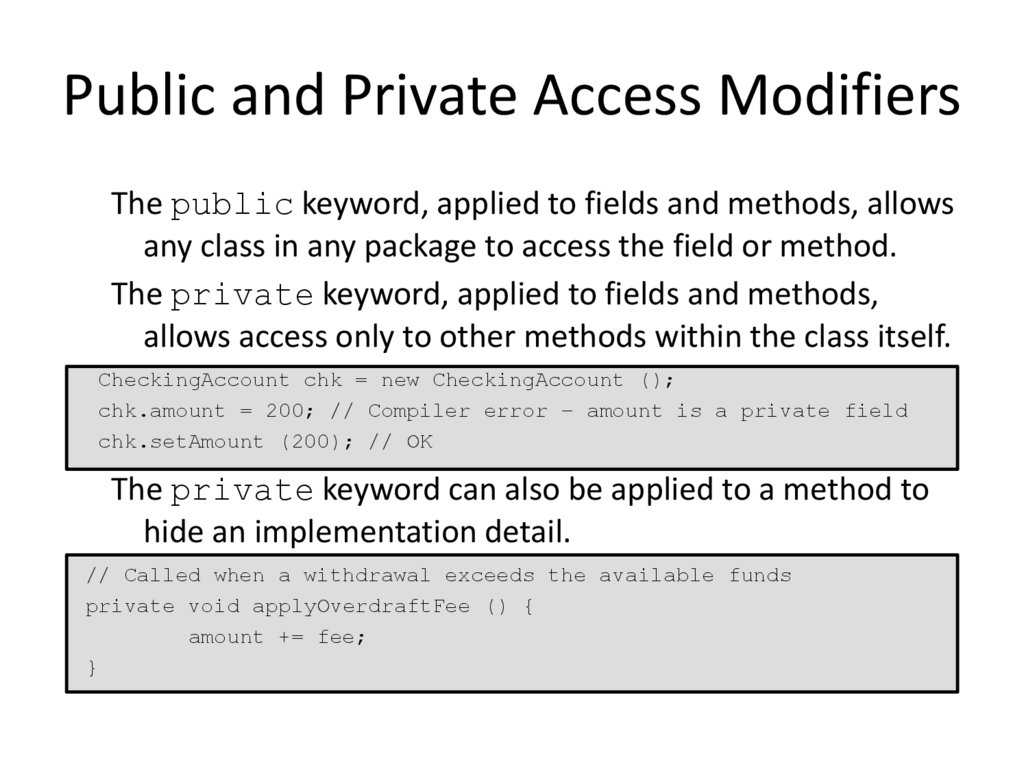
The public keyword, applied to fields and methods, allowsany class in any package to access the field or method.
The private keyword, applied to fields and methods,
allows access only to other methods within the class itself.
CheckingAccount chk = new CheckingAccount ();
chk.amount = 200; // Compiler error – amount is a private field
chk.setAmount (200); // OK
The private keyword can also be applied to a method to
hide an implementation detail.
// Called when a withdrawal exceeds the available funds
private void applyOverdraftFee () {
amount += fee;
}
7. Revisiting Employee
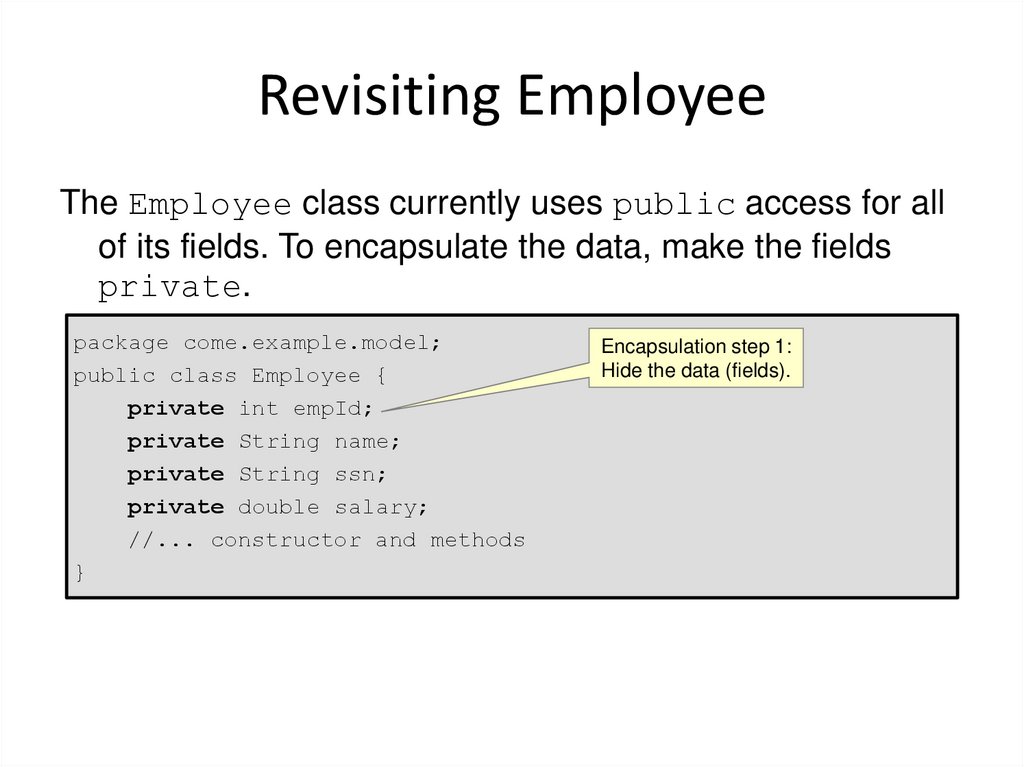
The Employee class currently uses public access for allof its fields. To encapsulate the data, make the fields
private.
package come.example.model;
public class Employee {
private int empId;
private String name;
private String ssn;
private double salary;
//... constructor and methods
}
Encapsulation step 1:
Hide the data (fields).
8. Method Naming: Best Practices
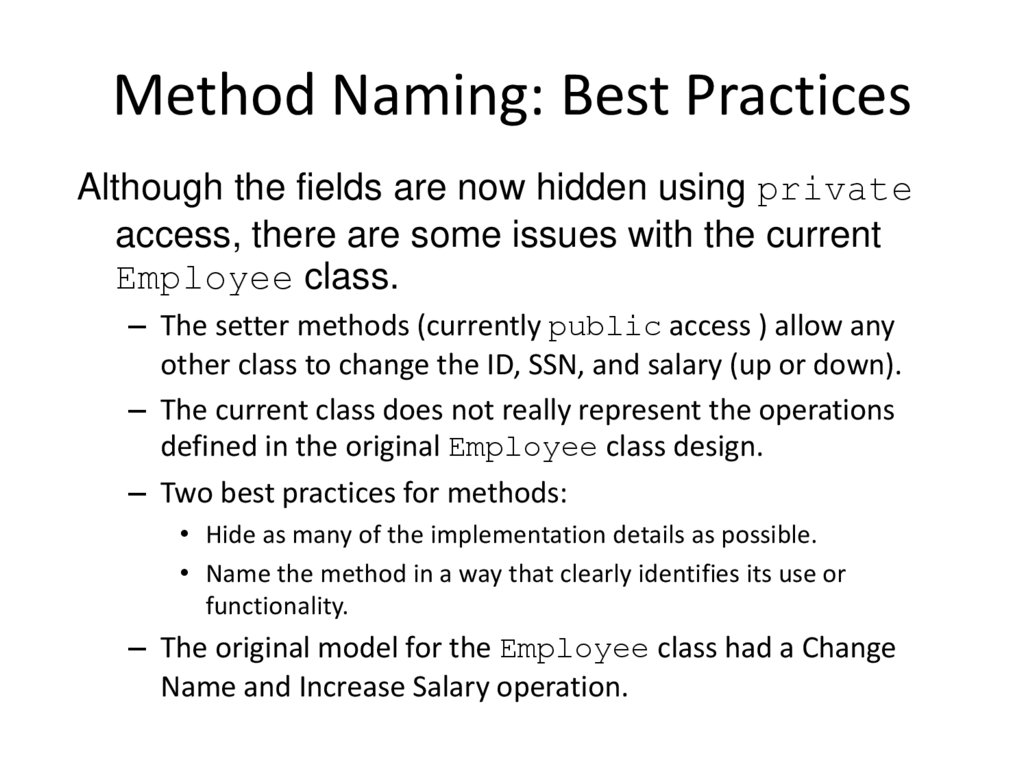
Although the fields are now hidden using privateaccess, there are some issues with the current
Employee class.
– The setter methods (currently public access ) allow any
other class to change the ID, SSN, and salary (up or down).
– The current class does not really represent the operations
defined in the original Employee class design.
– Two best practices for methods:
• Hide as many of the implementation details as possible.
• Name the method in a way that clearly identifies its use or
functionality.
– The original model for the Employee class had a Change
Name and Increase Salary operation.
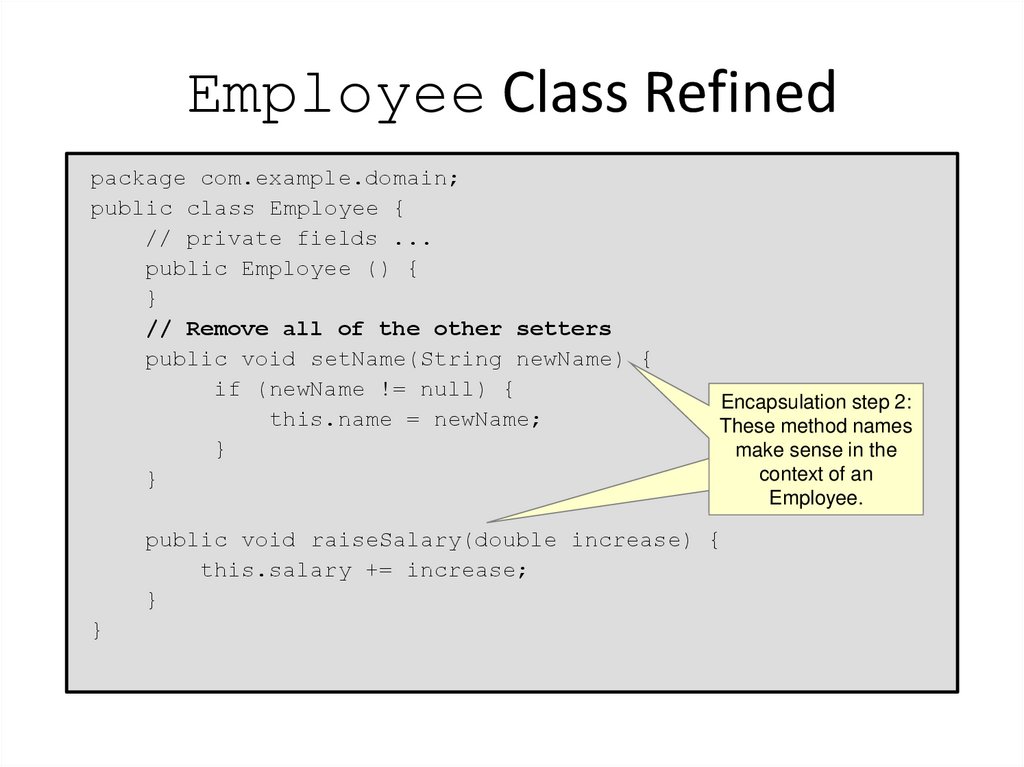
9. Employee Class Refined
package com.example.domain;public class Employee {
// private fields ...
public Employee () {
}
// Remove all of the other setters
public void setName(String newName) {
if (newName != null) {
this.name = newName;
}
}
Encapsulation step 2:
These method names
make sense in the
context of an
Employee.
public void raiseSalary(double increase) {
this.salary += increase;
}
}
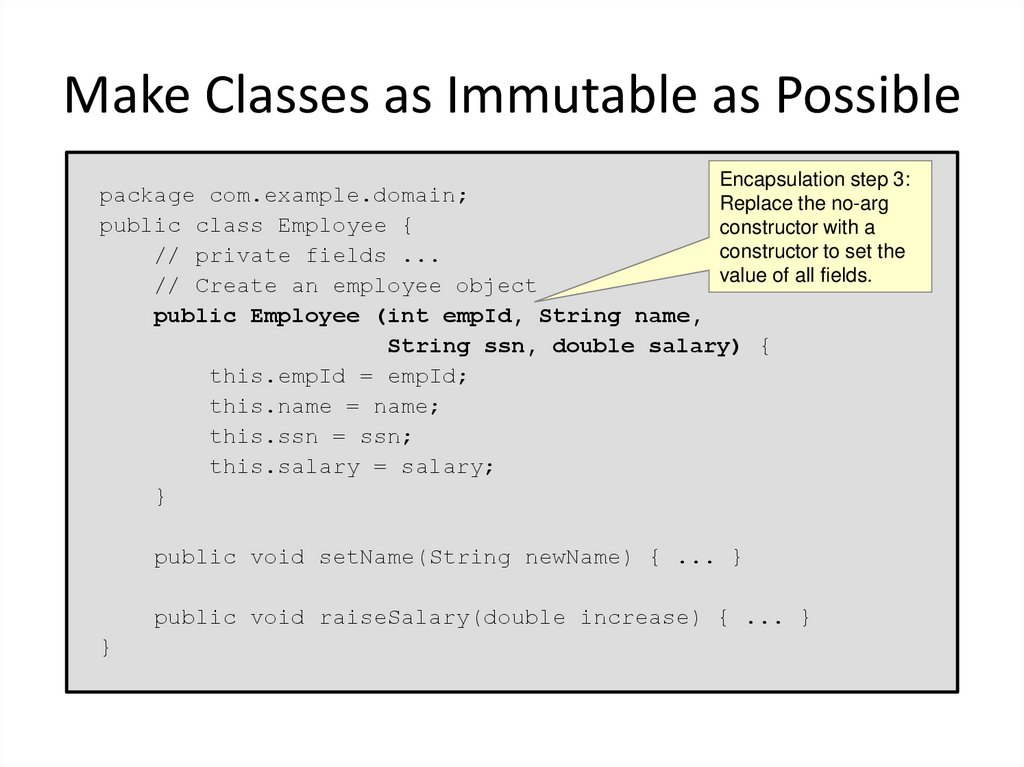
10. Make Classes as Immutable as Possible
Encapsulation step 3:package com.example.domain;
Replace the no-arg
public class Employee {
constructor with a
constructor to set the
// private fields ...
value of all fields.
// Create an employee object
public Employee (int empId, String name,
String ssn, double salary) {
this.empId = empId;
this.name = name;
this.ssn = ssn;
this.salary = salary;
}
public void setName(String newName) { ... }
public void raiseSalary(double increase) { ... }
}
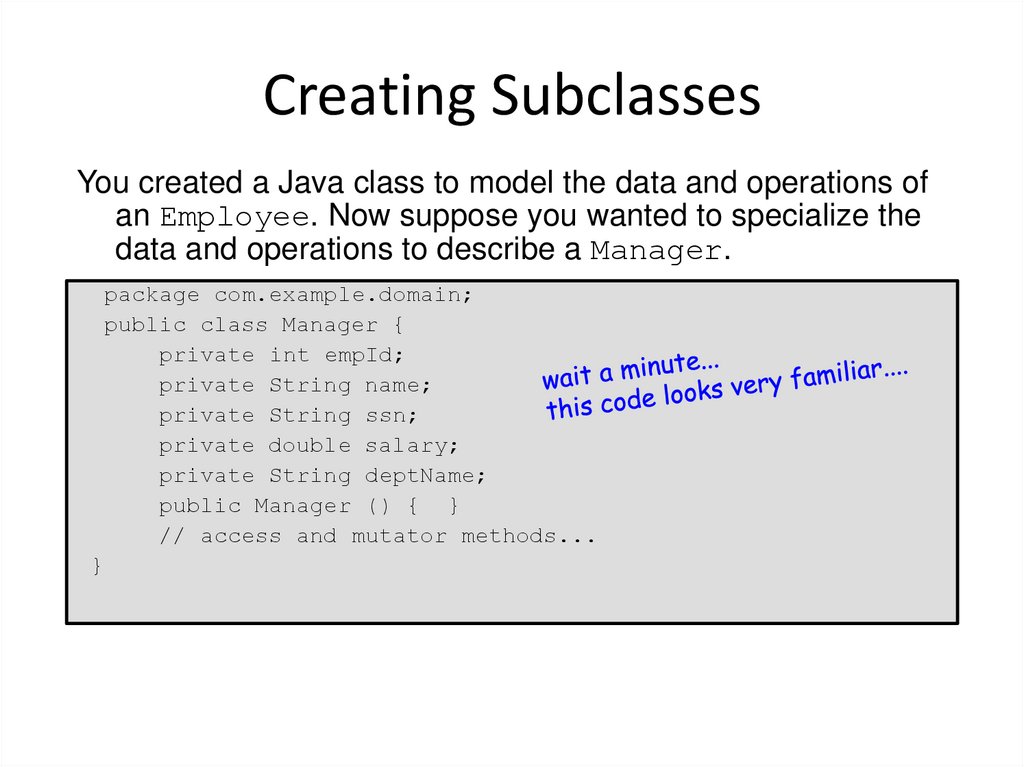
11. Creating Subclasses
You created a Java class to model the data and operations ofan Employee. Now suppose you wanted to specialize the
data and operations to describe a Manager.
package com.example.domain;
public class Manager {
private int empId;
private String name;
private String ssn;
private double salary;
private String deptName;
public Manager () { }
// access and mutator methods...
}
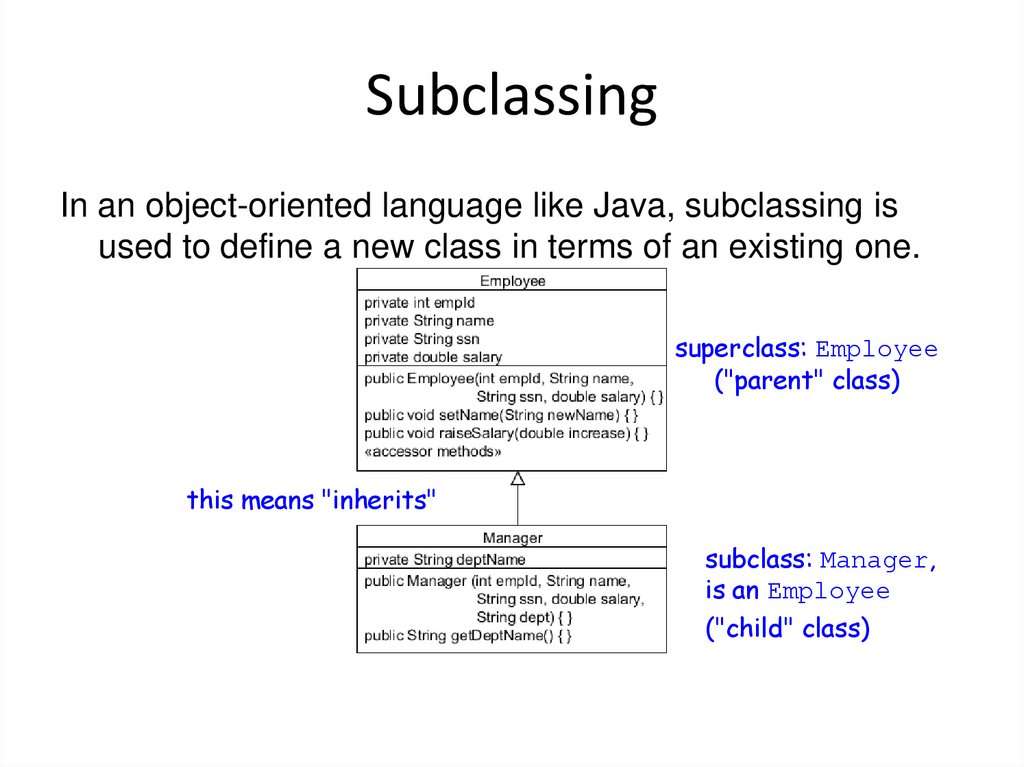
12. Subclassing
In an object-oriented language like Java, subclassing isused to define a new class in terms of an existing one.
superclass: Employee
("parent" class)
this means "inherits"
subclass: Manager,
is an Employee
("child" class)
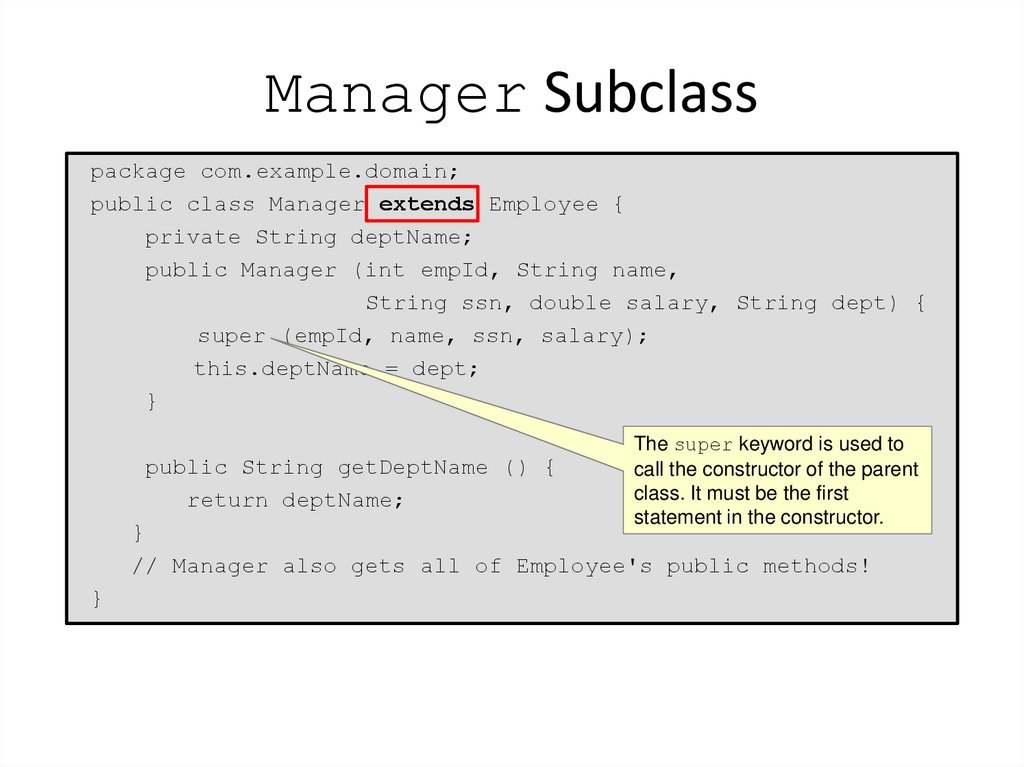
13. Manager Subclass
package com.example.domain;public class Manager extends Employee {
private String deptName;
public Manager (int empId, String name,
String ssn, double salary, String dept) {
super (empId, name, ssn, salary);
this.deptName = dept;
}
public String getDeptName () {
return deptName;
The super keyword is used to
call the constructor of the parent
class. It must be the first
statement in the constructor.
}
// Manager also gets all of Employee's public methods!
}
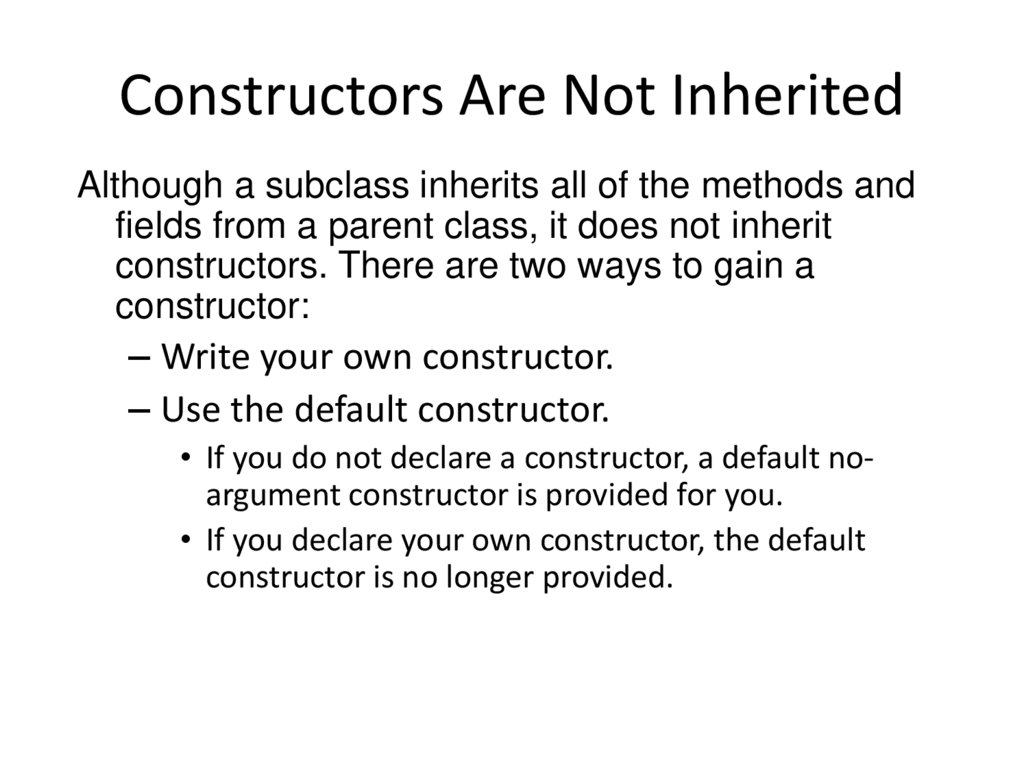
14. Constructors Are Not Inherited
Although a subclass inherits all of the methods andfields from a parent class, it does not inherit
constructors. There are two ways to gain a
constructor:
– Write your own constructor.
– Use the default constructor.
• If you do not declare a constructor, a default noargument constructor is provided for you.
• If you declare your own constructor, the default
constructor is no longer provided.
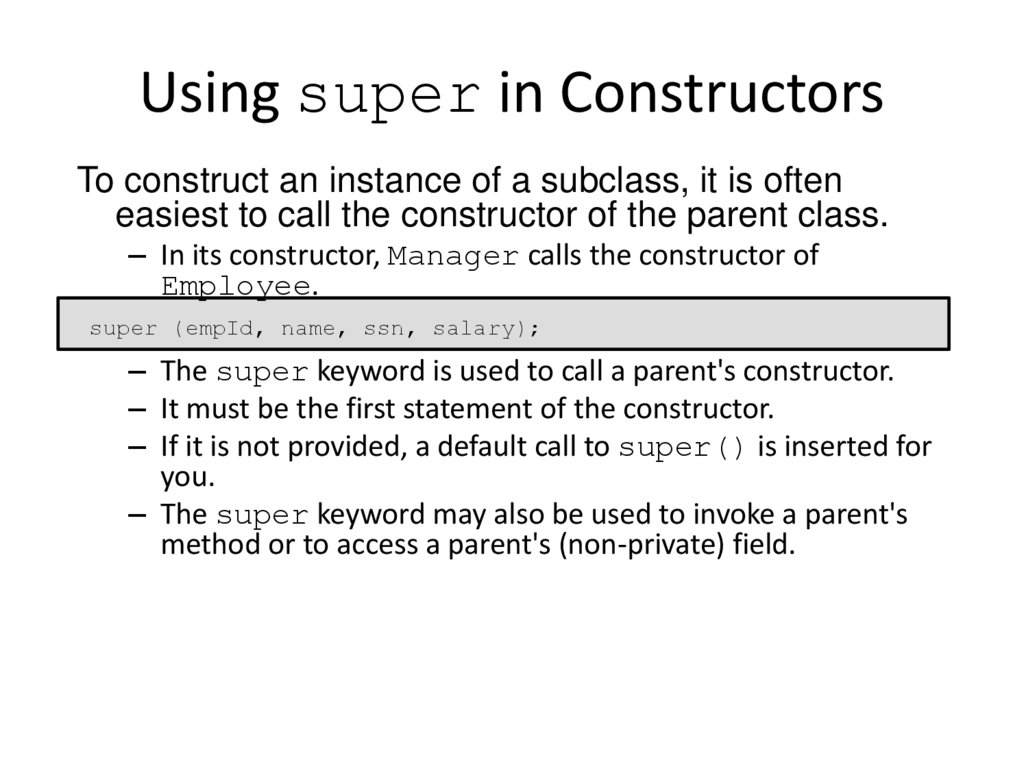
15. Using super in Constructors
To construct an instance of a subclass, it is ofteneasiest to call the constructor of the parent class.
– In its constructor, Manager calls the constructor of
Employee.
super (empId, name, ssn, salary);
– The super keyword is used to call a parent's constructor.
– It must be the first statement of the constructor.
– If it is not provided, a default call to super() is inserted for
you.
– The super keyword may also be used to invoke a parent's
method or to access a parent's (non-private) field.
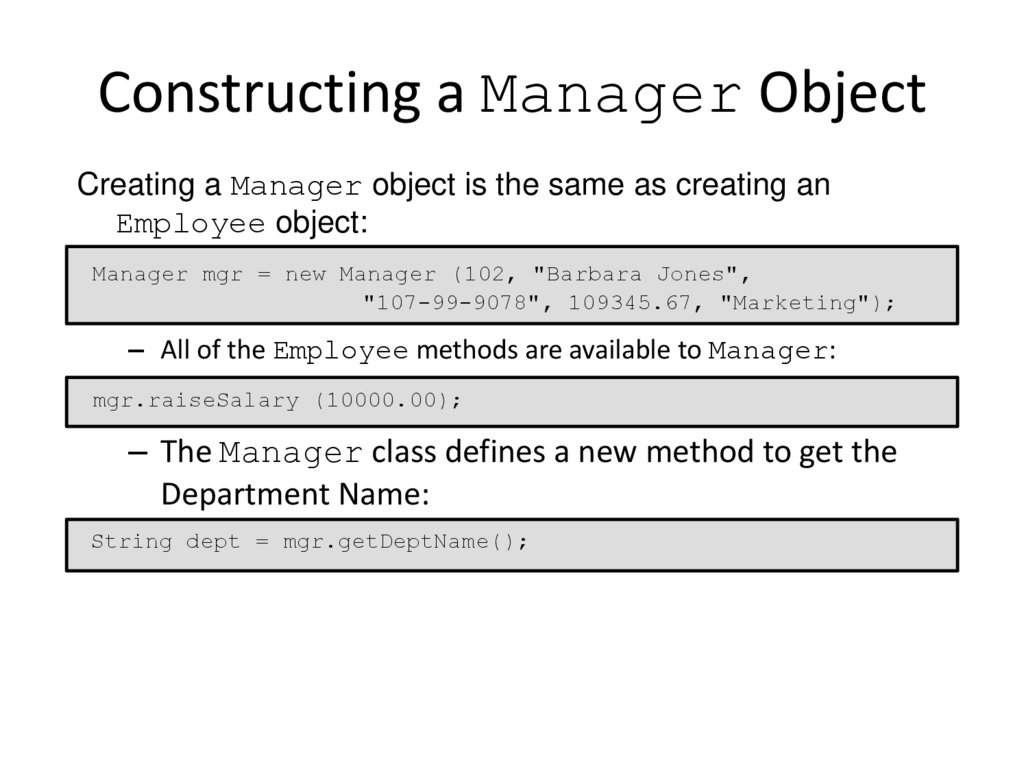
16. Constructing a Manager Object
Creating a Manager object is the same as creating anEmployee object:
Manager mgr = new Manager (102, "Barbara Jones",
"107-99-9078", 109345.67, "Marketing");
– All of the Employee methods are available to Manager:
mgr.raiseSalary (10000.00);
– The Manager class defines a new method to get the
Department Name:
String dept = mgr.getDeptName();
17. What Is Polymorphism?
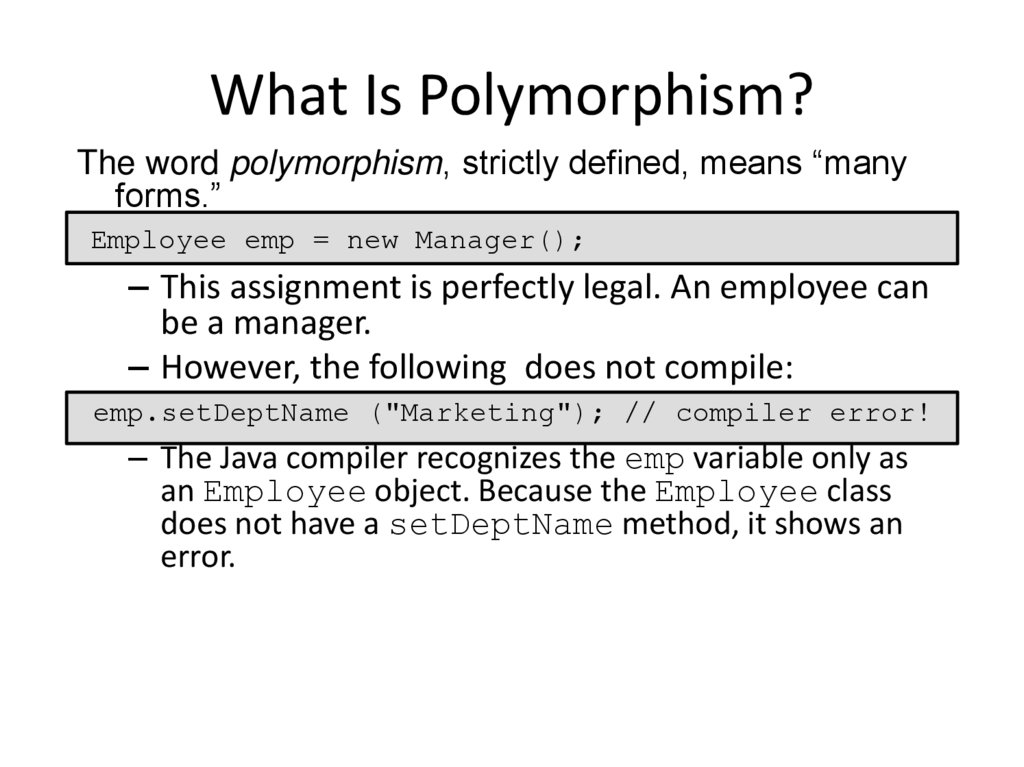
The word polymorphism, strictly defined, means “manyforms.”
Employee emp = new Manager();
– This assignment is perfectly legal. An employee can
be a manager.
– However, the following does not compile:
emp.setDeptName ("Marketing"); // compiler error!
– The Java compiler recognizes the emp variable only as
an Employee object. Because the Employee class
does not have a setDeptName method, it shows an
error.
18. Overloading Methods
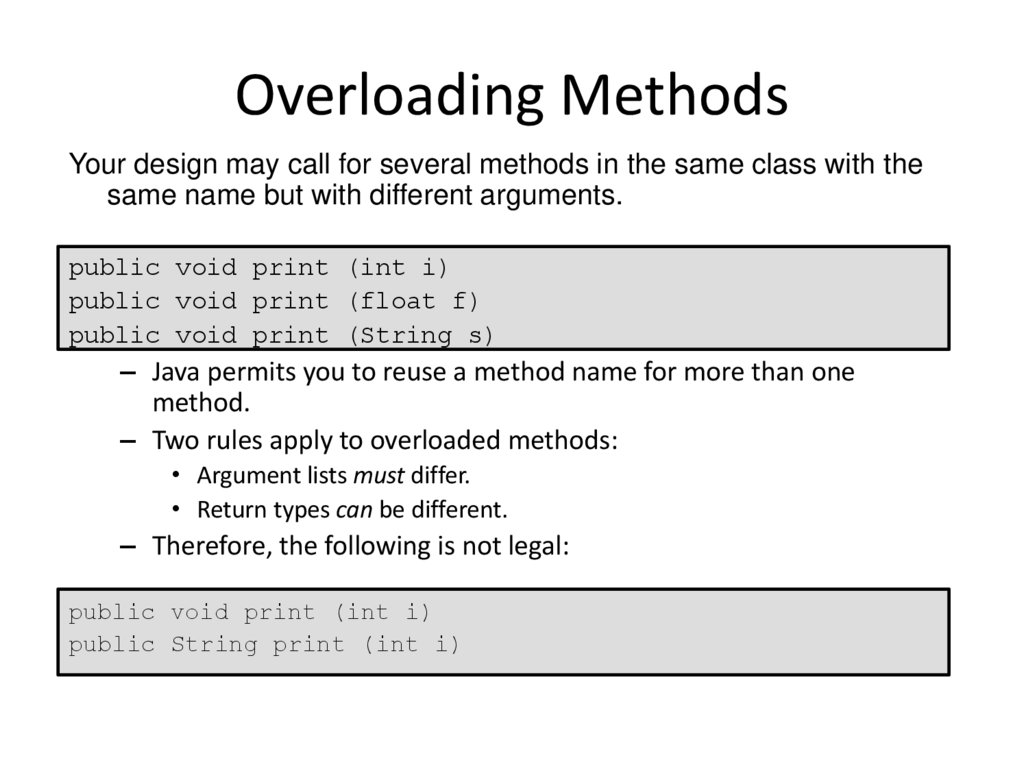
Your design may call for several methods in the same class with thesame name but with different arguments.
public void print (int i)
public void print (float f)
public void print (String s)
– Java permits you to reuse a method name for more than one
method.
– Two rules apply to overloaded methods:
• Argument lists must differ.
• Return types can be different.
– Therefore, the following is not legal:
public void print (int i)
public String print (int i)
19. Methods Using Variable Arguments
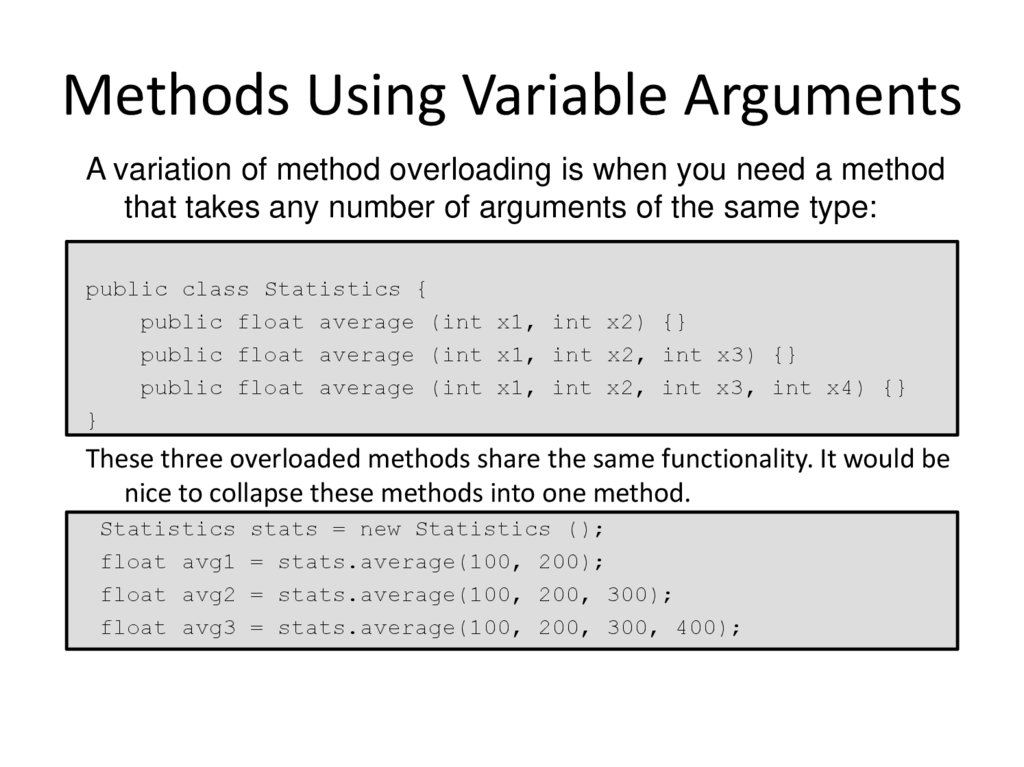
A variation of method overloading is when you need a methodthat takes any number of arguments of the same type:
public class Statistics {
public float average (int x1, int x2) {}
public float average (int x1, int x2, int x3) {}
public float average (int x1, int x2, int x3, int x4) {}
}
These three overloaded methods share the same functionality. It would be
nice to collapse these methods into one method.
Statistics stats = new Statistics ();
float avg1 = stats.average(100, 200);
float avg2 = stats.average(100, 200, 300);
float avg3 = stats.average(100, 200, 300, 400);
20. Methods Using Variable Arguments
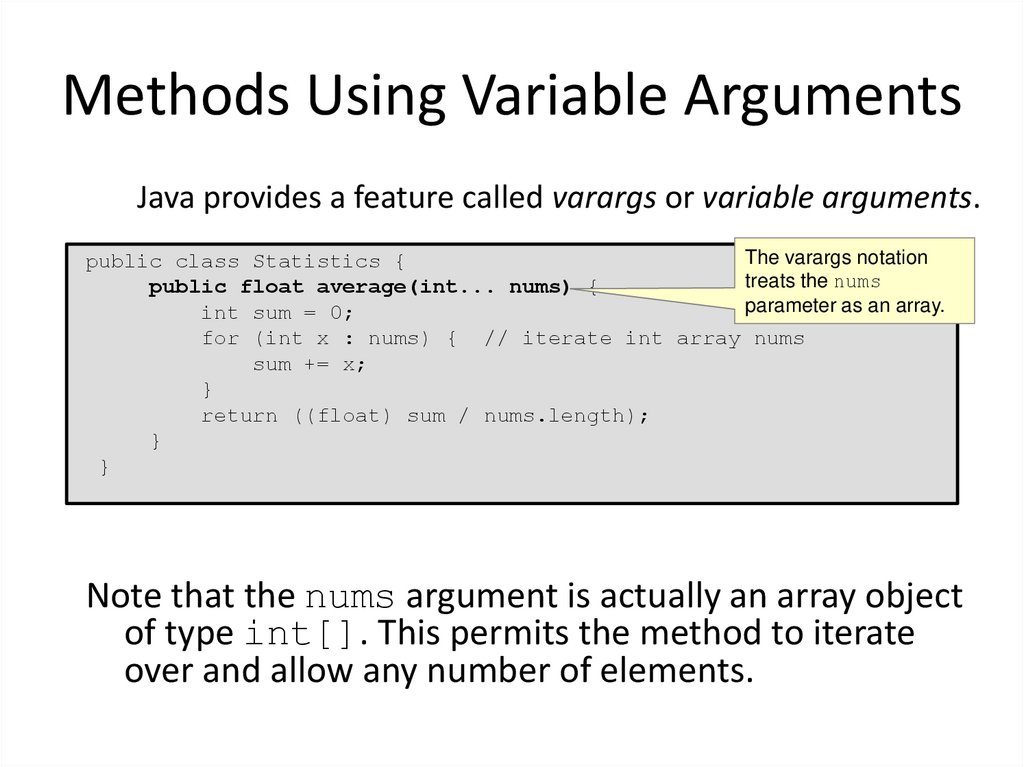
Java provides a feature called varargs or variable arguments.The varargs notation
public class Statistics {
treats the nums
public float average(int... nums) {
parameter as an array.
int sum = 0;
for (int x : nums) { // iterate int array nums
sum += x;
}
return ((float) sum / nums.length);
}
}
Note that the nums argument is actually an array object
of type int[]. This permits the method to iterate
over and allow any number of elements.
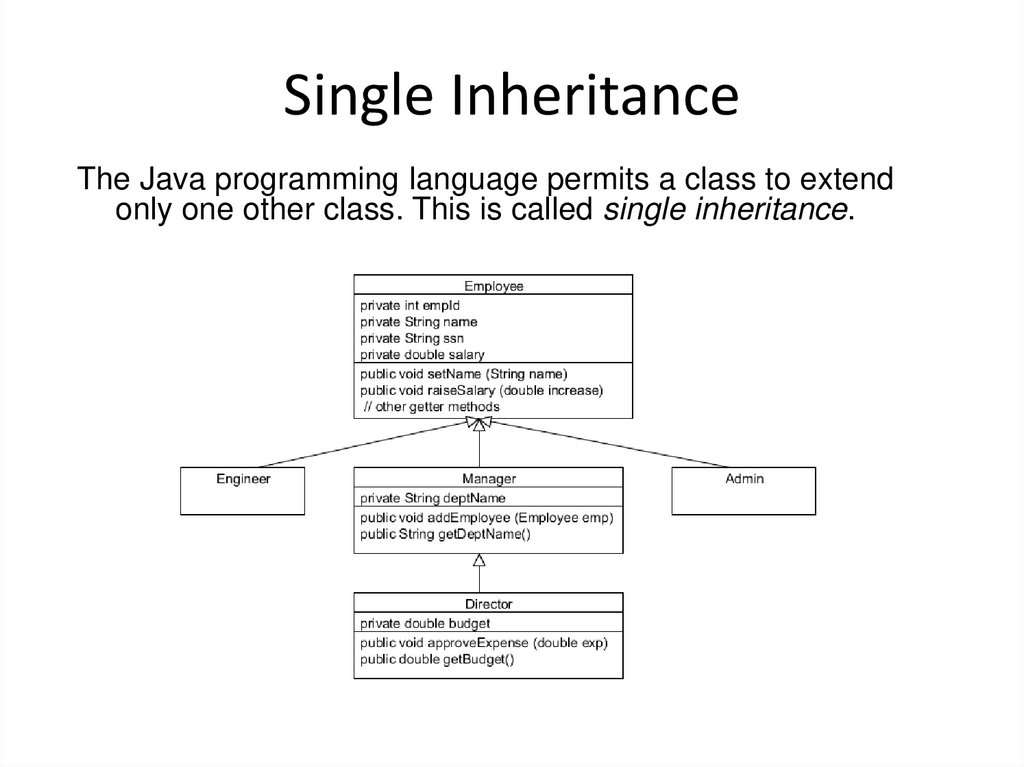
21. Single Inheritance
The Java programming language permits a class to extendonly one other class. This is called single inheritance.
22. Summary
In this lesson, you should have learned howto:
– Create simple Java classes
– Use encapsulation in Java class design
– Model business problems using Java classes
– Make classes immutable
– Create and use Java subclasses
– Overload methods
– Use variable argument methods
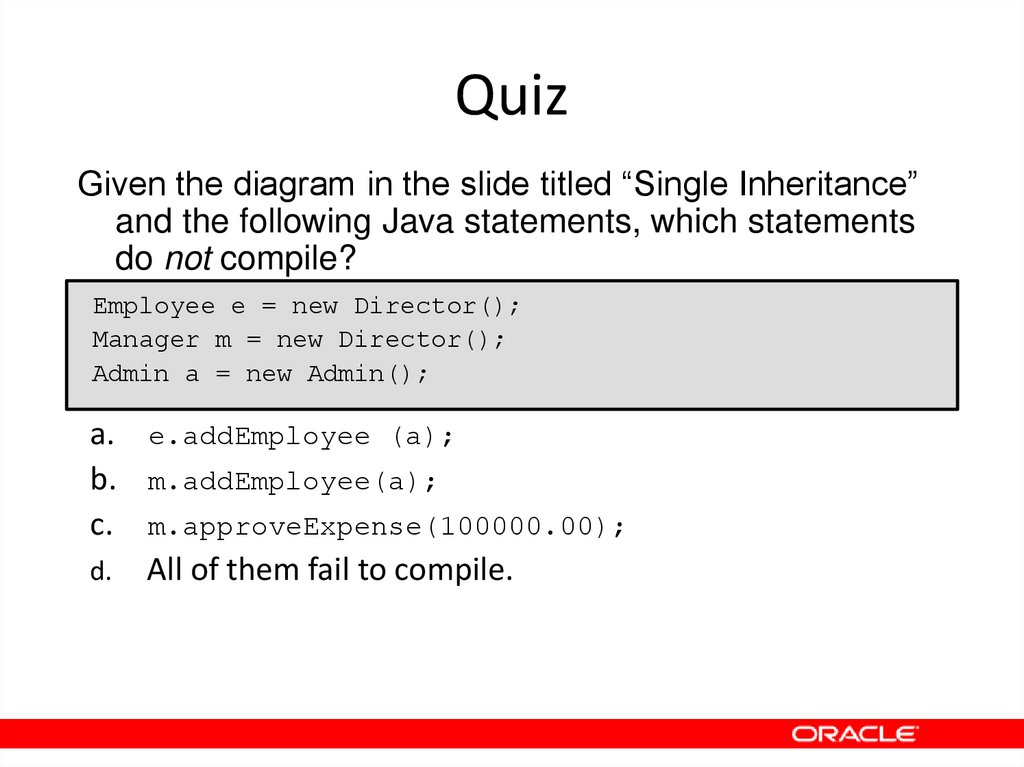
23. Quiz
Given the diagram in the slide titled “Single Inheritance”and the following Java statements, which statements
do not compile?
Employee e = new Director();
Manager m = new Director();
Admin a = new Admin();
a. e.addEmployee (a);
b. m.addEmployee(a);
c. m.approveExpense(100000.00);
d. All of them fail to compile.
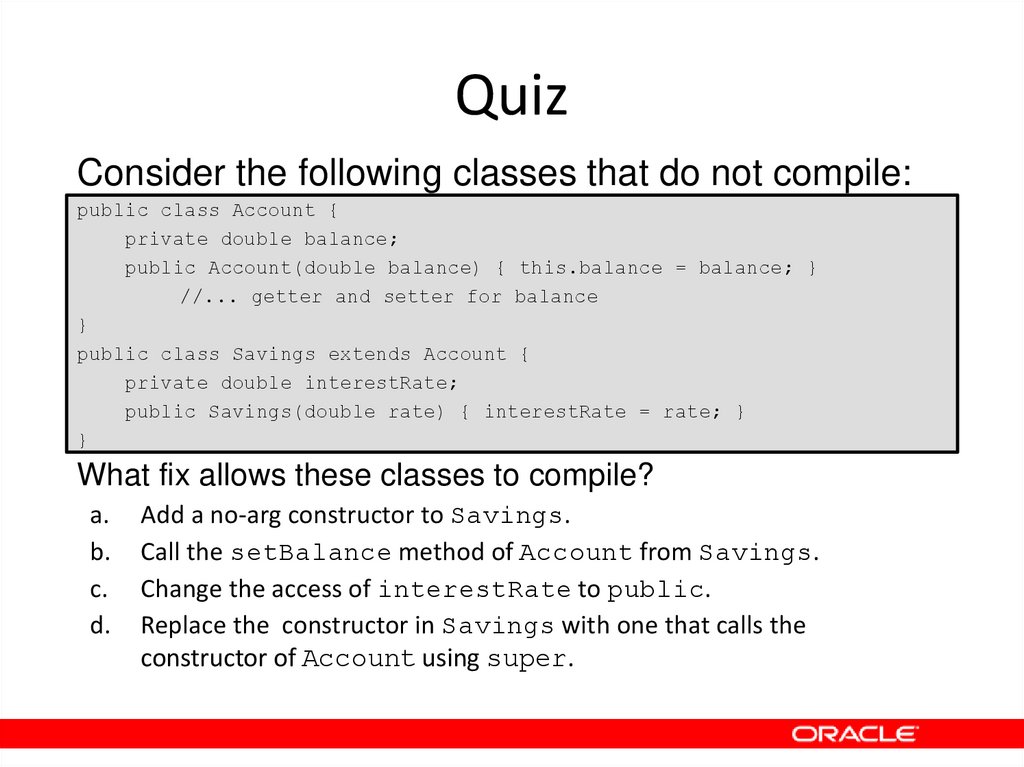
24. Quiz
Consider the following classes that do not compile:public class Account {
private double balance;
public Account(double balance) { this.balance = balance; }
//... getter and setter for balance
}
public class Savings extends Account {
private double interestRate;
public Savings(double rate) { interestRate = rate; }
}
What fix allows these classes to compile?
a.
b.
c.
d.
Add a no-arg constructor to Savings.
Call the setBalance method of Account from Savings.
Change the access of interestRate to public.
Replace the constructor in Savings with one that calls the
constructor of Account using super.
25. Quiz
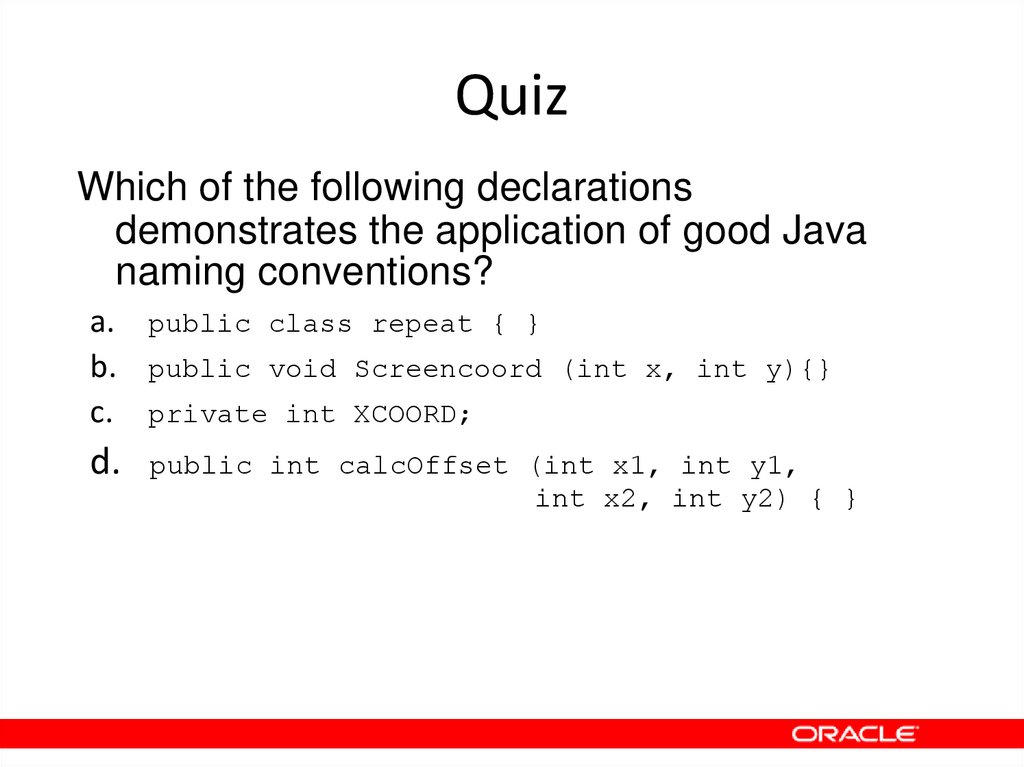
Which of the following declarationsdemonstrates the application of good Java
naming conventions?
a. public class repeat { }
b. public void Screencoord (int x, int y){}
c. private int XCOORD;
d.
public int calcOffset (int x1, int y1,
int x2, int y2) { }
26. Quiz
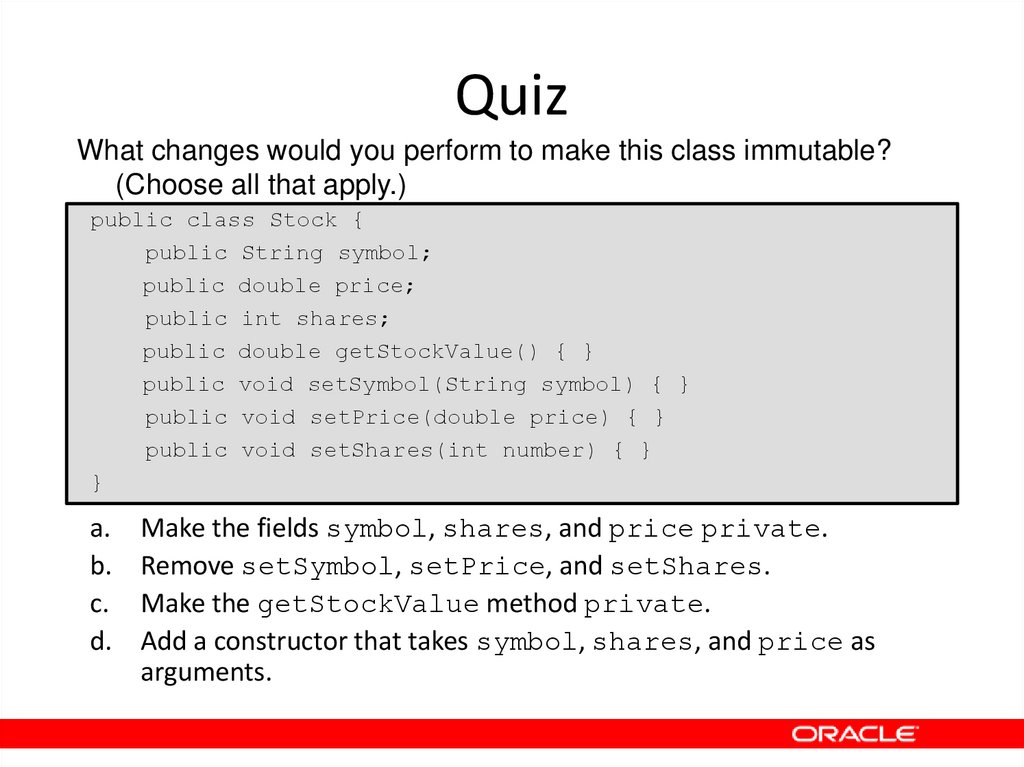
What changes would you perform to make this class immutable?(Choose all that apply.)
public class Stock {
public String symbol;
public double price;
public int shares;
public double getStockValue() { }
public void setSymbol(String symbol) { }
public void setPrice(double price) { }
public void setShares(int number) { }
}
a.
b.
c.
d.
Make the fields symbol, shares, and price private.
Remove setSymbol, setPrice, and setShares.
Make the getStockValue method private.
Add a constructor that takes symbol, shares, and price as
arguments.