 Базы данных
Похожие презентации:


week 10-11
1. Transaction Management & Database Security in PostgreSQL
Transaction Management & DatabaseSecurity in PostgreSQL
2. What Is a Transaction?
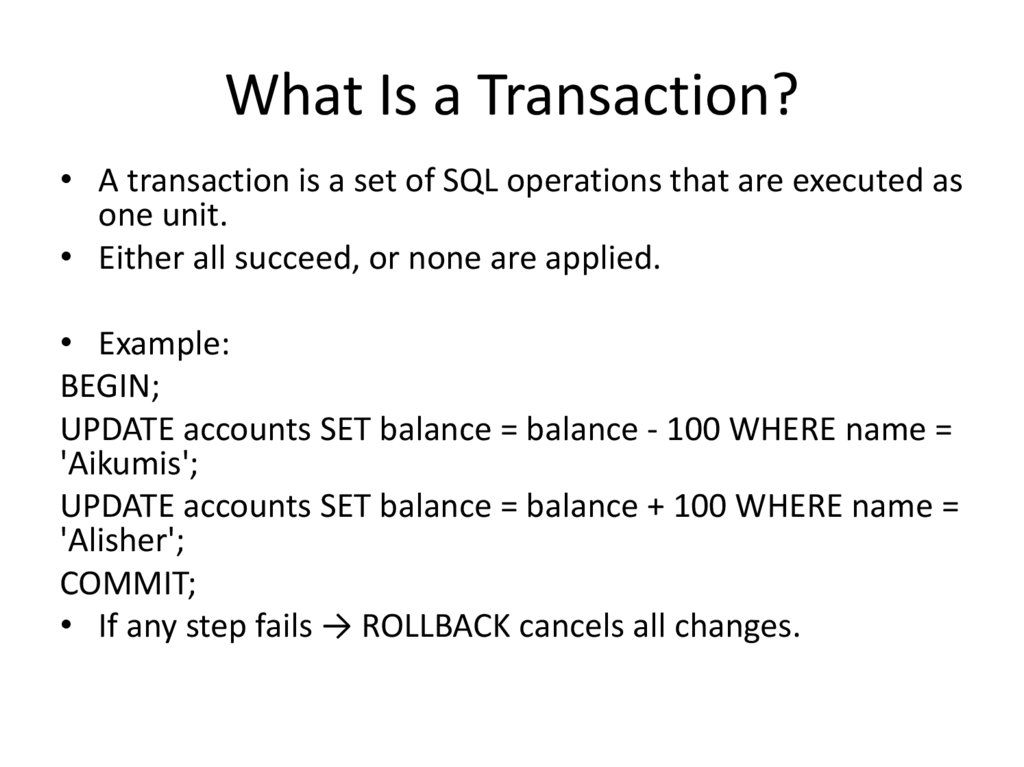
• A transaction is a set of SQL operations that are executed asone unit.
• Either all succeed, or none are applied.
• Example:
BEGIN;
UPDATE accounts SET balance = balance - 100 WHERE name =
'Aikumis';
UPDATE accounts SET balance = balance + 100 WHERE name =
'Alisher';
COMMIT;
• If any step fails → ROLLBACK cancels all changes.
3. ACID Properties
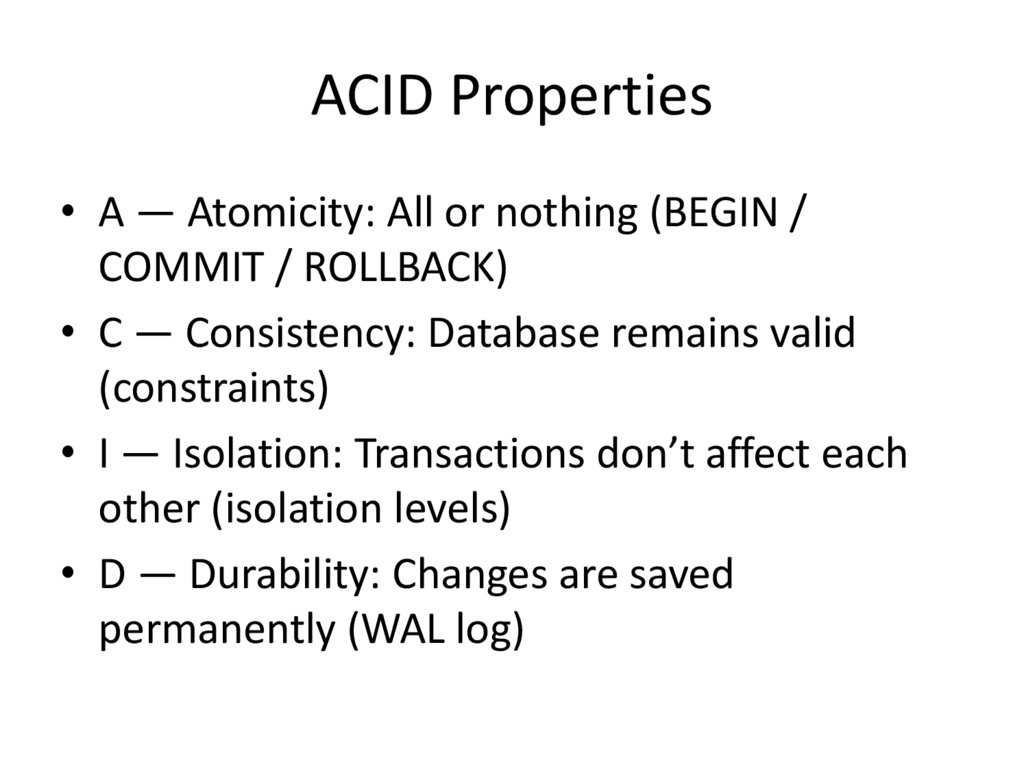
• A — Atomicity: All or nothing (BEGIN /COMMIT / ROLLBACK)
• C — Consistency: Database remains valid
(constraints)
• I — Isolation: Transactions don’t affect each
other (isolation levels)
• D — Durability: Changes are saved
permanently (WAL log)
4. Isolation Levels
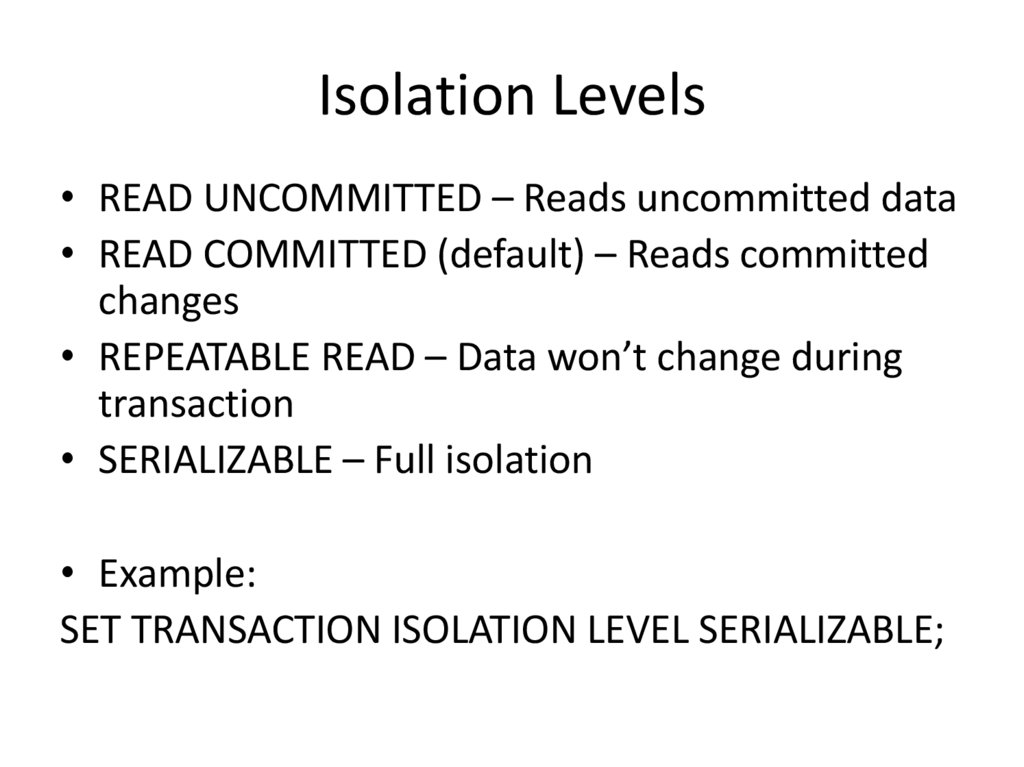
• READ UNCOMMITTED – Reads uncommitted data• READ COMMITTED (default) – Reads committed
changes
• REPEATABLE READ – Data won’t change during
transaction
• SERIALIZABLE – Full isolation
• Example:
SET TRANSACTION ISOLATION LEVEL SERIALIZABLE;
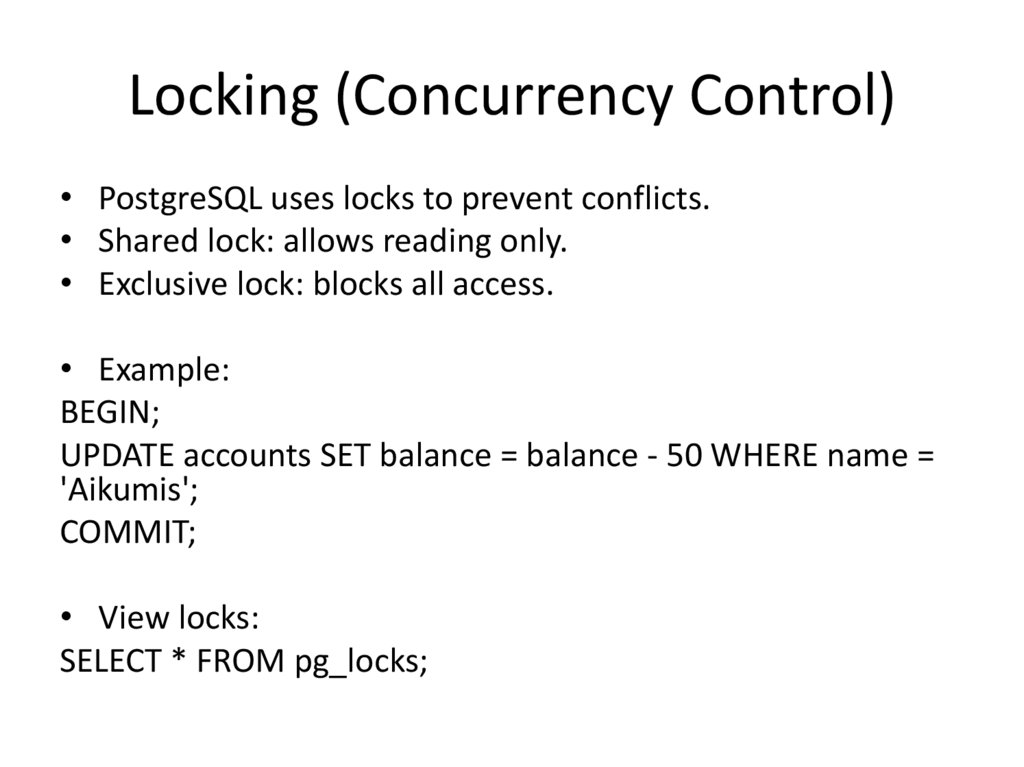
5. Locking (Concurrency Control)
• PostgreSQL uses locks to prevent conflicts.• Shared lock: allows reading only.
• Exclusive lock: blocks all access.
• Example:
BEGIN;
UPDATE accounts SET balance = balance - 50 WHERE name =
'Aikumis';
COMMIT;
• View locks:
SELECT * FROM pg_locks;
6. Database Security Overview
• Database security controls who can accessdata and what they can do.
• Main concepts:
• 1. User Privileges
• 2. Roles
• 3. Access Control
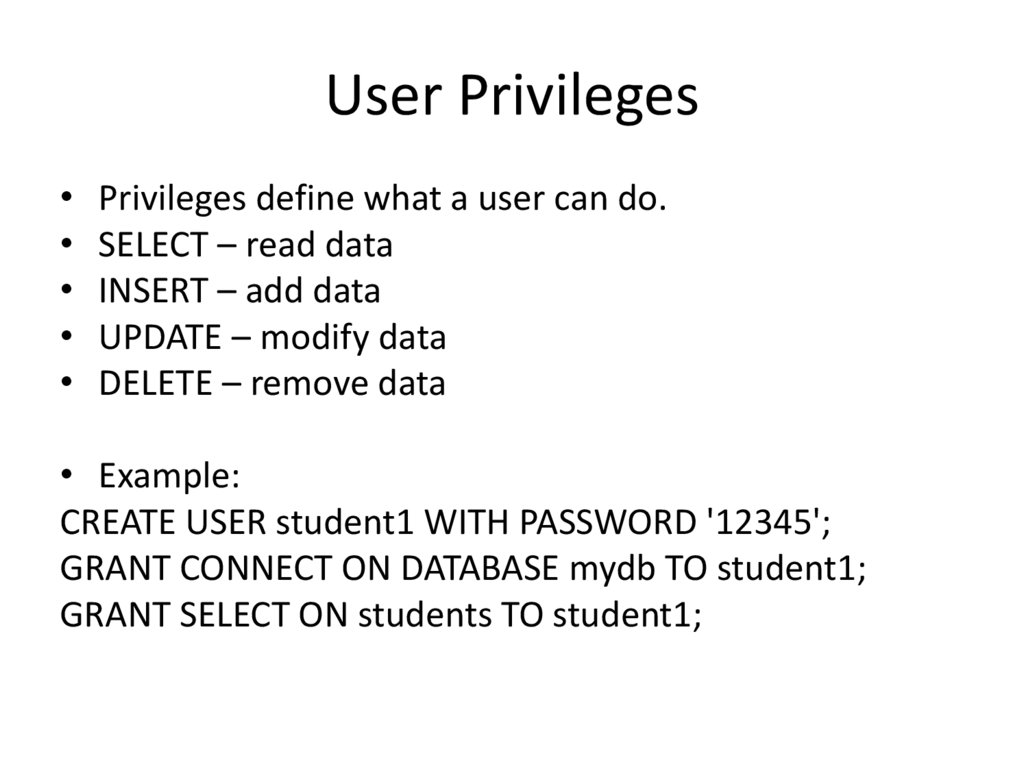
7. User Privileges
• Privileges define what a user can do.• SELECT – read data
• INSERT – add data
• UPDATE – modify data
• DELETE – remove data
• Example:
CREATE USER student1 WITH PASSWORD '12345';
GRANT CONNECT ON DATABASE mydb TO student1;
GRANT SELECT ON students TO student1;
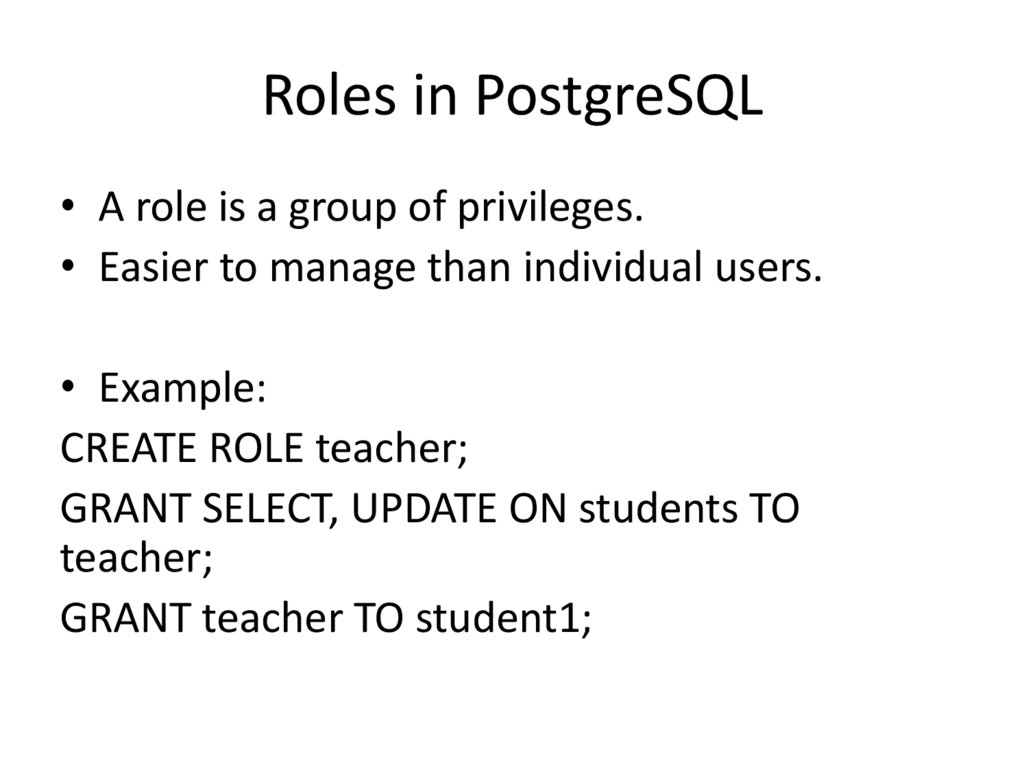
8. Roles in PostgreSQL
• A role is a group of privileges.• Easier to manage than individual users.
• Example:
CREATE ROLE teacher;
GRANT SELECT, UPDATE ON students TO
teacher;
GRANT teacher TO student1;
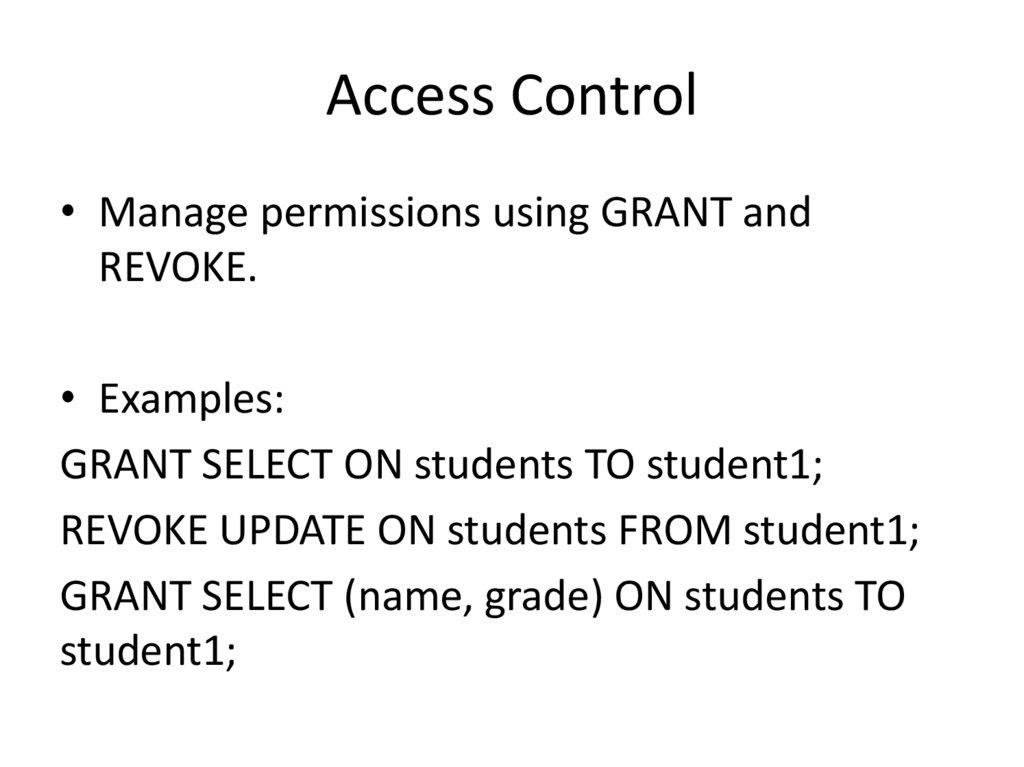
9. Access Control
• Manage permissions using GRANT andREVOKE.
• Examples:
GRANT SELECT ON students TO student1;
REVOKE UPDATE ON students FROM student1;
GRANT SELECT (name, grade) ON students TO
student1;
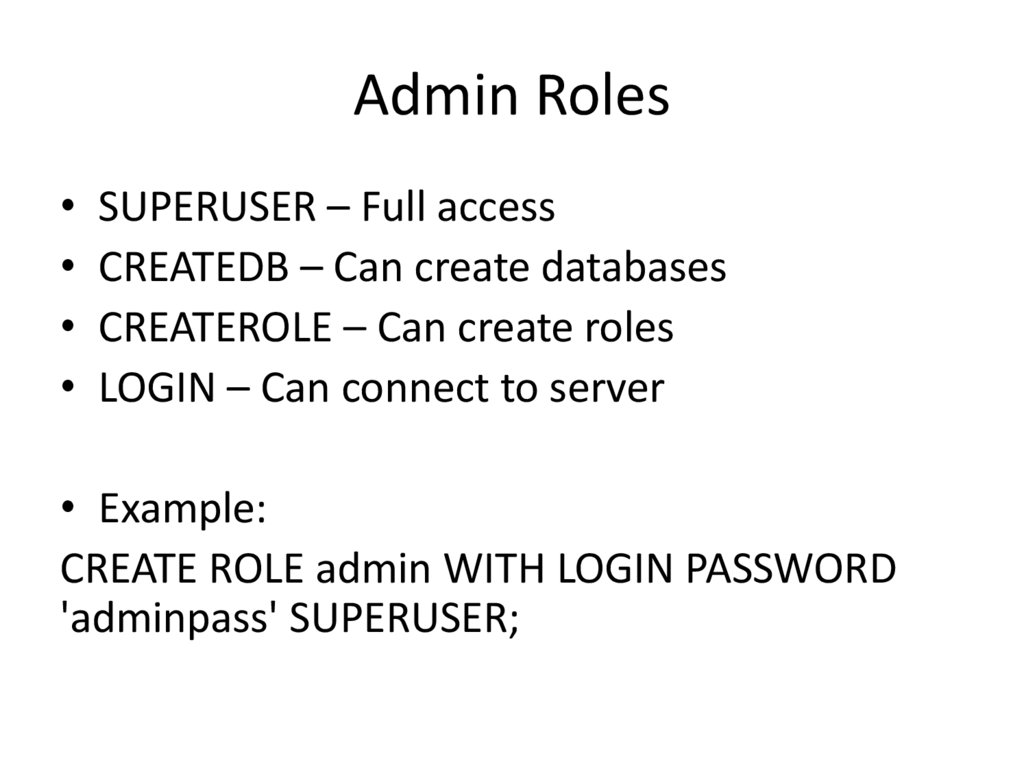
10. Admin Roles
• SUPERUSER – Full access• CREATEDB – Can create databases
• CREATEROLE – Can create roles
• LOGIN – Can connect to server
• Example:
CREATE ROLE admin WITH LOGIN PASSWORD
'adminpass' SUPERUSER;
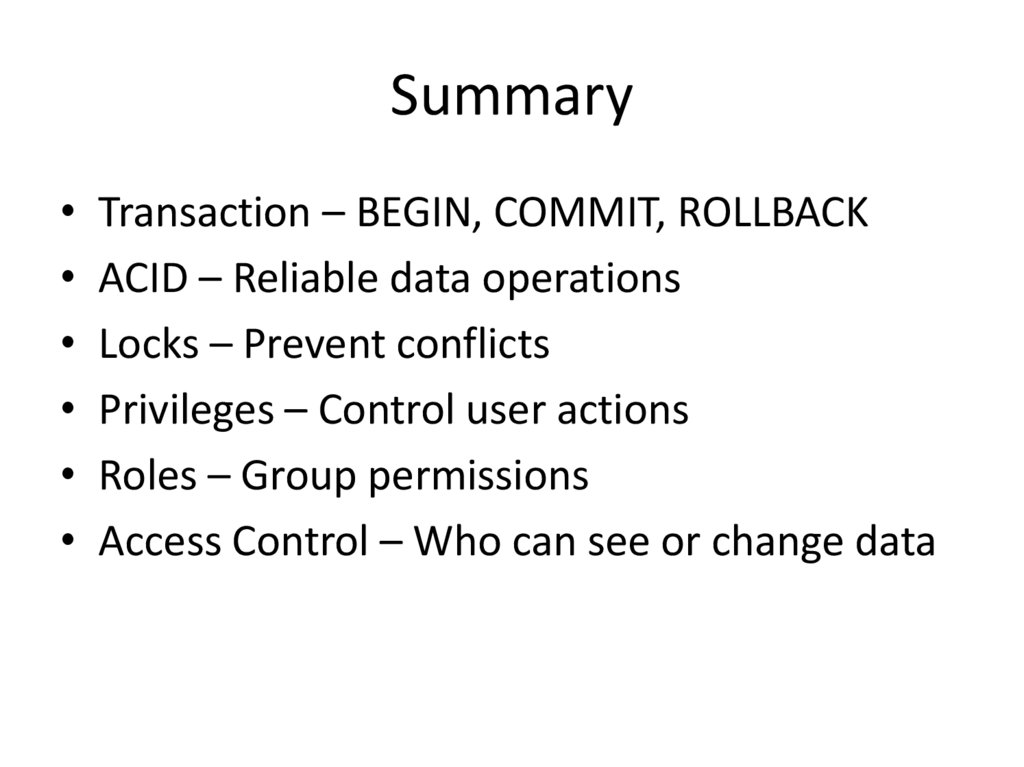
11. Summary
• Transaction – BEGIN, COMMIT, ROLLBACK• ACID – Reliable data operations
• Locks – Prevent conflicts
• Privileges – Control user actions
• Roles – Group permissions
• Access Control – Who can see or change data
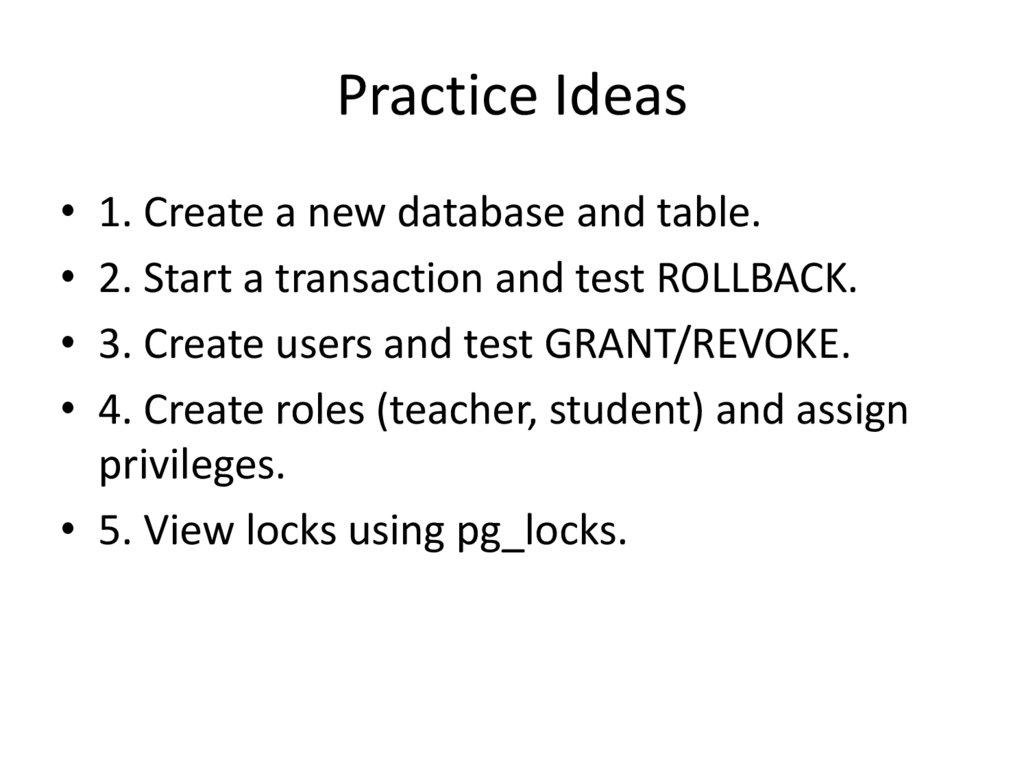
12. Practice Ideas
• 1. Create a new database and table.• 2. Start a transaction and test ROLLBACK.
• 3. Create users and test GRANT/REVOKE.
• 4. Create roles (teacher, student) and assign
privileges.
• 5. View locks using pg_locks.