 Программирование
Похожие презентации:







REST API (Spring Boot)
1. REST api (Spring Boot)
2. What is a RESTful API?
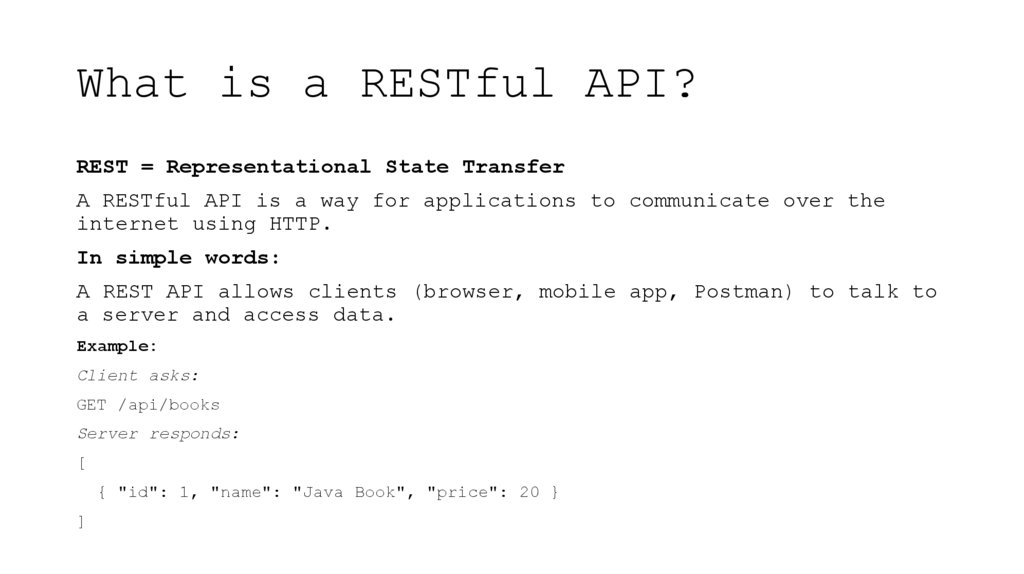
REST = Representational State TransferA RESTful API is a way for applications to communicate over the
internet using HTTP.
In simple words:
A REST API allows clients (browser, mobile app, Postman) to talk to
a server and access data.
Example:
Client asks:
GET /api/books
Server responds:
[
{ "id": 1, "name": "Java Book", "price": 20 }
]
3. Why do we need RESTful APIs?
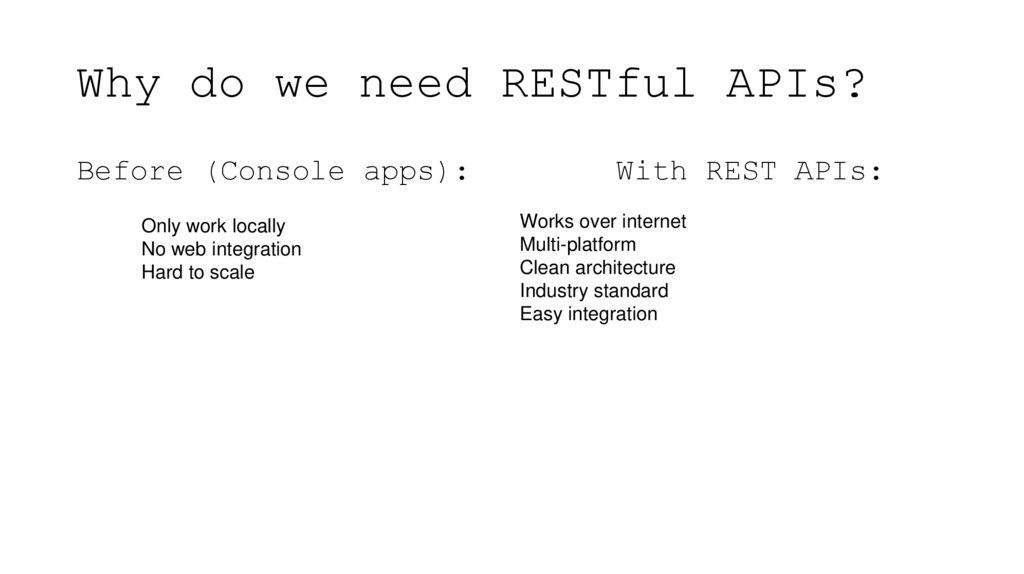
Before (Console apps):Only work locally
No web integration
Hard to scale
With REST APIs:
Works over internet
Multi-platform
Clean architecture
Industry standard
Easy integration
4. REST CRUD Operations
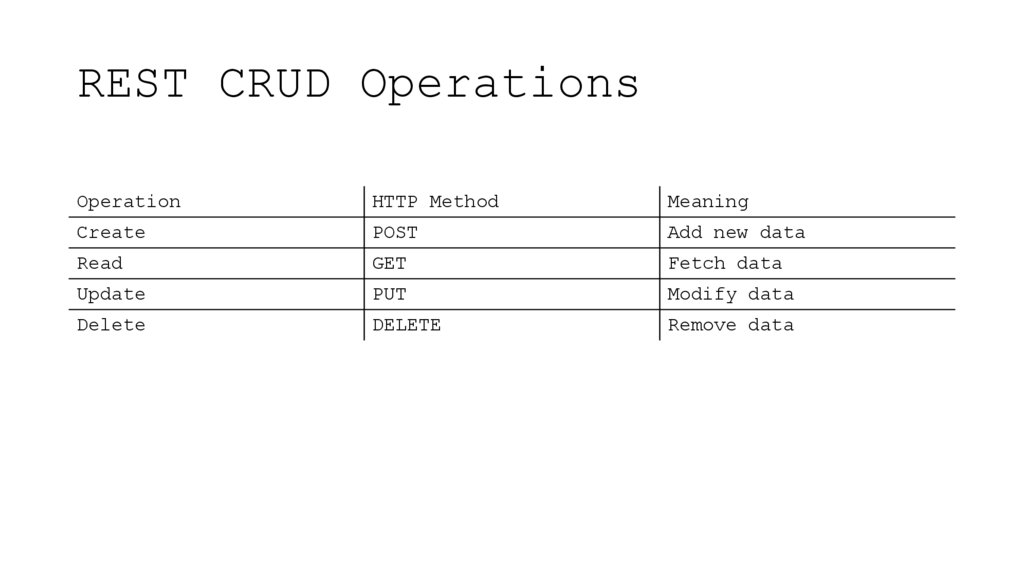
OperationHTTP Method
Meaning
Create
POST
Add new data
Read
GET
Fetch data
Update
PUT
Modify data
Delete
DELETE
Remove data
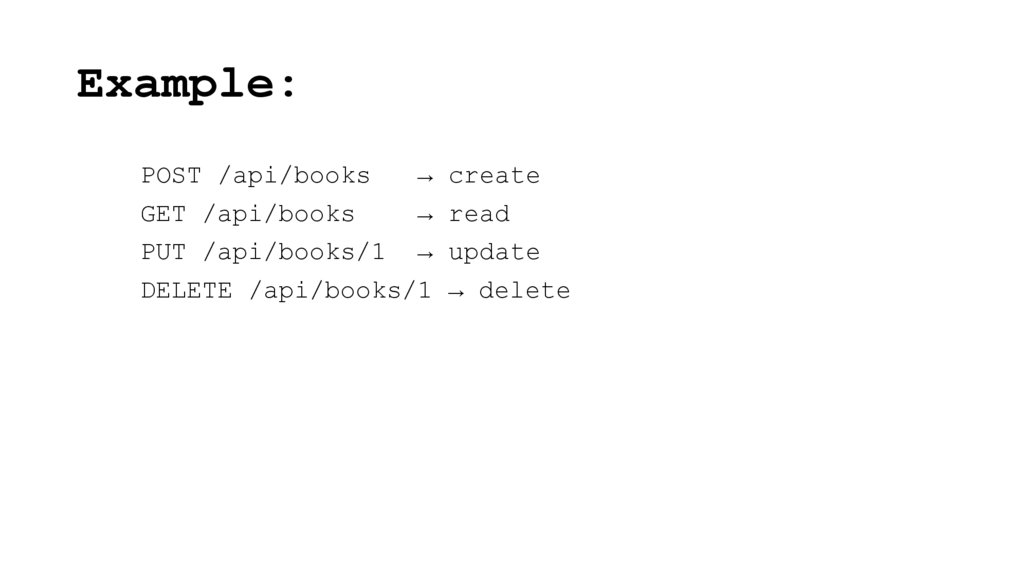
5. Example:
POST /api/books→ create
GET /api/books
→ read
PUT /api/books/1 → update
DELETE /api/books/1 → delete
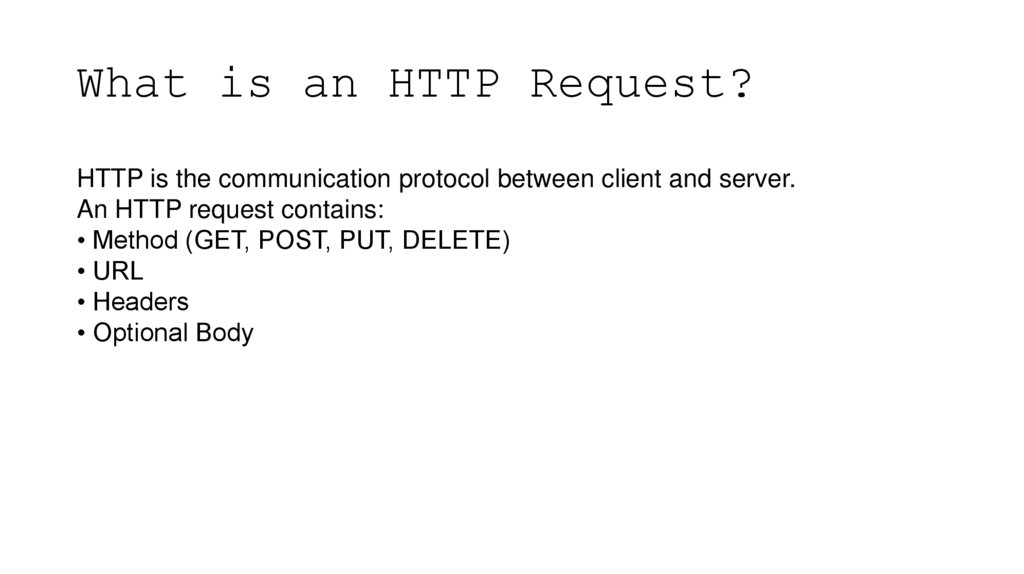
6. What is an HTTP Request?
HTTP is the communication protocol between client and server.An HTTP request contains:
• Method (GET, POST, PUT, DELETE)
• URL
• Headers
• Optional Body
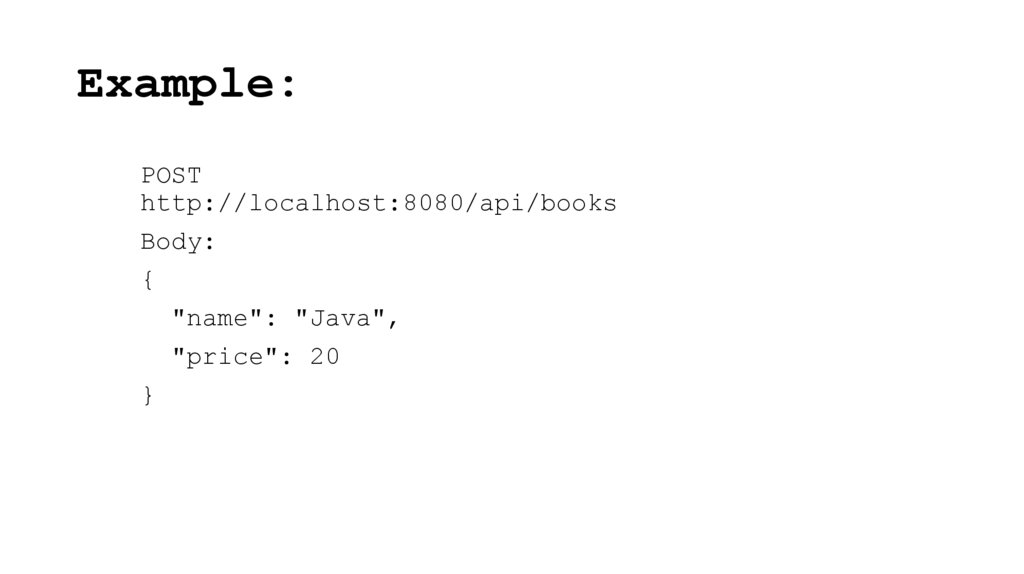
7. Example:
POSThttp://localhost:8080/api/books
Body:
{
"name": "Java",
"price": 20
}
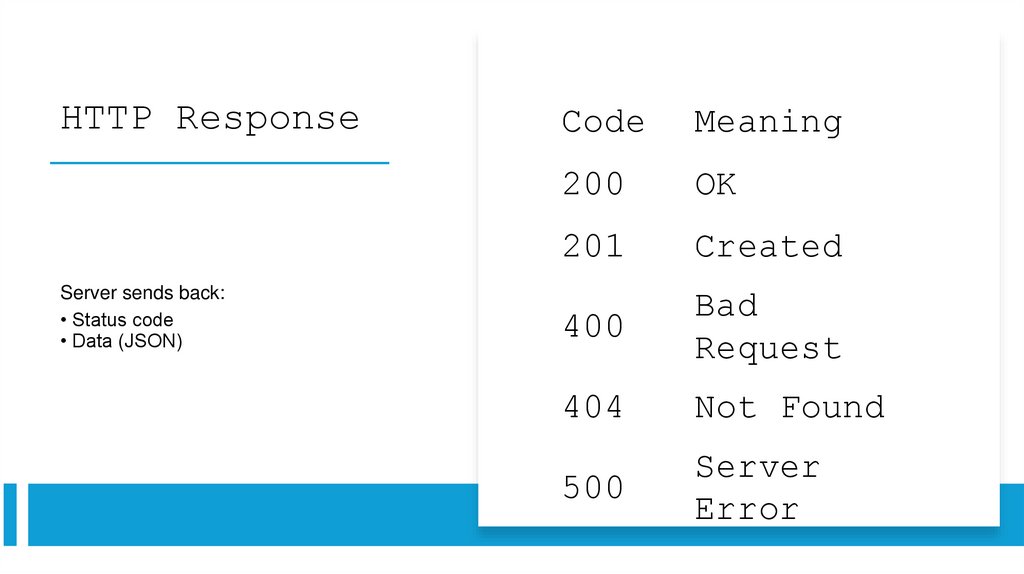
8. HTTP Response
Server sends back:• Status code
• Data (JSON)
Code
Meaning
200
OK
201
Created
400
Bad
Request
404
Not Found
500
Server
Error
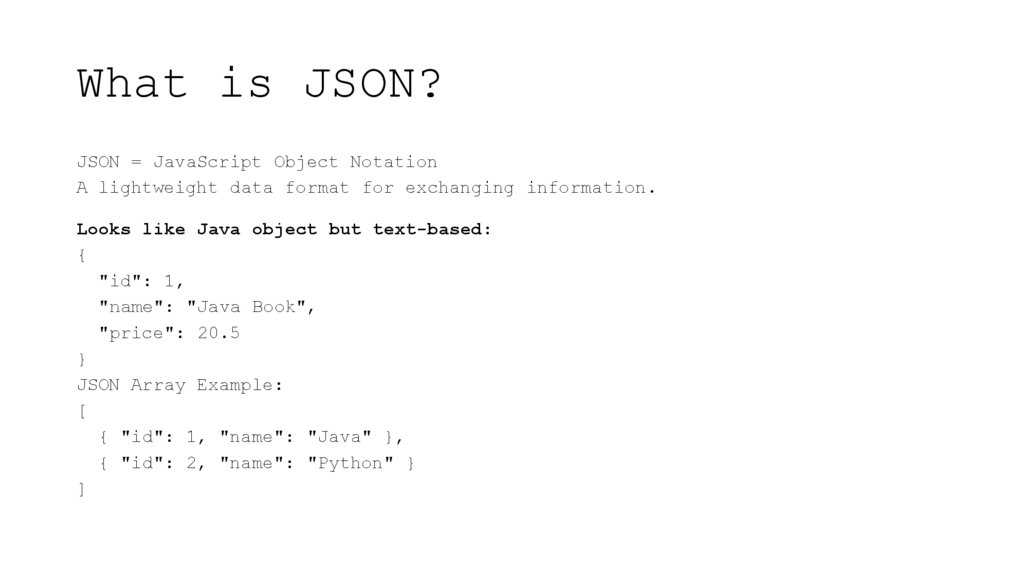
9. What is JSON?
JSON = JavaScript Object NotationA lightweight data format for exchanging information.
Looks like Java object but text-based:
{
"id": 1,
"name": "Java Book",
"price": 20.5
}
JSON Array Example:
[
{ "id": 1, "name": "Java" },
{ "id": 2, "name": "Python" }
]
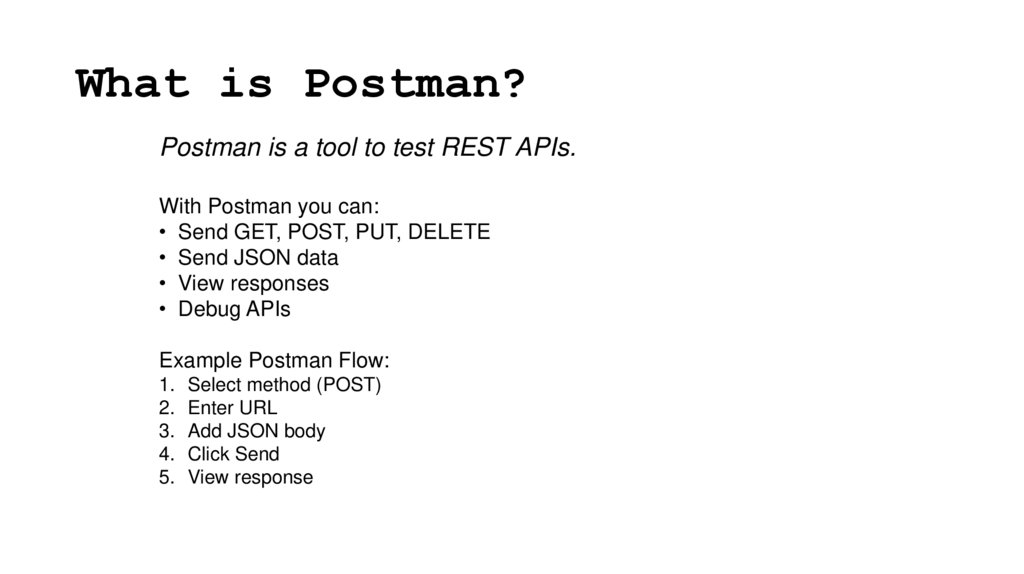
10. What is Postman?
Postman is a tool to test REST APIs.With Postman you can:
• Send GET, POST, PUT, DELETE
• Send JSON data
• View responses
• Debug APIs
Example Postman Flow:
1. Select method (POST)
2. Enter URL
3. Add JSON body
4. Click Send
5. View response
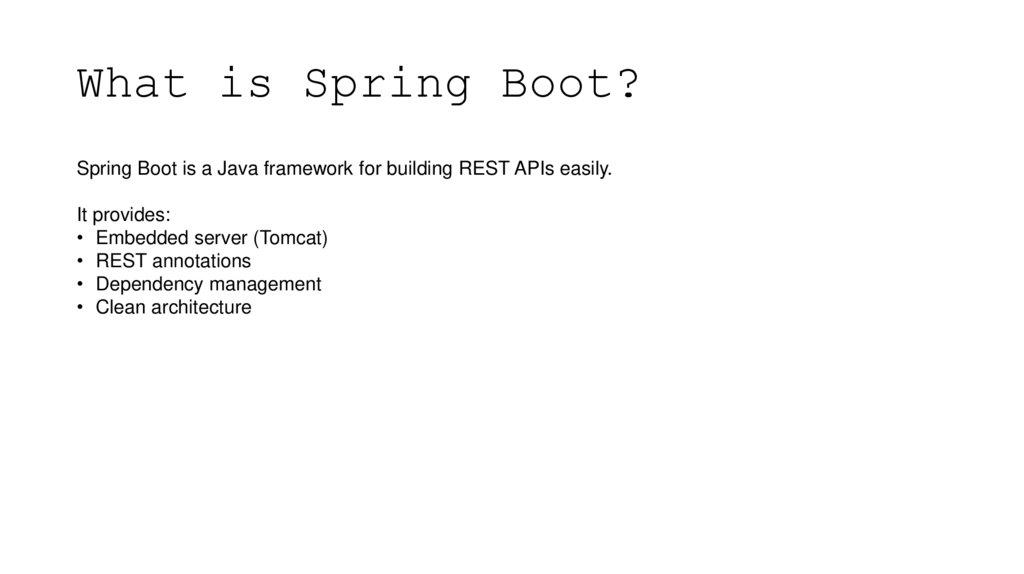
11. What is Spring Boot?
Spring Boot is a Java framework for building REST APIs easily.It provides:
• Embedded server (Tomcat)
• REST annotations
• Dependency management
• Clean architecture
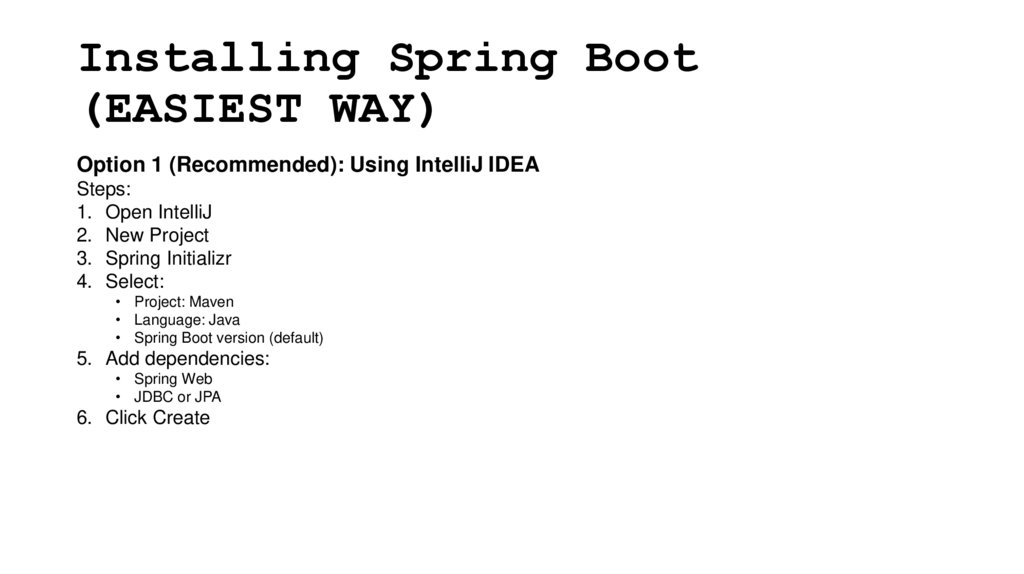
12. Installing Spring Boot (EASIEST WAY)
Option 1 (Recommended): Using IntelliJ IDEASteps:
1. Open IntelliJ
2. New Project
3. Spring Initializr
4. Select:
• Project: Maven
• Language: Java
• Spring Boot version (default)
5. Add dependencies:
• Spring Web
• JDBC or JPA
6. Click Create
13. Installing Spring Boot (EASIEST WAY)
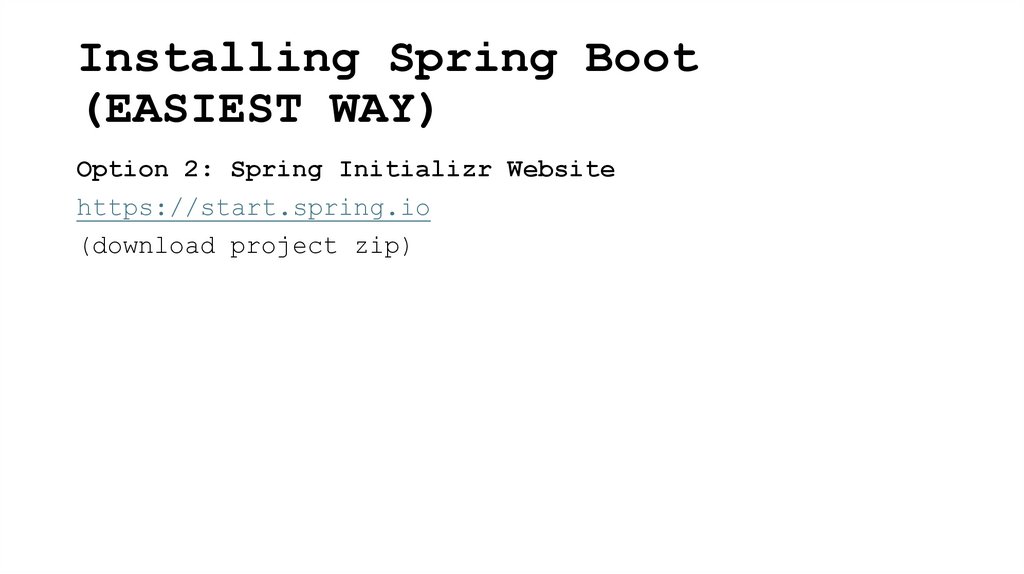
Option 2: Spring Initializr Websitehttps://start.spring.io
(download project zip)
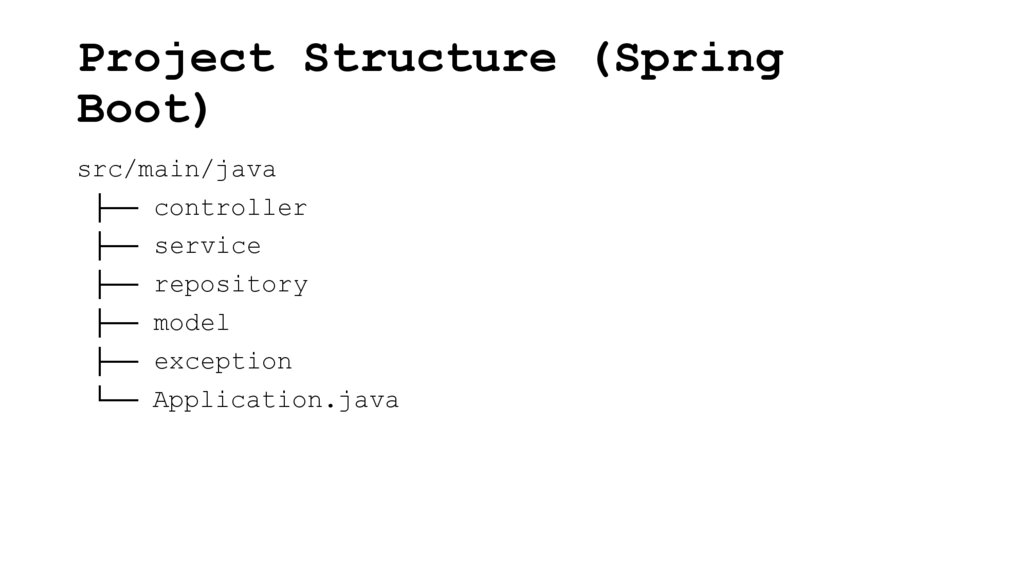
14. Project Structure (Spring Boot)
src/main/java├── controller
├── service
├── repository
├── model
├── exception
└── Application.java
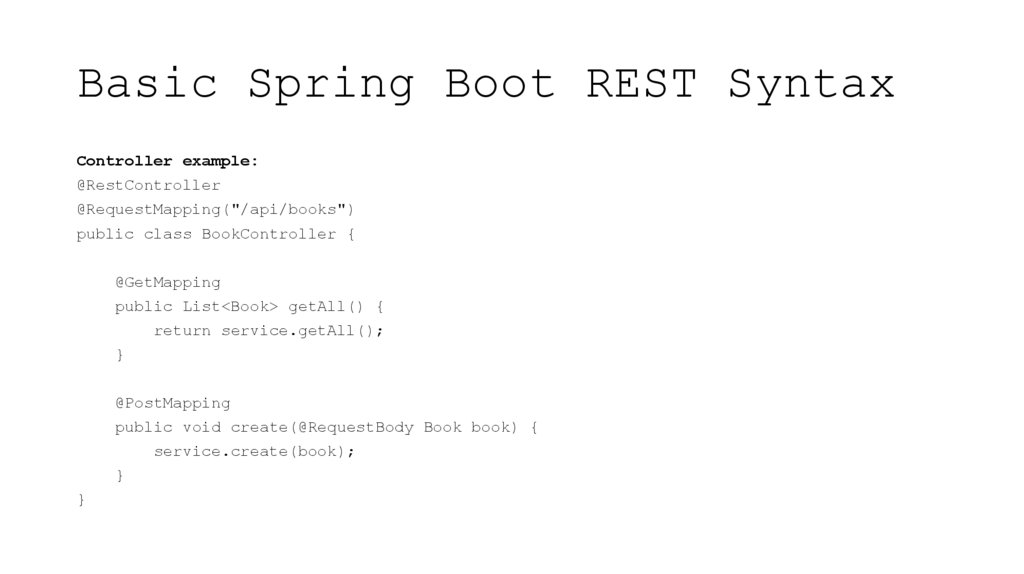
15. Basic Spring Boot REST Syntax
Controller example:@RestController
@RequestMapping("/api/books")
public class BookController {
@GetMapping
public List<Book> getAll() {
return service.getAll();
}
@PostMapping
public void create(@RequestBody Book book) {
service.create(book);
}
}
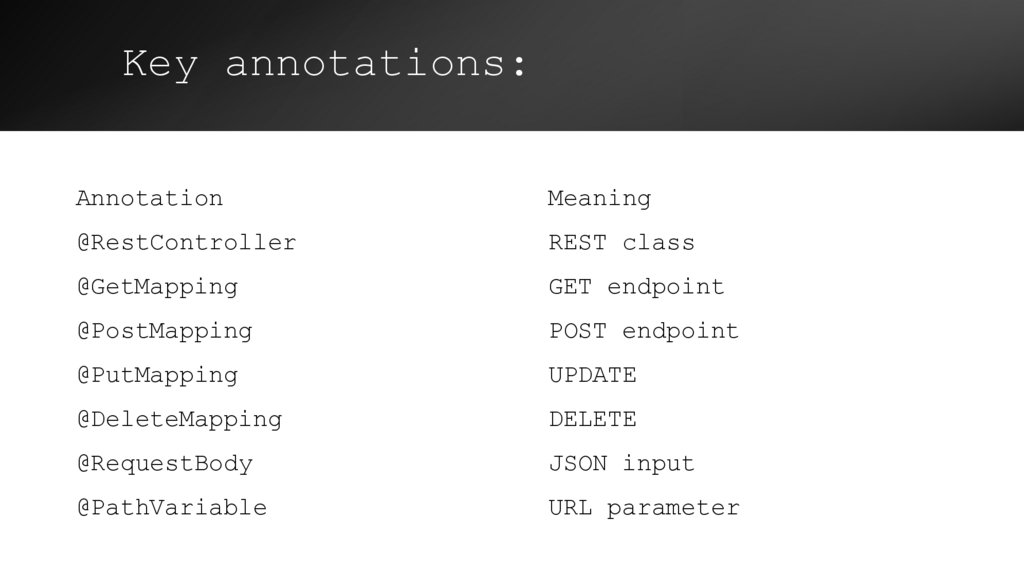
16. Key annotations:
AnnotationMeaning
@RestController
REST class
@GetMapping
GET endpoint
@PostMapping
POST endpoint
@PutMapping
UPDATE
@DeleteMapping
DELETE
@RequestBody
JSON input
@PathVariable
URL parameter
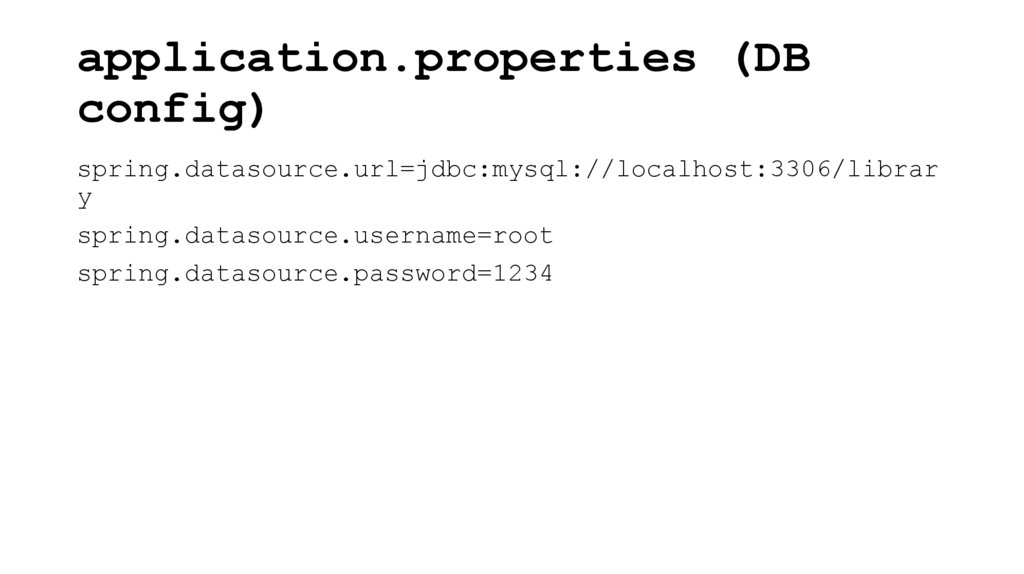
17. application.properties (DB config)
spring.datasource.url=jdbc:mysql://localhost:3306/library
spring.datasource.username=root
spring.datasource.password=1234
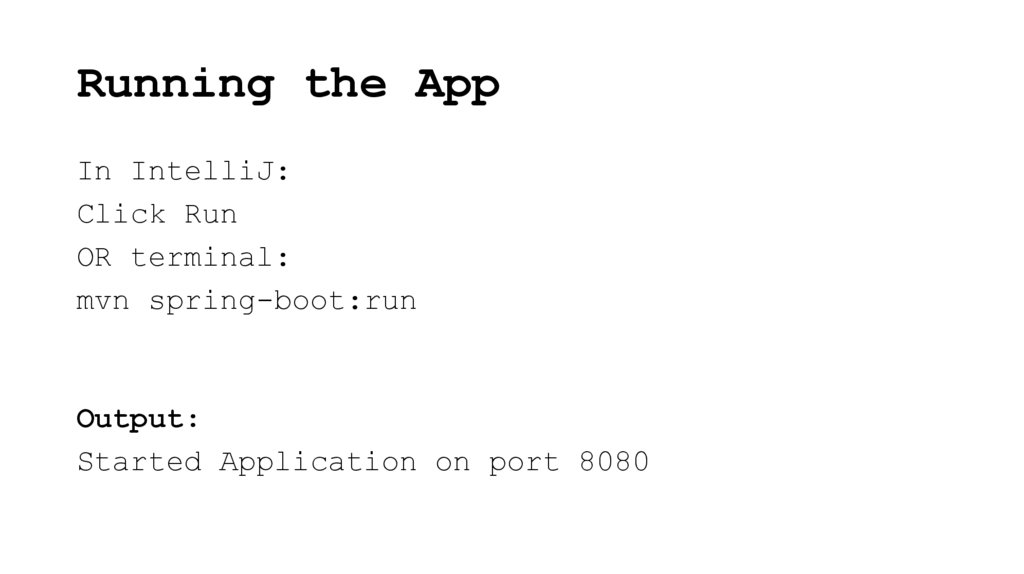
18. Running the App
In IntelliJ:Click Run
OR terminal:
mvn spring-boot:run
Output:
Started Application on port 8080
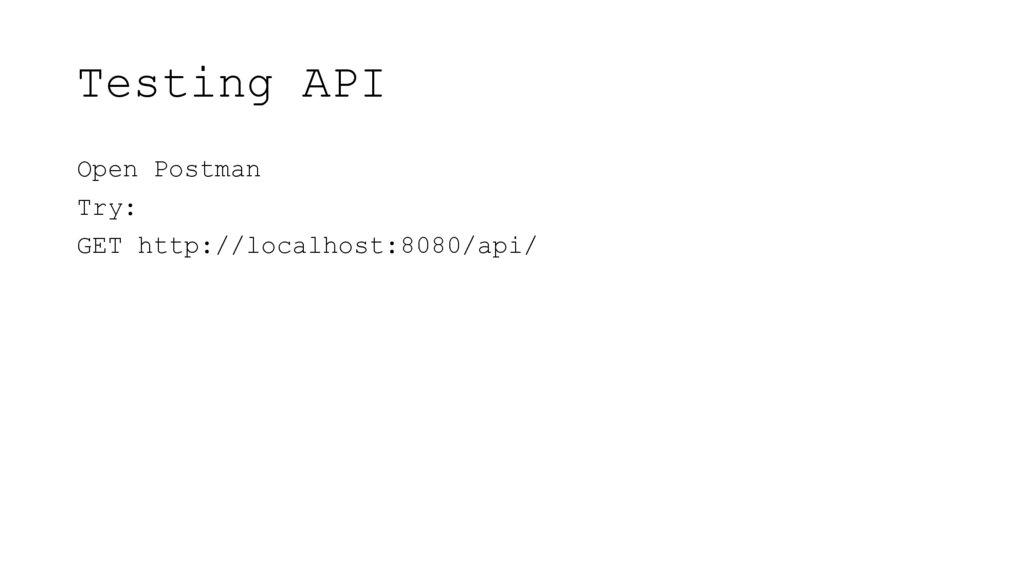
19. Testing API
Open PostmanTry:
GET http://localhost:8080/api/
20. Spring Boot doc
Github link21.
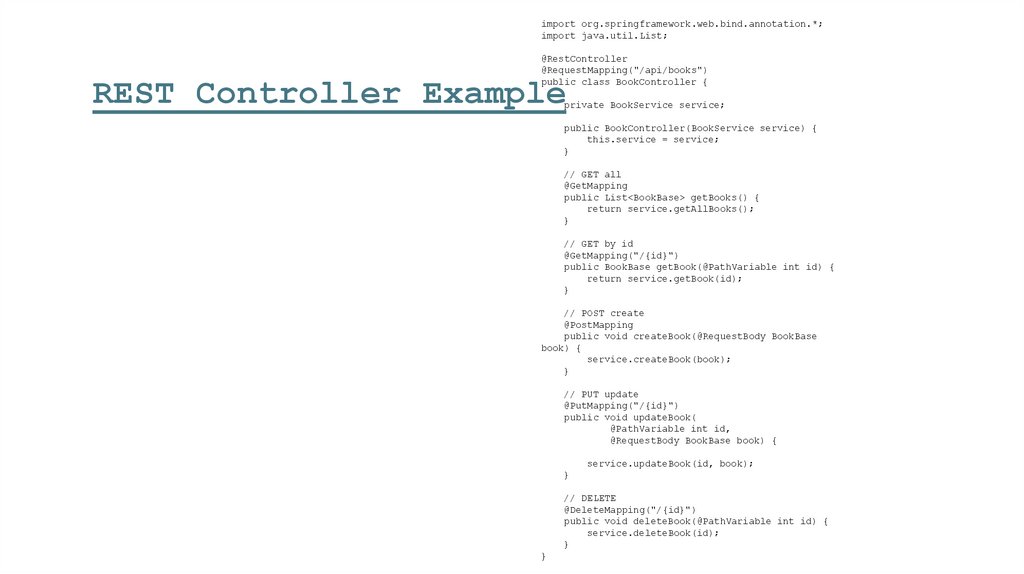
import org.springframework.web.bind.annotation.*;import java.util.List;
@RestController
@RequestMapping("/api/books")
public class BookController {
REST Controller Example
private BookService service;
public BookController(BookService service) {
this.service = service;
}
// GET all
@GetMapping
public List<BookBase> getBooks() {
return service.getAllBooks();
}
// GET by id
@GetMapping("/{id}")
public BookBase getBook(@PathVariable int id) {
return service.getBook(id);
}
// POST create
@PostMapping
public void createBook(@RequestBody BookBase
book) {
service.createBook(book);
}
// PUT update
@PutMapping("/{id}")
public void updateBook(
@PathVariable int id,
@RequestBody BookBase book) {
service.updateBook(id, book);
}
// DELETE
@DeleteMapping("/{id}")
public void deleteBook(@PathVariable int id) {
service.deleteBook(id);
}
}