 Интернет
Похожие презентации:







Databending: how to change pictures without graphic editors
1. Databending: how to change pictures without graphic editors
Made by Ulyanov Ivan,USTU, RENGM-1-15 group
2. What is databending?
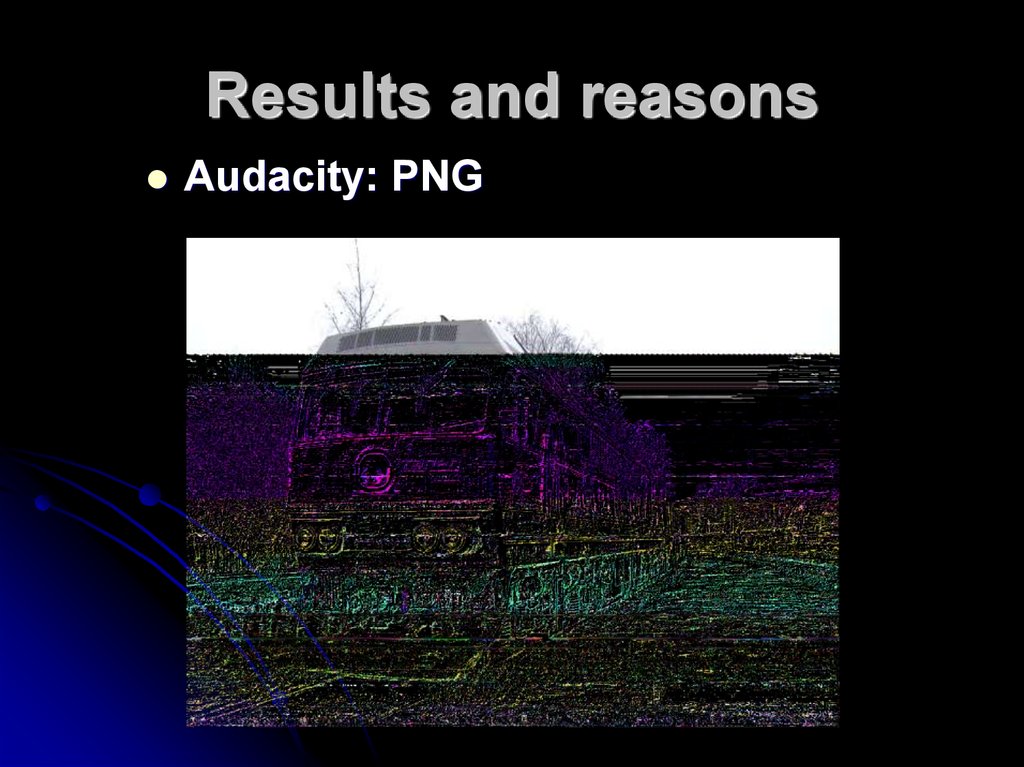
Databending is a kind of glitch which usestext or sound editors to change images
and videos.
3. The aims:
To examine the possibilities ofprograms;
To find the changeable image
formats;
To explore possible reasons why
the pictures are changed in this
way.
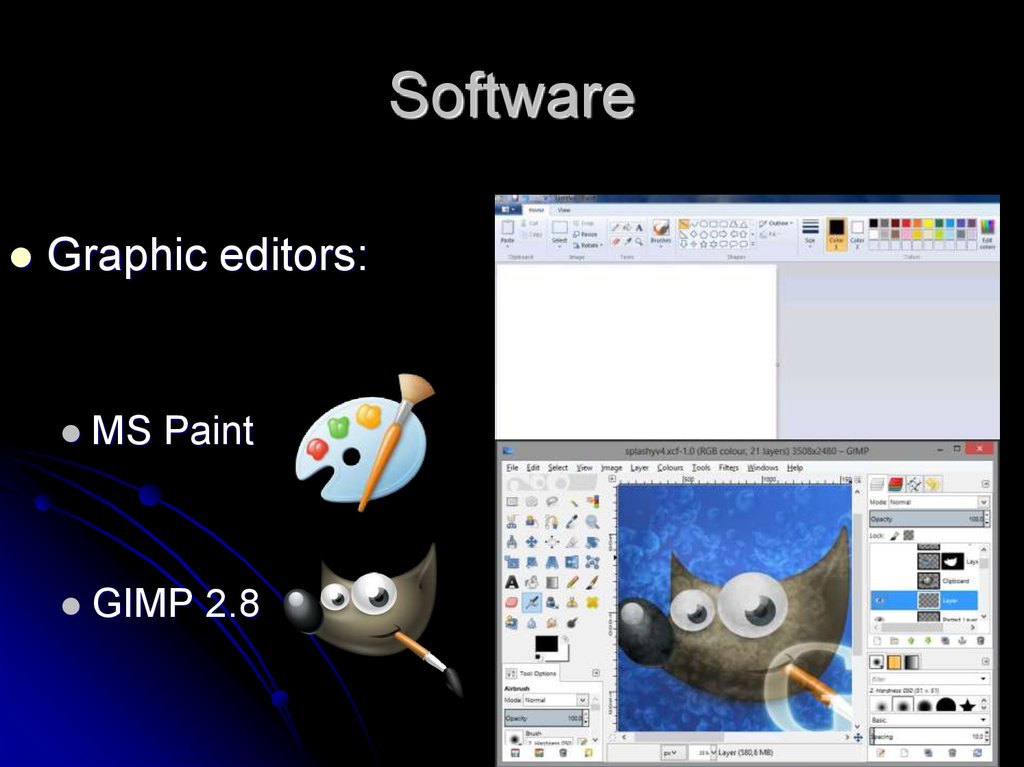
4. Software
Graphic editors:MS Paint
GIMP 2.8
5. Software
The programs we used:Wordpad
Audacity
notepad++
6. Formats that we used
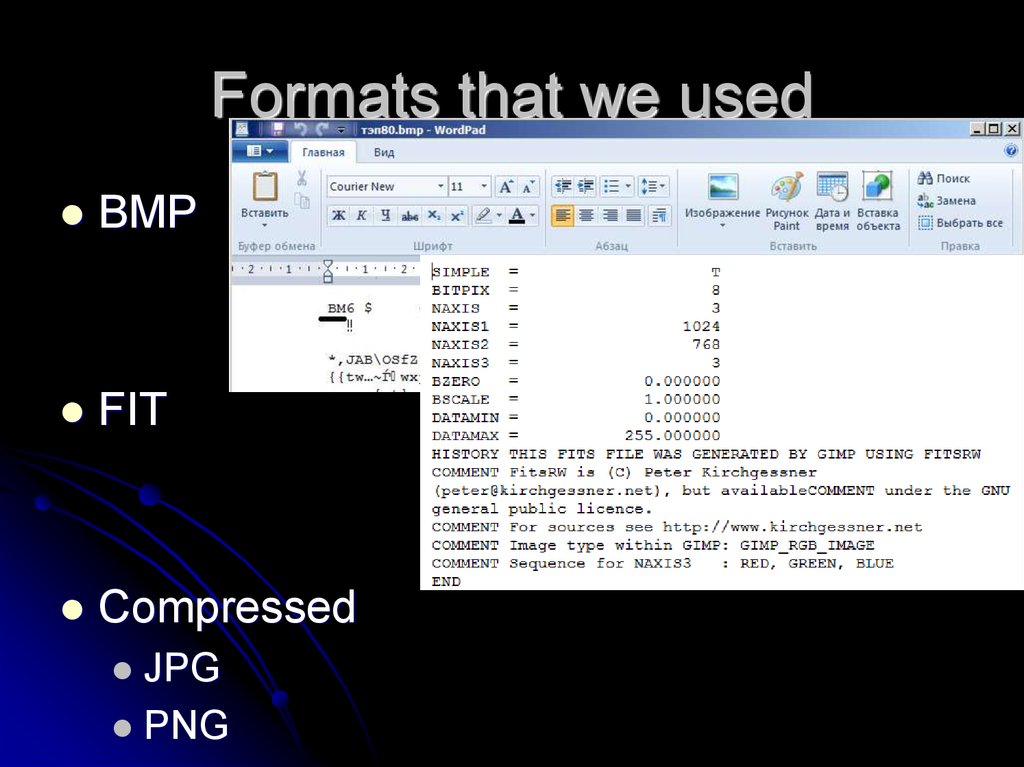
BMPFIT
Compressed
JPG
PNG
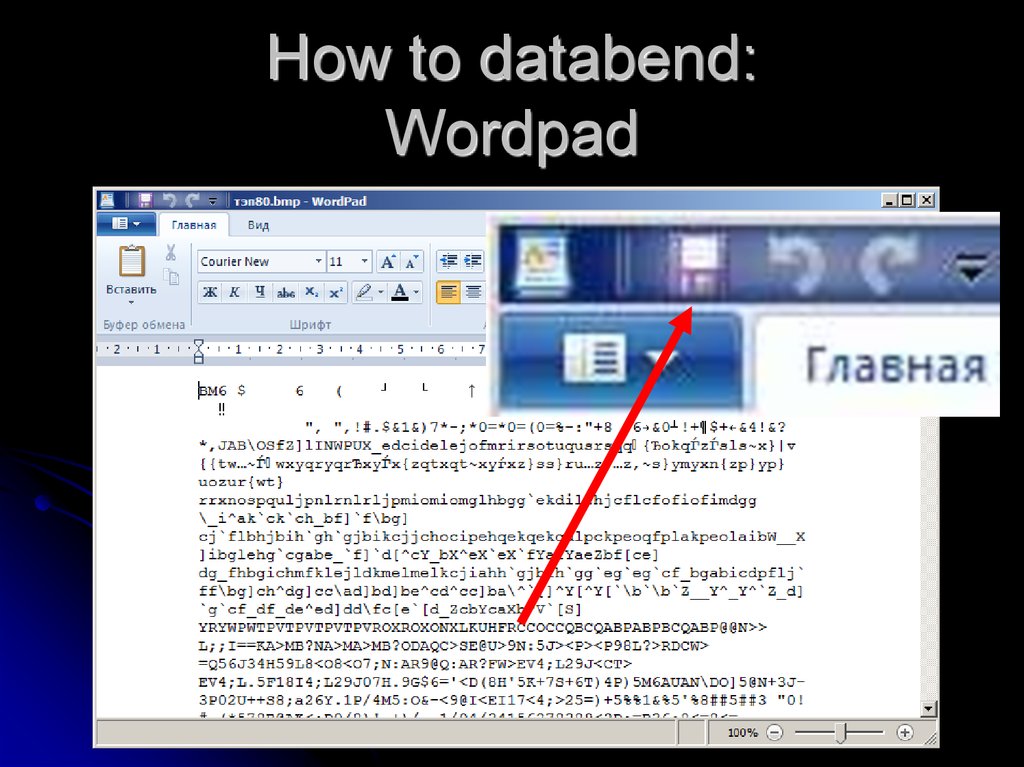
7. How to databend: Wordpad
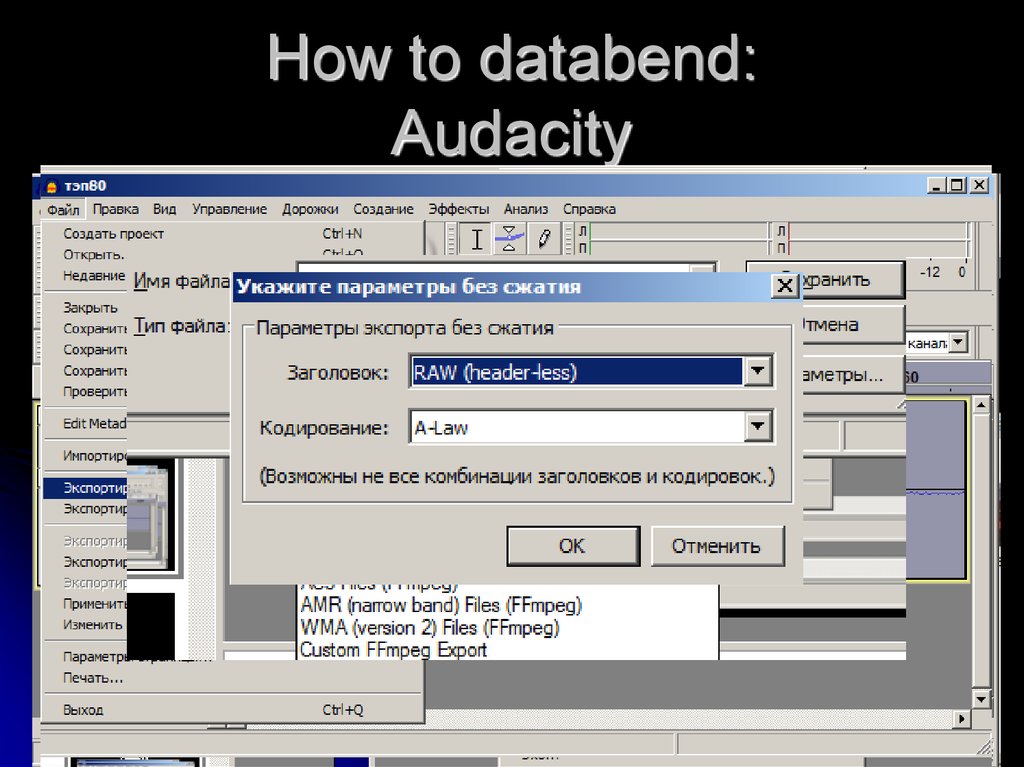
8. How to databend: Audacity
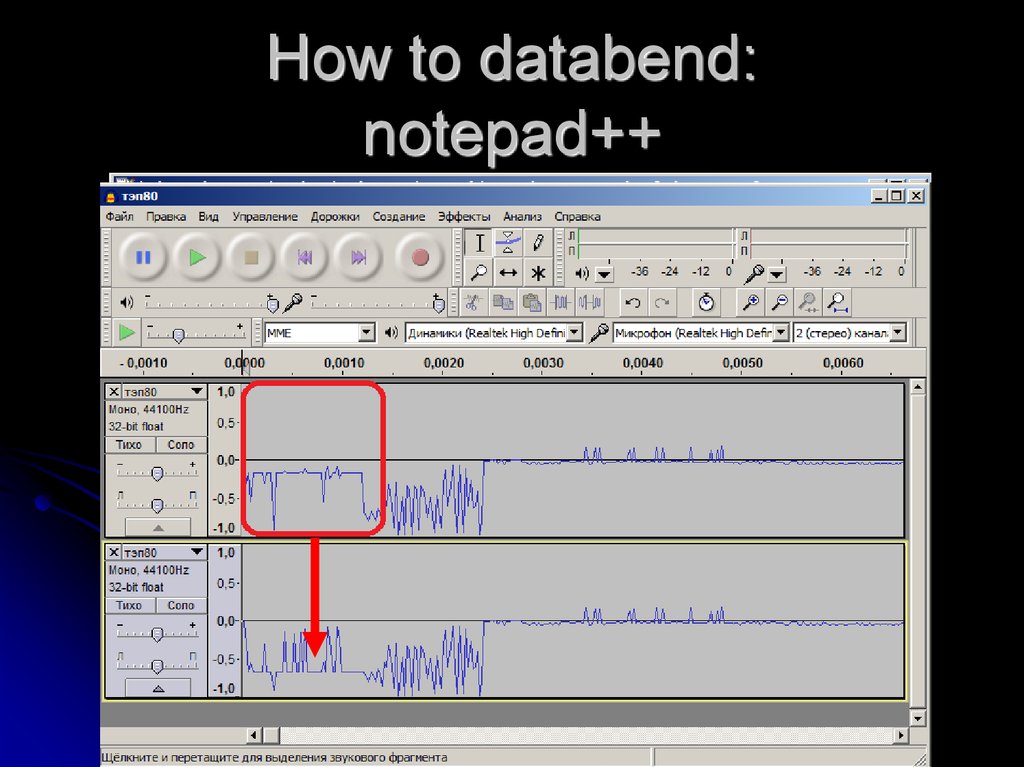
9. How to databend: notepad++
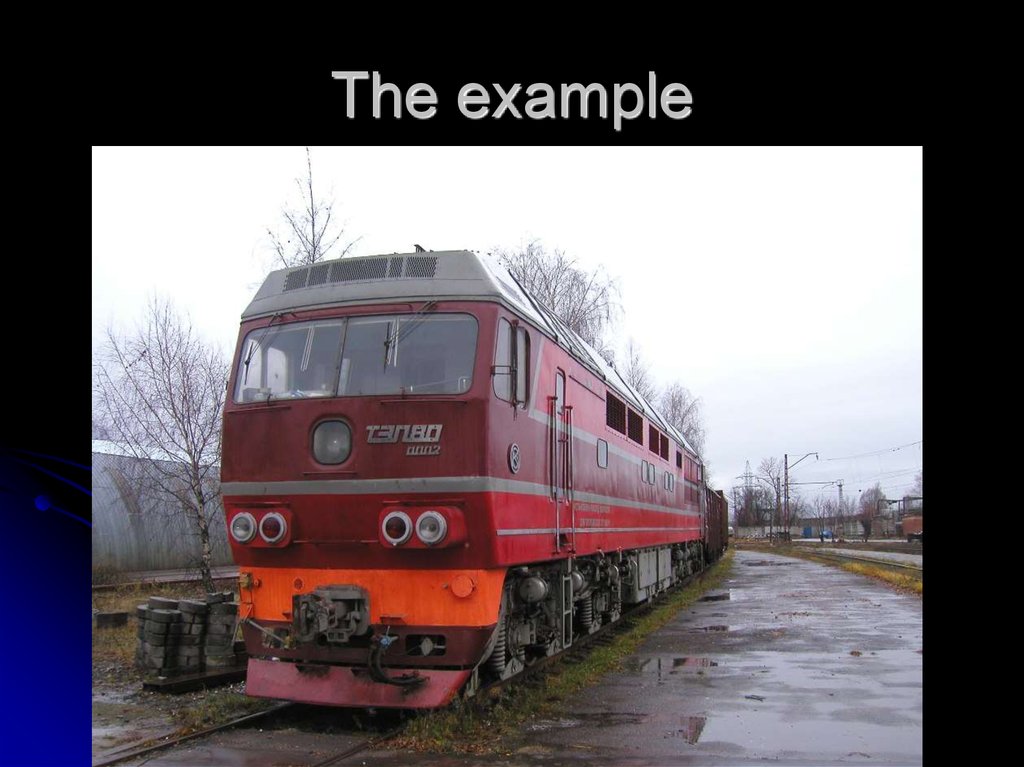
10. The example
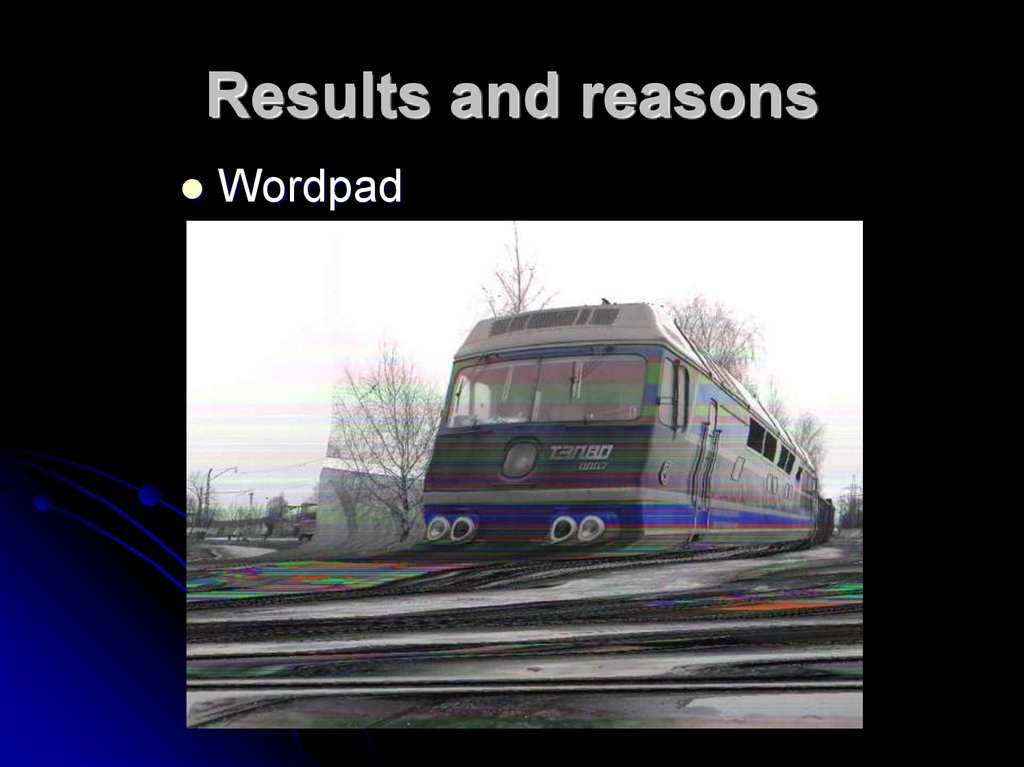
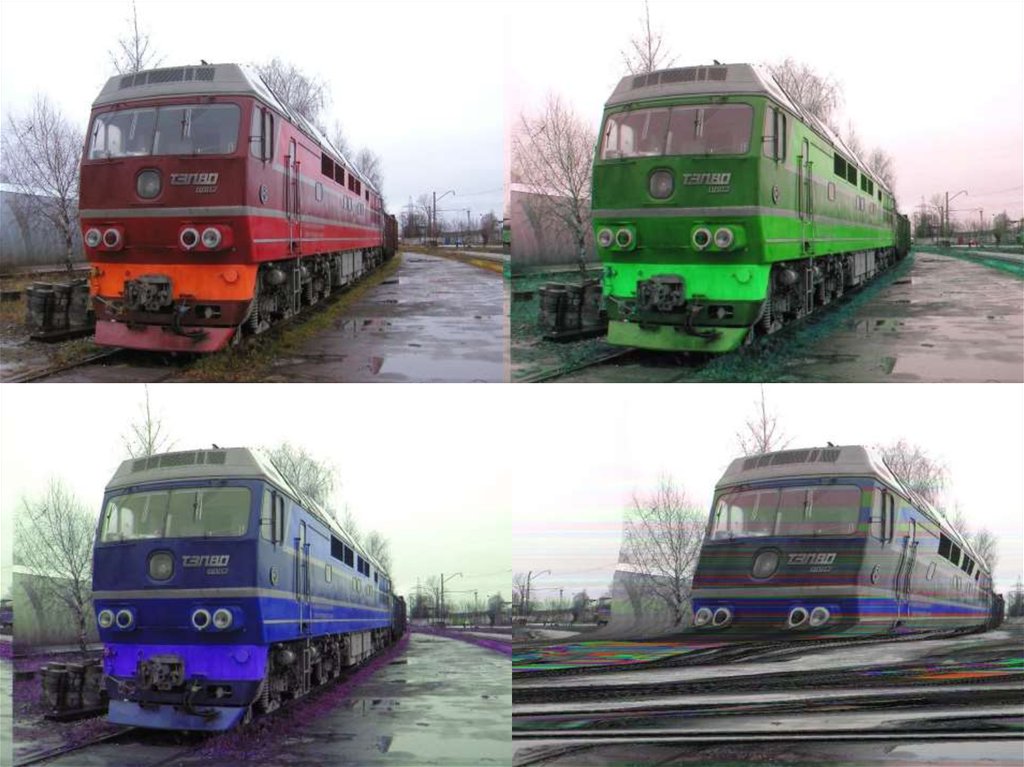
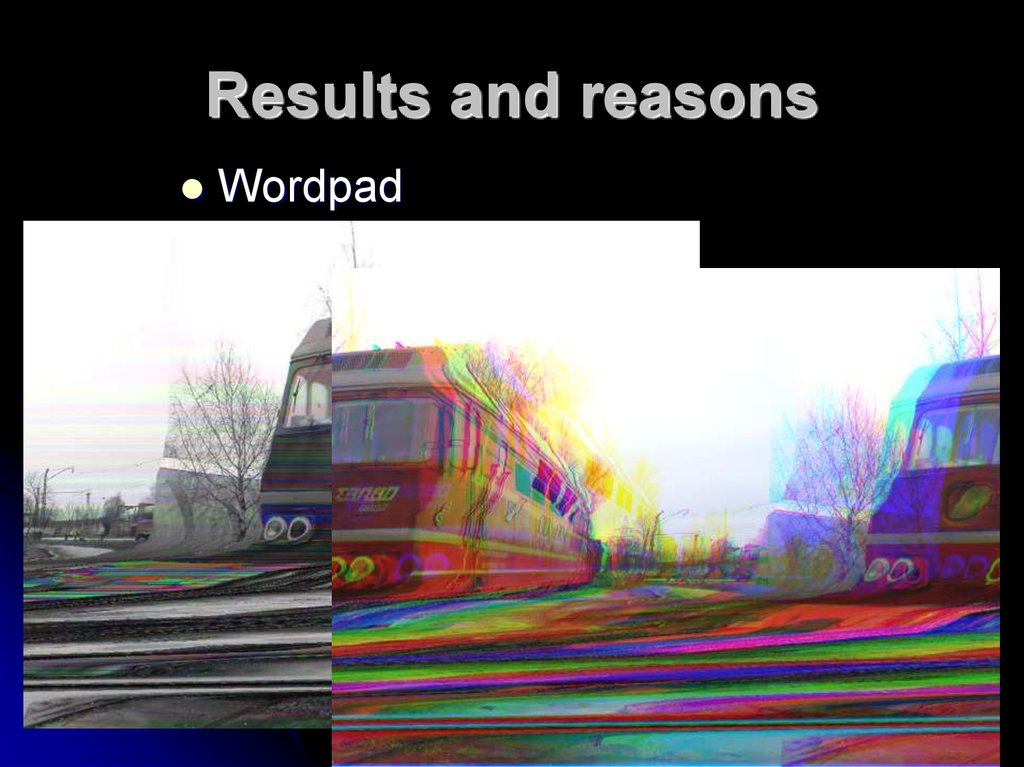
11. Results and reasons
Wordpad12.
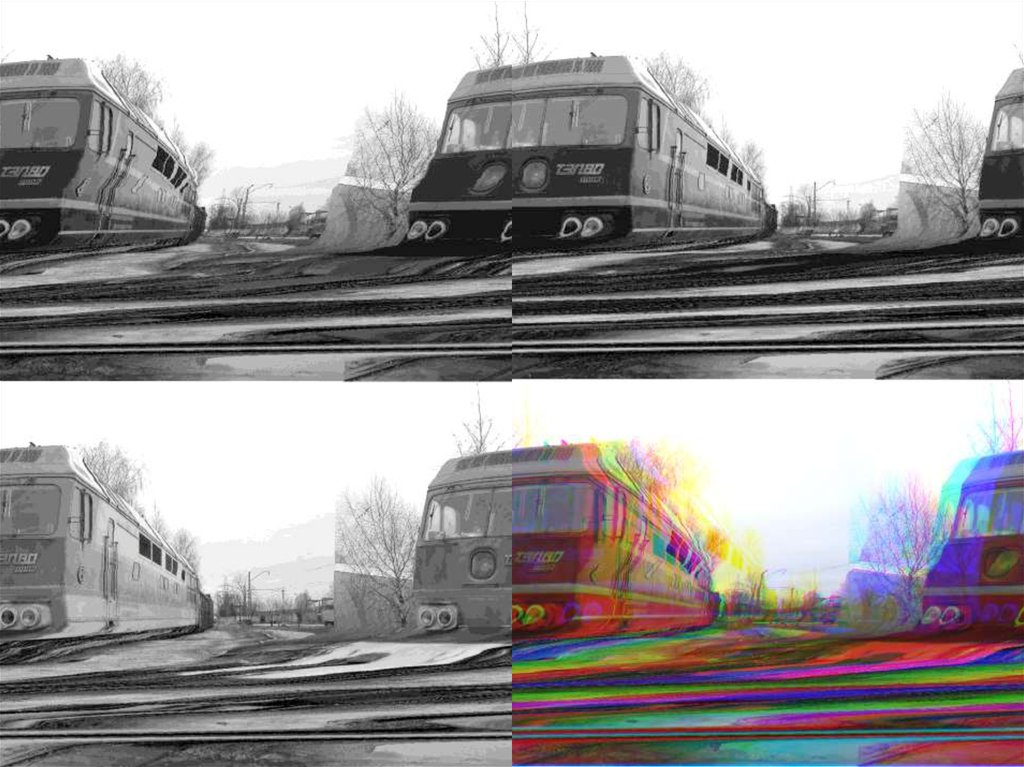
13. Results and reasons
Wordpad14.
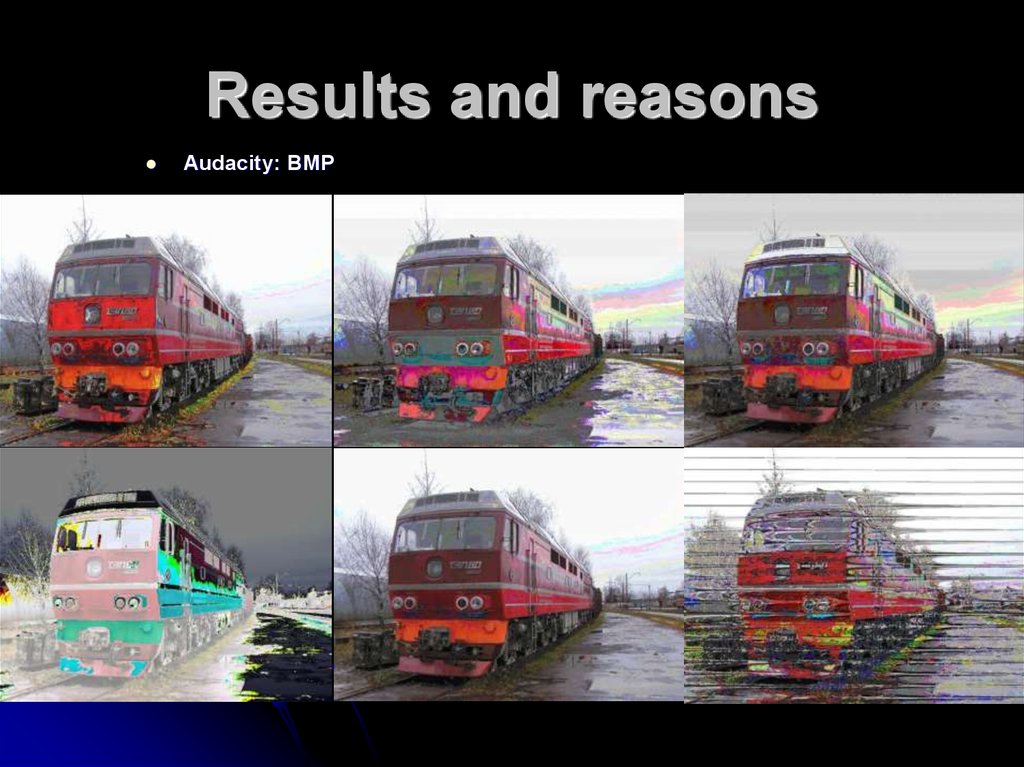
15. Results and reasons
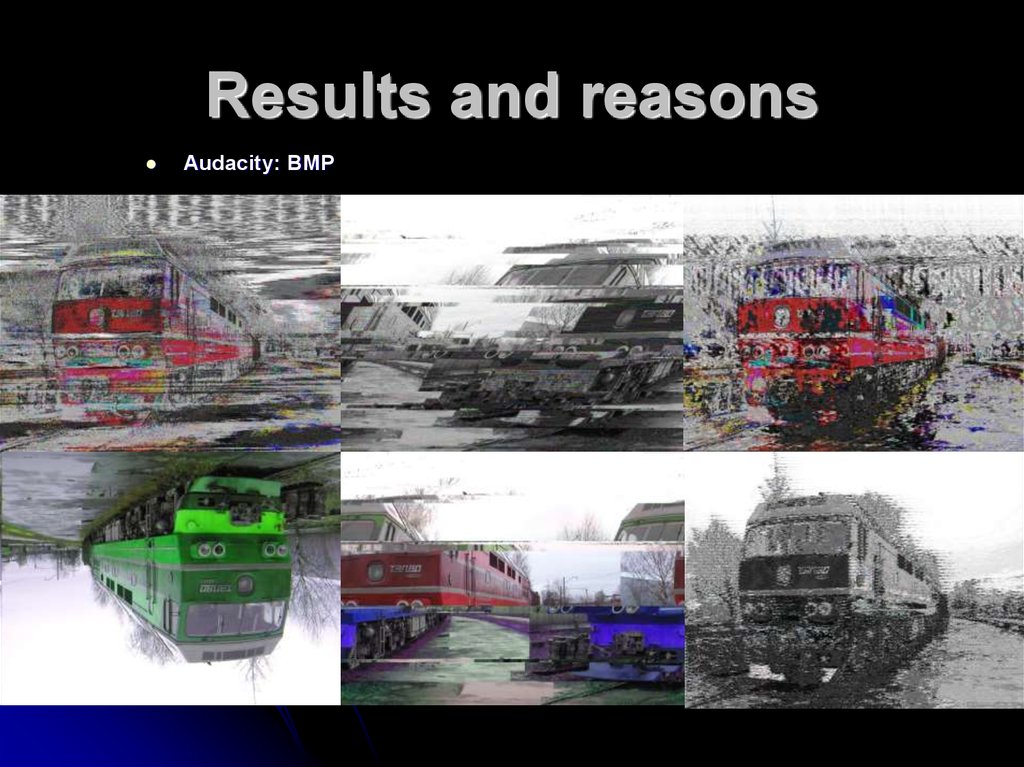
Audacity: BMP16. Results and reasons
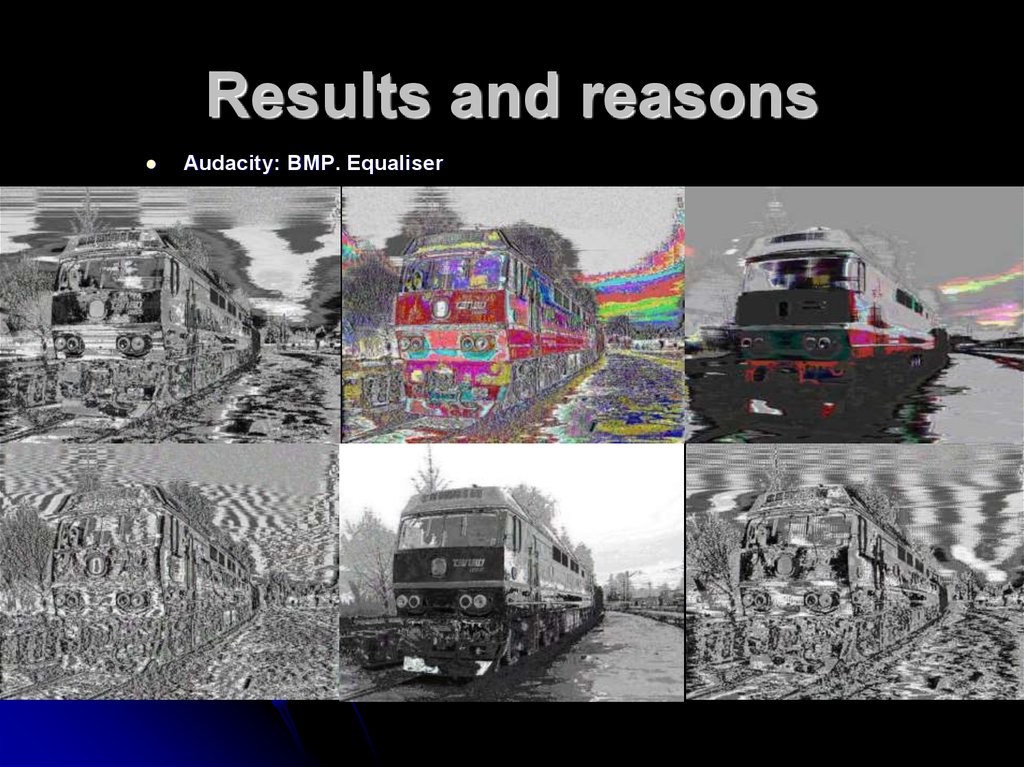
Audacity: BMP17. Results and reasons
Audacity: BMP. Equaliser18. Results and reasons
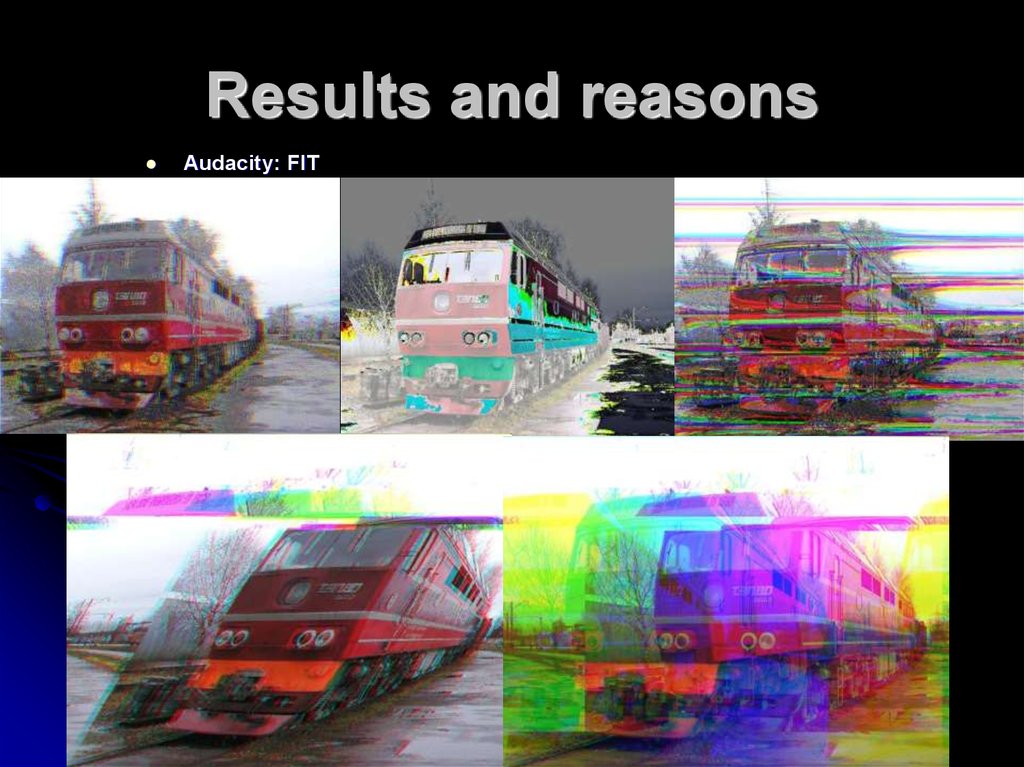
Audacity: FIT19. Results and reasons
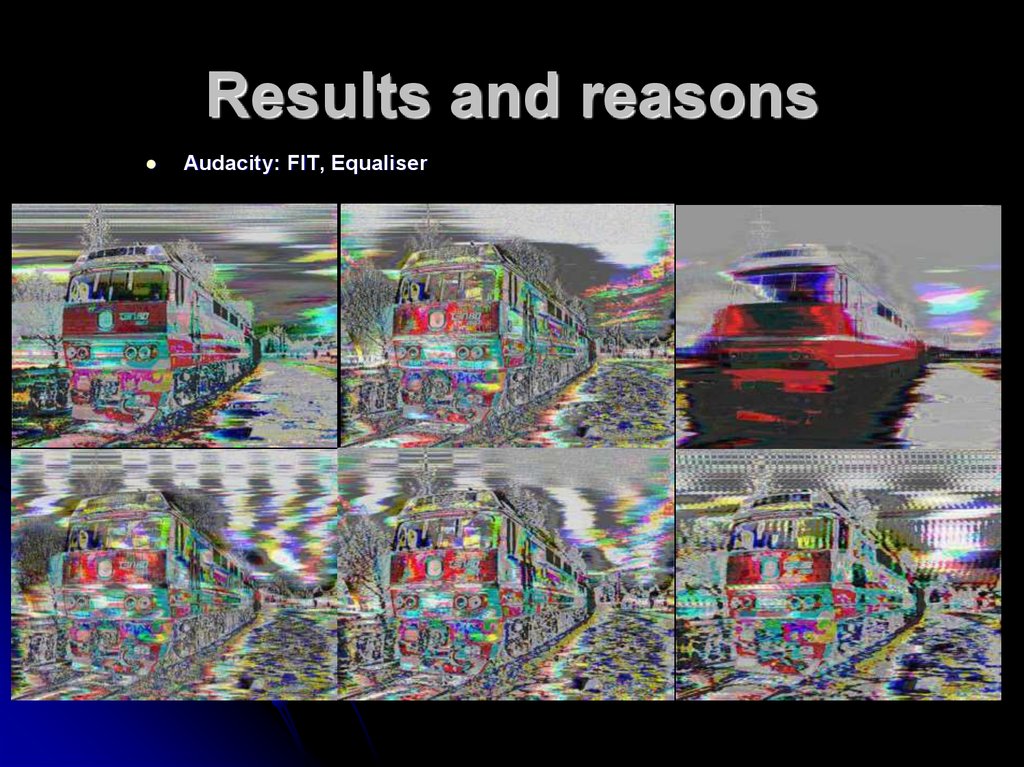
Audacity: FIT, Equaliser20. Results and reasons
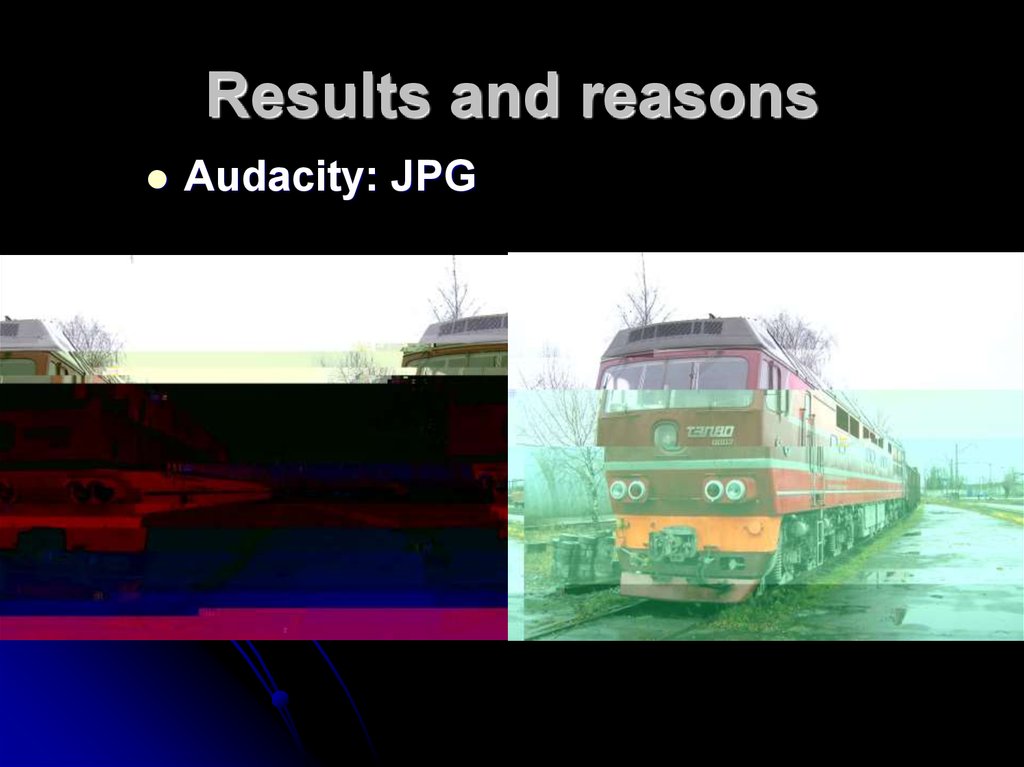
Audacity: JPG21. Results and reasons
Audacity: PNG22. Results and reasons
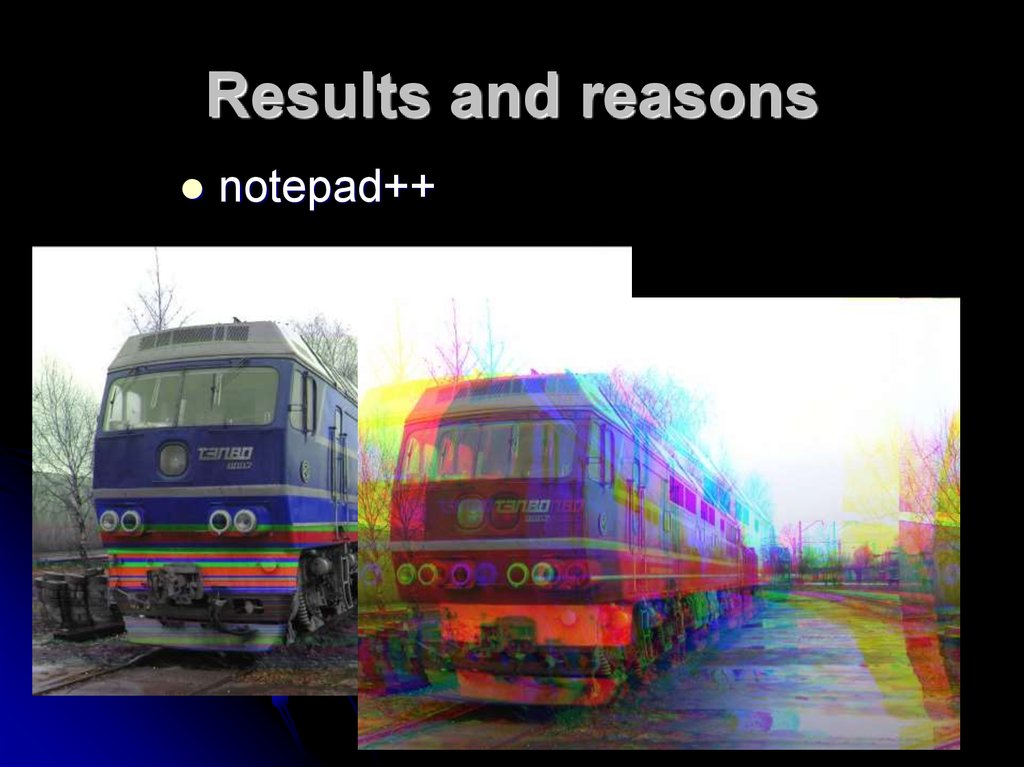
notepad++23. Conclusions
Uncompressed raster image files are the best fordatabending;
The result is a little bit unpredictable, so you
should have a copy of the original file;
Text editors don’t change the codes of the pixels,
but they change other parts of the files like DIB
headers which move the pixels;
Sound editors can change every part of the file.
.fit files are probably more colourful than .bmp’s,
but you should download GIMP to work with them.