

 Базы данных
Похожие презентации:





Database overview
1. Database overview
• Module 12. Agenda
Database
DBMS
Data model
RDBMS
Client-server
DB server installation
3. What is database?
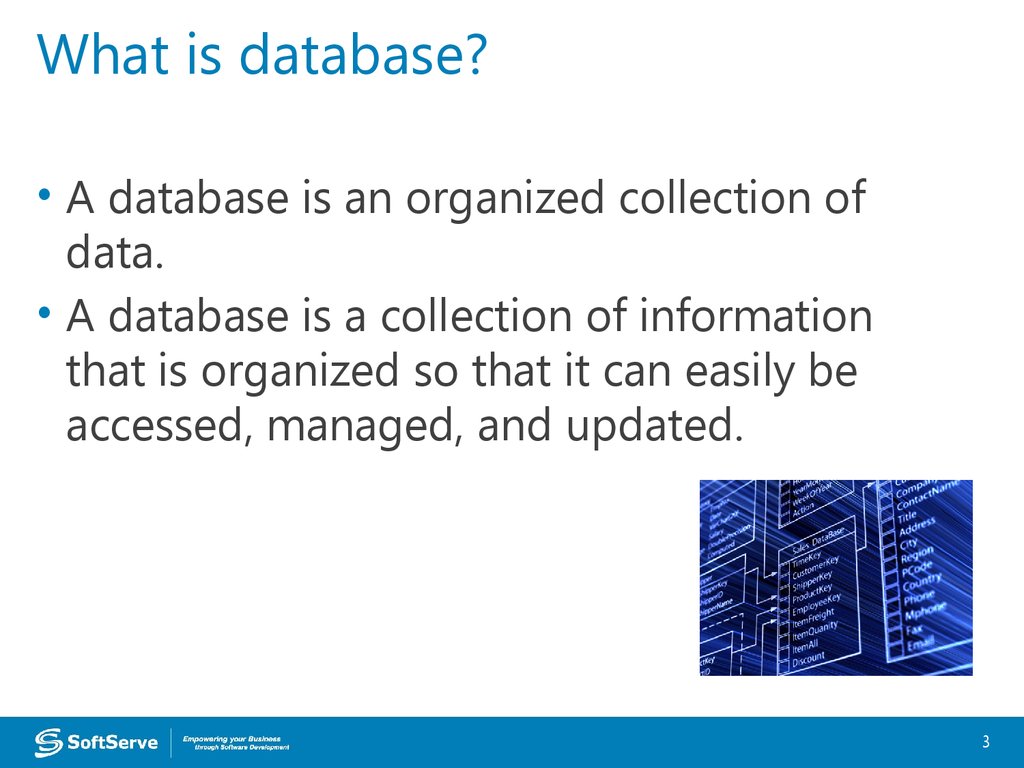
• A database is an organized collection ofdata.
• A database is a collection of information
that is organized so that it can easily be
accessed, managed, and updated.
3
4. What is DBMS?
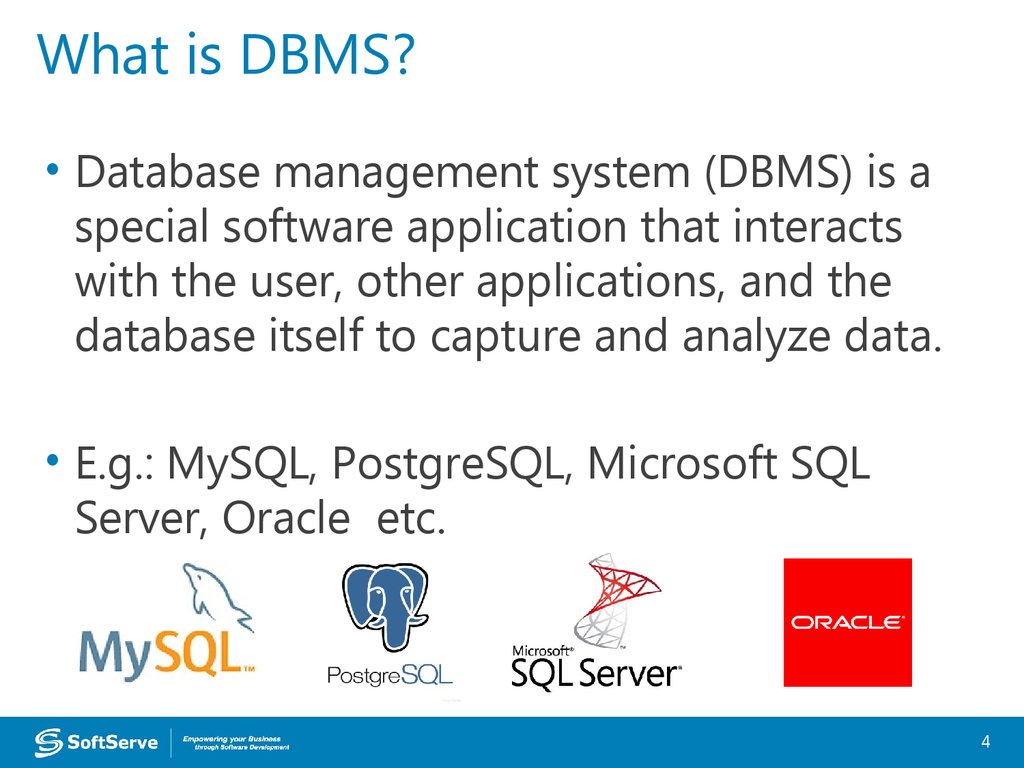
• Database management system (DBMS) is aspecial software application that interacts
with the user, other applications, and the
database itself to capture and analyze data.
• E.g.: MySQL, PostgreSQL, Microsoft SQL
Server, Oracle etc.
4
5. DBMS purpose
To store data properlyTo provide simultaneous access to the
data for many users
To delimit the access to the data for
different users
To prevent data from loss
5
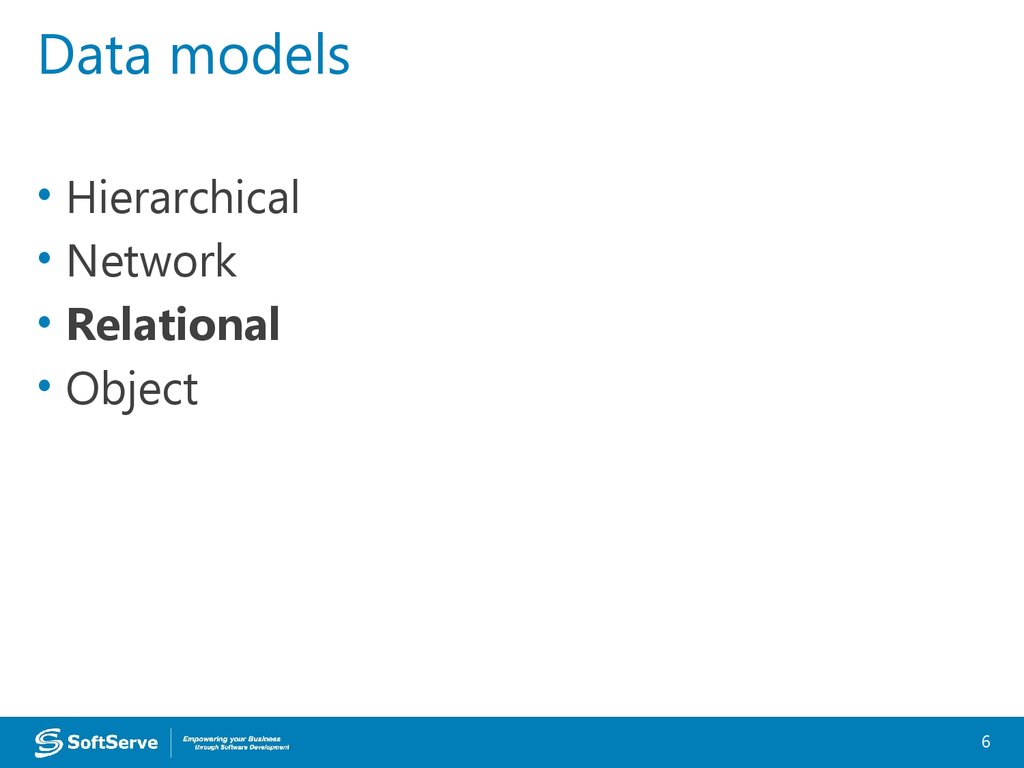
6. Data models
Hierarchical
Network
Relational
Object
6
7. RDBMS
• Inplement a relational data model• Are used in most commercial projects
• Have been used for almost 40 years
7
8. Desktop RDBMS
• Store data on local PC or network filestorage
• Data processing is performed on the local
PC
• Are used for small applications, mostly
single-user, without strong security
requirements
• Example: Microsoft Access
8
9. Client-server RDBMS
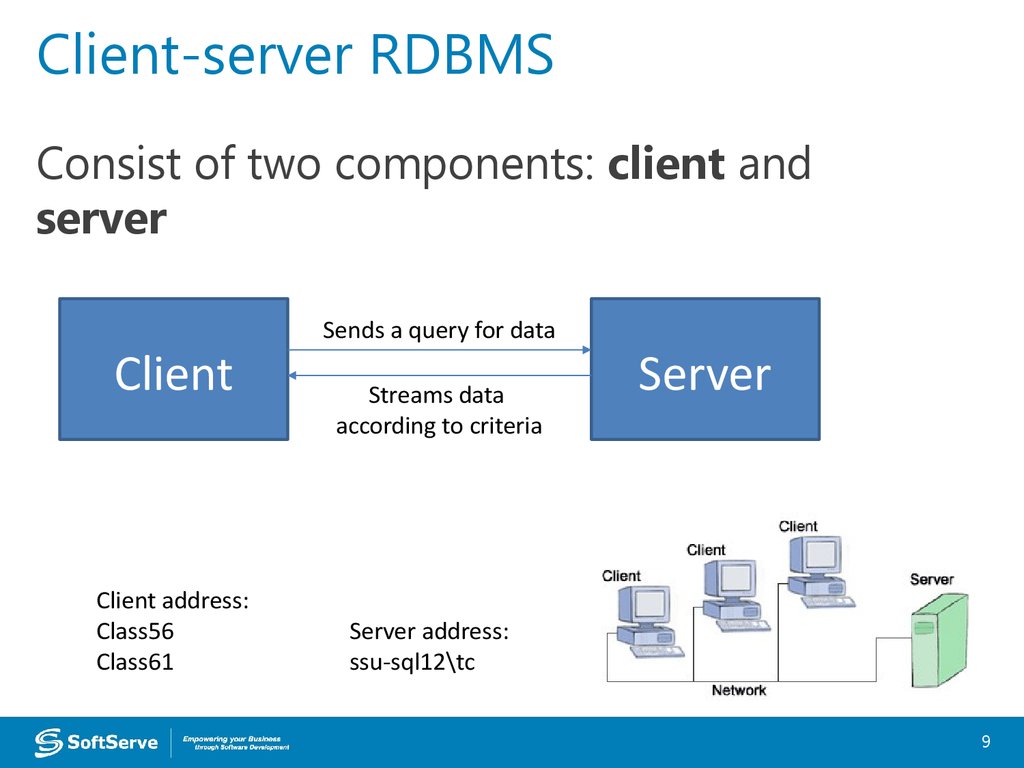
Consist of two components: client andserver
Client
Client address:
Class56
Class61
Sends a query for data
Streams data
according to criteria
Server
Server address:
ssu-sql12\tc
9
10. RDBMS installation
• Install RDBMS ServerMicrosoft SQL Server 2014 Express
• Install client application for querying data
Microsoft SQL Server Management studio
10
11. Demonstration
1112. Links
http://www.microsoft.com/en-us/server-cloud/products/sql-serv
er-editions/sql-server-express.aspx
https://
msdn.microsoft.com/en-us/library/bb545450.aspx
12
13. Thank you!
US OFFICESEUROPE OFFICES
Austin, TX
Fort Myers, FL
Lehi, UT
Newport Beach, CA
Waltham, MA
Bulgaria
Germany
Netherlands
Poland
Russia
Sweden
Ukraine
United Kingdom
www.softserveinc.com