Похожие презентации:


Determine the properties of the operating system. Working with files and directories
1. Laboratory work №3. Determine the properties of the operating system. Working with files and directories
2. Objective:
Practicalstudy of the command-line
capabilities of the Microsoft Windows
operating system on the example of
frequently used commands, practical
familiarity with the OS interface of the
menu type with the example of the Far
Manager file manager, a practical study
of the capabilities of the Windows
graphical interface.
3. Methodological guide
The operating system interface (OS) is ameans of communicating with the user OS.
Using the interface, the user accesses
various OS functions, such as launching
programs or copying files, and receiving OS
messages.
The command line is an OS interface that
operates in a separate text mode as follows:
OS displays an invitation;
the user enters the command and presses
[Enter];
OS displays the results on the screen.
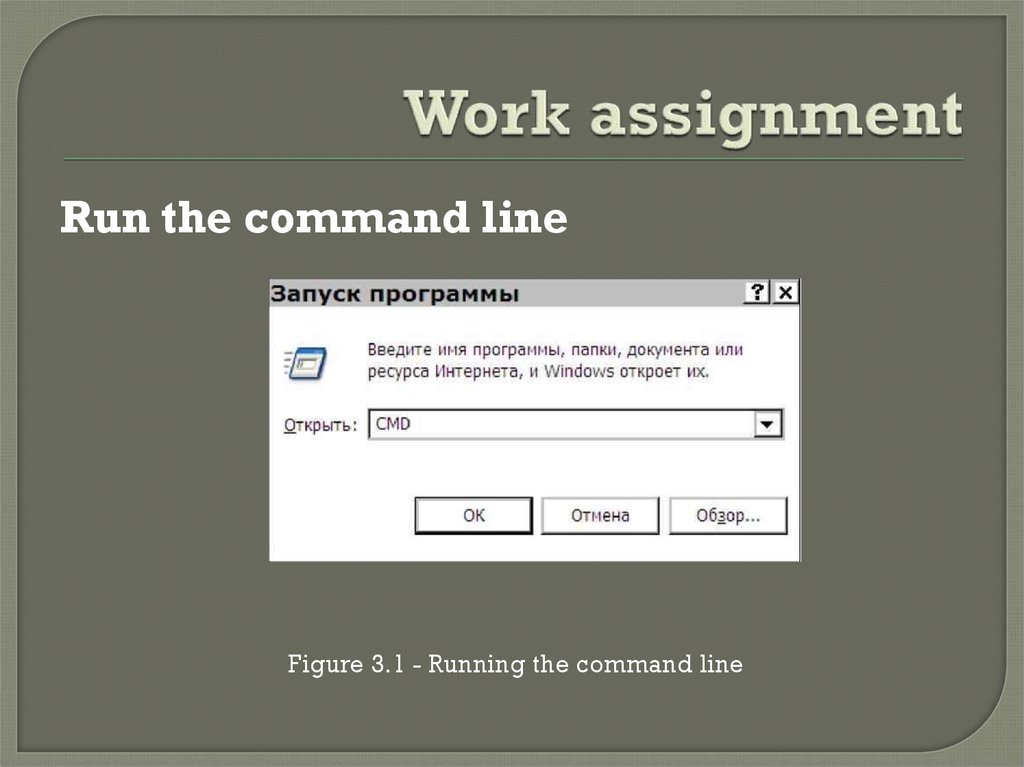
4. Work assignment
Run the command lineFigure 3.1 - Running the command line
5. Work assignment
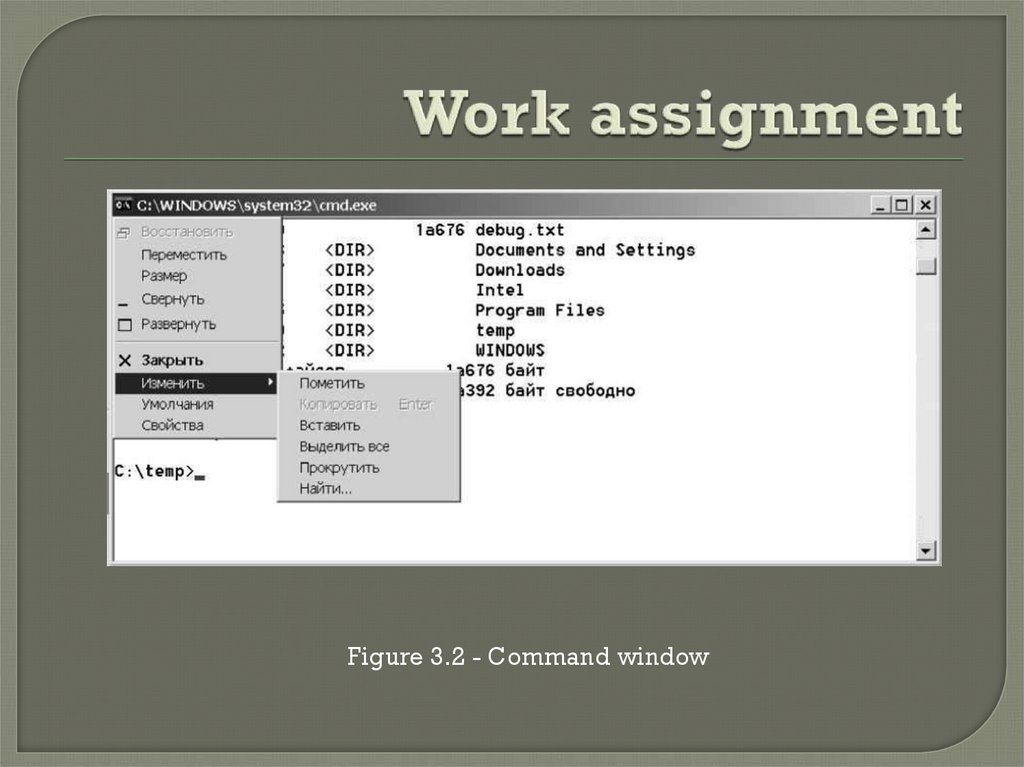
Figure 3.2 - Command window6. Work assignment
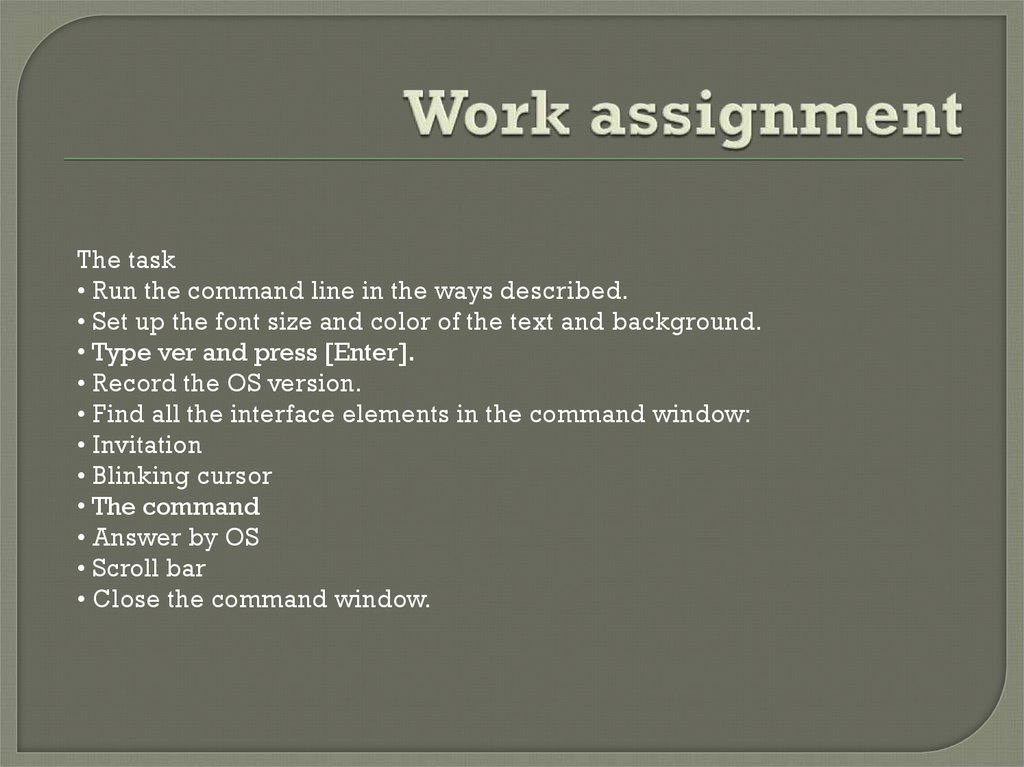
The task• Run the command line in the ways described.
• Set up the font size and color of the text and background.
• Type ver and press [Enter].
• Record the OS version.
• Find all the interface elements in the command window:
• Invitation
• Blinking cursor
• The command
• Answer by OS
• Scroll bar
• Close the command window.
7. Working with files and directories
Tocreate directories, use the mkdir
command (Make Directory).
To delete directories, use the command
rmdir (Remove Directory).
To delete files, use the del command
(Delete).
8. Working with files and directories
Tasks• Call the help on mkdir
• Create a directory (use the group number in the name)
• Change to the new directory
• Create a directory (use a surname in the title)
• Change to the new directory
• Create a text file
• Call help for del
• Delete the text file
• Climb one level up the file tree
• Call the help for rmdir
• Delete the directory
• Create a directory
• Climb one level up the file tree
• Delete the directory
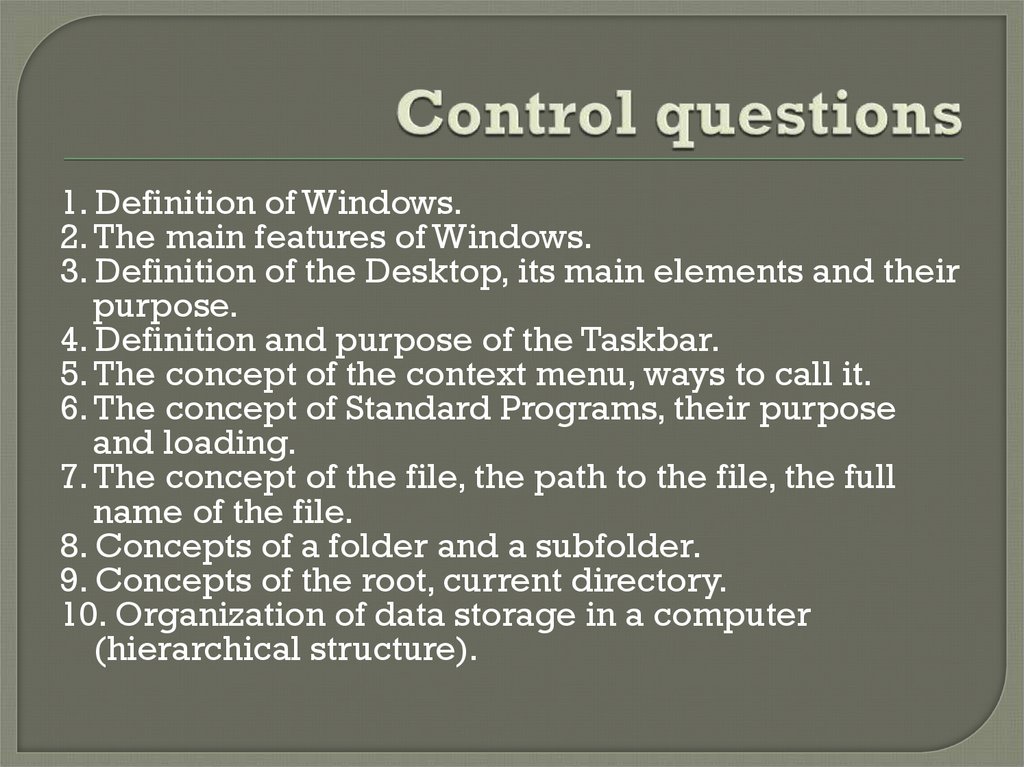
9. Control questions
1. Definition of Windows.2. The main features of Windows.
3. Definition of the Desktop, its main elements and their
purpose.
4. Definition and purpose of the Taskbar.
5. The concept of the context menu, ways to call it.
6. The concept of Standard Programs, their purpose
and loading.
7. The concept of the file, the path to the file, the full
name of the file.
8. Concepts of a folder and a subfolder.
9. Concepts of the root, current directory.
10. Organization of data storage in a computer
(hierarchical structure).