

 Электроника
Похожие презентации:







Build a PC
1.
Build a PCStep-by-Step Guide to
Selecting and Assembling a PC
2.
Introduction3.
01Defining Needs
4.
Common use casesUnderstanding your primary use cases helps tailor your PC build for
optimal performance.
5.
Office PCIdeal for document management, web browsing, and video calls; focus
on efficiency and cost-effectiveness.
6.
Gaming PCBuilt for high-performance gaming; requires powerful GPU, CPU, and
adequate cooling for intensive tasks.
7.
Workstation PCDesigned for resource-heavy applications like video editing and
programming; prioritize CPU and RAM.
8.
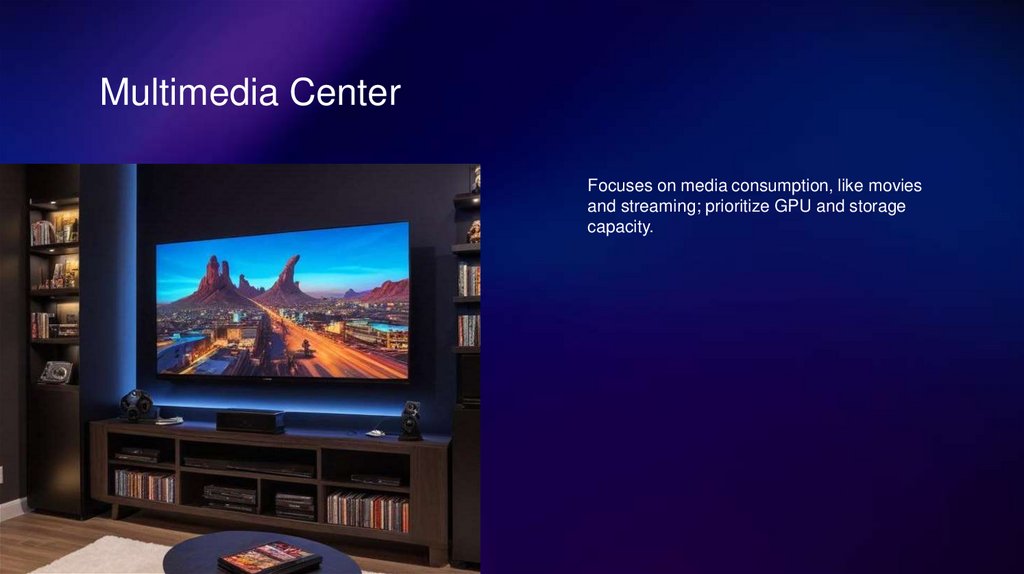
Multimedia CenterFocuses on media consumption, like movies
and streaming; prioritize GPU and storage
capacity.
9.
02Essential Components
10.
CPU (Processor)The CPU is the central component of your PC. Choose based on task
needs. For basic use, an Intel Core i3 or AMD Ryzen 3 suffices. For
gaming, opt for Intel Core i5/i7 or AMD Ryzen 5/7. For professional
tasks, consider Intel Core i9 or AMD Ryzen 9.
11.
MotherboardSelect a motherboard compatible with your CPU. Ensure it has
sufficient ports and slots for future upgrades. Check form factor to fit in
your case.
12.
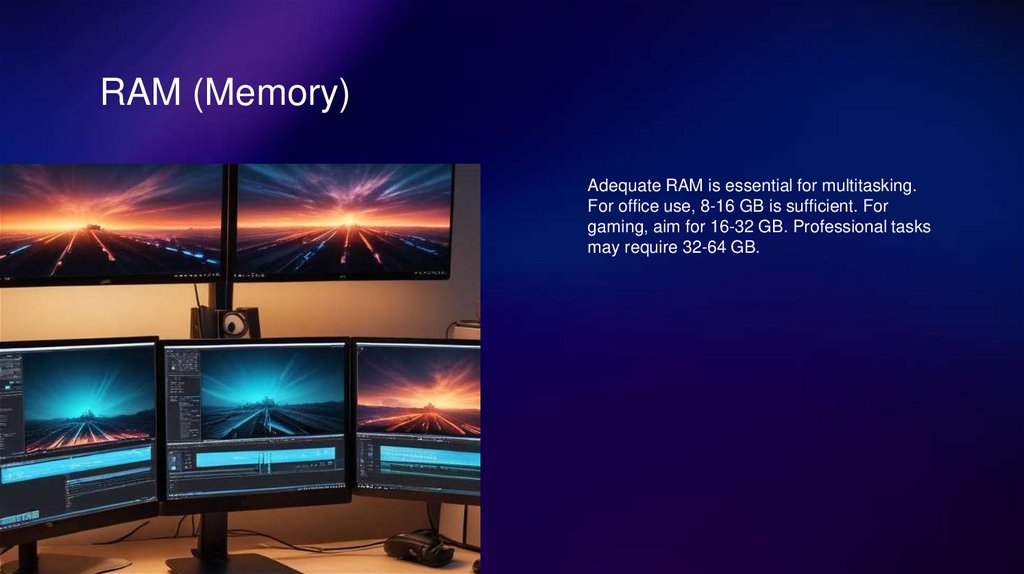
RAM (Memory)Adequate RAM is essential for multitasking.
For office use, 8-16 GB is sufficient. For
gaming, aim for 16-32 GB. Professional tasks
may require 32-64 GB.
13.
GPU (Graphics Card)Choose a GPU based on your graphic needs. For gaming, NVIDIA
RTX 3060-4080 or AMD RX 6700-7900 are ideal. For casual graphics
work, integrated graphics may suffice.
14.
Storage (SSD/HDD)Utilize a combination of SSD and HDD. SSDs offer speed for your
operating system and programs, while HDDs provide high-capacity
storage for files.
15.
PSU (Power Supply)Ensure your PSU has enough wattage for your system, typically 500750W for mid-range and 850W+ for gaming. Look for 80+ certification
for efficiency.
16.
CaseSelect a case that supports your motherboard size. Ensure it has good
airflow and enough space for components. Consider aesthetics and
cable management options.
17.
CoolingEffective cooling is crucial. Choose between air cooling and liquid
cooling based on your performance needs. Ensure your case has
adequate airflow.
18.
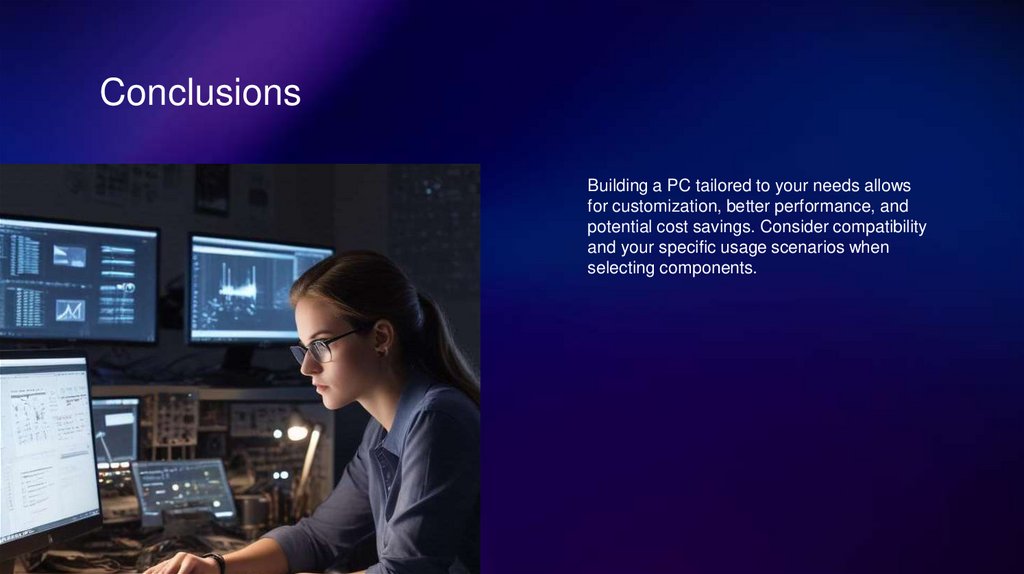
ConclusionsBuilding a PC tailored to your needs allows
for customization, better performance, and
potential cost savings. Consider compatibility
and your specific usage scenarios when
selecting components.
19.
Thank you!Do you have any questions?
CREDITS: This presentation template was created by
Slidesgo, and includes icons by Flaticon, and
infographics & images by Freepik
w
w
w
.
y
o
u
r
w
e
b
s
i
t
e
.
c
o
m
+
9
1
6