 Программное обеспечение
Похожие презентации:






Issue types. Issue severity. Bug submission rules. Issue Life Cycle
1. Issue types. Issue severity. Bug submission rules. Issue Life Cycle.
2. Issue types
23. Issue Types
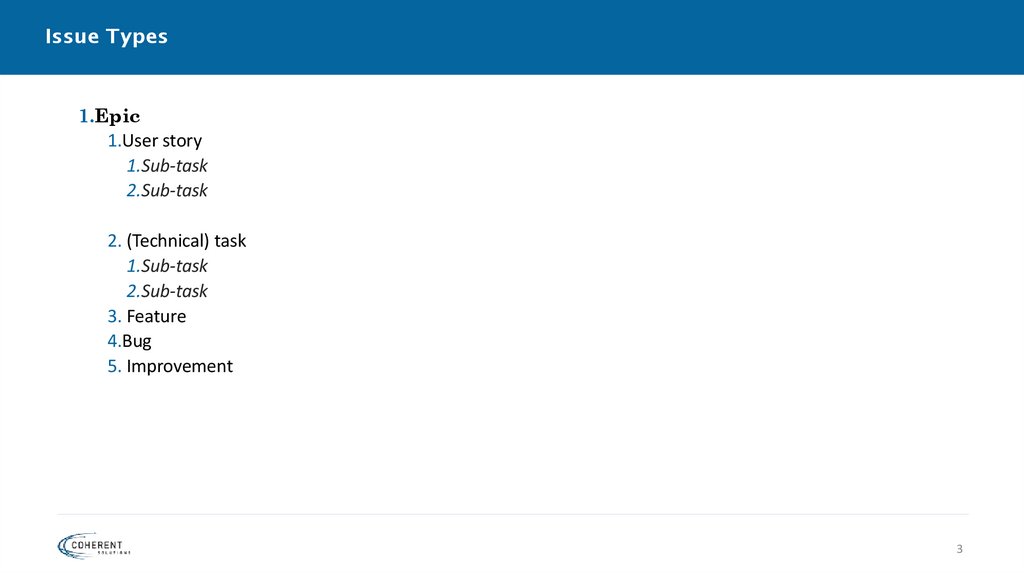
1.Epic1.User story
1.Sub-task
2.Sub-task
2. (Technical) task
1.Sub-task
2.Sub-task
3. Feature
4.Bug
5. Improvement
3
4.
User StoryA user story is an informal, general explanation of a
software feature written from the perspective of
the end user or customer.
The purpose of a user story is to articulate how a piece
of work will deliver a particular value back to the
customer.
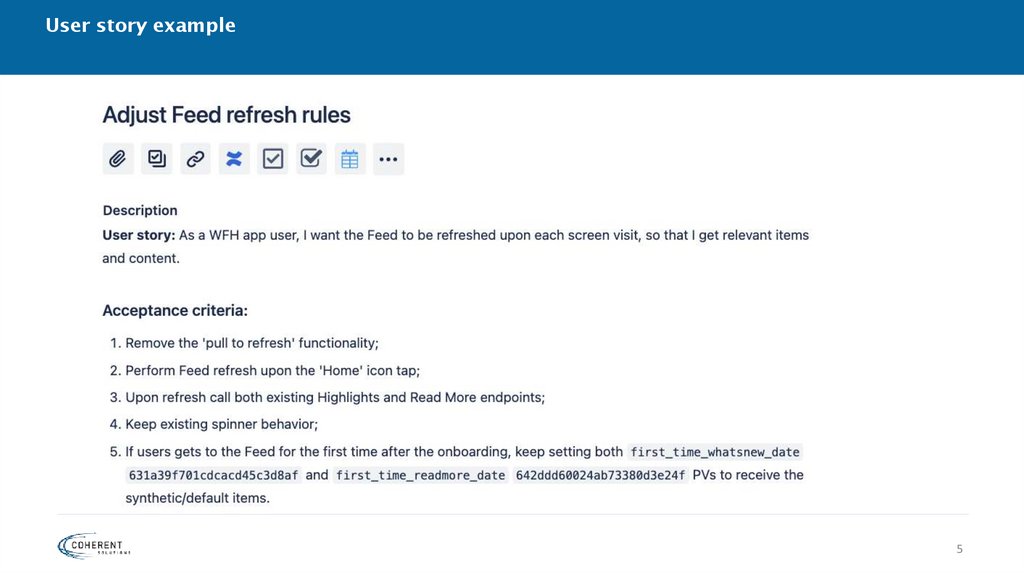
5. User story example
56.
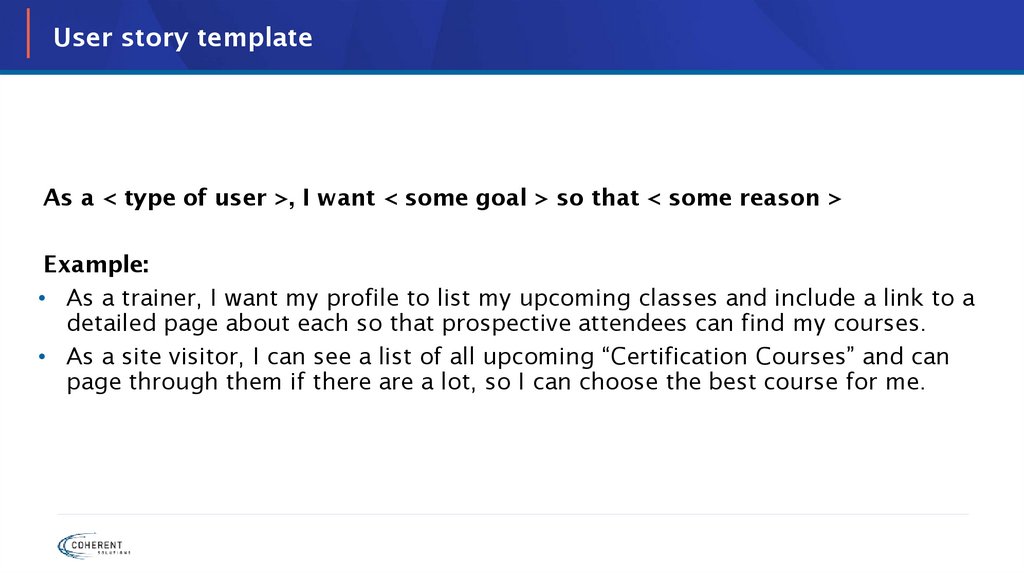
User story templateAs a < type of user >, I want < some goal > so that < some reason >
Example:
• As a trainer, I want my profile to list my upcoming classes and include a link to a
detailed page about each so that prospective attendees can find my courses.
• As a site visitor, I can see a list of all upcoming “Certification Courses” and can
page through them if there are a lot, so I can choose the best course for me.
7.
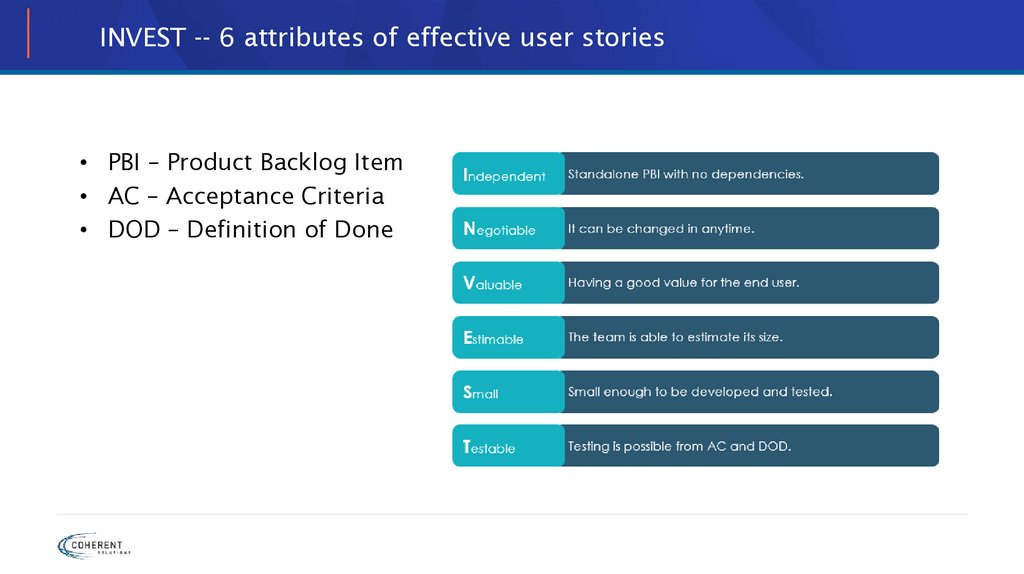
INVEST -- 6 attributes of effective user stories• PBI – Product Backlog Item
• AC – Acceptance Criteria
• DOD – Definition of Done
8.
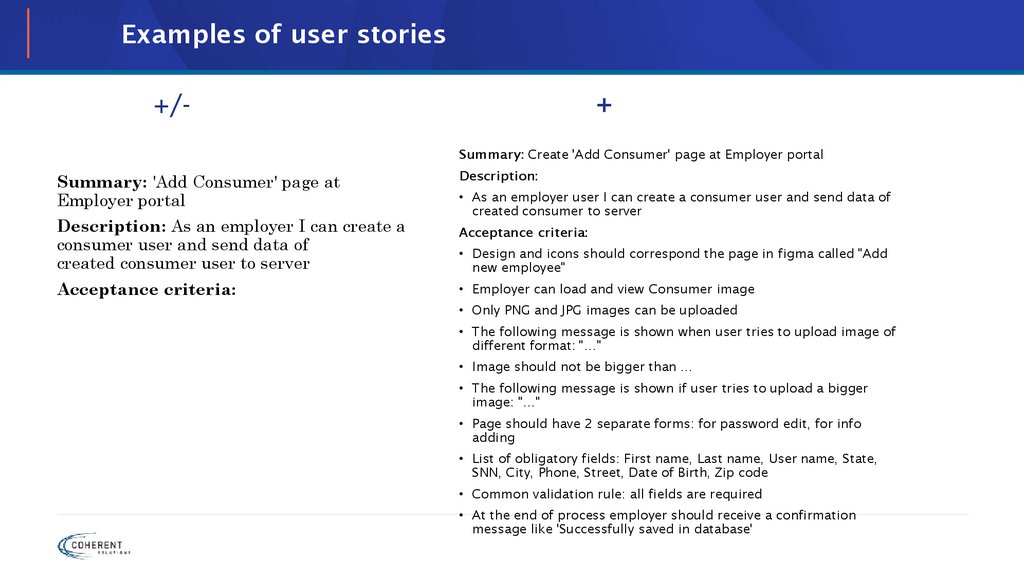
Examples of user stories+/-
+
Summary: Create 'Add Consumer' page at Employer portal
Summary: 'Add Consumer' page at
Employer portal
Description: As an employer I can create a
consumer user and send data of
created consumer user to server
Acceptance criteria:
Description:
• As an employer user I can create a consumer user and send data of
created consumer to server
Acceptance criteria:
• Design and icons should correspond the page in figma called "Add
new employee"
• Employer can load and view Consumer image
• Only PNG and JPG images can be uploaded
• The following message is shown when user tries to upload image of
different format: "…"
• Image should not be bigger than …
• The following message is shown if user tries to upload a bigger
image: "…"
• Page should have 2 separate forms: for password edit, for info
adding
• List of obligatory fields: First name, Last name, User name, State,
SNN, City, Phone, Street, Date of Birth, Zip code
• Common validation rule: all fields are required
• At the end of process employer should receive a confirmation
message like 'Successfully saved in database'
9.
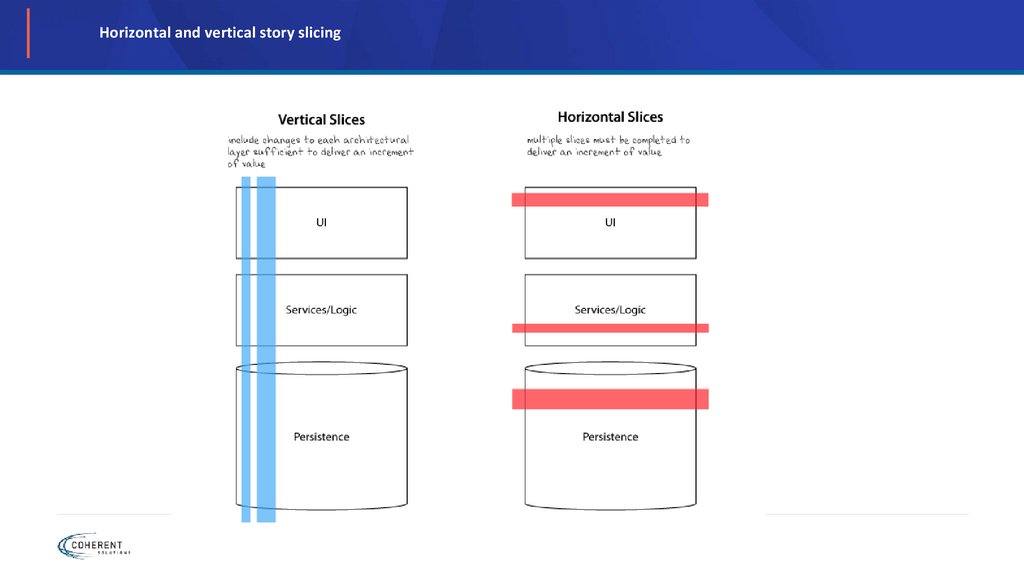
Horizontal and vertical story slicing10.
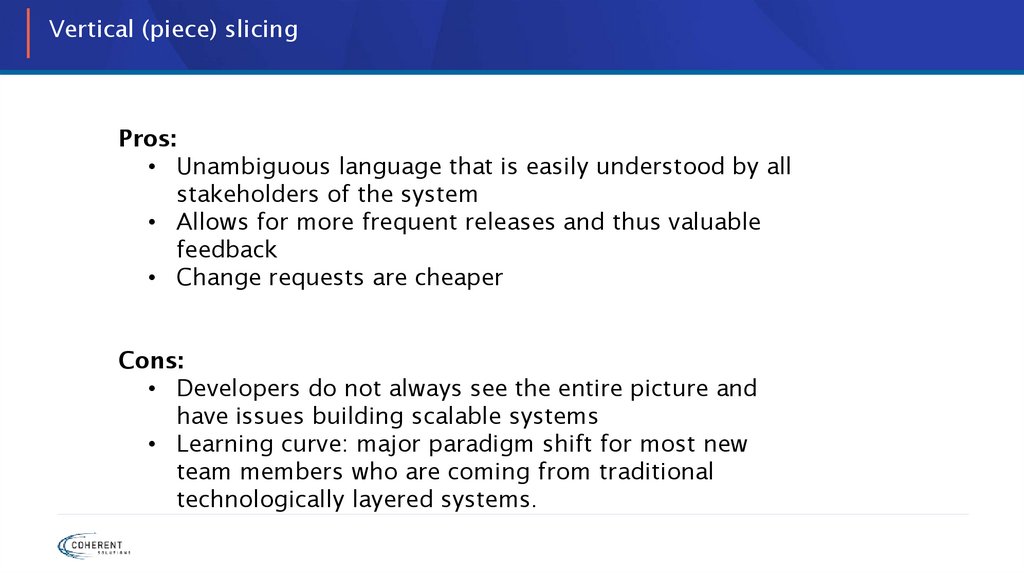
Vertical (piece) slicingPros:
• Unambiguous language that is easily understood by all
stakeholders of the system
• Allows for more frequent releases and thus valuable
feedback
• Change requests are cheaper
Cons:
• Developers do not always see the entire picture and
have issues building scalable systems
• Learning curve: major paradigm shift for most new
team members who are coming from traditional
technologically layered systems.
11.
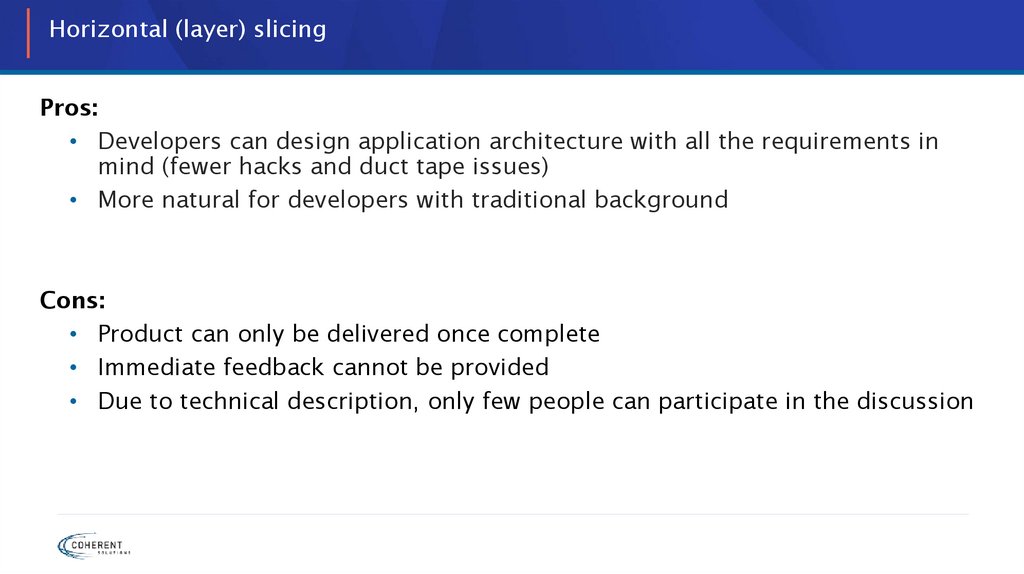
Horizontal (layer) slicingPros:
• Developers can design application architecture with all the requirements in
mind (fewer hacks and duct tape issues)
• More natural for developers with traditional background
Cons:
• Product can only be delivered once complete
• Immediate feedback cannot be provided
• Due to technical description, only few people can participate in the discussion
12.
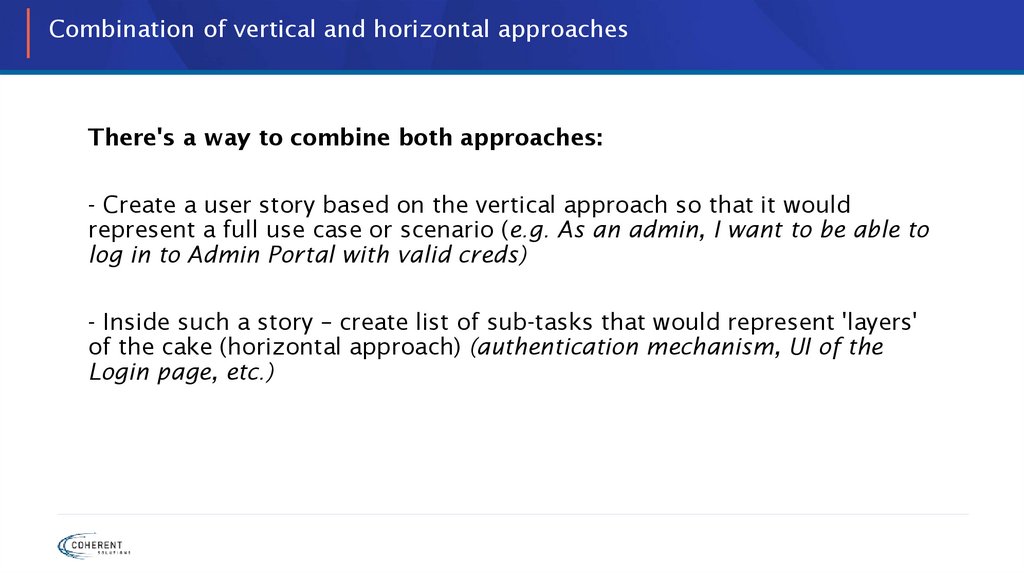
Combination of vertical and horizontal approachesThere's a way to combine both approaches:
- Create a user story based on the vertical approach so that it would
represent a full use case or scenario (e.g. As an admin, I want to be able to
log in to Admin Portal with valid creds)
- Inside such a story – create list of sub-tasks that would represent 'layers'
of the cake (horizontal approach) (authentication mechanism, UI of the
Login page, etc.)
13.
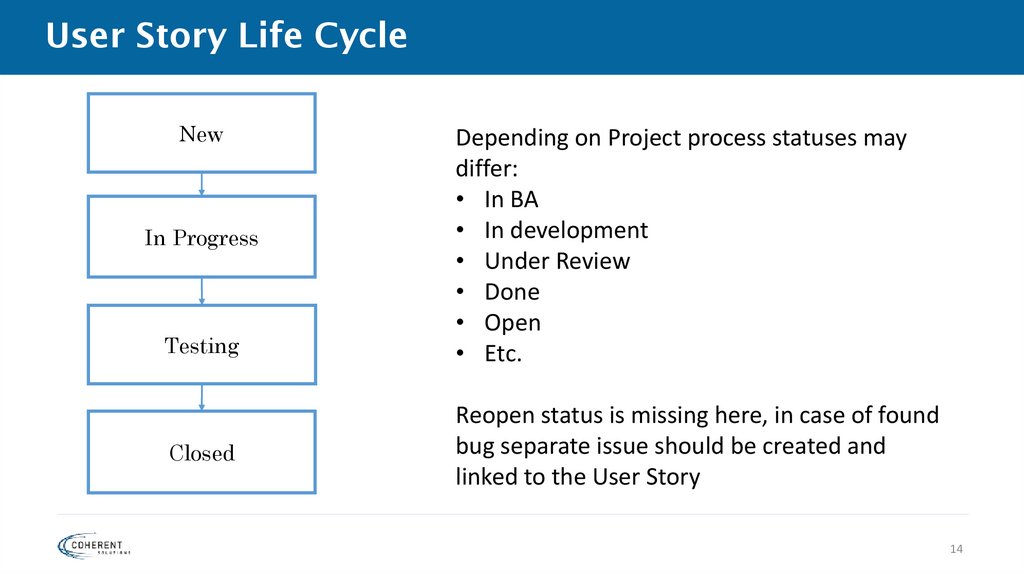
14. User Story Life Cycle
NewIn Progress
Testing
Closed
Depending on Project process statuses may
differ:
• In BA
• In development
• Under Review
• Done
• Open
• Etc.
Reopen status is missing here, in case of found
bug separate issue should be created and
linked to the User Story
14
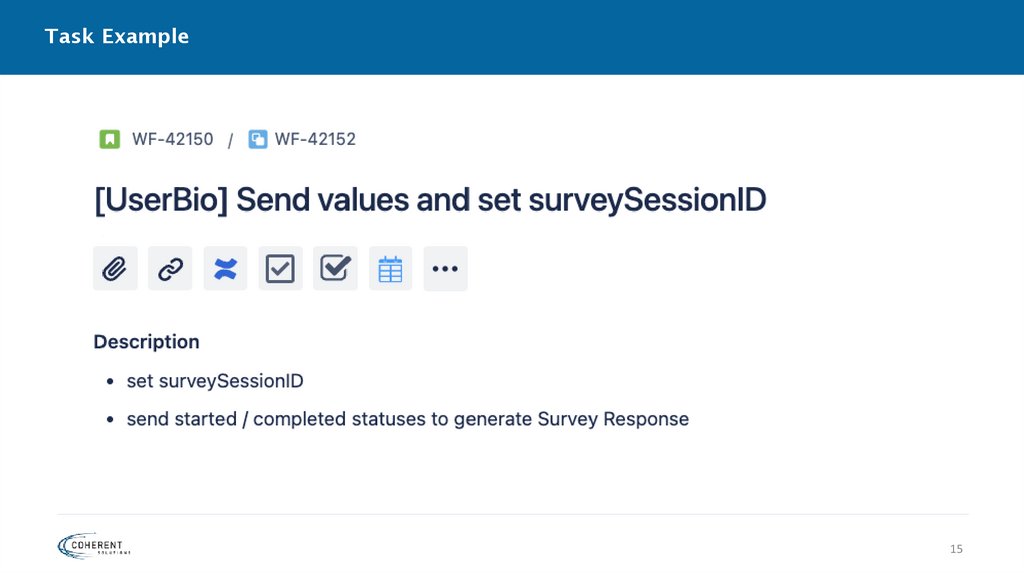
15. Task Example
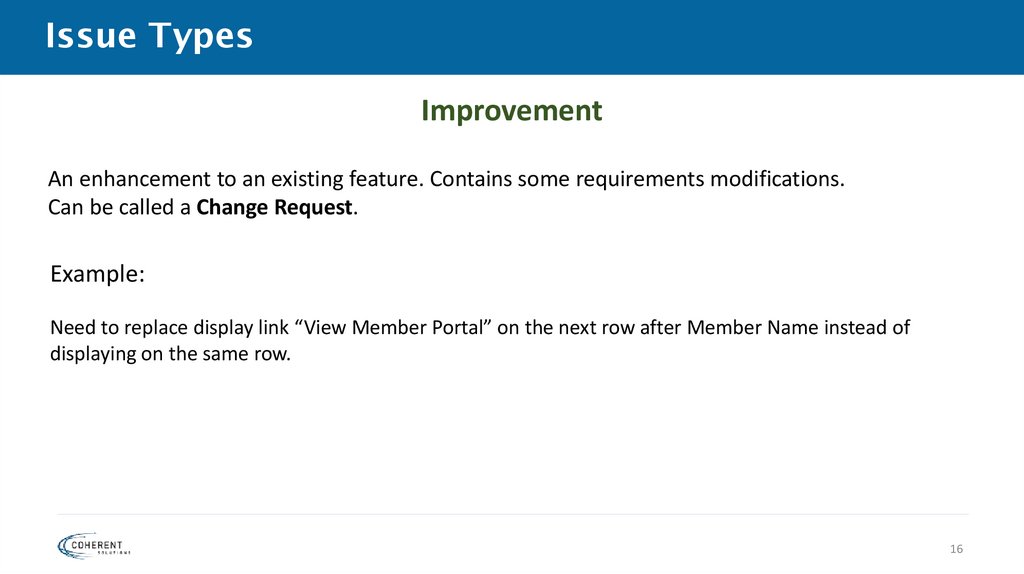
1516. Issue Types
ImprovementAn enhancement to an existing feature. Contains some requirements modifications.
Can be called a Change Request.
Example:
Need to replace display link “View Member Portal” on the next row after Member Name instead of
displaying on the same row.
16
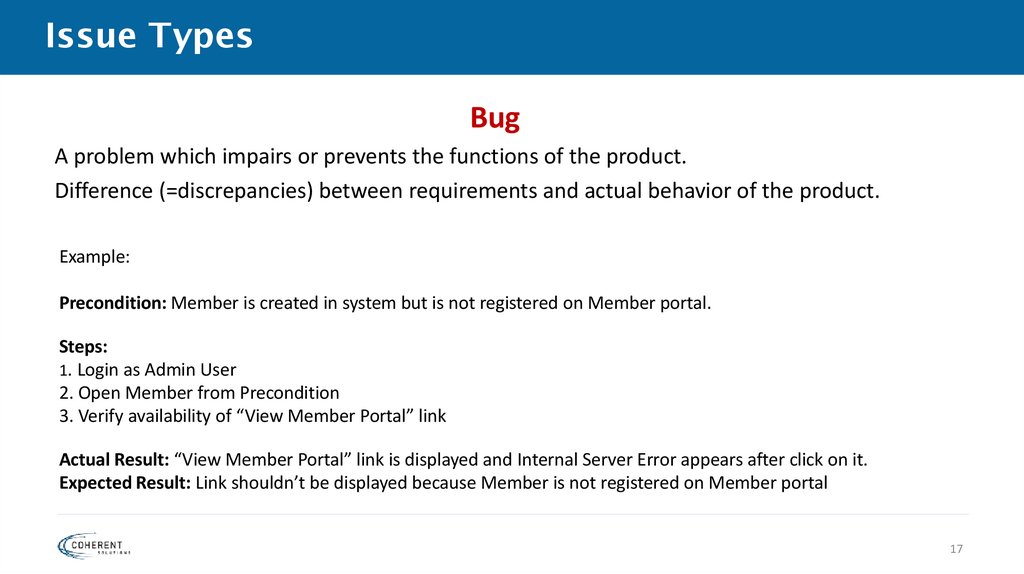
17. Issue Types
BugA problem which impairs or prevents the functions of the product.
Difference (=discrepancies) between requirements and actual behavior of the product.
Example:
Precondition: Member is created in system but is not registered on Member portal.
Steps:
1. Login as Admin User
2. Open Member from Precondition
3. Verify availability of “View Member Portal” link
Actual Result: “View Member Portal” link is displayed and Internal Server Error appears after click on it.
Expected Result: Link shouldn’t be displayed because Member is not registered on Member portal
17
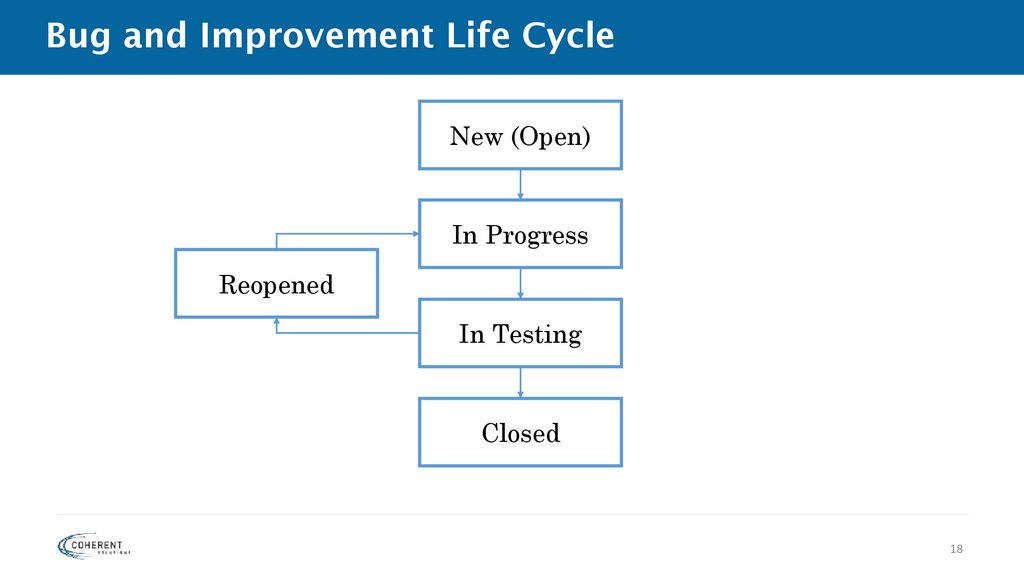
18. Bug and Improvement Life Cycle
New (Open)In Progress
Reopened
In Testing
Closed
18
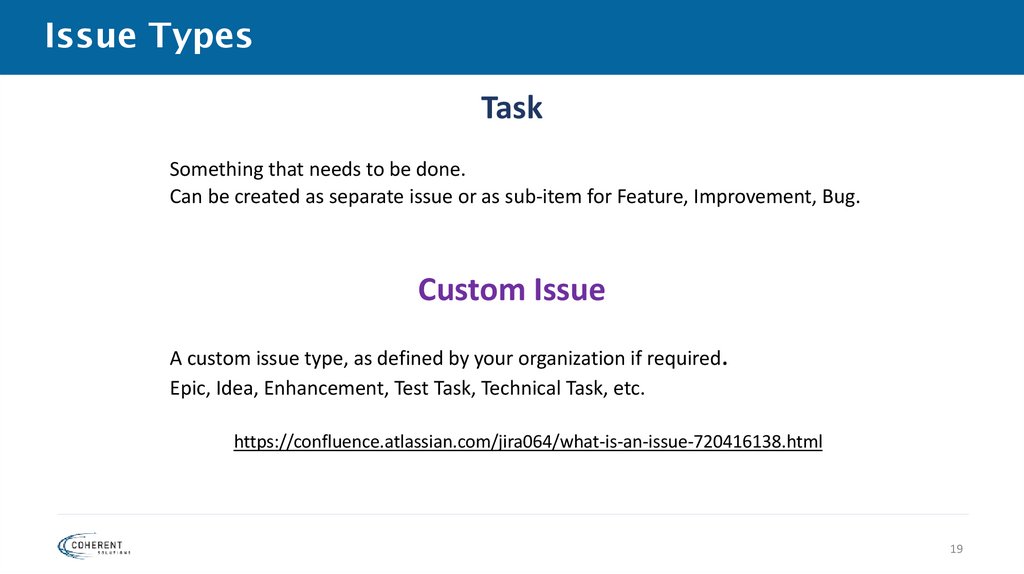
19. Issue Types
TaskSomething that needs to be done.
Can be created as separate issue or as sub-item for Feature, Improvement, Bug.
Custom Issue
A custom issue type, as defined by your organization if required.
Epic, Idea, Enhancement, Test Task, Technical Task, etc.
https://confluence.atlassian.com/jira064/what-is-an-issue-720416138.html
19
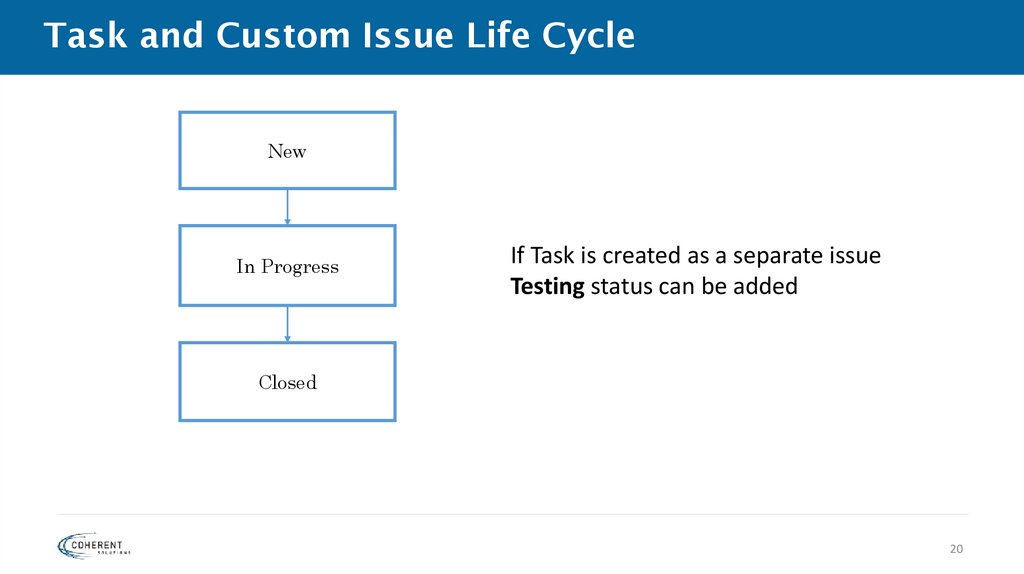
20. Task and Custom Issue Life Cycle
NewIn Progress
If Task is created as a separate issue
Testing status can be added
Closed
20
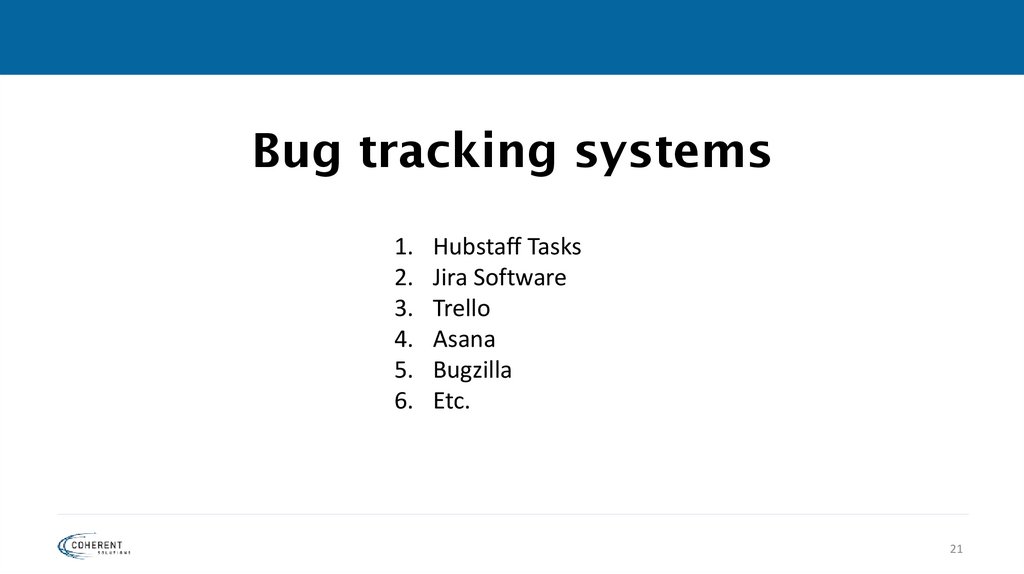
21. Bug tracking systems
1.2.
3.
4.
5.
6.
Hubstaff Tasks
Jira Software
Trello
Asana
Bugzilla
Etc.
21
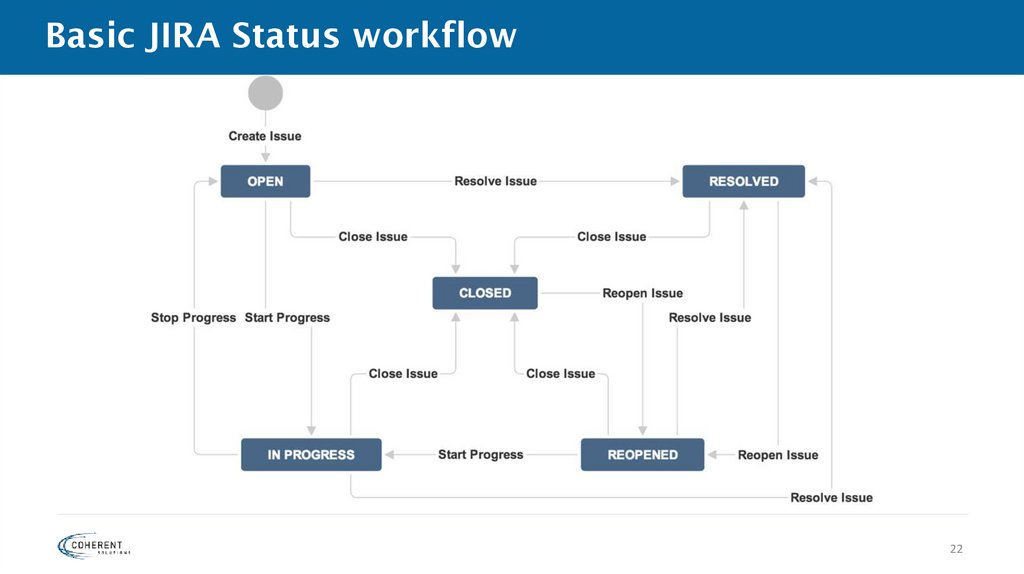
22. Basic JIRA Status workflow
2223. Bug Structure
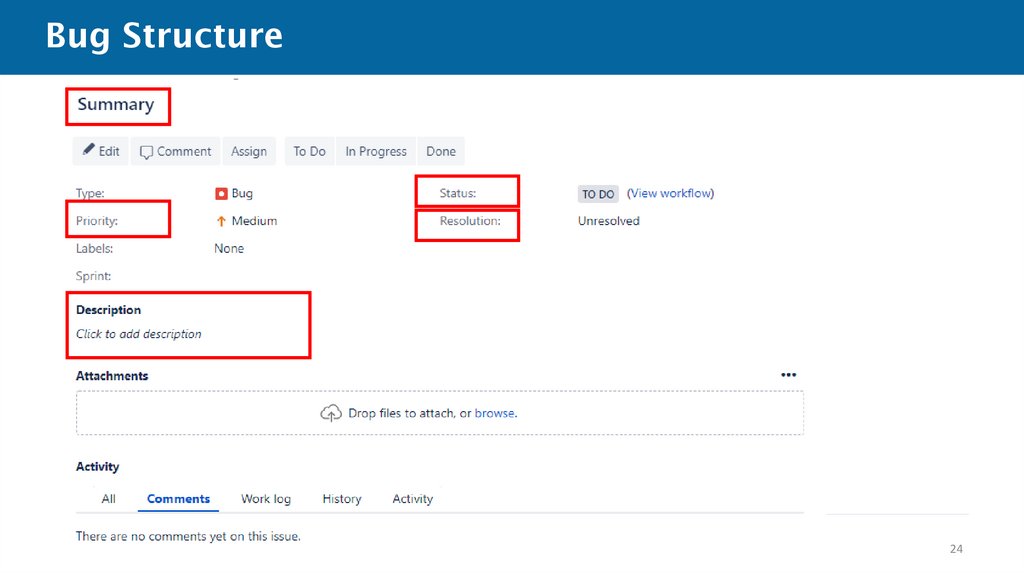
2324. Bug Structure
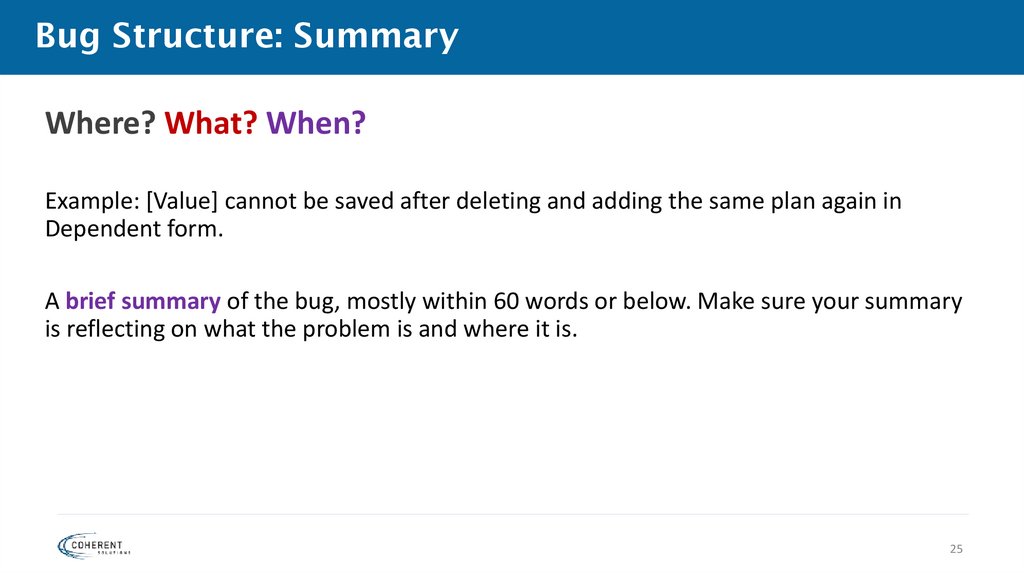
2425. Bug Structure: Summary
Where? What? When?Example: [Value] cannot be saved after deleting and adding the same plan again in
Dependent form.
A brief summary of the bug, mostly within 60 words or below. Make sure your summary
is reflecting on what the problem is and where it is.
25
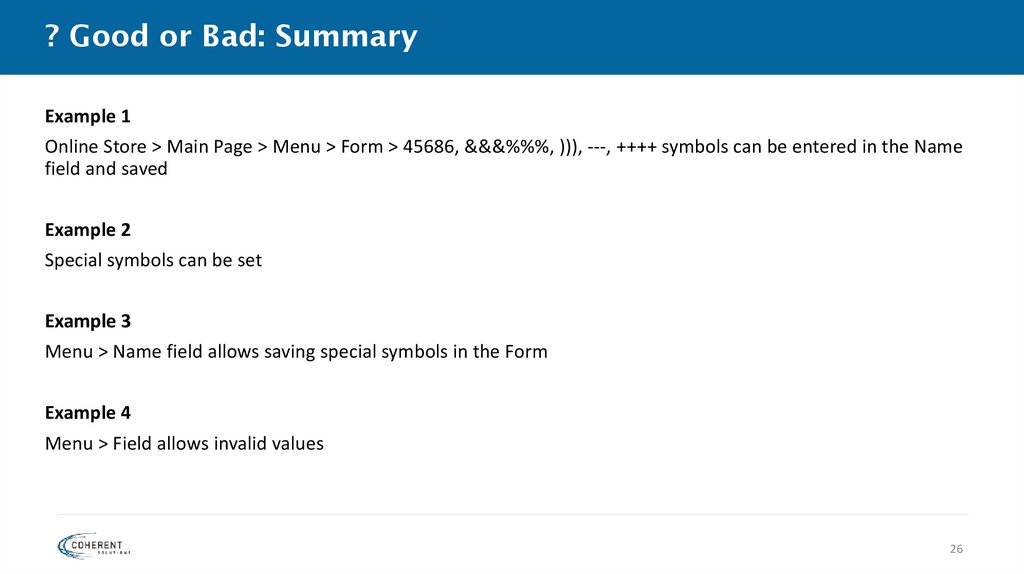
26. ? Good or Bad: Summary
Example 1Online Store > Main Page > Menu > Form > 45686, &&&%%%, ))), ---, ++++ symbols can be entered in the Name
field and saved
Example 2
Special symbols can be set
Example 3
Menu > Name field allows saving special symbols in the Form
Example 4
Menu > Field allows invalid values
26
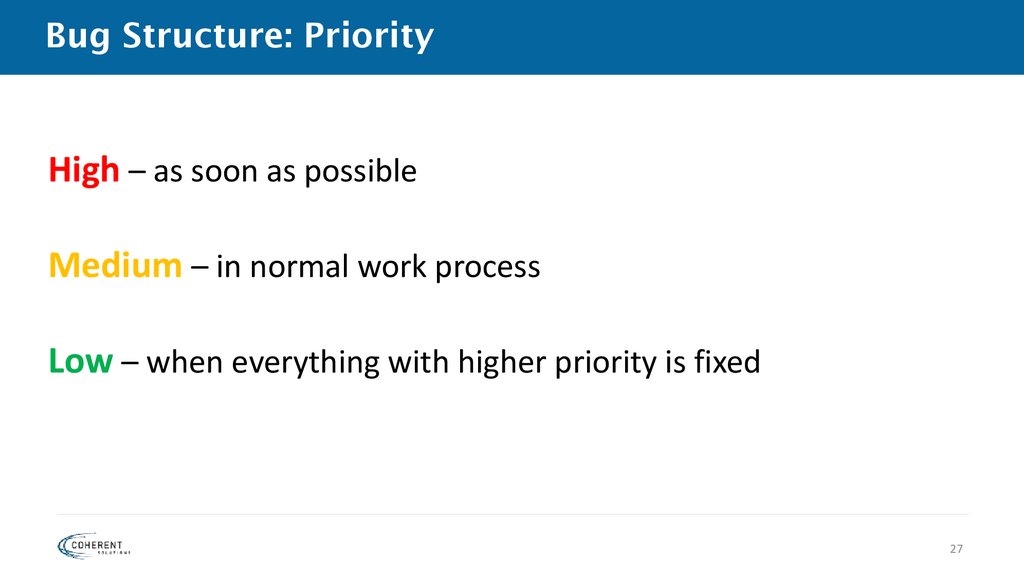
27. Bug Structure: Priority
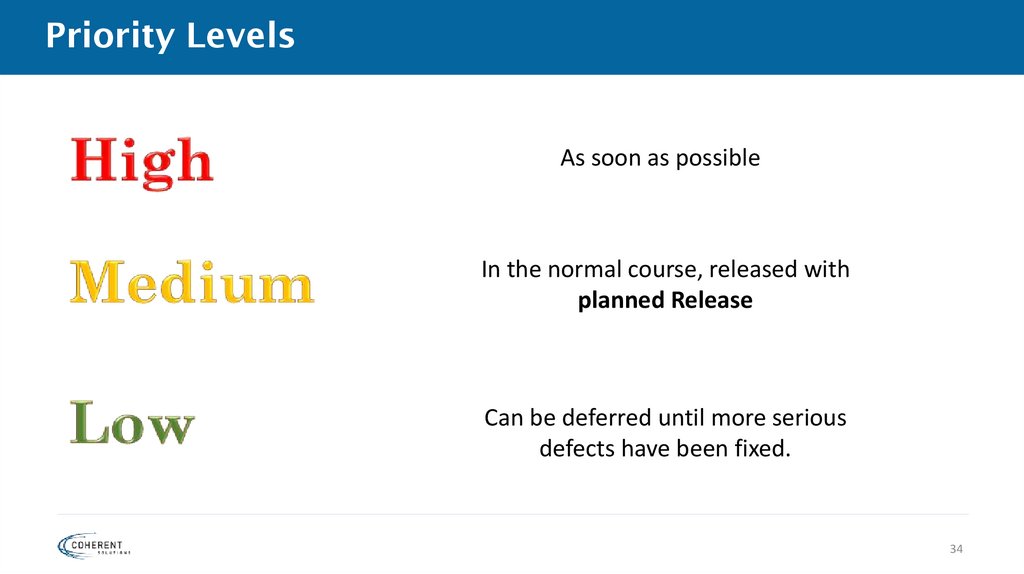
High – as soon as possibleMedium – in normal work process
Low – when everything with higher priority is fixed
27
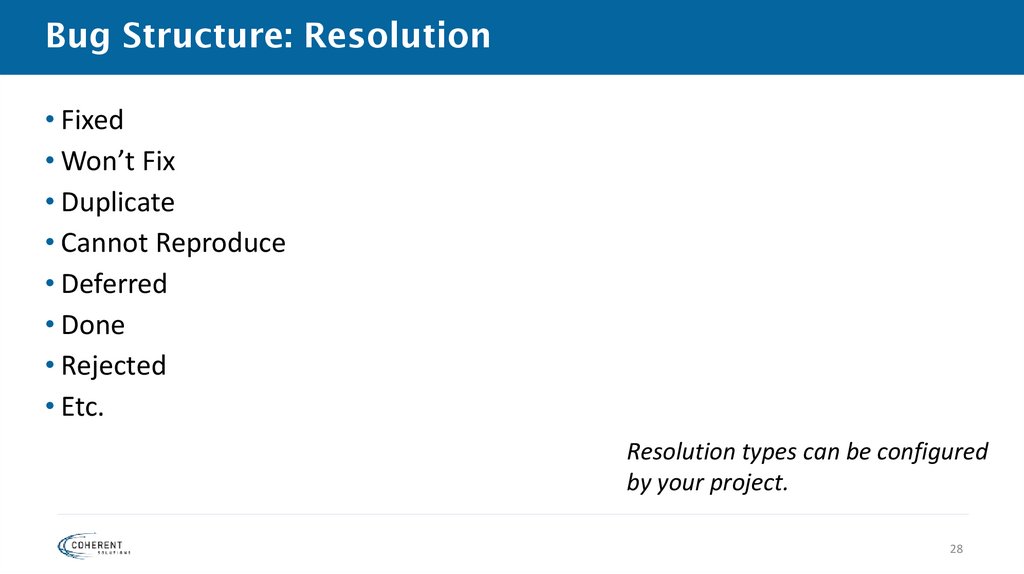
28. Bug Structure: Resolution
• Fixed• Won’t Fix
• Duplicate
• Cannot Reproduce
• Deferred
• Done
• Rejected
• Etc.
Resolution types can be configured
by your project.
28
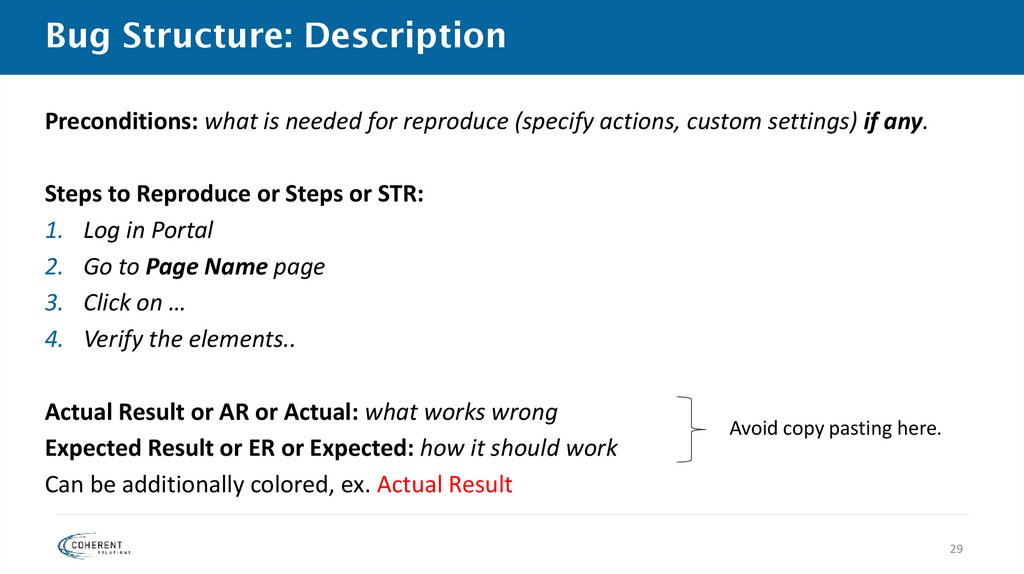
29. Bug Structure: Description
Preconditions: what is needed for reproduce (specify actions, custom settings) if any.Steps to Reproduce or Steps or STR:
1. Log in Portal
2. Go to Page Name page
3. Click on …
4. Verify the elements..
Actual Result or AR or Actual: what works wrong
Expected Result or ER or Expected: how it should work
Can be additionally colored, ex. Actual Result
Avoid copy pasting here.
29
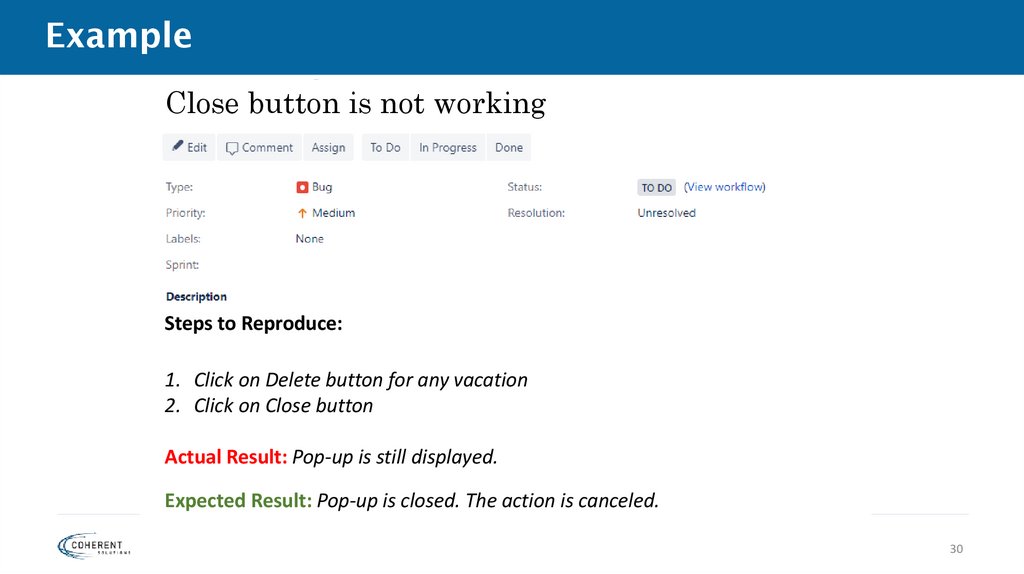
30. Example
Close button is not workingSteps to Reproduce:
1. Click on Delete button for any vacation
2. Click on Close button
Actual Result: Pop-up is still displayed.
Expected Result: Pop-up is closed. The action is canceled.
30
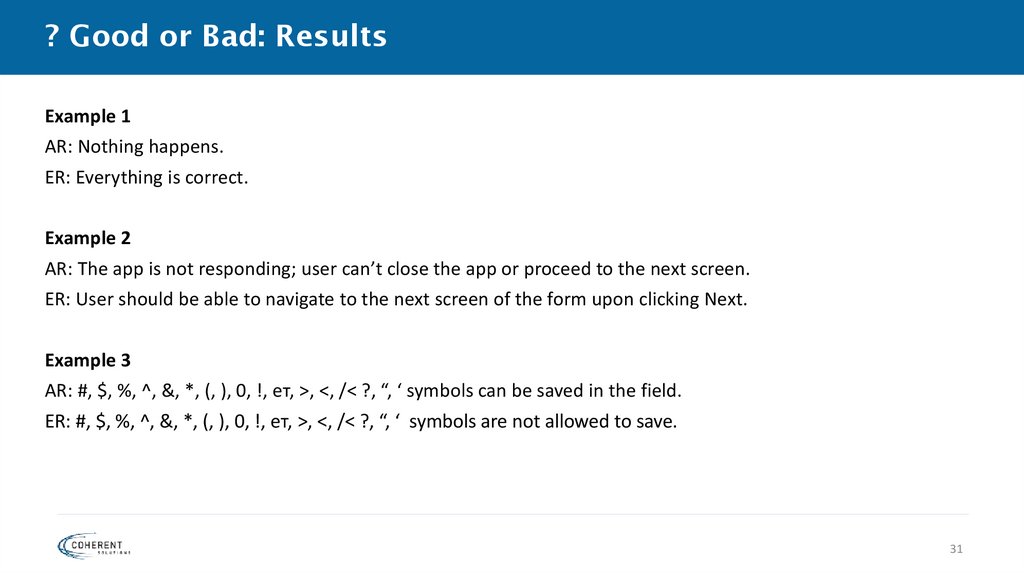
31. ? Good or Bad: Results
Example 1AR: Nothing happens.
ER: Everything is correct.
Example 2
AR: The app is not responding; user can’t close the app or proceed to the next screen.
ER: User should be able to navigate to the next screen of the form upon clicking Next.
Example 3
AR: #, $, %, ^, &, *, (, ), 0, !, ет, >, <, /< ?, “, ‘ symbols can be saved in the field.
ER: #, $, %, ^, &, *, (, ), 0, !, ет, >, <, /< ?, “, ‘ symbols are not allowed to save.
31
32. Priority and Severity
3233. Priority
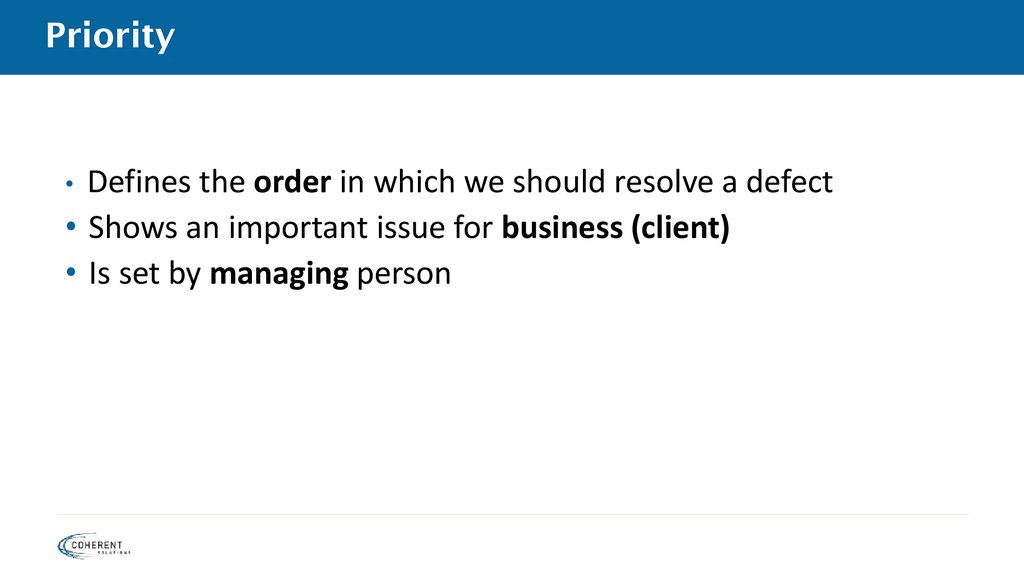
• Defines the order in which we should resolve a defect• Shows an important issue for business (client)
• Is set by managing person
34. Priority Levels
As soon as possibleIn the normal course, released with
planned Release
Can be deferred until more serious
defects have been fixed.
34
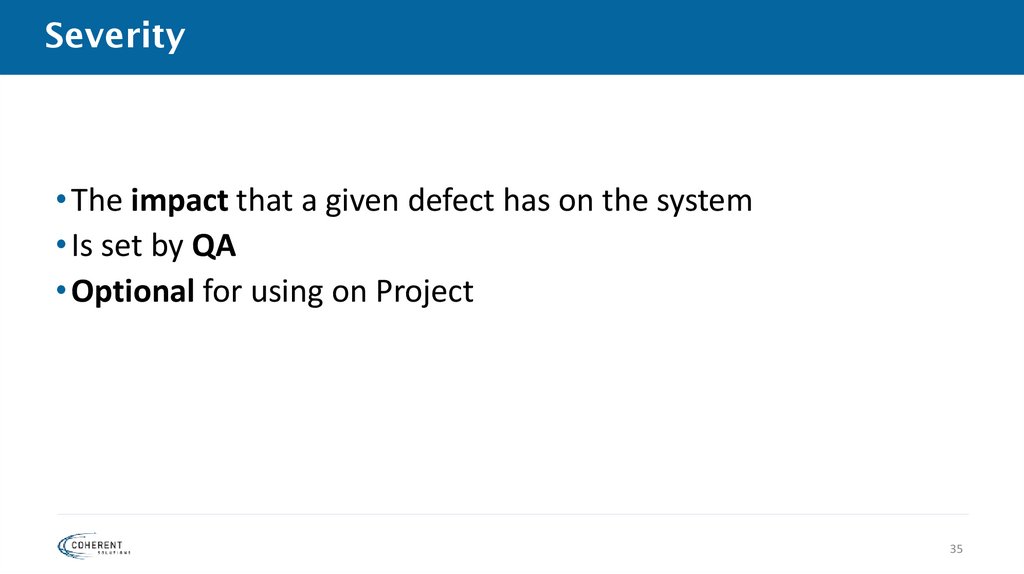
35. Severity
• The impact that a given defect has on the system• Is set by QA
• Optional for using on Project
35
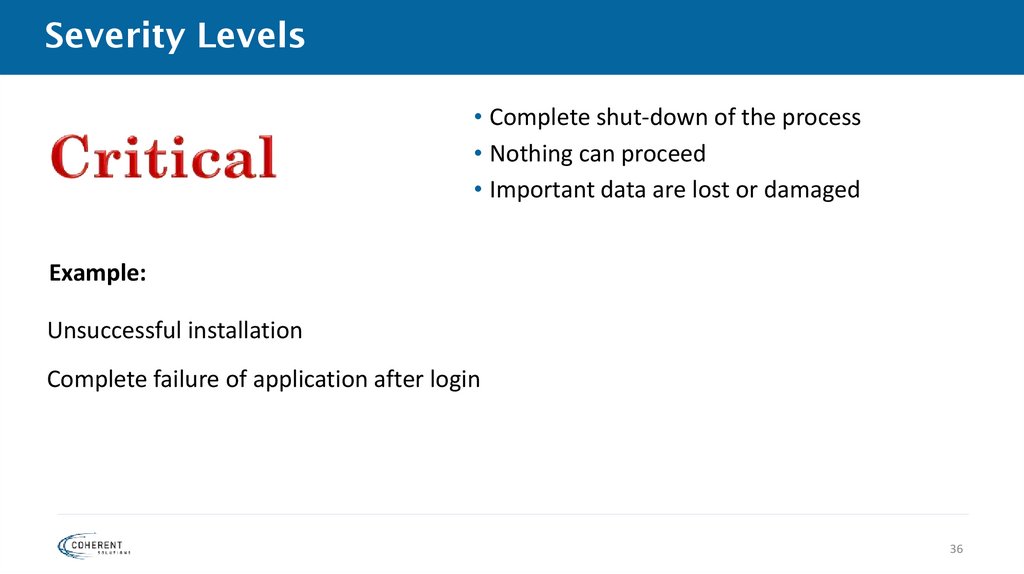
36. Severity Levels
• Complete shut-down of the process• Nothing can proceed
• Important data are lost or damaged
Example:
Unsuccessful installation
Complete failure of application after login
36
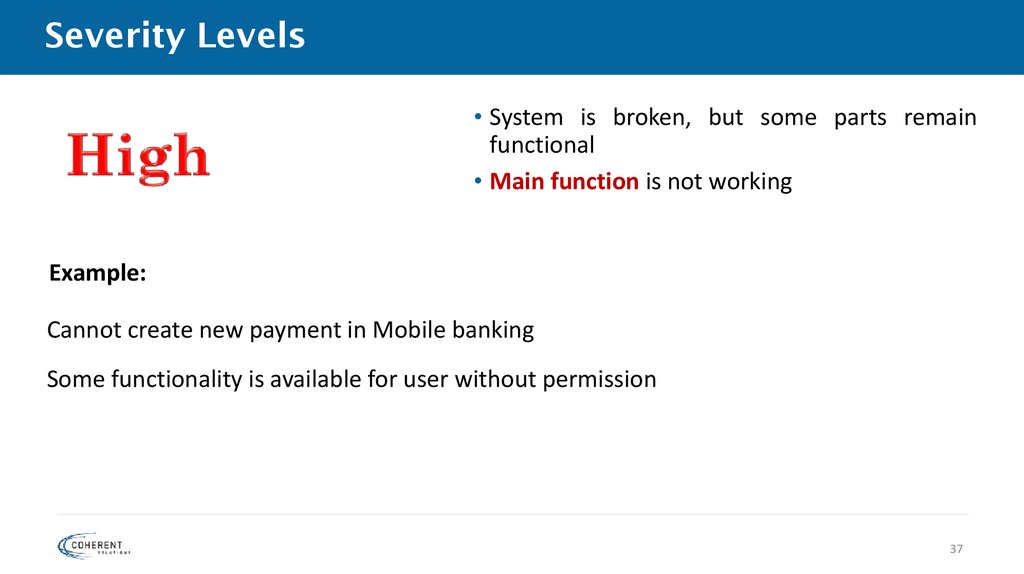
37. Severity Levels
• System is broken, but some parts remainfunctional
• Main function is not working
Example:
Cannot create new payment in Mobile banking
Some functionality is available for user without permission
37
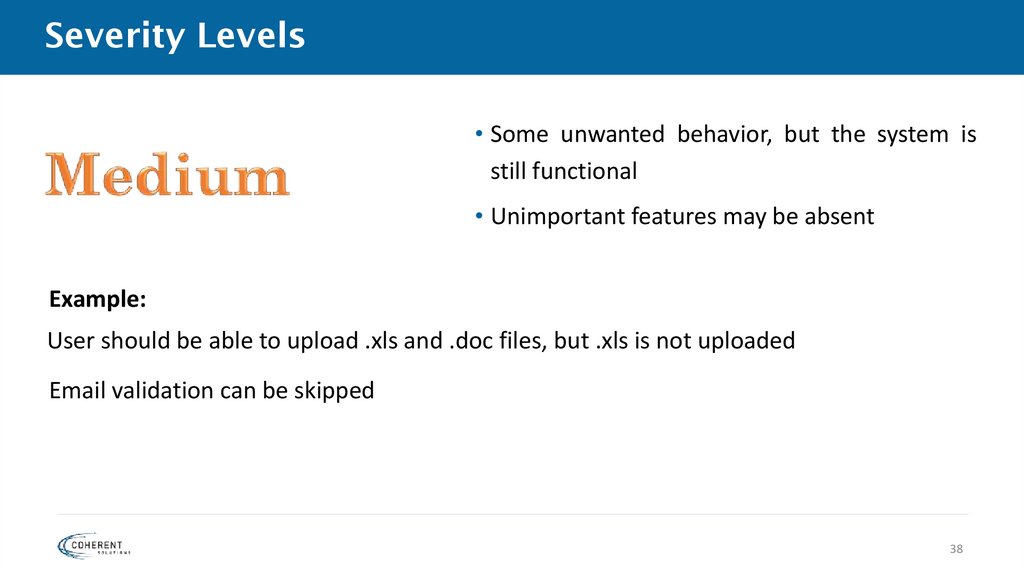
38. Severity Levels
• Some unwanted behavior, but the system isstill functional
• Unimportant features may be absent
Example:
User should be able to upload .xls and .doc files, but .xls is not uploaded
Email validation can be skipped
38
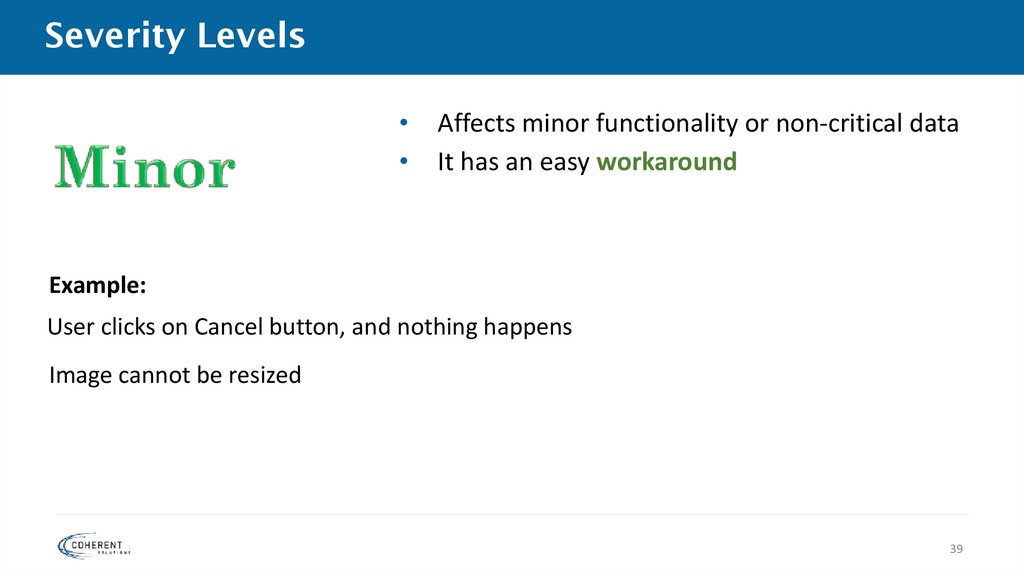
39. Severity Levels
Affects minor functionality or non-critical data
It has an easy workaround
Example:
User clicks on Cancel button, and nothing happens
Image cannot be resized
39
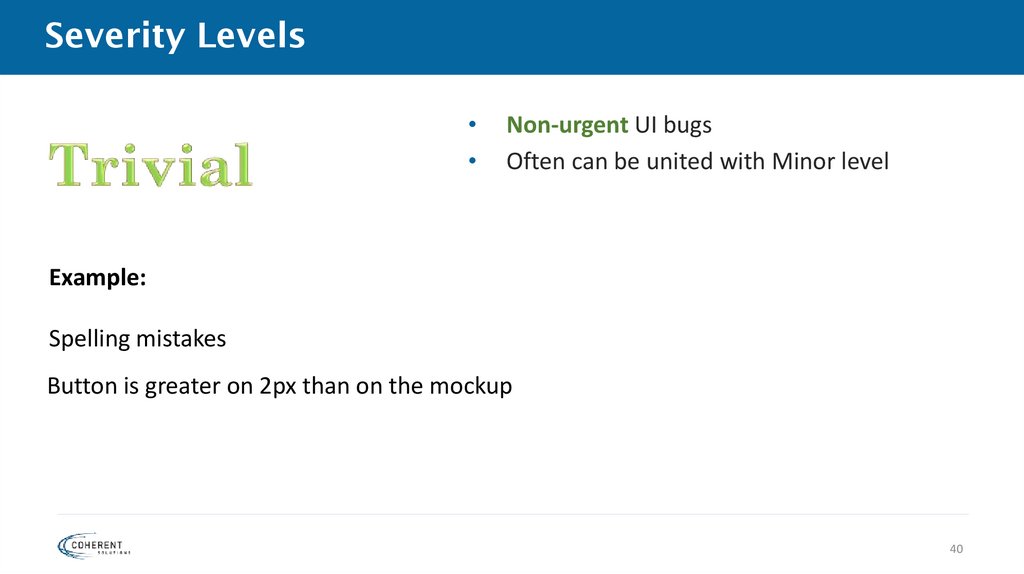
40. Severity Levels
Non-urgent UI bugs
Often can be united with Minor level
Example:
Spelling mistakes
Button is greater on 2px than on the mockup
40
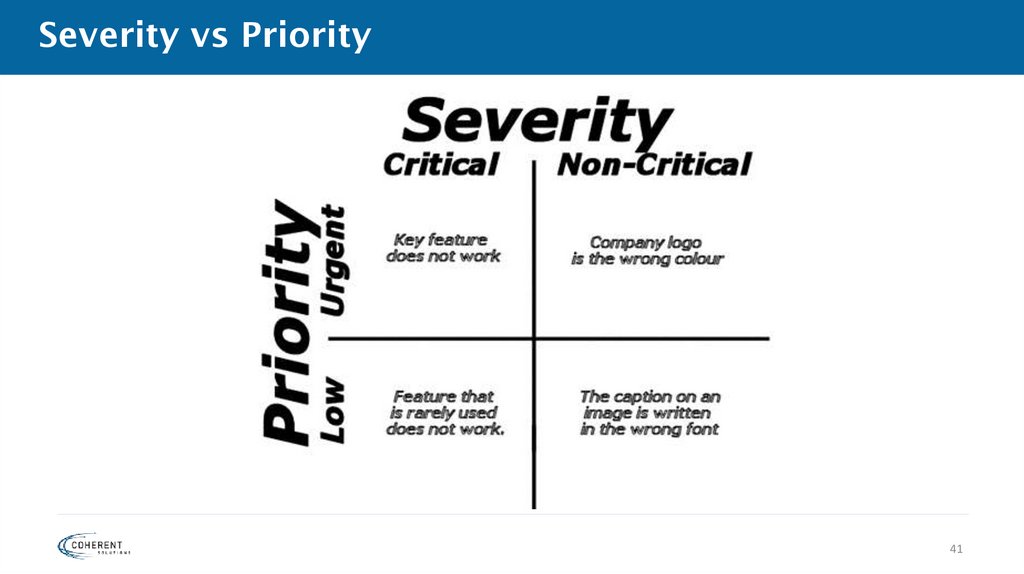
41. Severity vs Priority
4142. Examples: Define the severity and possible priority
1. Upon login to the system, a simple user is authorized as anadministrator.
2. User has set Automatic Payments (it’s one of main features in
the application). Day of the payment has gone, but user’s money is
still on their bank account.
42
43. Examples: Define the severity and possible priority
1. Logo of the company is incorrect on the main page. McDonald’slogo is displayed instead.
2. User can’t create a PDF version of the payment receipt for
download, otherwise it’s saved in his account.
43