
 Информатика
Похожие презентации:







Компьютерные сети: инкапсуляция, адресация и основные интернет‑протоколы
1.
ComputerNetworks
Prepared & Presented by: Mirlan Nurbekov, Lecturer
Office hours: Friday 9:00–17:00
AlaToo IT & Business College
Fall 2025
1
2.
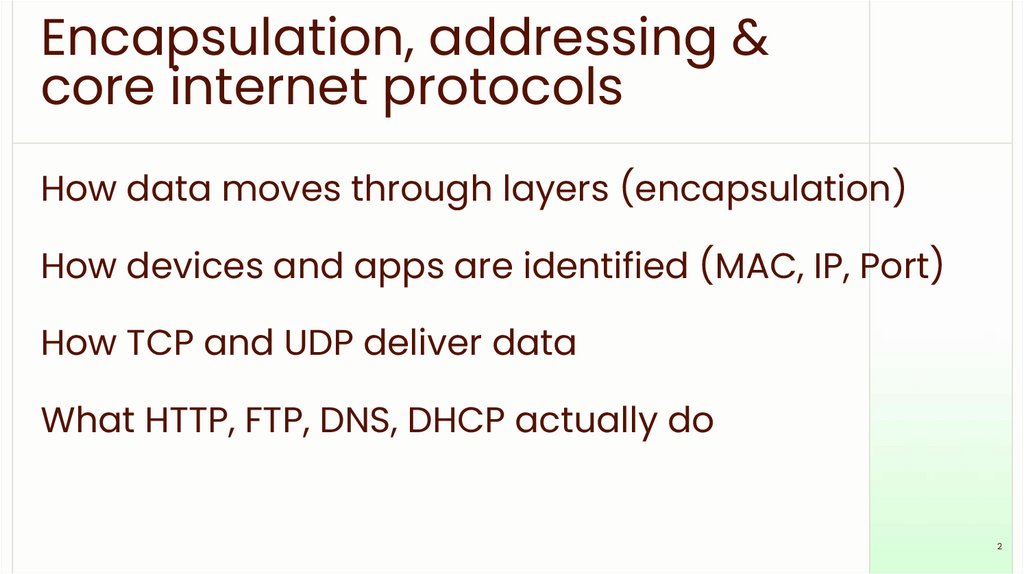
Encapsulation, addressing &core internet protocols
How data moves through layers (encapsulation)
How devices and apps are identified (MAC, IP, Port)
How TCP and UDP deliver data
What HTTP, FTP, DNS, DHCP actually do
2
3.
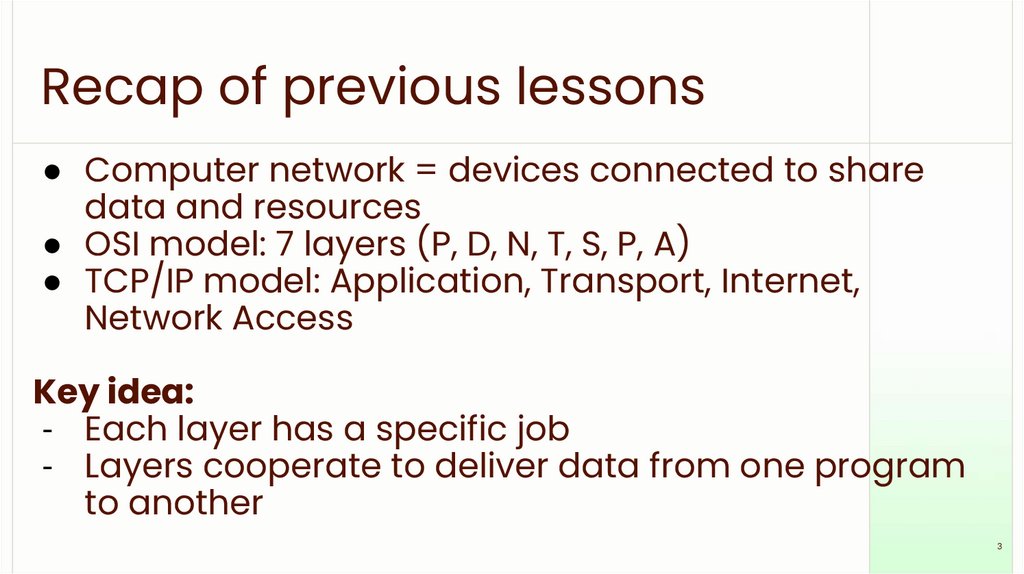
Recap of previous lessons● Computer network = devices connected to share
data and resources
● OSI model: 7 layers (P, D, N, T, S, P, A)
● TCP/IP model: Application, Transport, Internet,
Network Access
Key idea:
- Each layer has a specific job
- Layers cooperate to deliver data from one program
to another
3
4.
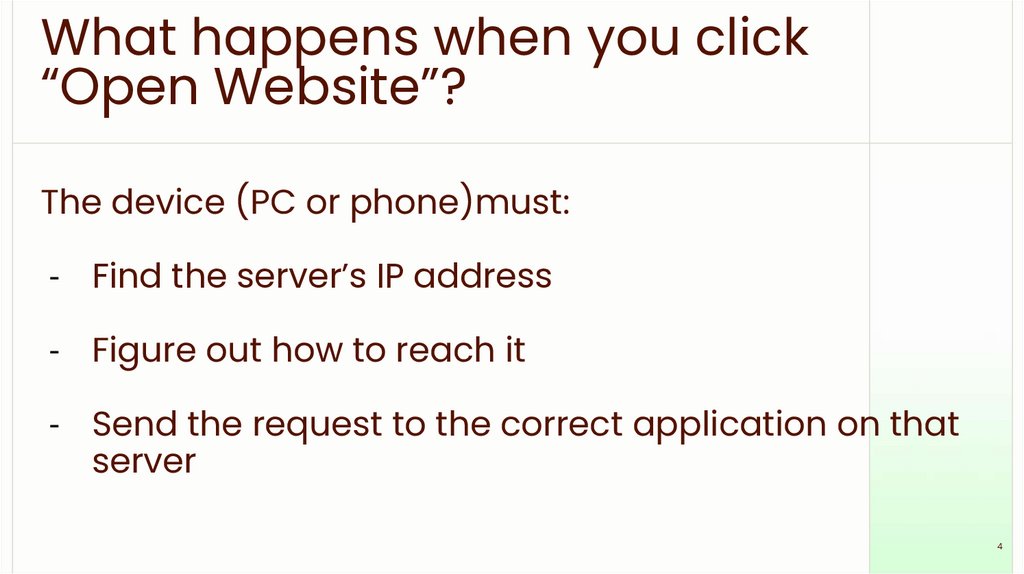
What happens when you click“Open Website”?
The device (PC or phone)must:
- Find the server’s IP address
- Figure out how to reach it
- Send the request to the correct application on that
server
4
5.
What happens when you click“Open Website”?
To do this, the network uses:
- Encapsulation
- Different kinds of addresses
- Many protocols working together
5
6.
Layers talk to layersA conversation between peers
Each layer has a “friend” on the other device (peer
layer)
They agree on rules = protocols
Example:
Your HTTP layer ↔ server’s HTTP layer
Your TCP layer ↔ server’s TCP layer
Data goes down the layers on sender and up the layers
on receiver
6
7.
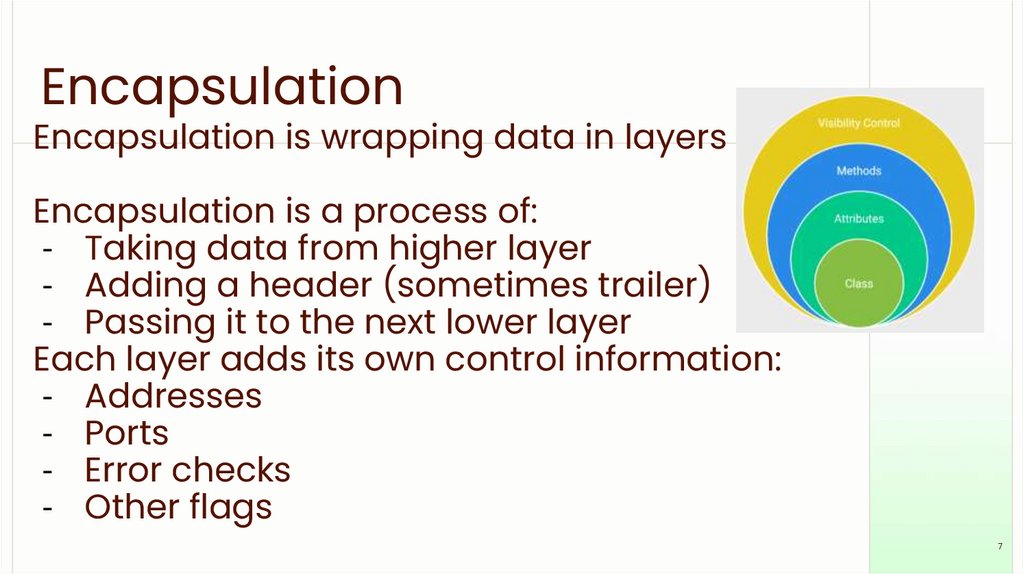
EncapsulationEncapsulation is wrapping data in layers
Encapsulation is a process of:
- Taking data from higher layer
- Adding a header (sometimes trailer)
- Passing it to the next lower layer
Each layer adds its own control information:
- Addresses
- Ports
- Error checks
- Other flags
7
8.
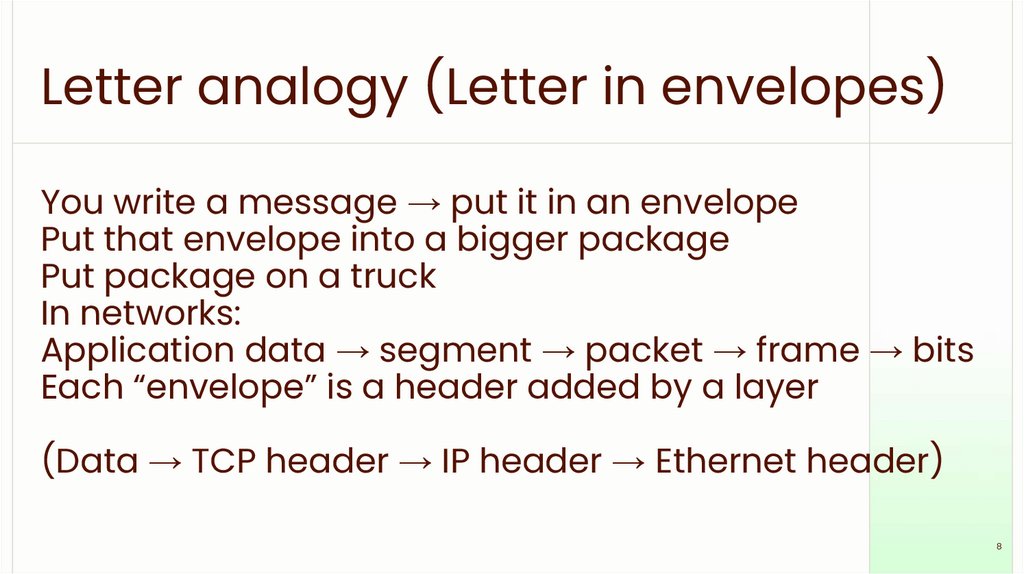
Letter analogy (Letter in envelopes)You write a message → put it in an envelope
Put that envelope into a bigger package
Put package on a truck
In networks:
Application data → segment → packet → frame → bits
Each “envelope” is a header added by a layer
(Data → TCP header → IP header → Ethernet header)
8
9.
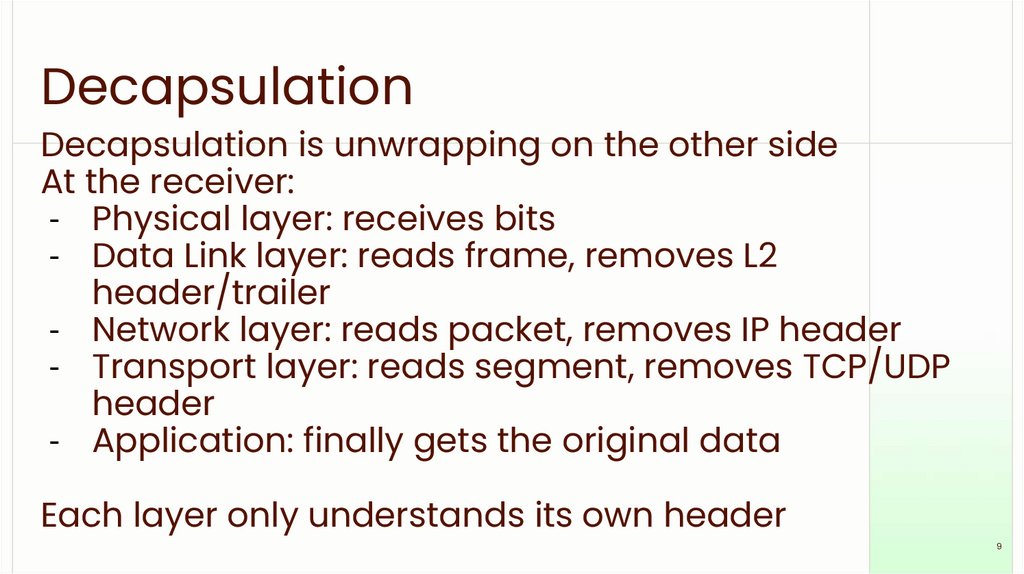
DecapsulationDecapsulation is unwrapping on the other side
At the receiver:
- Physical layer: receives bits
- Data Link layer: reads frame, removes L2
header/trailer
- Network layer: reads packet, removes IP header
- Transport layer: reads segment, removes TCP/UDP
header
- Application: finally gets the original data
Each layer only understands its own header
9
10.
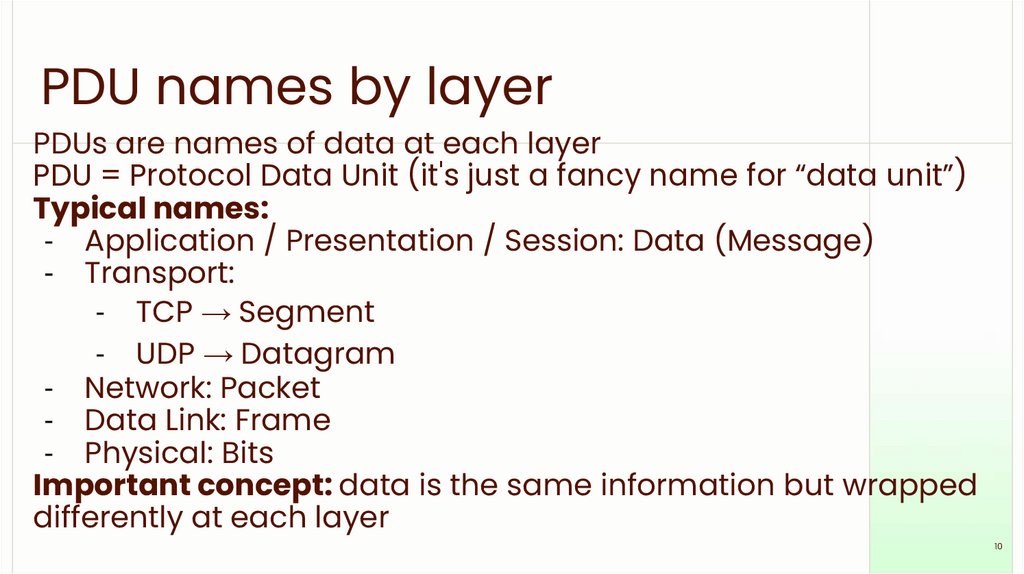
PDU names by layerPDUs are names of data at each layer
PDU = Protocol Data Unit (it's just a fancy name for “data unit”)
Typical names:
- Application / Presentation / Session: Data (Message)
- Transport:
- TCP → Segment
- UDP → Datagram
- Network: Packet
- Data Link: Frame
- Physical: Bits
Important concept: data is the same information but wrapped
differently at each layer
10
11.
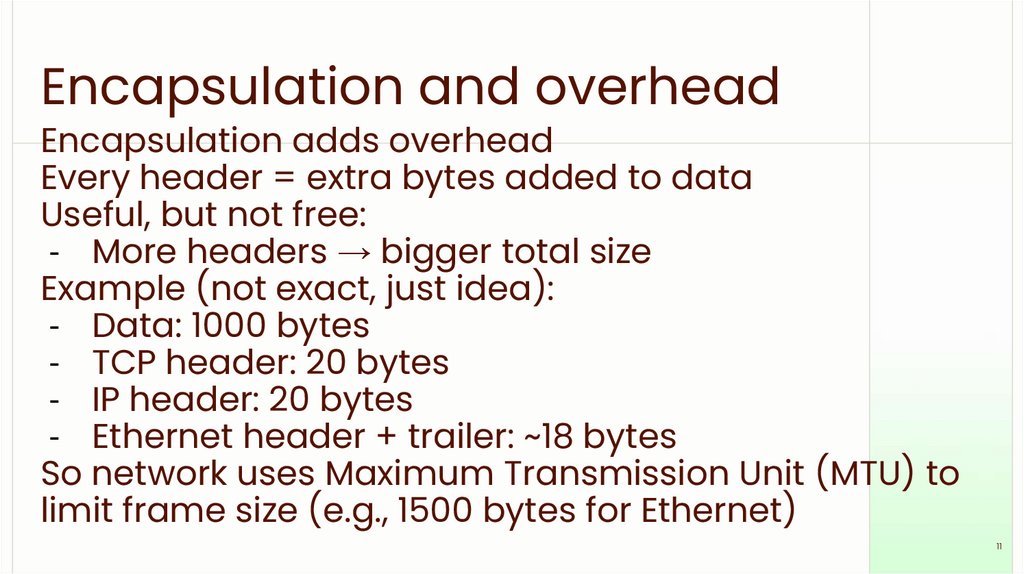
Encapsulation and overheadEncapsulation adds overhead
Every header = extra bytes added to data
Useful, but not free:
- More headers → bigger total size
Example (not exact, just idea):
- Data: 1000 bytes
- TCP header: 20 bytes
- IP header: 20 bytes
- Ethernet header + trailer: ~18 bytes
So network uses Maximum Transmission Unit (MTU) to
limit frame size (e.g., 1500 bytes for Ethernet)
11
12.
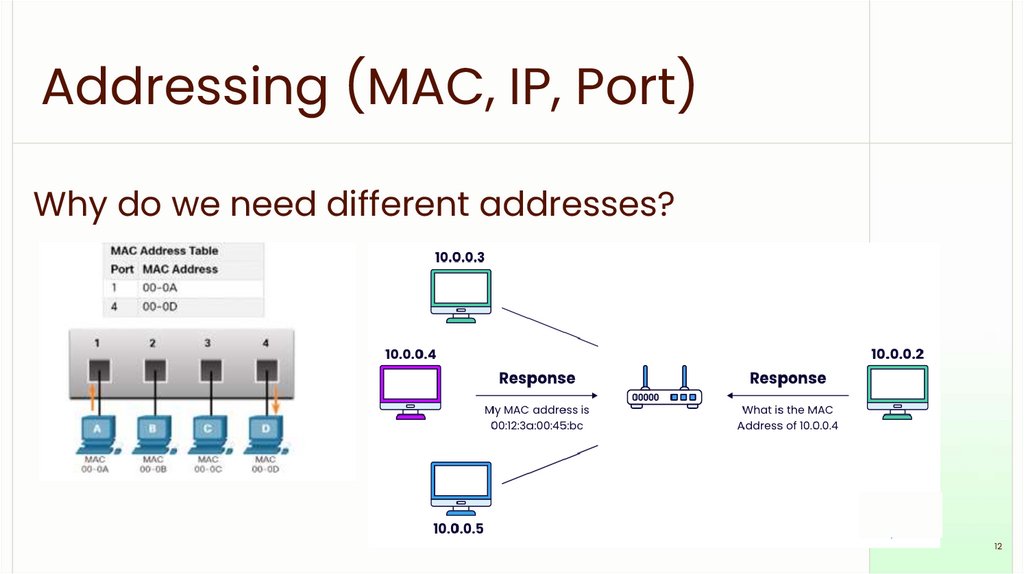
Addressing (MAC, IP, Port)Why do we need different addresses?
12
13.
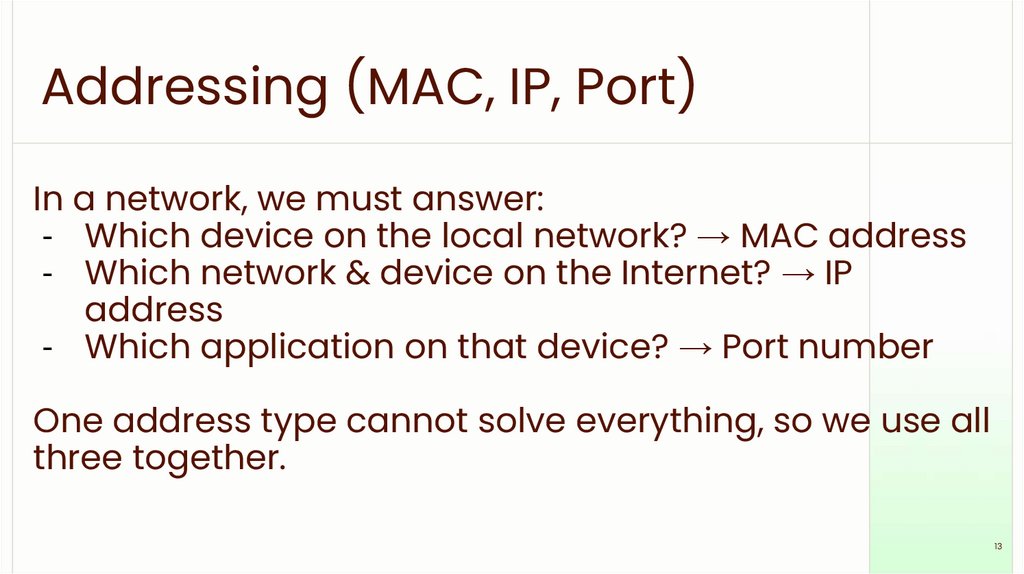
Addressing (MAC, IP, Port)In a network, we must answer:
- Which device on the local network? → MAC address
- Which network & device on the Internet? → IP
address
- Which application on that device? → Port number
One address type cannot solve everything, so we use all
three together.
13
14.
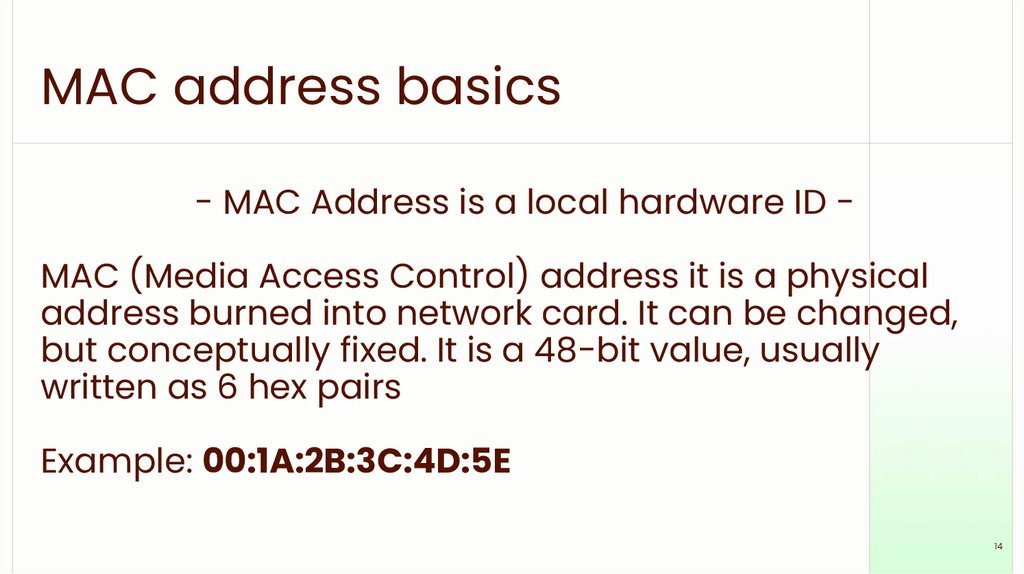
MAC address basics- MAC Address is a local hardware ID -
MAC (Media Access Control) address it is a physical
address burned into network card. It can be changed,
but conceptually fixed. It is a 48-bit value, usually
written as 6 hex pairs
Example: 00:1A:2B:3C:4D:5E
14
15.
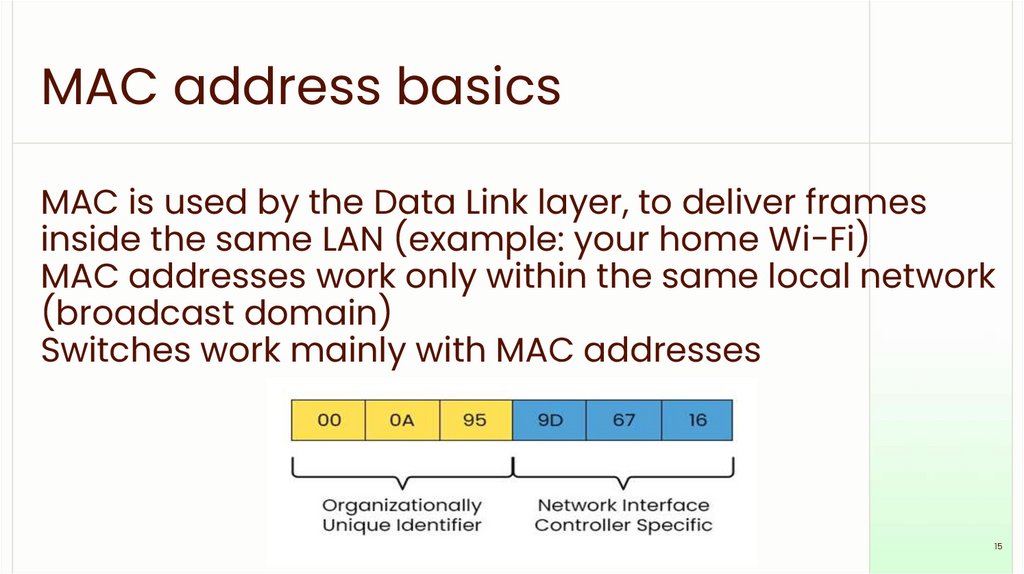
MAC address basicsMAC is used by the Data Link layer, to deliver frames
inside the same LAN (example: your home Wi-Fi)
MAC addresses work only within the same local network
(broadcast domain)
Switches work mainly with MAC addresses
15
16.
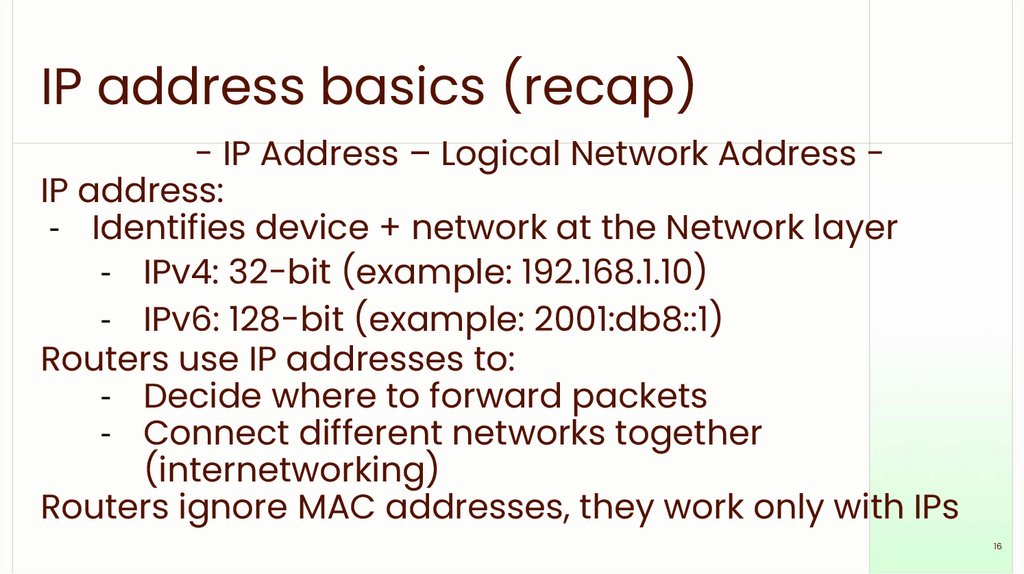
IP address basics (recap)- IP Address – Logical Network Address IP address:
- Identifies device + network at the Network layer
- IPv4: 32-bit (example: 192.168.1.10)
- IPv6: 128-bit (example: 2001:db8::1)
Routers use IP addresses to:
- Decide where to forward packets
- Connect different networks together
(internetworking)
Routers ignore MAC addresses, they work only with IPs
16
17.
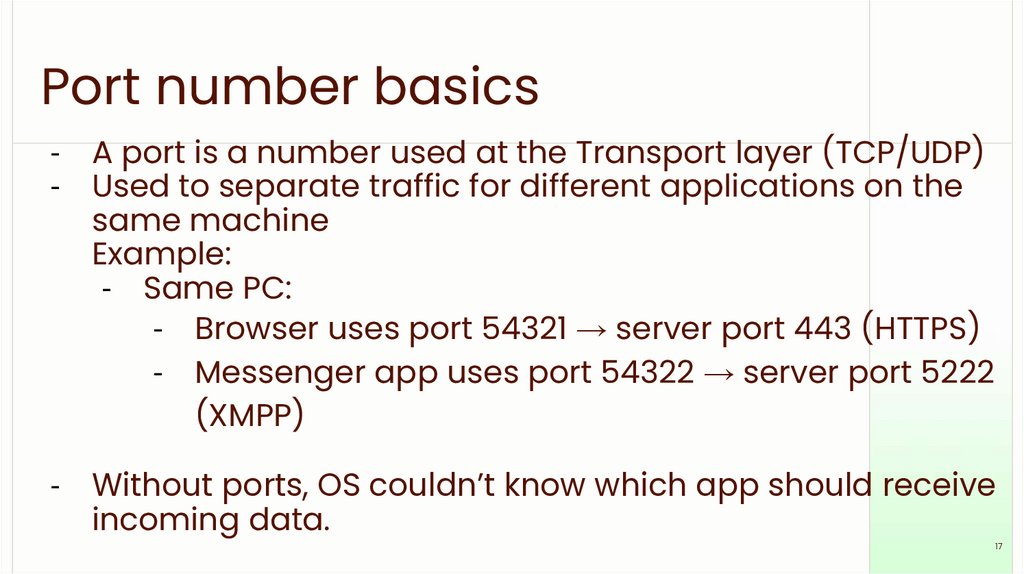
Port number basics- A port is a number used at the Transport layer (TCP/UDP)
- Used to separate traffic for different applications on the
same machine
Example:
- Same PC:
- Browser uses port 54321 → server port 443 (HTTPS)
- Messenger app uses port 54322 → server port 5222
(XMPP)
- Without ports, OS couldn’t know which app should receive
incoming data.
17
18.
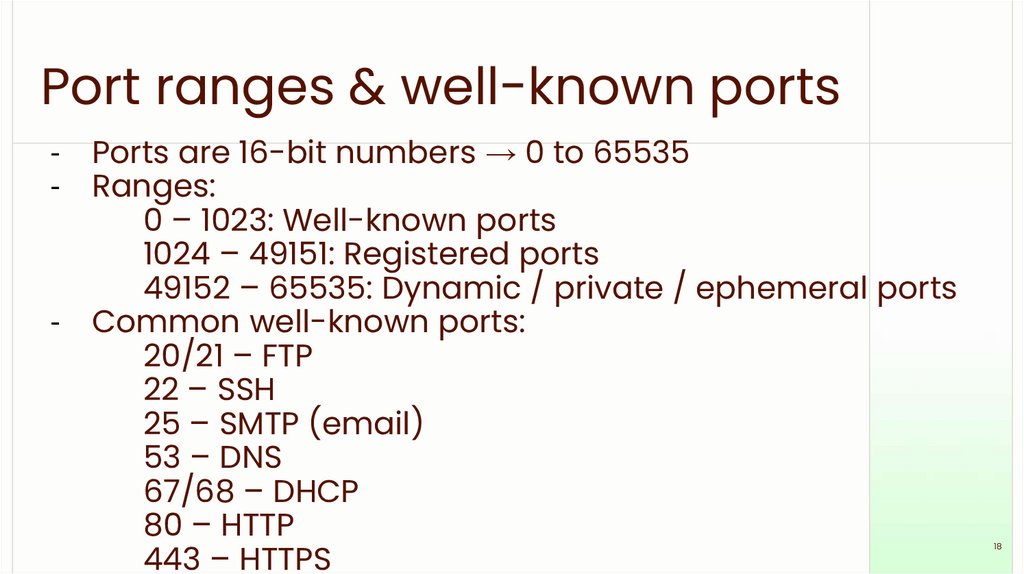
Port ranges & well-known ports- Ports are 16-bit numbers → 0 to 65535
- Ranges:
0 – 1023: Well-known ports
1024 – 49151: Registered ports
49152 – 65535: Dynamic / private / ephemeral ports
- Common well-known ports:
20/21 – FTP
22 – SSH
25 – SMTP (email)
53 – DNS
67/68 – DHCP
80 – HTTP
443 – HTTPS
18
19.
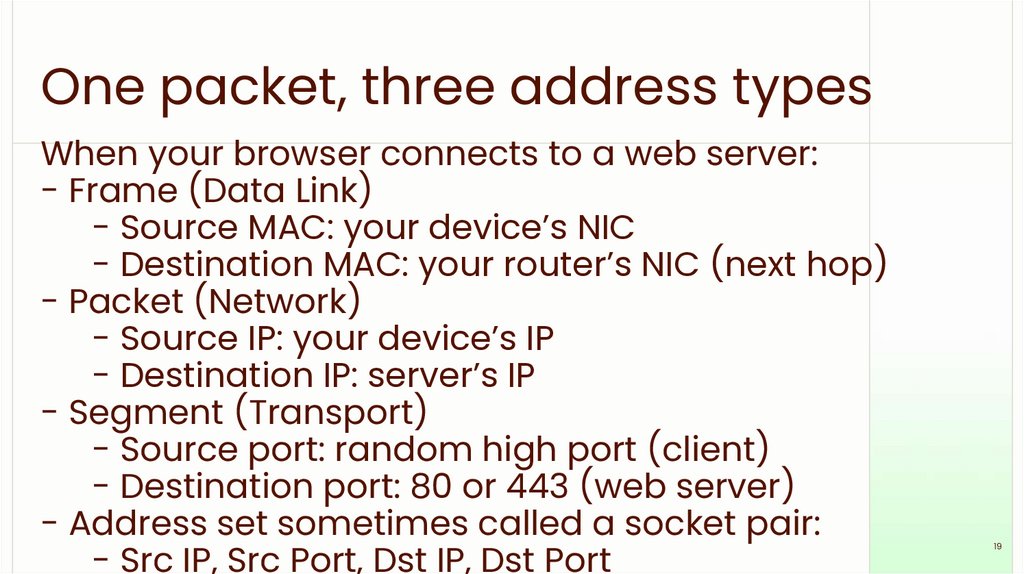
One packet, three address typesWhen your browser connects to a web server:
- Frame (Data Link)
- Source MAC: your device’s NIC
- Destination MAC: your router’s NIC (next hop)
- Packet (Network)
- Source IP: your device’s IP
- Destination IP: server’s IP
- Segment (Transport)
- Source port: random high port (client)
- Destination port: 80 or 443 (web server)
- Address set sometimes called a socket pair:
- Src IP, Src Port, Dst IP, Dst Port
19
20.
Transport Layer: TCP vs UDPTransport Layer: End-to-End Delivery
Main responsibilities:
- Deliver data from application to application
- Use port numbers
- Handle reliability, ordering, flow control (if needed)
Two main protocols:
- TCP (Transmission Control Protocol)
- UDP (User Datagram Protocol)
20
21.
TCP: reliable deliveryConnection-oriented:
- Uses a 3-way handshake (SYN, SYN-ACK, ACK)
before sending data
Features:
- Reliable – retransmits lost segments
- Ordered – reassembles data in correct order
- Flow control – avoids overwhelming receiver
- Congestion control – tries not to overload network
Used for:
- Web browsing (HTTP/HTTPS)
- Email (SMTP, IMAP, POP3)
- File transfer (FTP)
21
22.
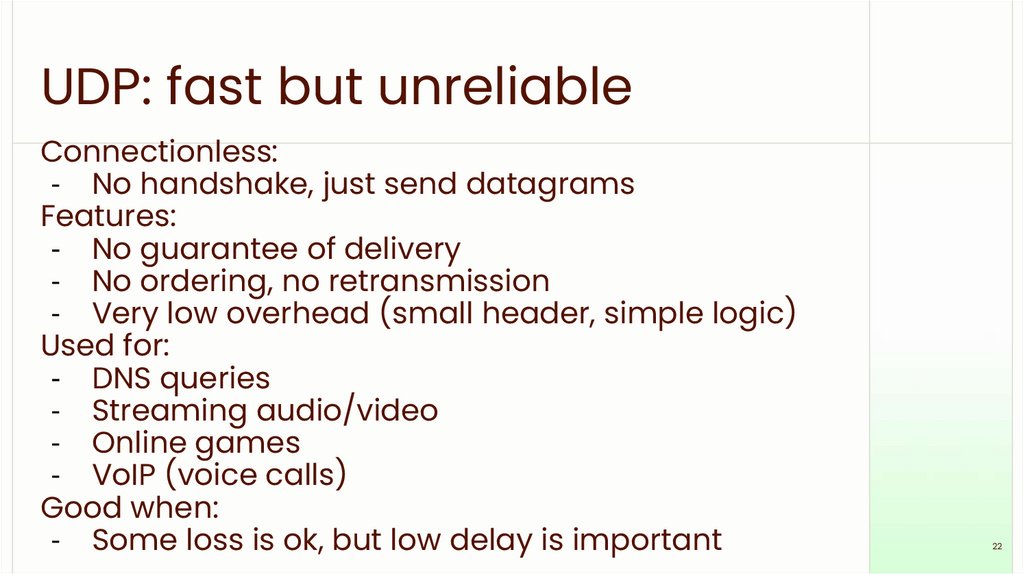
UDP: fast but unreliableConnectionless:
- No handshake, just send datagrams
Features:
- No guarantee of delivery
- No ordering, no retransmission
- Very low overhead (small header, simple logic)
Used for:
- DNS queries
- Streaming audio/video
- Online games
- VoIP (voice calls)
Good when:
- Some loss is ok, but low delay is important
22
23.
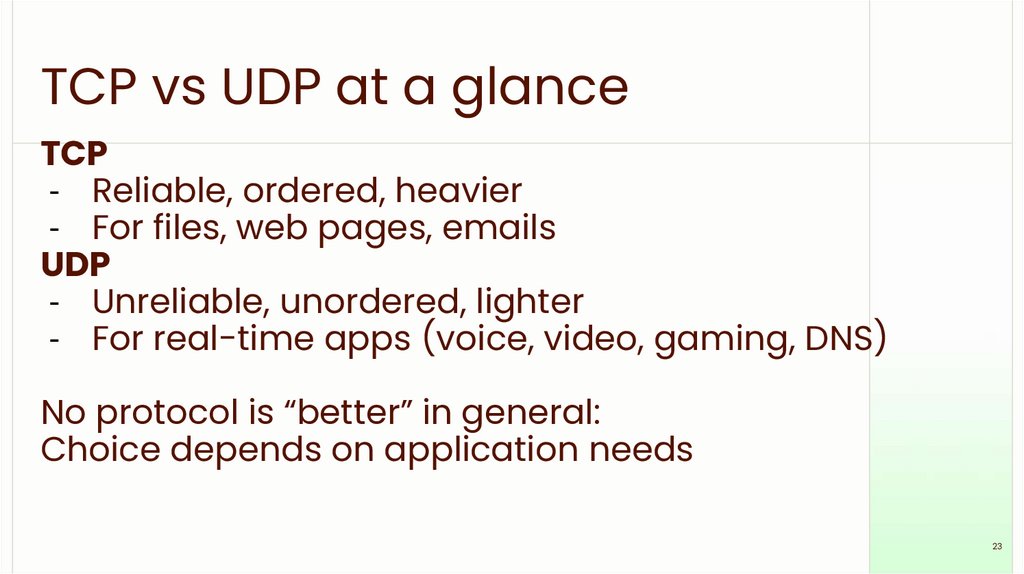
TCP vs UDP at a glanceTCP
- Reliable, ordered, heavier
- For files, web pages, emails
UDP
- Unreliable, unordered, lighter
- For real-time apps (voice, video, gaming, DNS)
No protocol is “better” in general:
Choice depends on application needs
23
24.
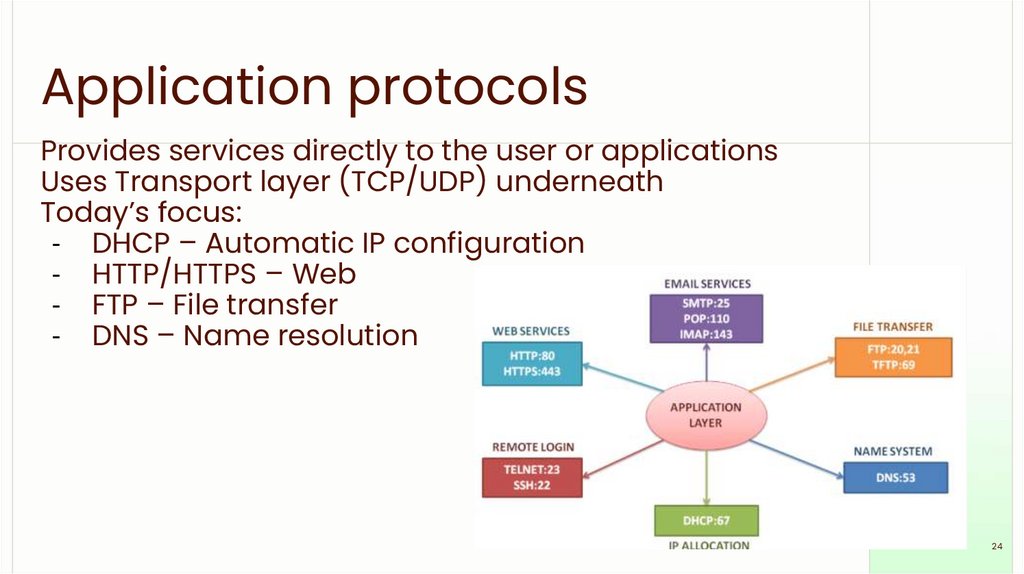
Application protocolsProvides services directly to the user or applications
Uses Transport layer (TCP/UDP) underneath
Today’s focus:
- DHCP – Automatic IP configuration
- HTTP/HTTPS – Web
- FTP – File transfer
- DNS – Name resolution
24
25.
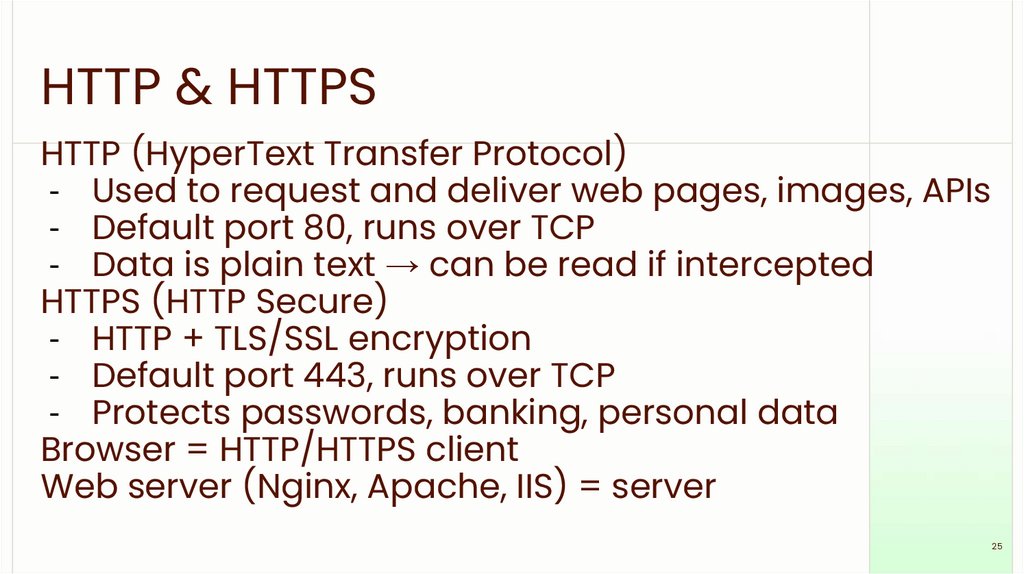
HTTP & HTTPSHTTP (HyperText Transfer Protocol)
- Used to request and deliver web pages, images, APIs
- Default port 80, runs over TCP
- Data is plain text → can be read if intercepted
HTTPS (HTTP Secure)
- HTTP + TLS/SSL encryption
- Default port 443, runs over TCP
- Protects passwords, banking, personal data
Browser = HTTP/HTTPS client
Web server (Nginx, Apache, IIS) = server
25
26.
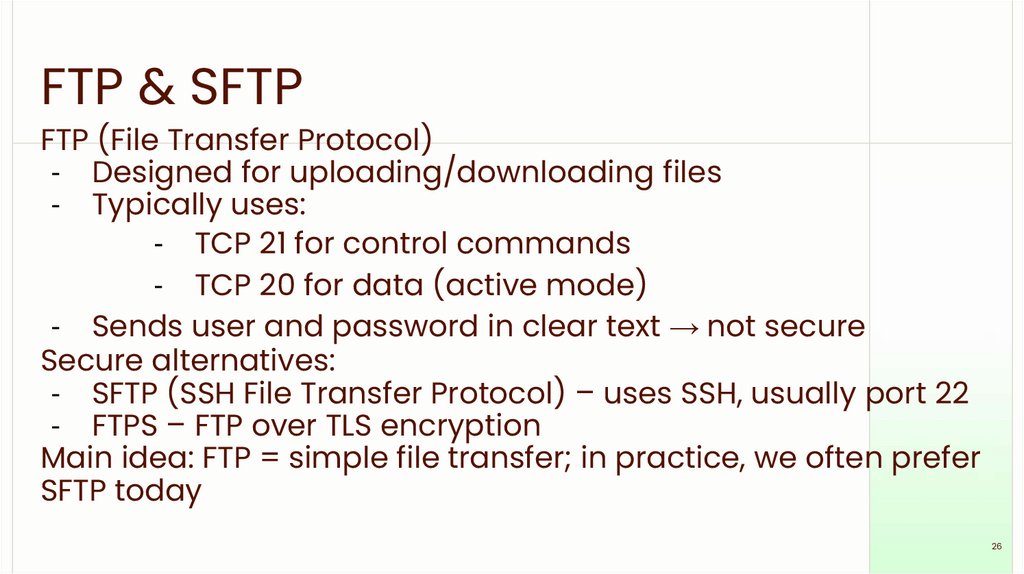
FTP & SFTPFTP (File Transfer Protocol)
- Designed for uploading/downloading files
- Typically uses:
- TCP 21 for control commands
- TCP 20 for data (active mode)
- Sends user and password in clear text → not secure
Secure alternatives:
- SFTP (SSH File Transfer Protocol) – uses SSH, usually port 22
- FTPS – FTP over TLS encryption
Main idea: FTP = simple file transfer; in practice, we often prefer
SFTP today
26
27.
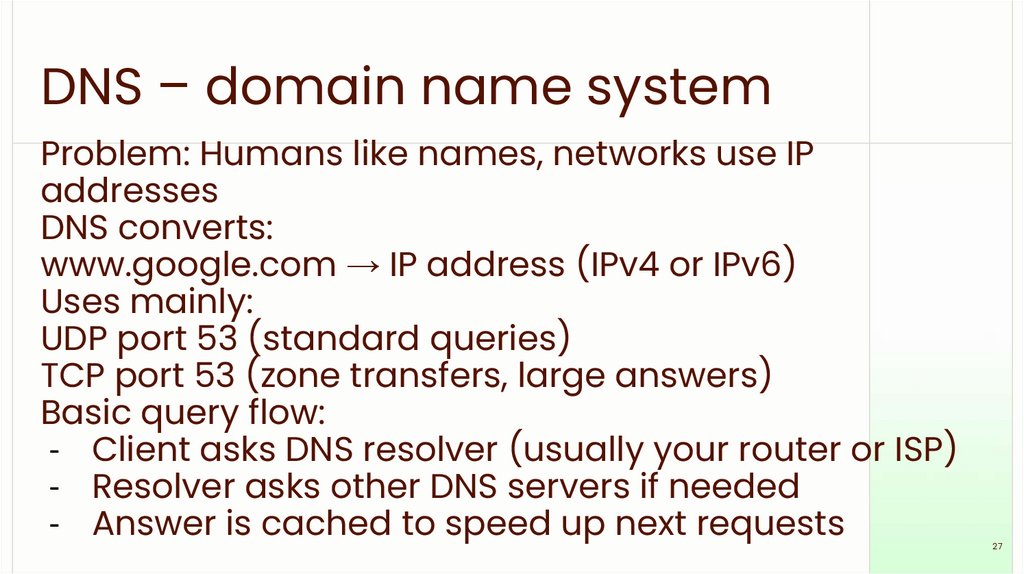
DNS – domain name systemProblem: Humans like names, networks use IP
addresses
DNS converts:
www.google.com → IP address (IPv4 or IPv6)
Uses mainly:
UDP port 53 (standard queries)
TCP port 53 (zone transfers, large answers)
Basic query flow:
- Client asks DNS resolver (usually your router or ISP)
- Resolver asks other DNS servers if needed
- Answer is cached to speed up next requests
27
28.
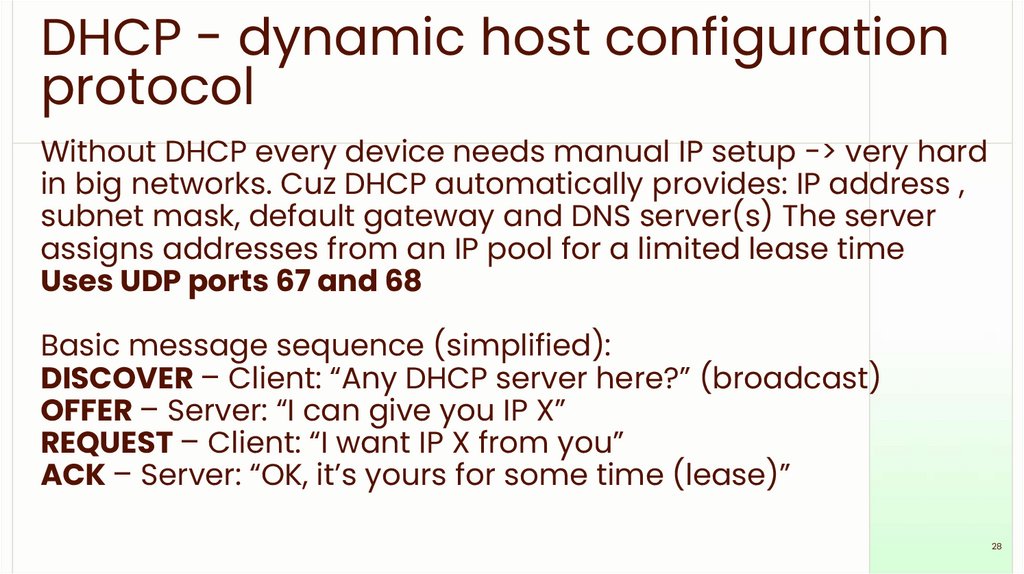
DHCP - dynamic host configurationprotocol
Without DHCP every device needs manual IP setup -> very hard
in big networks. Cuz DHCP automatically provides: IP address ,
subnet mask, default gateway and DNS server(s) The server
assigns addresses from an IP pool for a limited lease time
Uses UDP ports 67 and 68
Basic message sequence (simplified):
DISCOVER – Client: “Any DHCP server here?” (broadcast)
OFFER – Server: “I can give you IP X”
REQUEST – Client: “I want IP X from you”
ACK – Server: “OK, it’s yours for some time (lease)”
28
29.
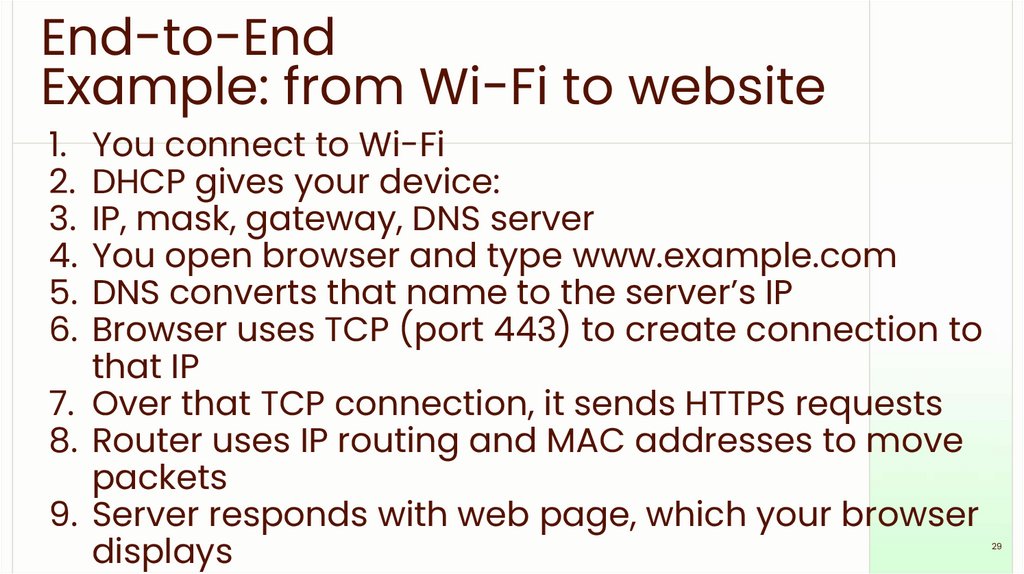
End-to-EndExample: from Wi-Fi to website
1. You connect to Wi-Fi
2. DHCP gives your device:
3. IP, mask, gateway, DNS server
4. You open browser and type www.example.com
5. DNS converts that name to the server’s IP
6. Browser uses TCP (port 443) to create connection to
that IP
7. Over that TCP connection, it sends HTTPS requests
8. Router uses IP routing and MAC addresses to move
packets
9. Server responds with web page, which your browser
displays
29
30.
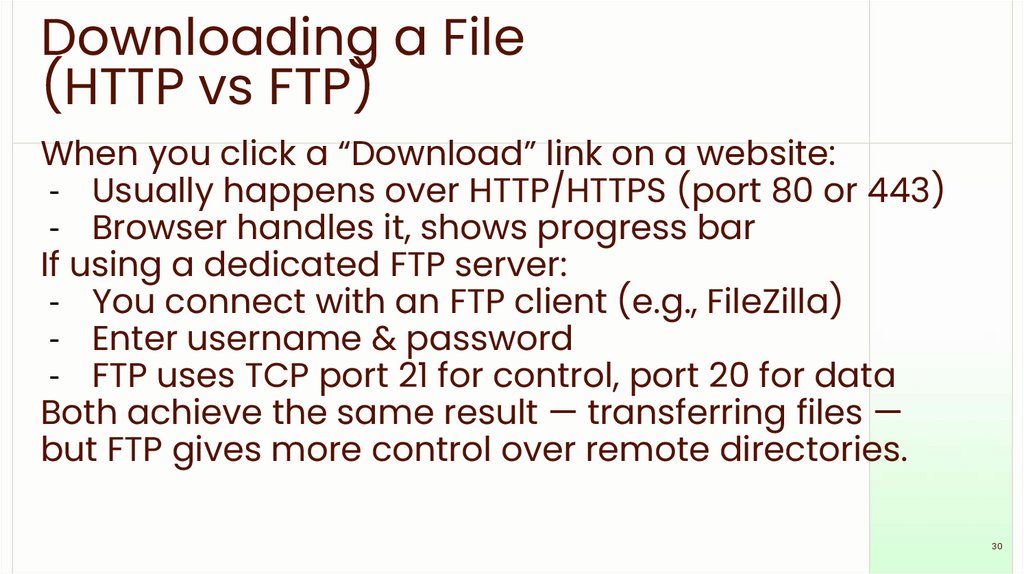
Downloading a File(HTTP vs FTP)
When you click a “Download” link on a website:
- Usually happens over HTTP/HTTPS (port 80 or 443)
- Browser handles it, shows progress bar
If using a dedicated FTP server:
- You connect with an FTP client (e.g., FileZilla)
- Enter username & password
- FTP uses TCP port 21 for control, port 20 for data
Both achieve the same result — transferring files —
but FTP gives more control over remote directories.
30
31.
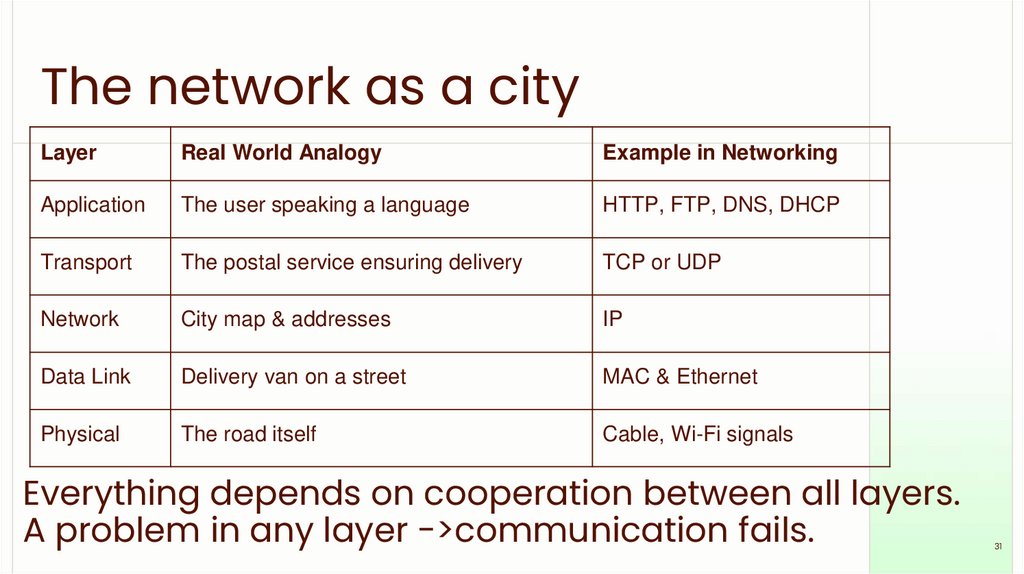
The network as a cityLayer
Real World Analogy
Example in Networking
Application
The user speaking a language
HTTP, FTP, DNS, DHCP
Transport
The postal service ensuring delivery
TCP or UDP
Network
City map & addresses
IP
Data Link
Delivery van on a street
MAC & Ethernet
Physical
The road itself
Cable, Wi-Fi signals
Everything depends on cooperation between all layers.
A problem in any layer ->communication fails.
31
32.
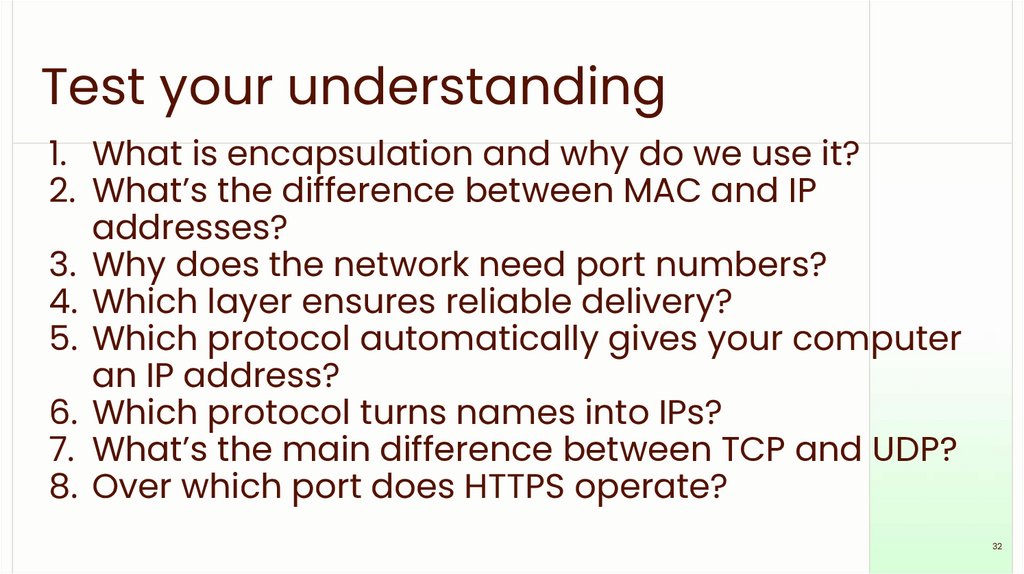
Test your understanding1. What is encapsulation and why do we use it?
2. What’s the difference between MAC and IP
addresses?
3. Why does the network need port numbers?
4. Which layer ensures reliable delivery?
5. Which protocol automatically gives your computer
an IP address?
6. Which protocol turns names into IPs?
7. What’s the main difference between TCP and UDP?
8. Over which port does HTTPS operate?
32