 Программирование
Похожие презентации:




Methods of Lists and Strings (Unit 11.3A)
1. Programming - 11th Grade
Methods of Lists and StringsUnit 11.3A
1
2. Agenda & Goals
Agenda & GoalsLearning Objectives:
11.3.1.1 - Apply functions and String processing methods
11.3.1.2 - Apply functions and methods of processing Lists
11.3.1.3 - Solve applied problems of various subject areas
Core Concepts:
• String & List Methods
• Immutability vs. Mutability Slicing
2
3. Concept: Mutability vs. Immutability
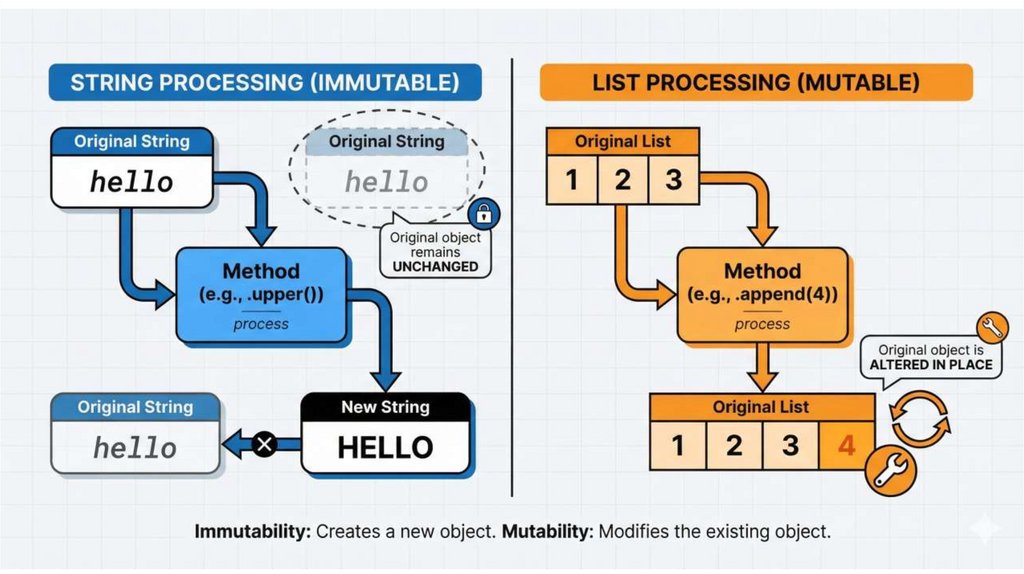
Understanding how Python handles data in memory is crucial before learning methods.Strings are Immutable: Methods return a new string. The original is unchanged.
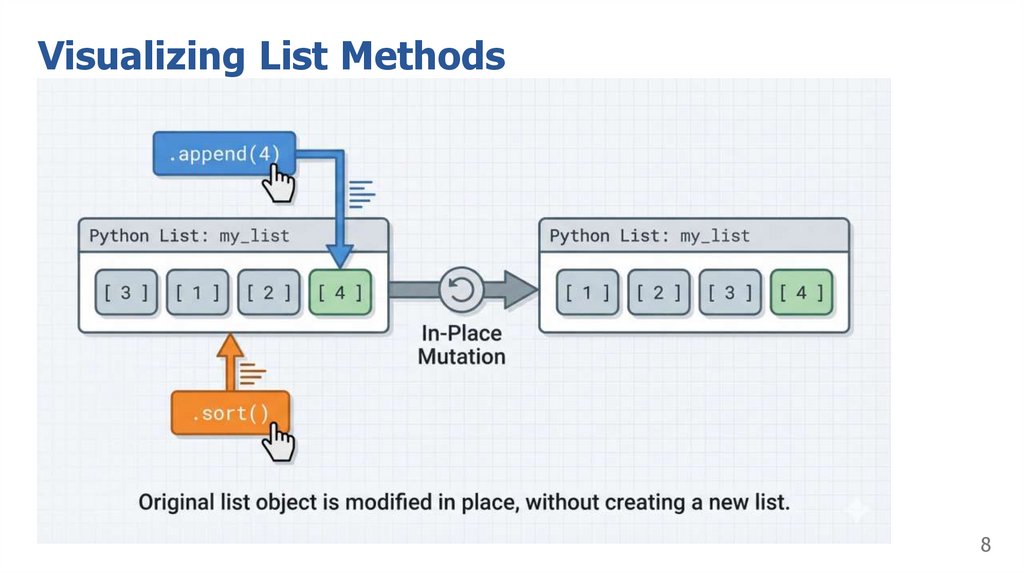
Lists are Mutable: Methods modify the list in-place.
3
4.
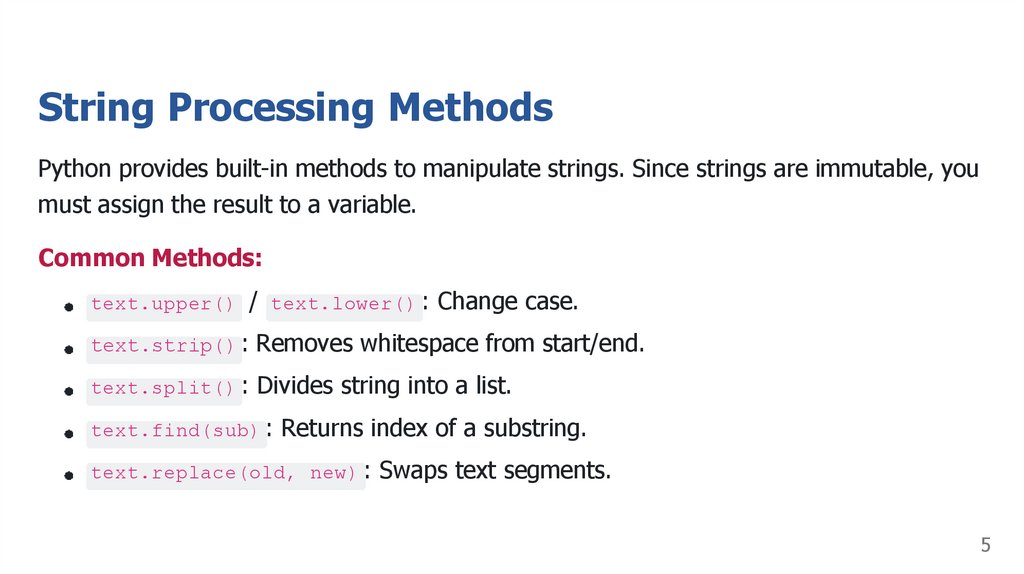
5. String Processing Methods
Python provides built-in methods to manipulate strings. Since strings are immutable, youmust assign the result to a variable.
Common Methods:
text.upper() / text.lower() : Change case.
text.strip() : Removes whitespace from start/end.
text.split() : Divides string into a list.
text.find(sub) : Returns index of a substring.
text.replace(old, new) : Swaps text segments.
5
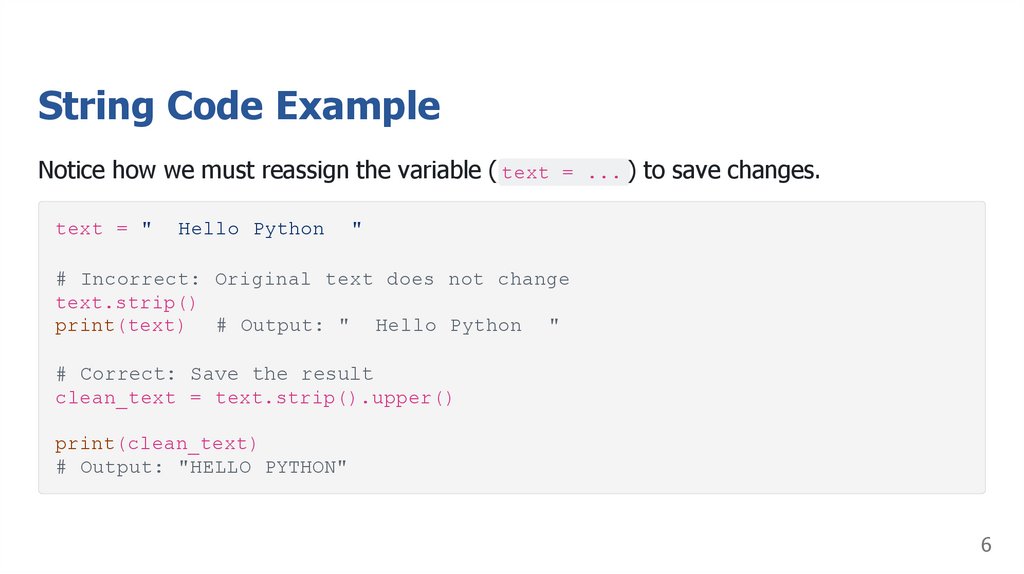
6. String Code Example
Notice how we must reassign the variable ( text = ... ) to save changes.text = "
Hello Python
"
# Incorrect: Original text does not change
text.strip()
print(text) # Output: " Hello Python "
# Correct: Save the result
clean_text = text.strip().upper()
print(clean_text)
# Output: "HELLO PYTHON"
6
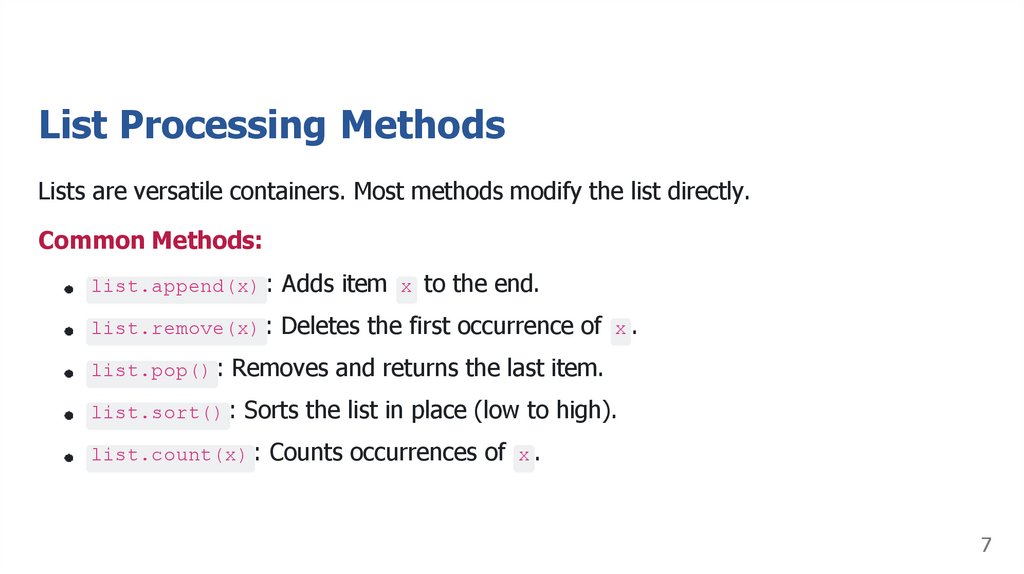
7. List Processing Methods
Lists are versatile containers. Most methods modify the list directly.Common Methods:
list.append(x) : Adds item x to the end.
list.remove(x) : Deletes the first occurrence of x .
list.pop() : Removes and returns the last item.
list.sort() : Sorts the list in place (low to high).
list.count(x) : Counts occurrences of x .
7
8. Visualizing List Methods
89. List Code Example
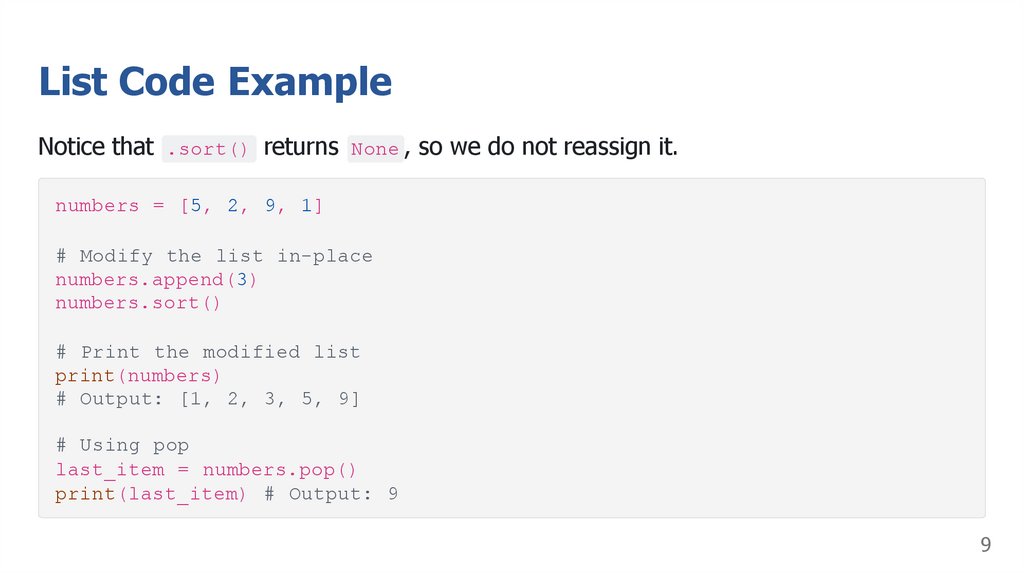
Notice that .sort() returns None , so we do not reassign it.numbers = [5, 2, 9, 1]
# Modify the list in-place
numbers.append(3)
numbers.sort()
# Print the modified list
print(numbers)
# Output: [1, 2, 3, 5, 9]
# Using pop
last_item = numbers.pop()
print(last_item) # Output: 9
9
10. Slicing
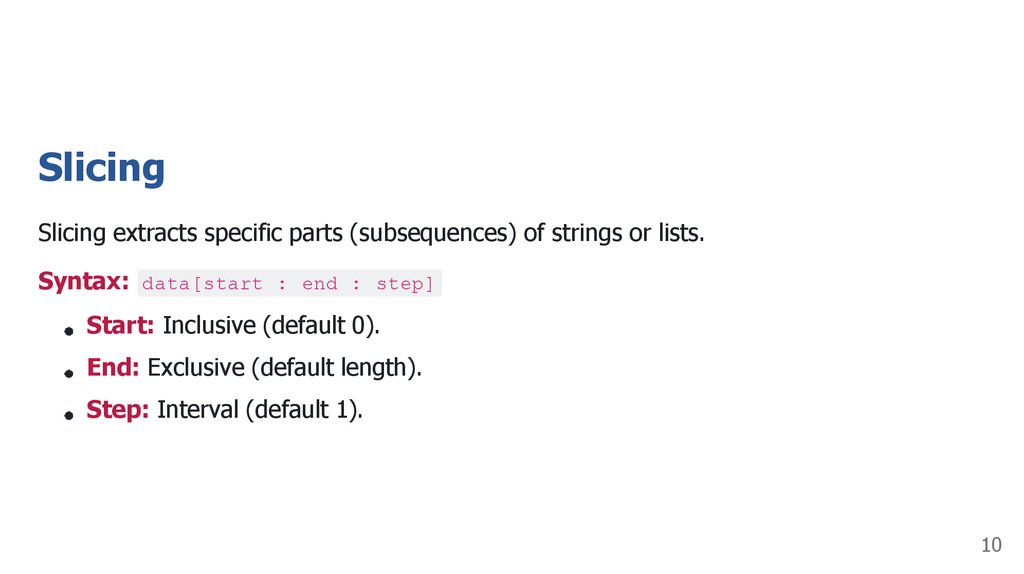
Slicing extracts specific parts (subsequences) of strings or lists.Syntax: data[start : end : step]
Start: Inclusive (default 0).
End: Exclusive (default length).
Step: Interval (default 1).
10
11. Slicing Examples
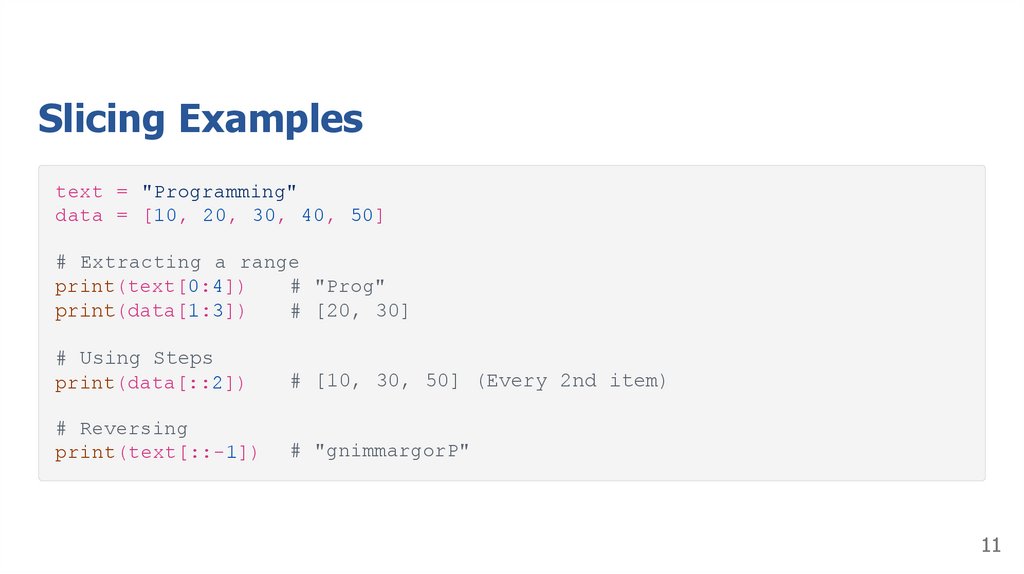
text = "Programming"data = [10, 20, 30, 40, 50]
# Extracting a range
print(text[0:4])
# "Prog"
print(data[1:3])
# [20, 30]
# Using Steps
print(data[::2])
# [10, 30, 50] (Every 2nd item)
# Reversing
print(text[::-1])
# "gnimmargorP"
11
12. Activity: Scavenger Hunt
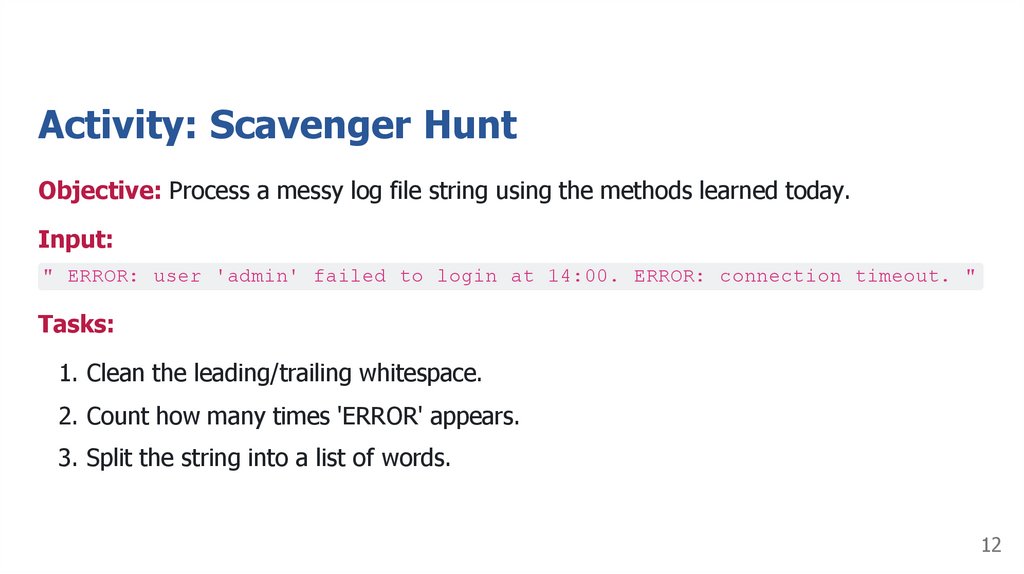
Objective: Process a messy log file string using the methods learned today.Input:
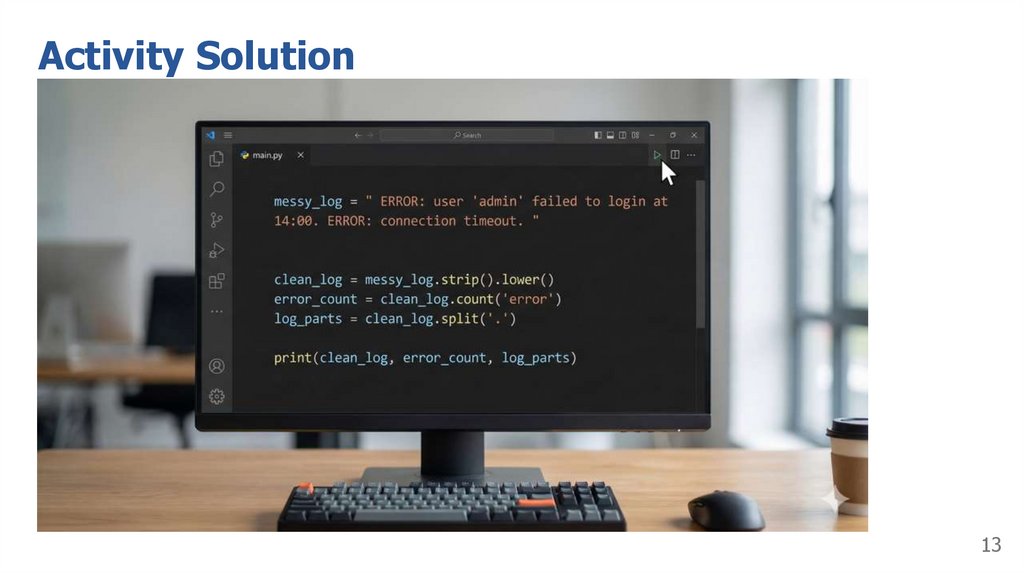
" ERROR: user 'admin' failed to login at 14:00. ERROR: connection timeout. "
Tasks:
1. Clean the leading/trailing whitespace.
2. Count how many times 'ERROR' appears.
3. Split the string into a list of words.
12
13. Activity Solution
1314. Summary
Strings: Immutable. Methods like .upper() return new copies.Lists: Mutable. Methods like .append() and .sort() change the data directly.
Slicing: Use [start:end] to extract portions of data.
Next Lesson: Nested Lists (Unit 11.3B)
14