 Программирование
Похожие презентации:






Types of errors
1.
Activity 1Look through the code and write on chat errors
taken place?
2.
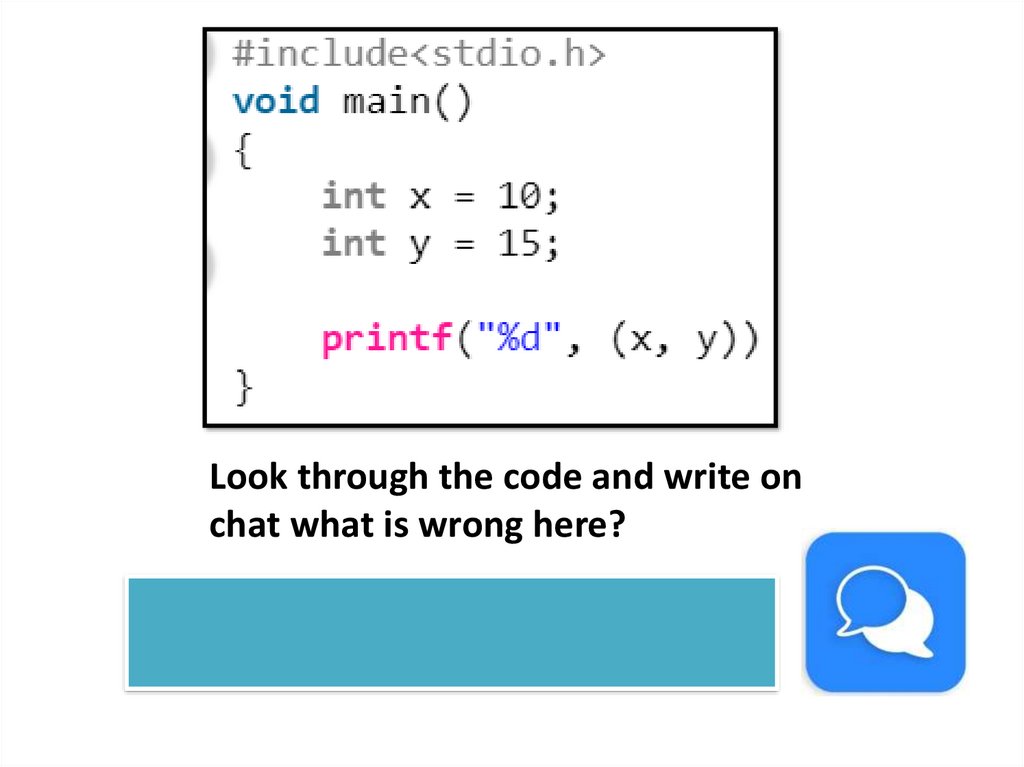
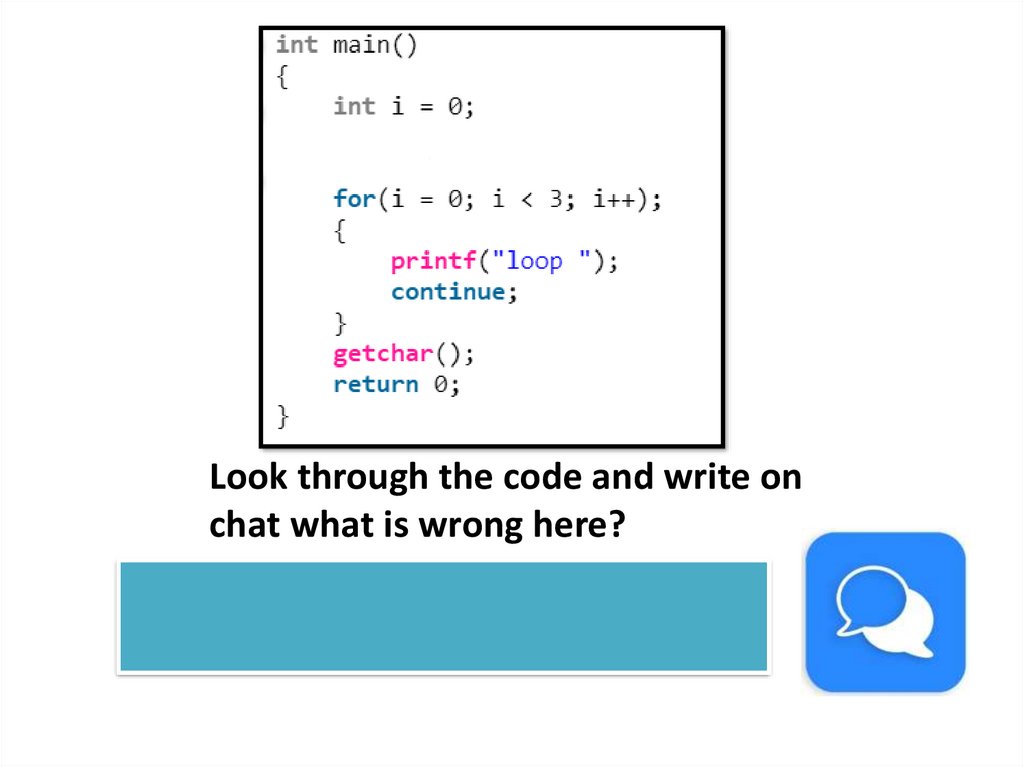
Look through the code and write onchat what is wrong here?
3.
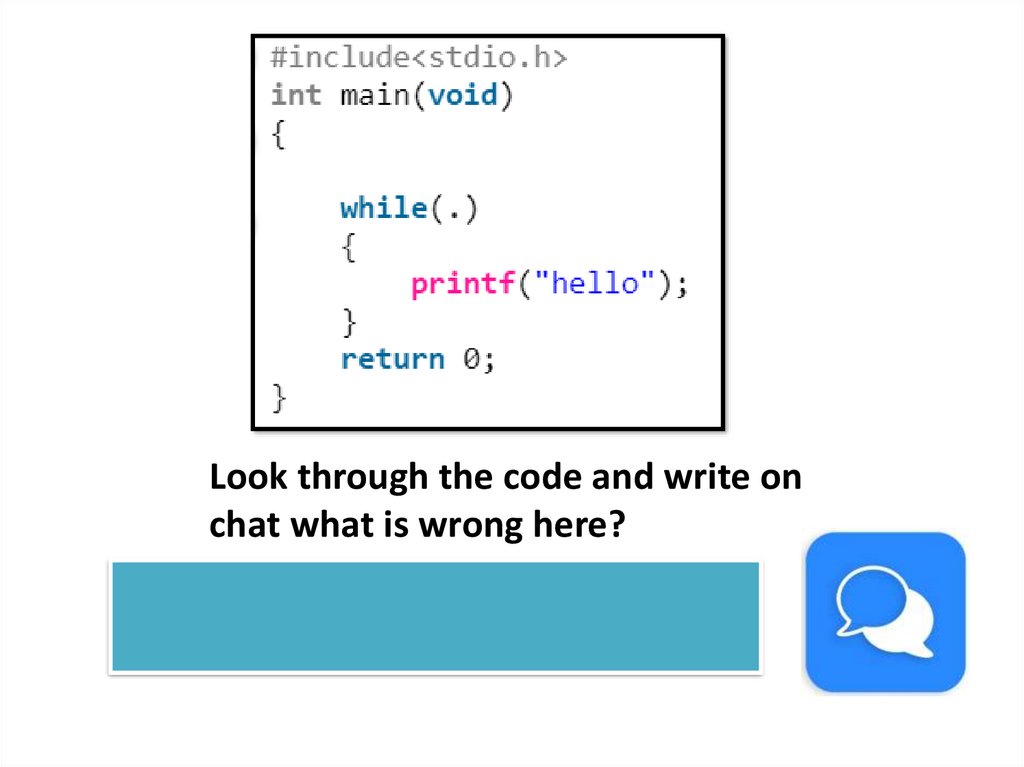
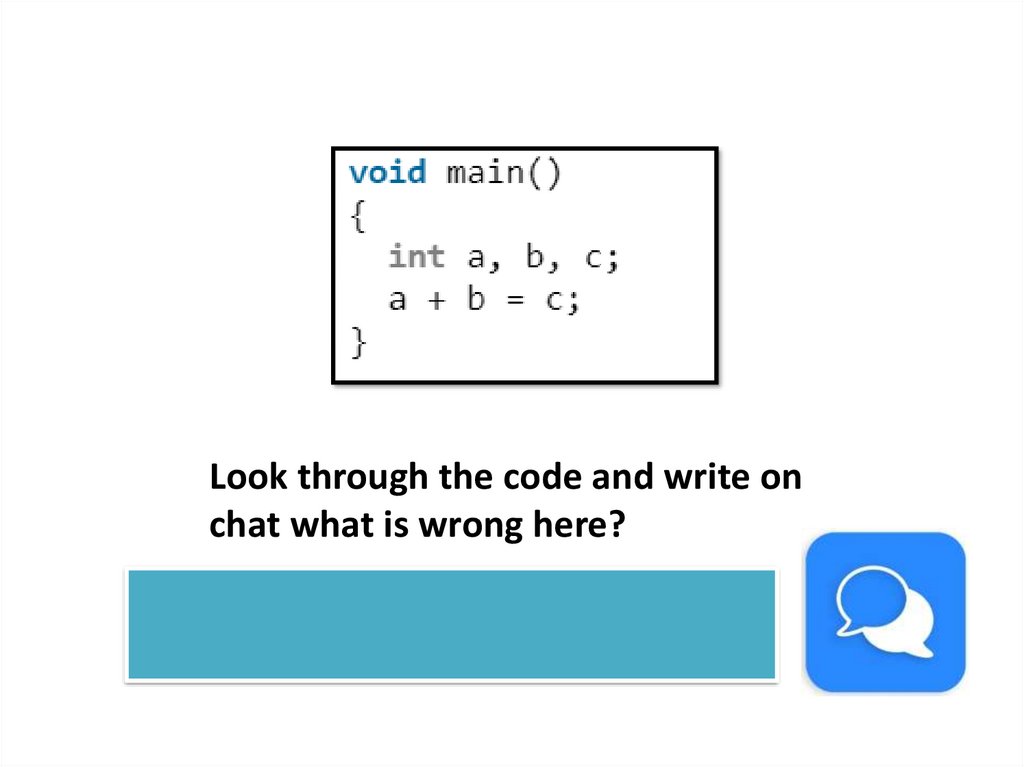
Look through the code and write onchat what is wrong here?
4.
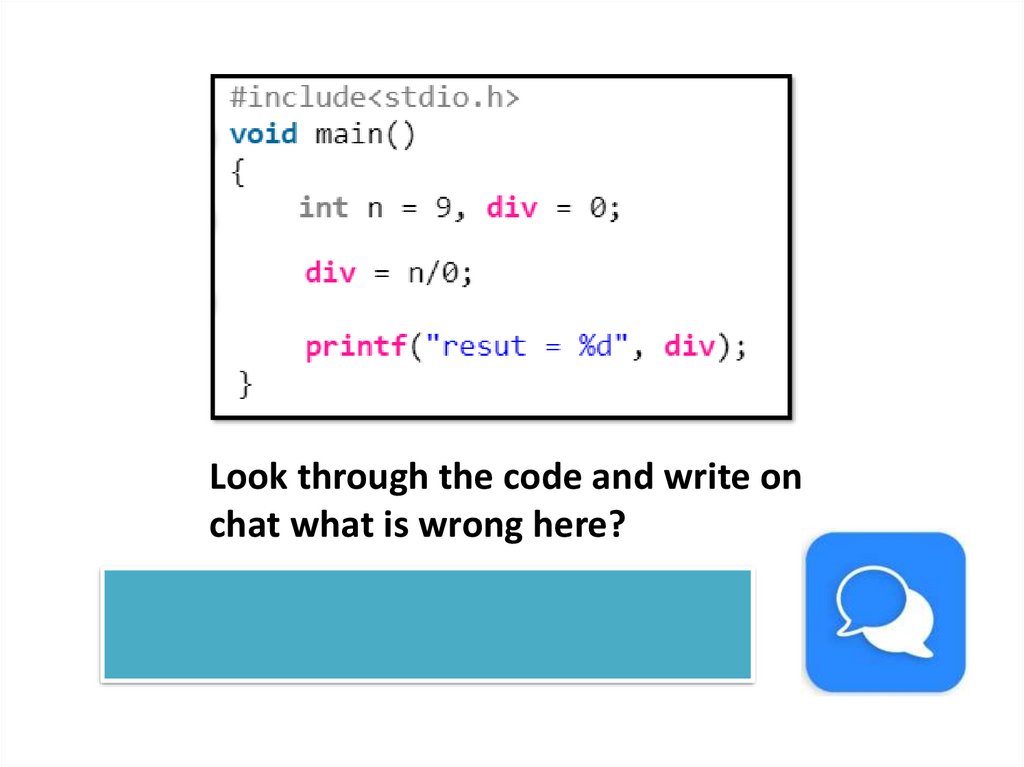
Look through the code and write onchat what is wrong here?
5.
Look through the code and write onchat what is wrong here?
No output
6.
Look through the code and write onchat what is wrong here?
7.
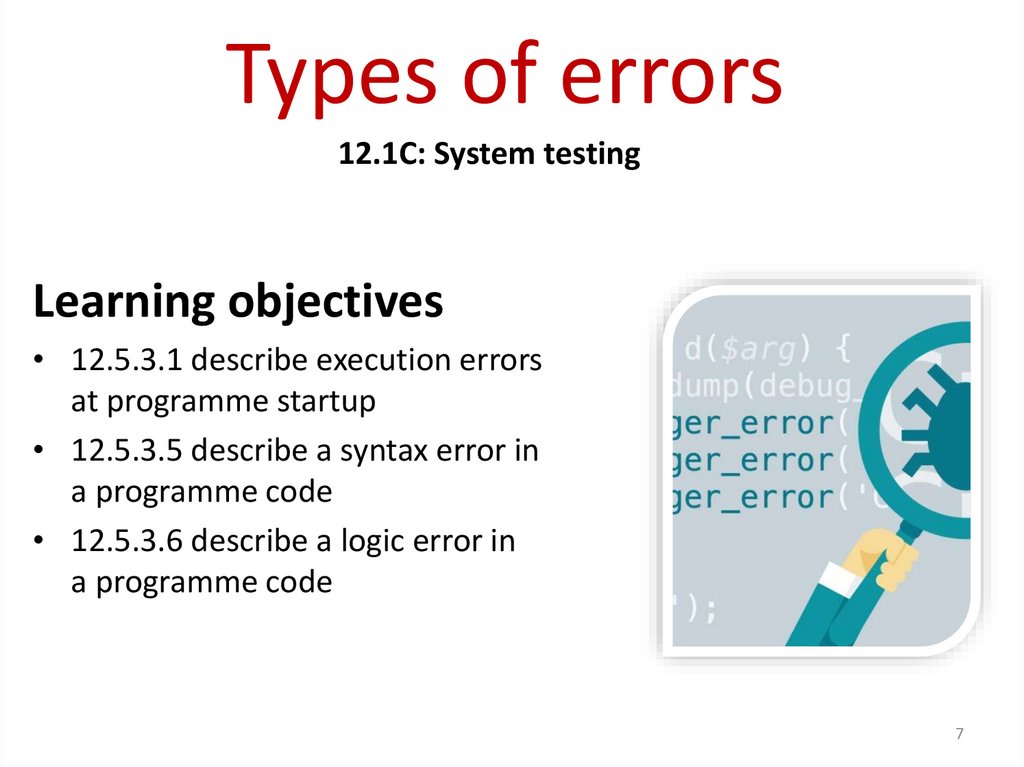
Types of errors12.1C: System testing
Learning objectives
• 12.5.3.1 describe execution errors
at programme startup
• 12.5.3.5 describe a syntax error in
a programme code
• 12.5.3.6 describe a logic error in
a programme code
7
8.
Learners will be able to:• Know what different types of programming errors
can occur.
• Describe different error types.
• Be able to recognise errors in program code.
• Apply skills to fix the error.
• Combine this as part of the testing approach.
9.
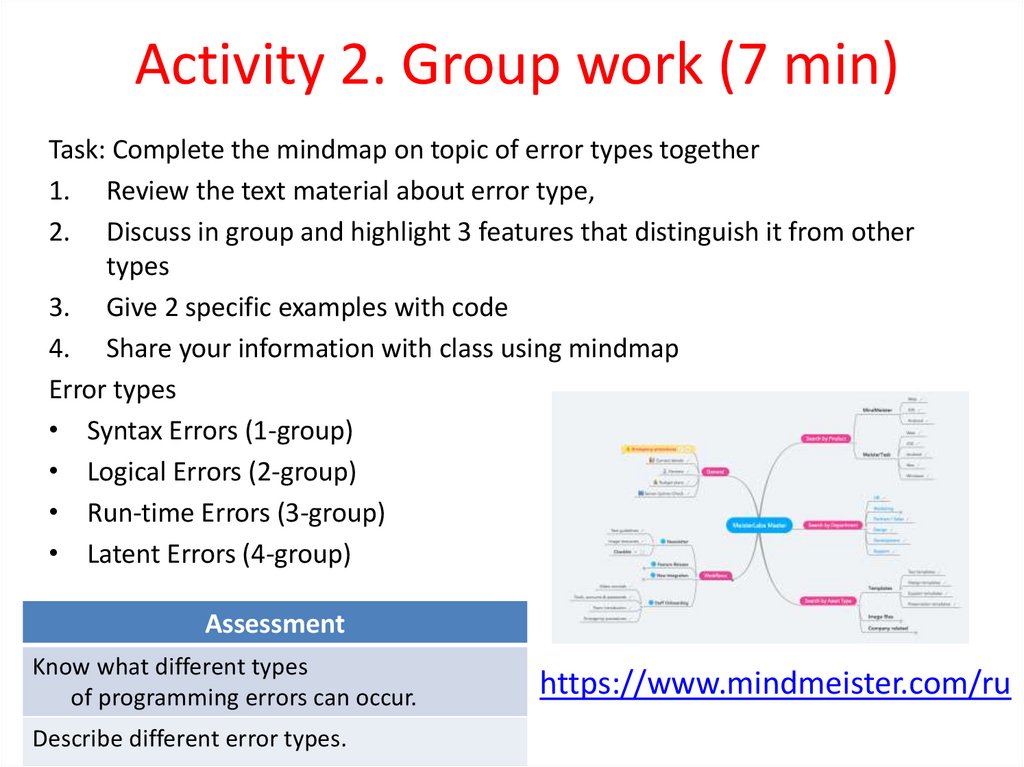
Activity 2. Group work (7 min)Task: Complete the mindmap on topic of error types together
1. Review the text material about error type,
2. Discuss in group and highlight 3 features that distinguish it from other
types
3. Give 2 specific examples with code
4. Share your information with class using mindmap
Error types
• Syntax Errors (1-group)
• Logical Errors (2-group)
• Run-time Errors (3-group)
• Latent Errors (4-group)
Assessment
Know what different types
of programming errors can occur.
Describe different error types.
https://www.mindmeister.com/ru
10.
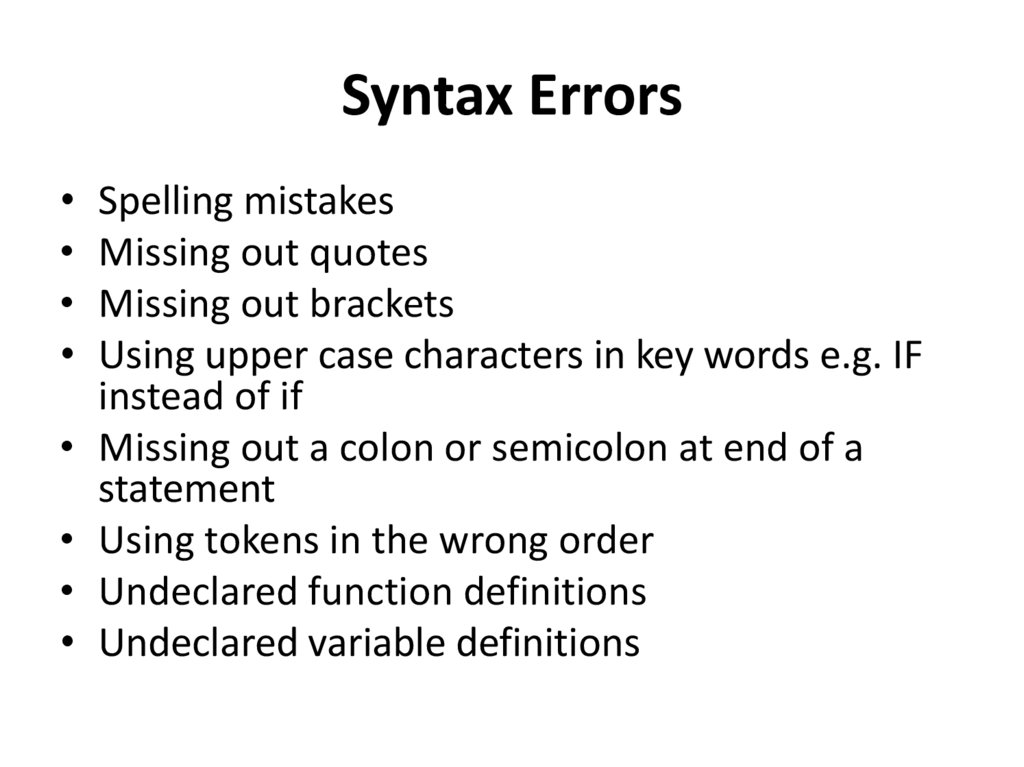
Syntax ErrorsSpelling mistakes
Missing out quotes
Missing out brackets
Using upper case characters in key words e.g. IF
instead of if
Missing out a colon or semicolon at end of a
statement
Using tokens in the wrong order
Undeclared function definitions
Undeclared variable definitions
11.
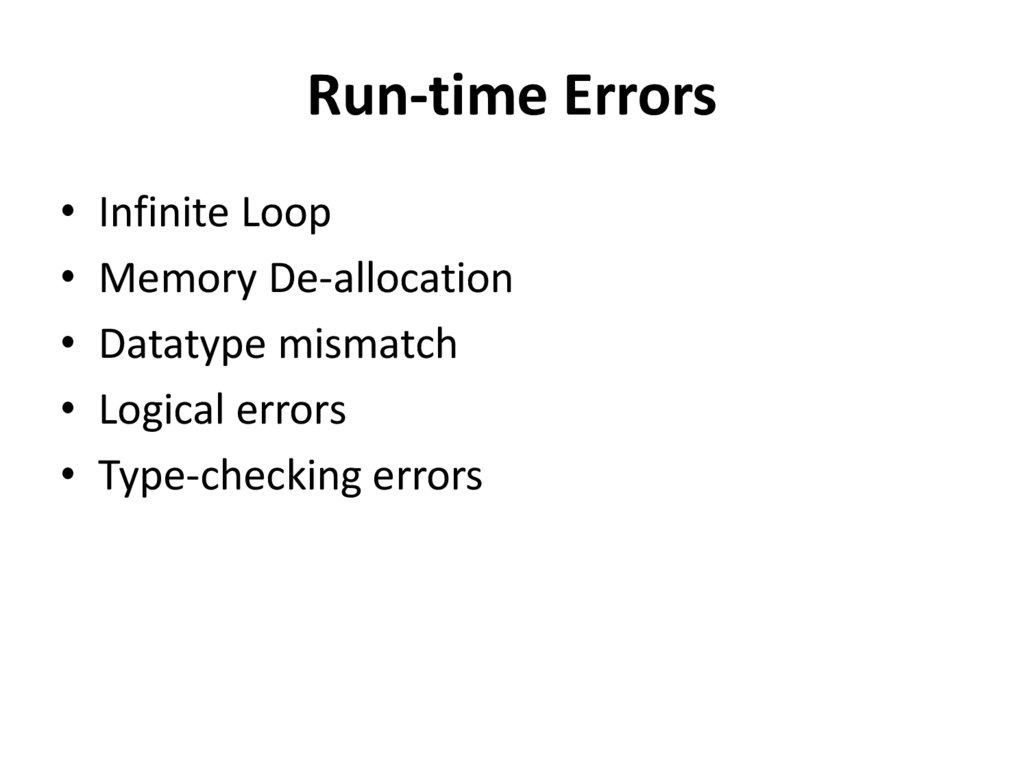
Run-time ErrorsInfinite Loop
Memory De-allocation
Datatype mismatch
Logical errors
Type-checking errors
12.
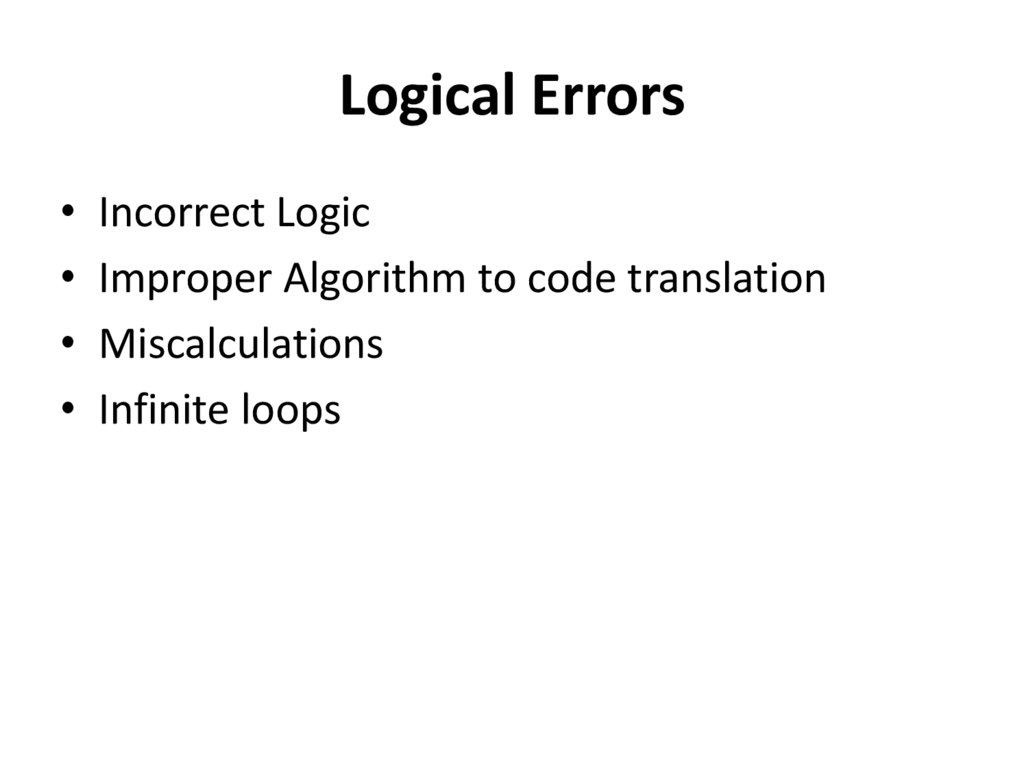
Logical ErrorsIncorrect Logic
Improper Algorithm to code translation
Miscalculations
Infinite loops
13.
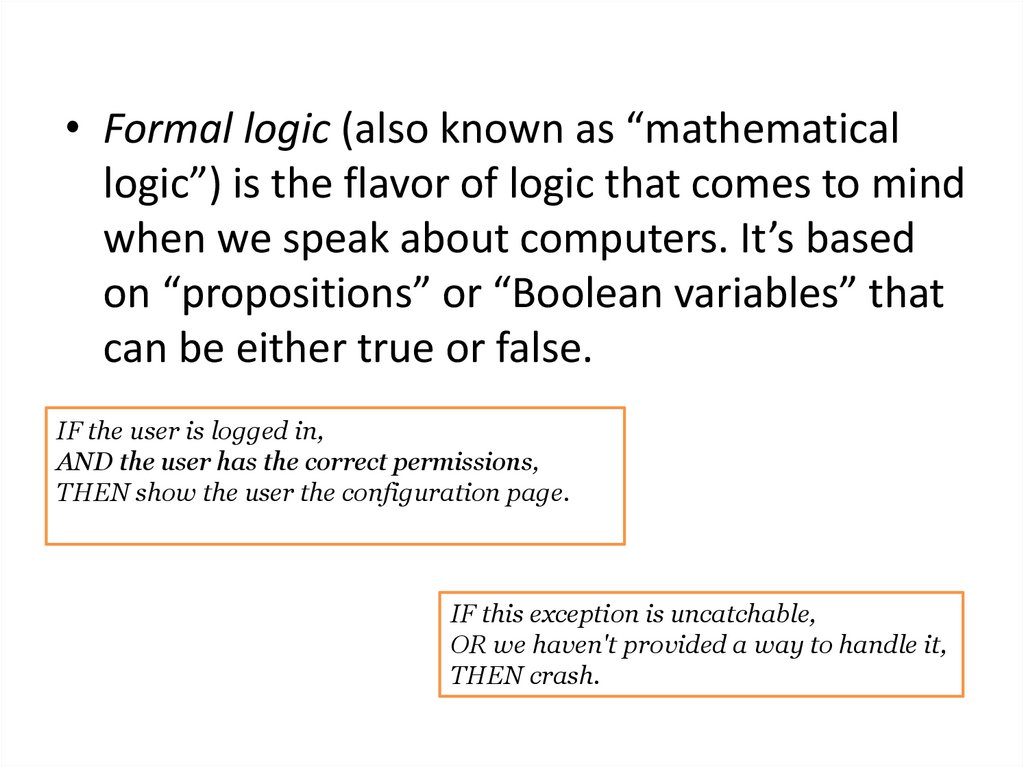
• Formal logic (also known as “mathematicallogic”) is the flavor of logic that comes to mind
when we speak about computers. It’s based
on “propositions” or “Boolean variables” that
can be either true or false.
IF the user is logged in,
AND the user has the correct permissions,
THEN show the user the configuration page.
IF this exception is uncatchable,
OR we haven't provided a way to handle it,
THEN crash.
14.
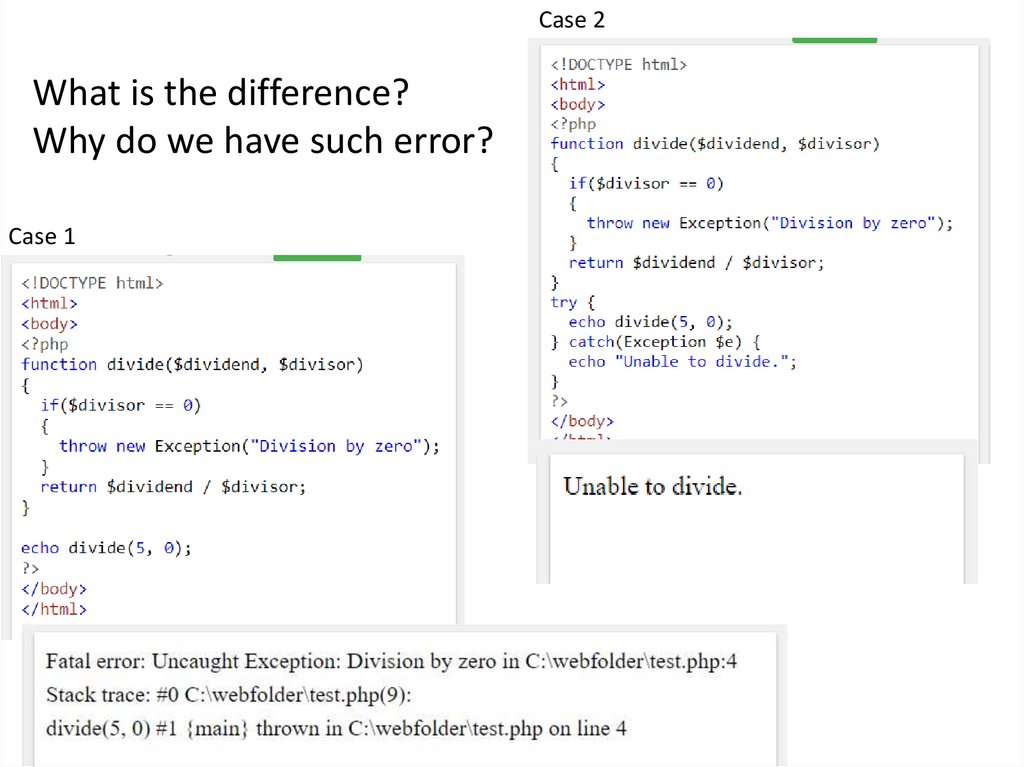
Case 2What is the difference?
Why do we have such error?
Case 1
15.
Exception• An exception is an object that describes an
error or unexpected behaviour of a
script/code.
• User defined functions and classes can also
throw exceptions.
• Exceptions are a good way to stop a function
when it comes across data that it cannot use.
16.
Latent Errors• Latent Errors are the ‘hidden’ errors that occur
only when a particular set of data is used.
• For example:
result = (a+b)/(c-d);
• An error occurs only when c and d are equal
because that will make remainder zero (divide
by zero error). Such errors can be detected
only by using all possible combinations of
data.
17.
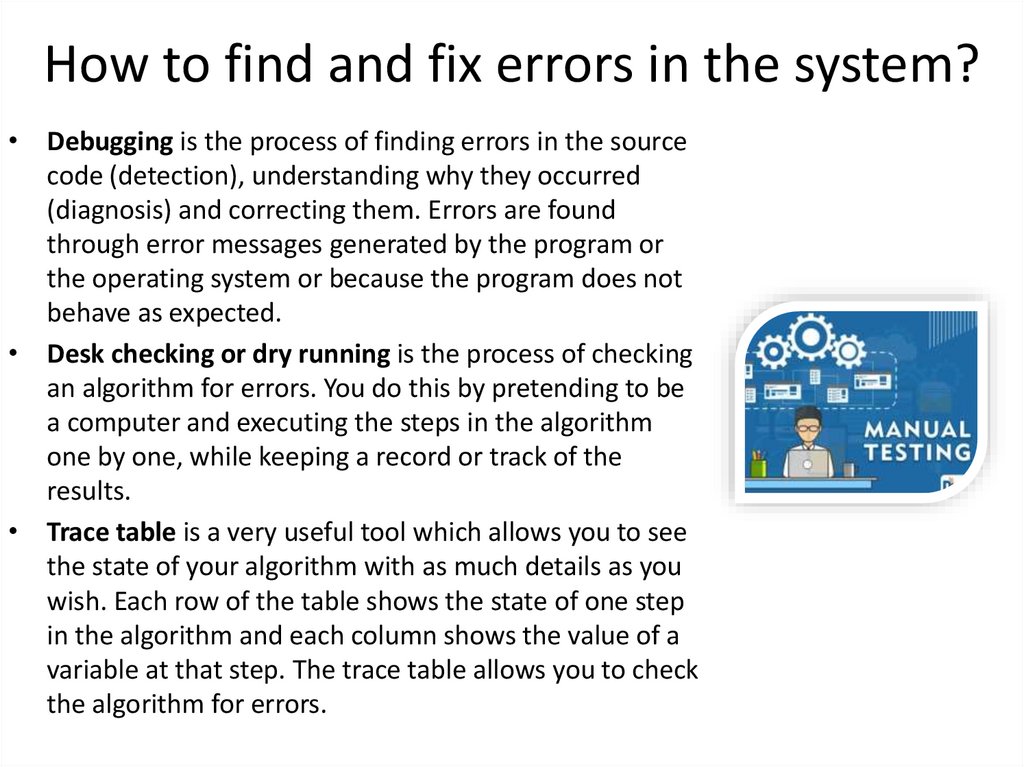
How to find and fix errors in the system?• Debugging is the process of finding errors in the source
code (detection), understanding why they occurred
(diagnosis) and correcting them. Errors are found
through error messages generated by the program or
the operating system or because the program does not
behave as expected.
• Desk checking or dry running is the process of checking
an algorithm for errors. You do this by pretending to be
a computer and executing the steps in the algorithm
one by one, while keeping a record or track of the
results.
• Trace table is a very useful tool which allows you to see
the state of your algorithm with as much details as you
wish. Each row of the table shows the state of one step
in the algorithm and each column shows the value of a
variable at that step. The trace table allows you to check
the algorithm for errors.
18.
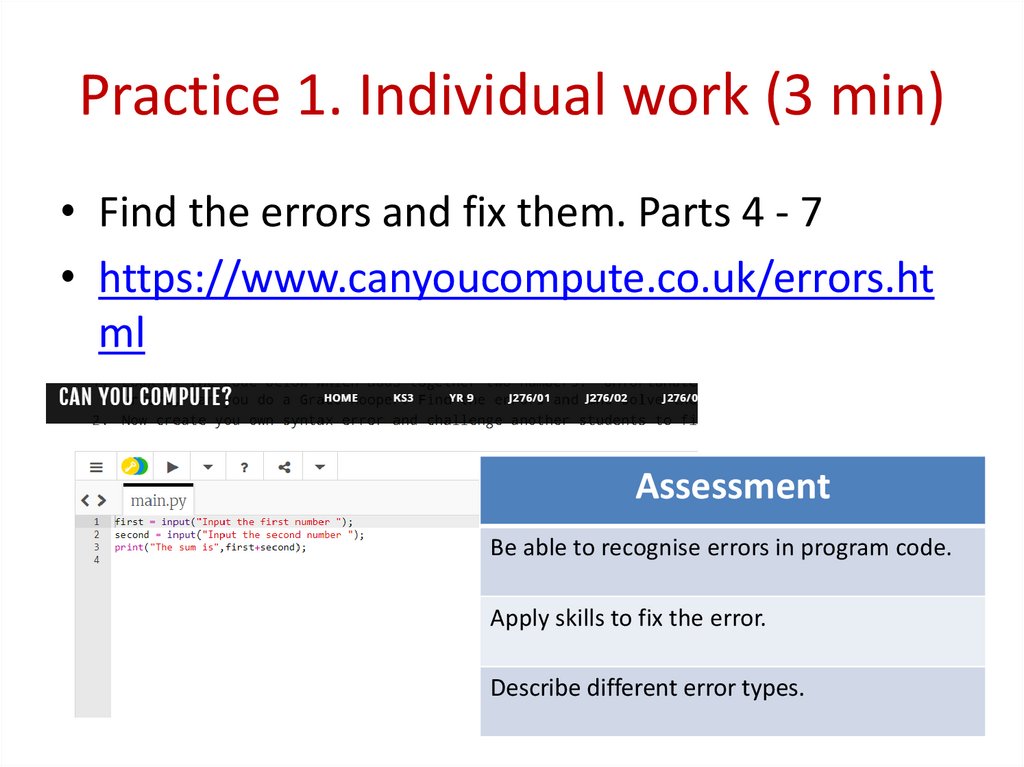
Practice 1. Individual work (3 min)• Find the errors and fix them. Parts 4 - 7
• https://www.canyoucompute.co.uk/errors.ht
ml
Assessment
Be able to recognise errors in program code.
Apply skills to fix the error.
Describe different error types.
19.
Activity 3. Individual work• Worksheet 1
• Worksheet 2
Assessment
Describe different error types.
Be able to recognise errors in program code.
Apply skills to fix the error.
20.
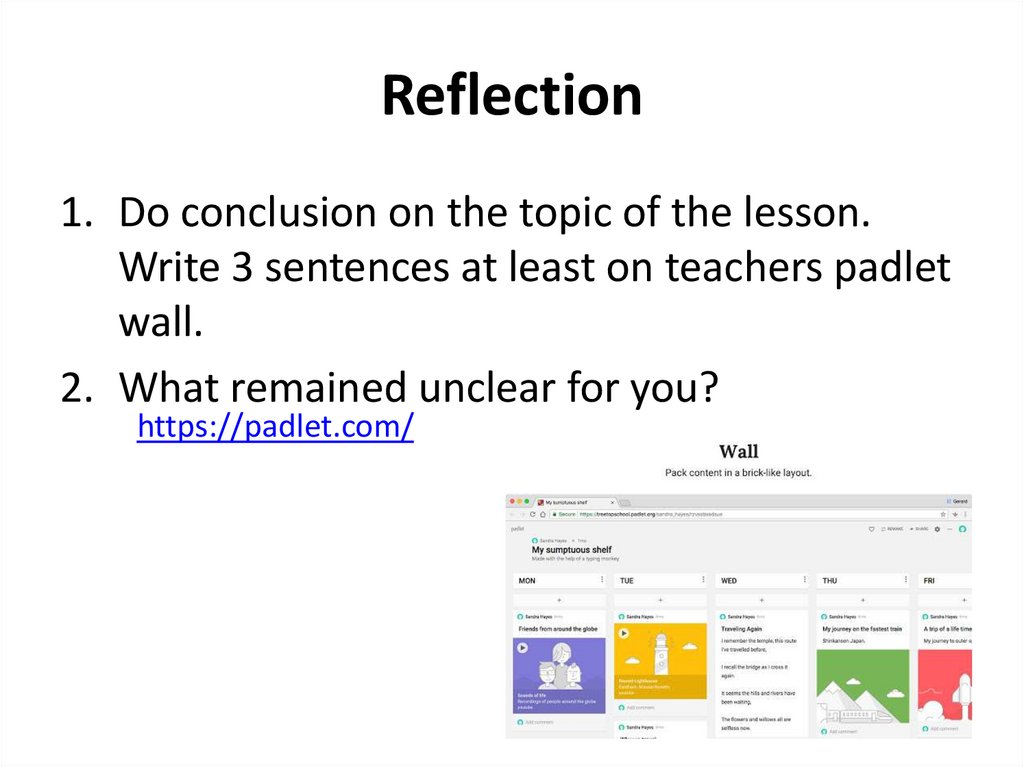
Reflection1. Do conclusion on the topic of the lesson.
Write 3 sentences at least on teachers padlet
wall.
2. What remained unclear for you?
https://padlet.com/
21.
Pair work• Each student writes some
lines of code containing a
syntax or logical error for
their partner to debug.
• Partner finds and fixes this
errors.
22.
Useful links• https://docs.microsoft.com/enus/azure/azure-sql/database/troubleshootcommon-errors-issues
• https://www.stickyminds.com/article/logicand-software-testing
• https://www.geeksforgeeks.org/php-types-oferrors/
• https://www.geeksforgeeks.org/errors-in-cc/
23.
Useful links• https://textexpander.com/blog/the-7-mostcommon-types-of-errors-in-programmingand-how-to-avoid-them/
• https://arxiv.org/ftp/arxiv/papers/1712/1712.
04189.pdf
• https://sites.google.com/a/campioncollege.co
m/it_eveningschoool/problem-solving-andprogramming/programming-errors