
Похожие презентации:






Screening verification and validation system of user’s web-interface
1.
Faculty of Computer ScienceData Science and Business
Analytics’
Screening verification and
validation system of user’s
web-interface
Fulfilled by Mikhail Nikitaev, Dmitry Malkov
Project Supervisor
Sattar Gyulmamedov
Moscow,
2022
2.
Faculty of Computer ScienceDSBA
Moscow,
2022
Description of the subject area
The structure of modern websites, as well as
programs, is becoming more and more complex.
Therefore, when developing them, you should be very
careful. However, errors may occur during
development, and every program needs testing. But
not all programs can be tested by the developed
algorithms.
2
3.
Faculty of Computer ScienceDSBA
Moscow,
2022
Table of contents
1) Abstract
2) Introduction
3) Review and comparative analysis
of sources and analogues
4) Requirements for the project
5) Theoretical part
6) Architecture of the program
7) Analysis and evaluation of the
obtained results
8) Conclusion
9) List of references
3
4.
Faculty of Computer ScienceDSBA
Moscow,
2022
4
Introduction
Testing- one of the most important parts of
development.
One of the tasks, which wasn’t solved yet, is to
verify that the page layout matches the original
site’s design.
So, the goal of the project was to find an
optimised validation testing solution, particularly, to
create a tool which helps you make a report of the
element of the page.
The relevance of the work:
• Validation testing is done manually. This means that
the company needs to pay testers.
• Companies are interested to have convenient,
optimised and fast testers
The task was separated into stages:
1) Create a product vision -> solution structure.
2) Develop a convenient interface for user to work
with.
3) Develop the functionality for working with the
web-page.
4) Develop the background functionality.
5) Create the interface design.
5.
Faculty of Computer ScienceDSBA
Moscow,
2022
5
Review and comparative analysis of sources and analogues
Now let’s see short descriptions of each
method for web-page testing.
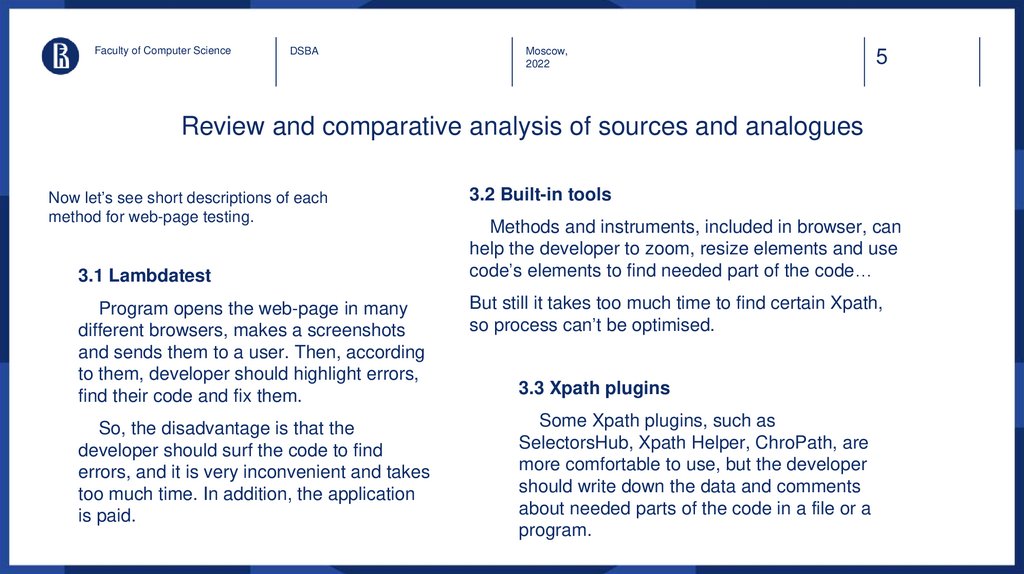
3.1 Lambdatest
Program opens the web-page in many
different browsers, makes a screenshots
and sends them to a user. Then, according
to them, developer should highlight errors,
find their code and fix them.
So, the disadvantage is that the
developer should surf the code to find
errors, and it is very inconvenient and takes
too much time. In addition, the application
is paid.
3.2 Built-in tools
Methods and instruments, included in browser, can
help the developer to zoom, resize elements and use
code’s elements to find needed part of the code…
But still it takes too much time to find certain Xpath,
so process can’t be optimised.
3.3 Xpath plugins
Some Xpath plugins, such as
SelectorsHub, Xpath Helper, ChroPath, are
more comfortable to use, but the developer
should write down the data and comments
about needed parts of the code in a file or a
program.
6.
Faculty of Computer ScienceDSBA
Moscow,
2022
6
Functional and non-functional requirements for the project
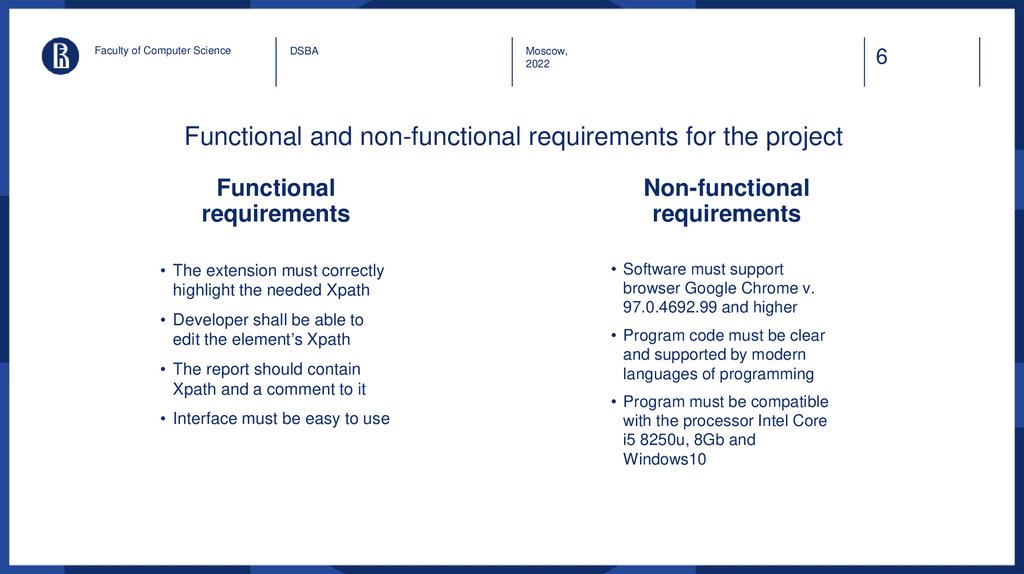
Functional
requirements
• The extension must correctly
highlight the needed Xpath
• Developer shall be able to
edit the element’s Xpath
• The report should contain
Xpath and a comment to it
• Interface must be easy to use
Non-functional
requirements
• Software must support
browser Google Chrome v.
97.0.4692.99 and higher
• Program code must be clear
and supported by modern
languages of programming
• Program must be compatible
with the processor Intel Core
i5 8250u, 8Gb and
Windows10
7.
Faculty of Computer ScienceDSBA
Moscow,
2022
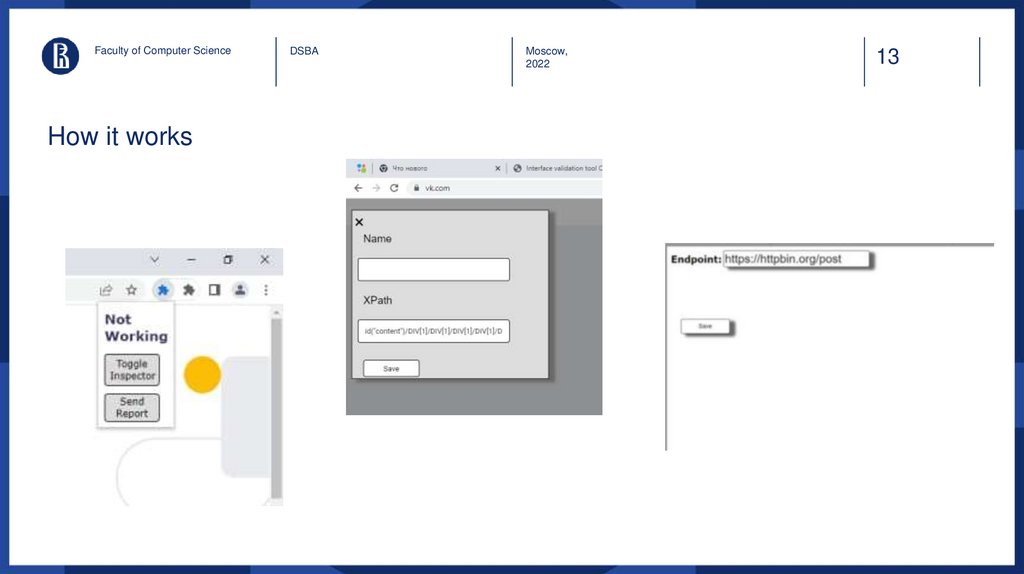
So, the developed solution is
• Extension for Google Chrome
• The solution helps to quickly and conveniently
highlight a page element, add a comment to it and
record the result in a report
• The report is sent to the URL specified by the user
7
8.
Faculty of Computer ScienceDSBA
Moscow,
2022
8
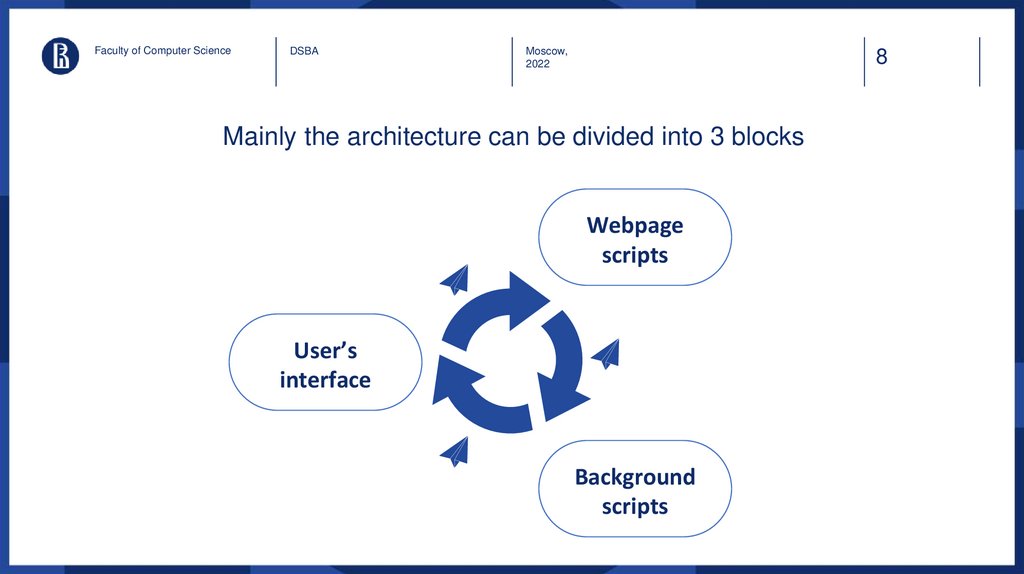
Mainly the architecture can be divided into 3 blocks
Webpage
scripts
User’s
interface
Background
scripts
9.
Faculty of Computer ScienceDSBA
Moscow,
2022
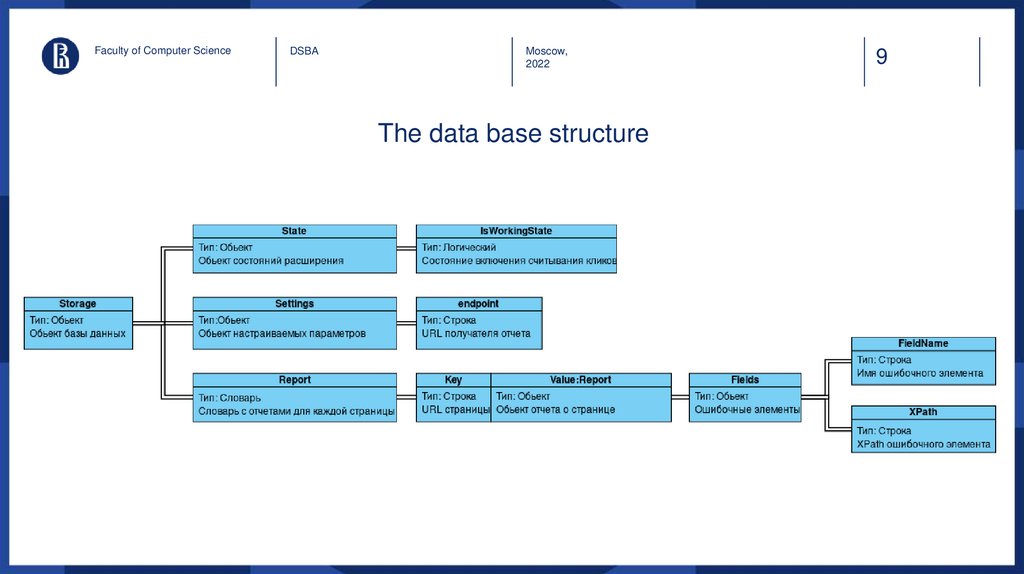
The data base structure
9
10.
Faculty of Computer ScienceDSBA
Moscow,
2022
10
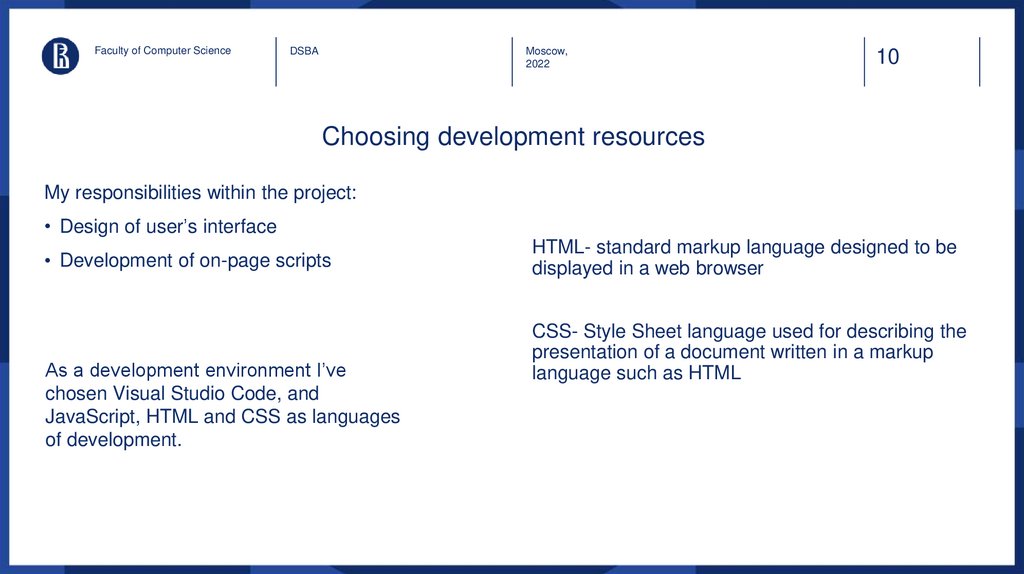
Choosing development resources
My responsibilities within the project:
• Design of user’s interface
• Development of on-page scripts
As a development environment I’ve
chosen Visual Studio Code, and
JavaScript, HTML and CSS as languages
of development.
HTML- standard markup language designed to be
displayed in a web browser
CSS- Style Sheet language used for describing the
presentation of a document written in a markup
language such as HTML
11.
Faculty of Computer ScienceDSBA
Moscow,
2022
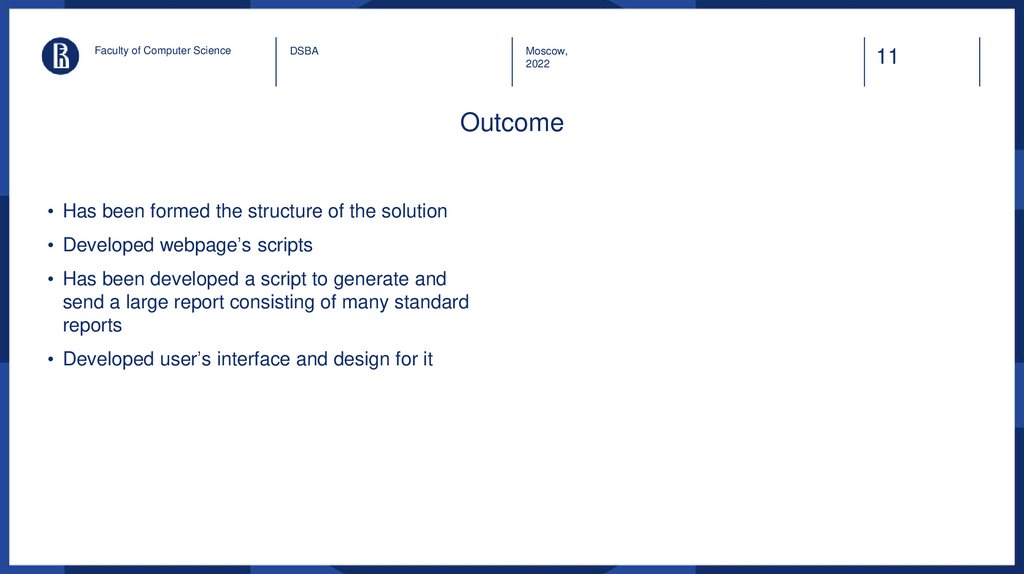
Outcome
• Has been formed the structure of the solution
• Developed webpage’s scripts
• Has been developed a script to generate and
send a large report consisting of many standard
reports
• Developed user’s interface and design for it
11
12.
Faculty of Computer ScienceDSBA
Moscow,
2022
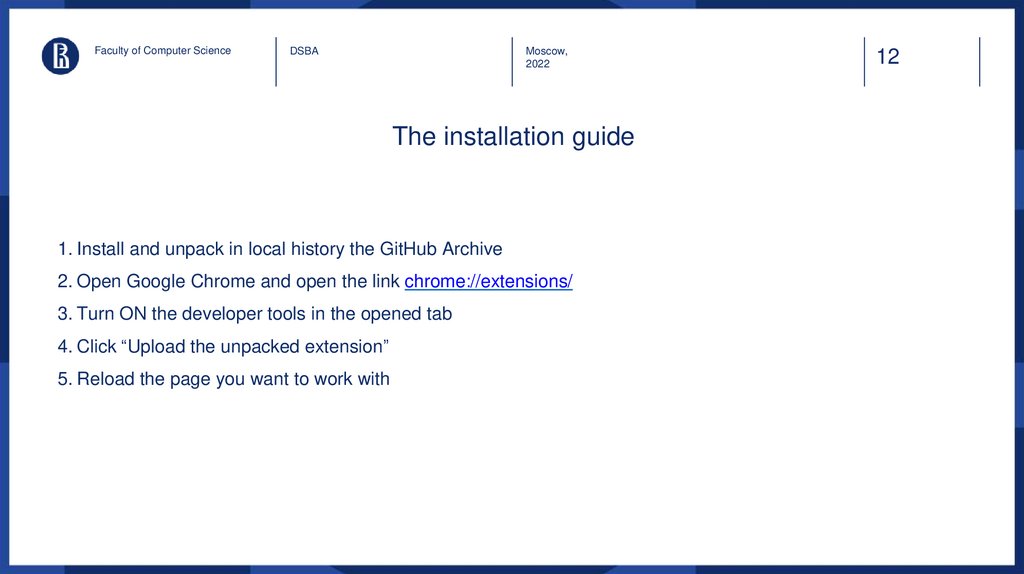
The installation guide
1. Install and unpack in local history the GitHub Archive
2. Open Google Chrome and open the link chrome://extensions/
3. Turn ON the developer tools in the opened tab
4. Click “Upload the unpacked extension”
5. Reload the page you want to work with
12
13.
Faculty of Computer ScienceHow it works
DSBA
Moscow,
2022
13
14.
Faculty of Computer ScienceDSBA
Moscow,
2022
Development directions and project
prospects
• Sending a report on e-mail
• Adaptation to other modern browsers like Microsoft
Edge
• Realisation of edition the report
14
15.
Faculty of Computer ScienceDSBA
Moscow,
2022
The repo:
https://github.com/dmitrijun/web-interface-validation
15
16.
DSBAMoscow,
2022
Thank you!