 Английский язык
Похожие презентации:
Take my order
1.
Take my order:food court work experience
PLAY
2.
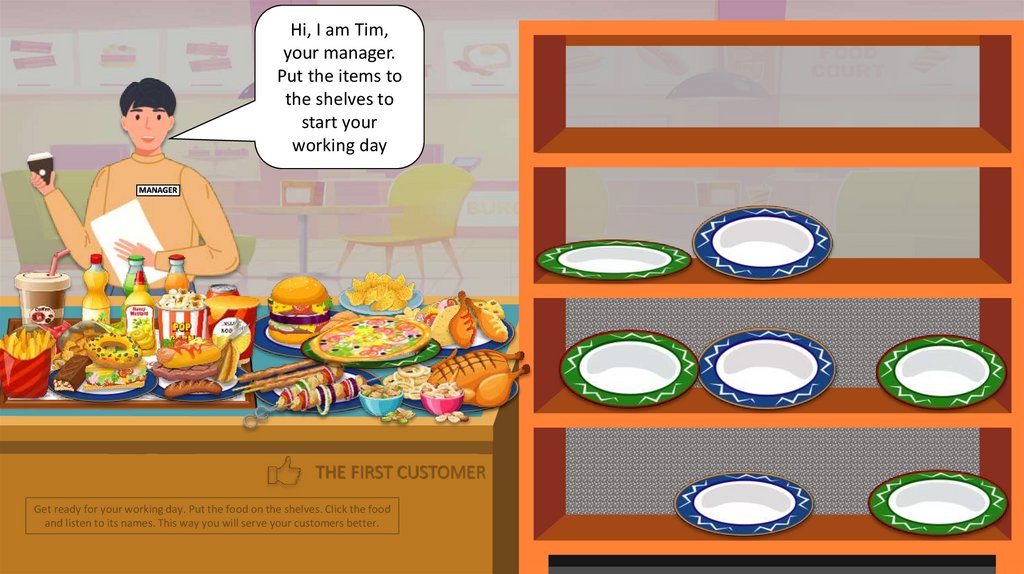
Hi, I am Tim,your manager.
Put the items to
the shelves to
start your
working day
MANAGER
`
THE FIRST CUSTOMER
Get ready for your working day. Put the food on the shelves. Click the food
and listen to its names. This way you will serve your customers better.
3.
`NEXT CUSTOMER
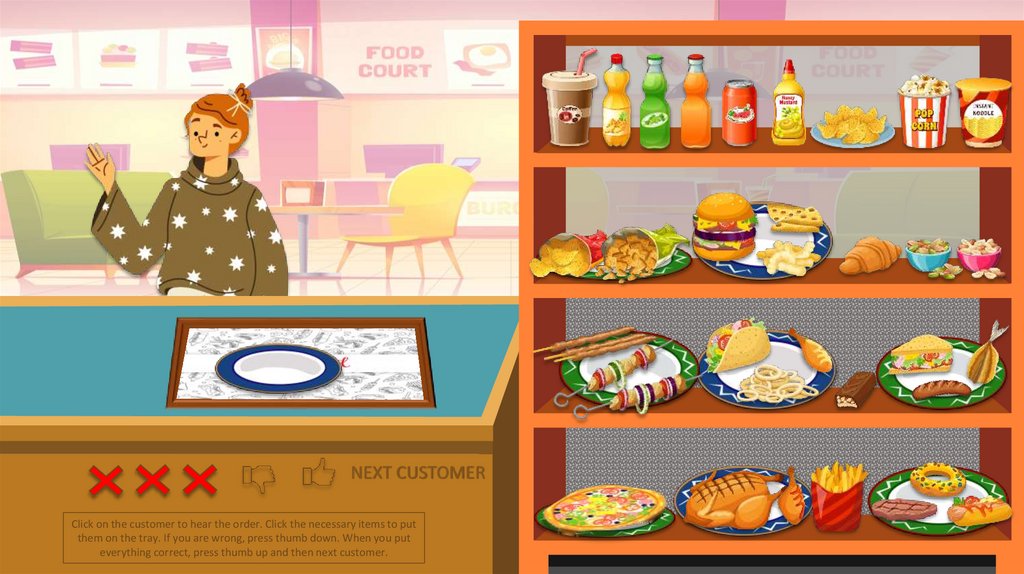
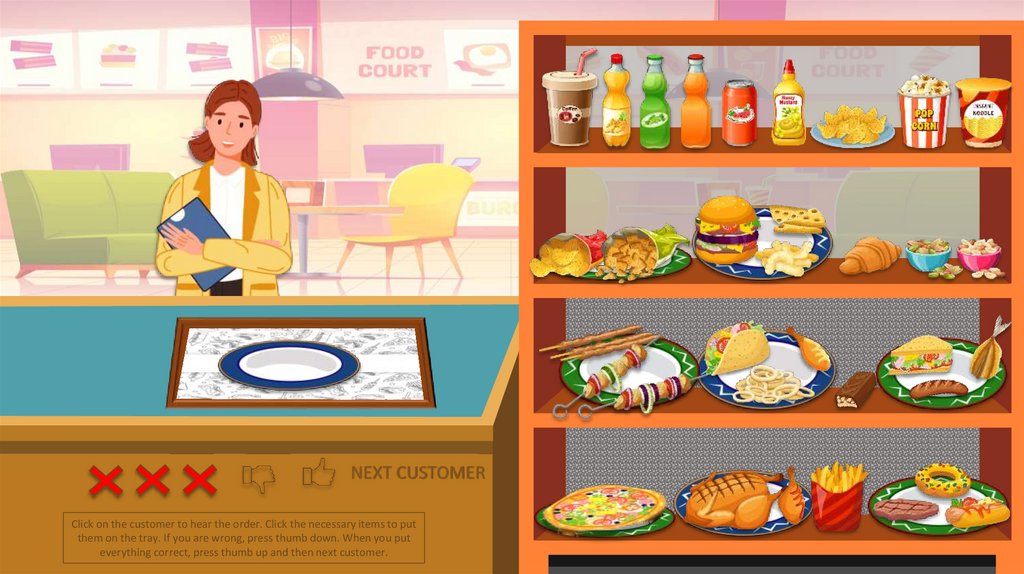
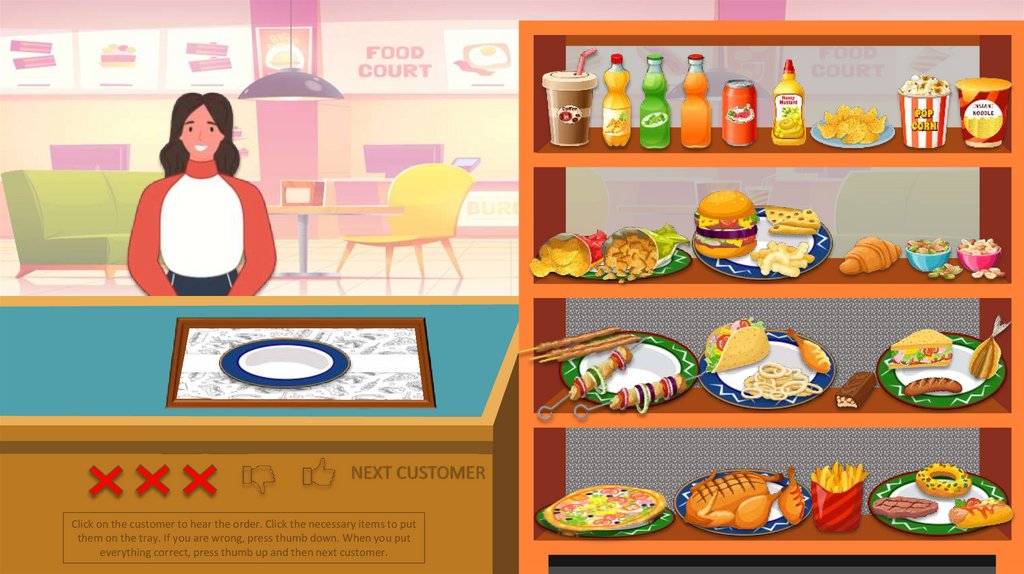
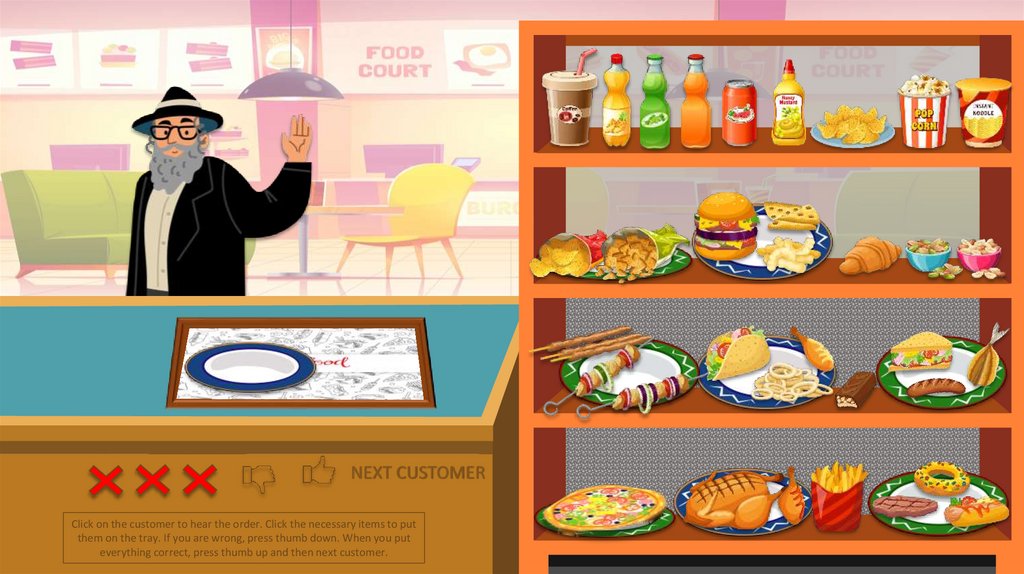
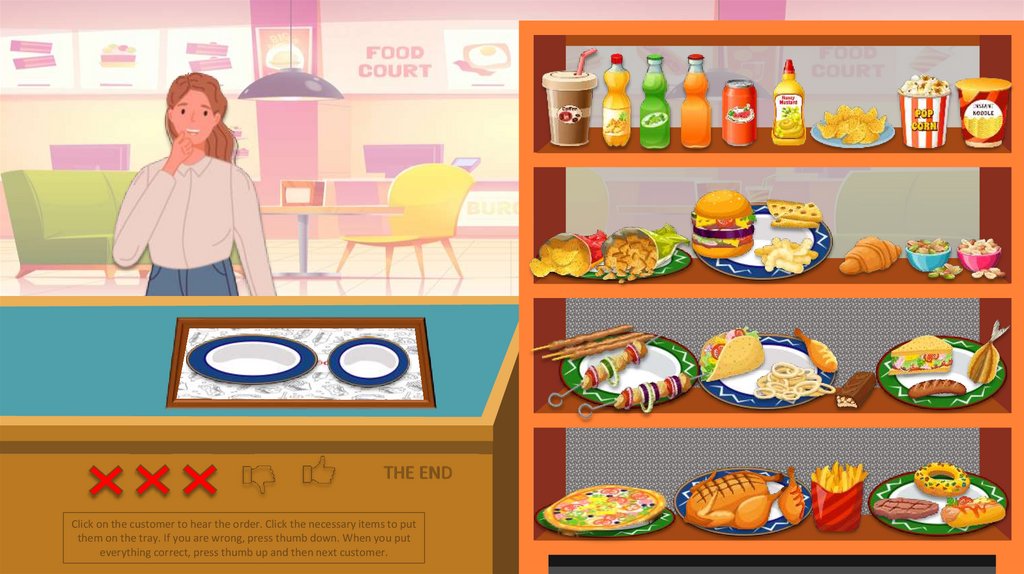
Click on the customer to hear the order. Click the necessary items to put
them on the tray. If you are wrong, press thumb down. When you put
everything correct, press thumb up and then next customer.
4.
`NEXT CUSTOMER
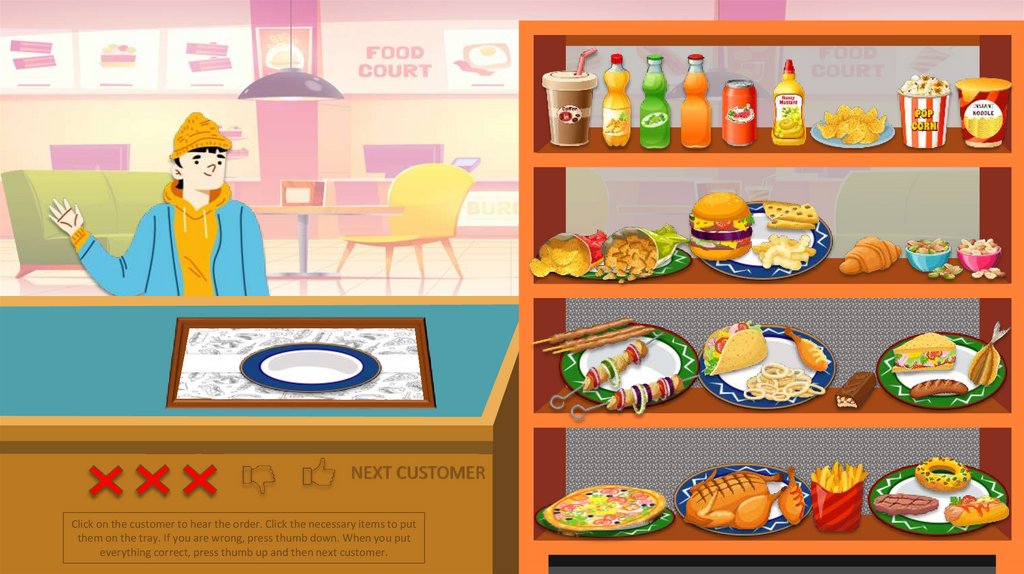
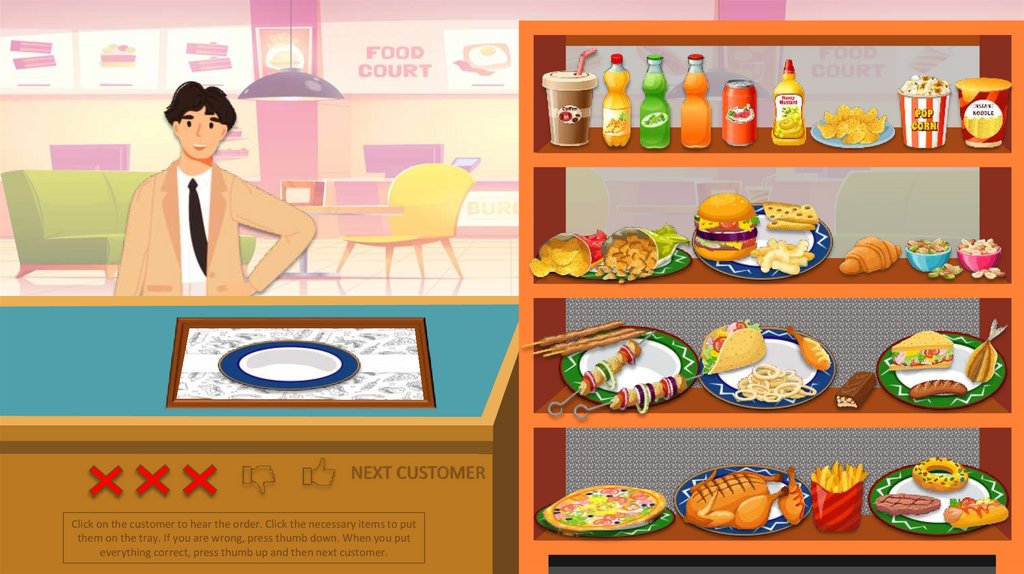
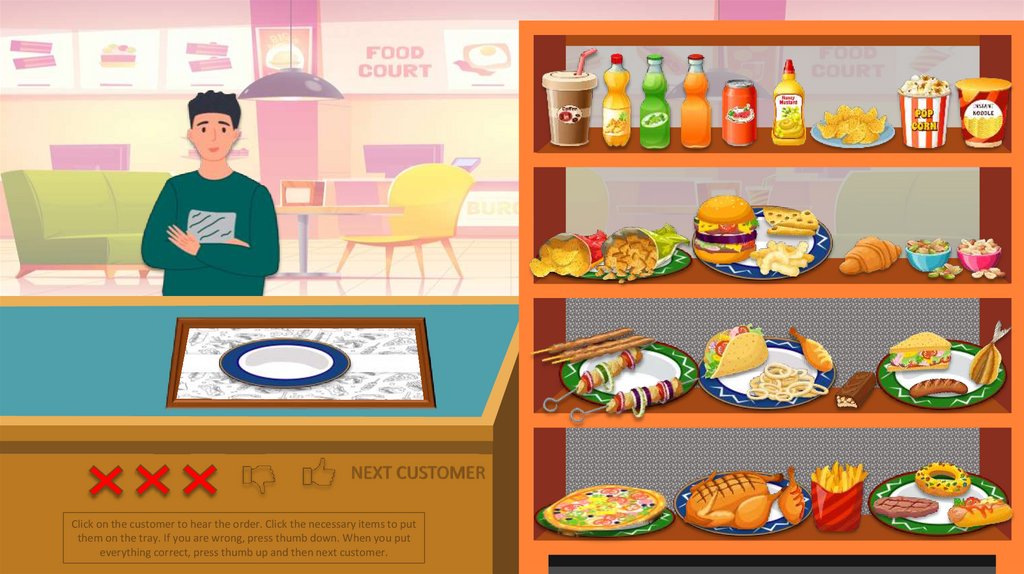
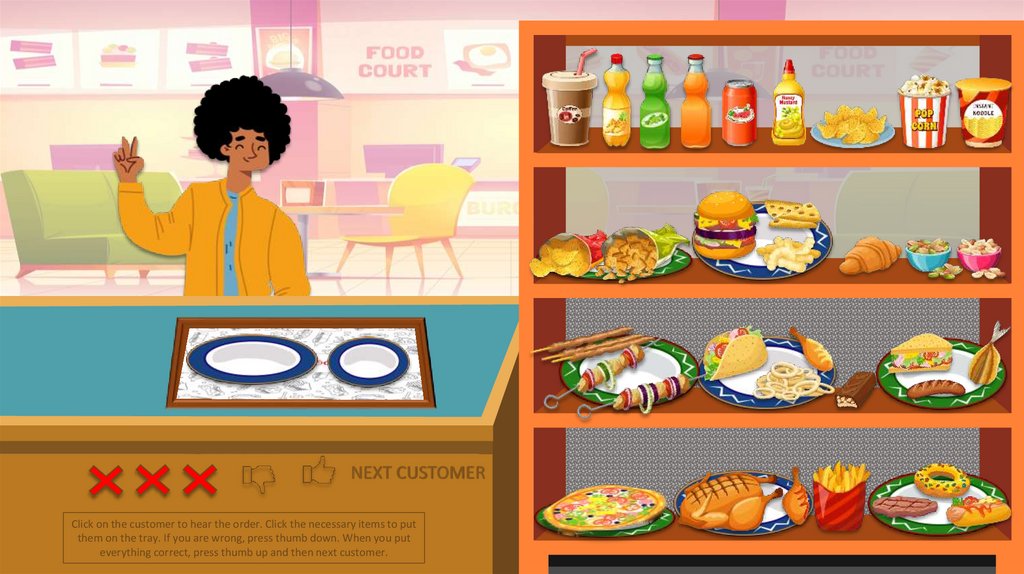
Click on the customer to hear the order. Click the necessary items to put
them on the tray. If you are wrong, press thumb down. When you put
everything correct, press thumb up and then next customer.
5.
`NEXT CUSTOMER
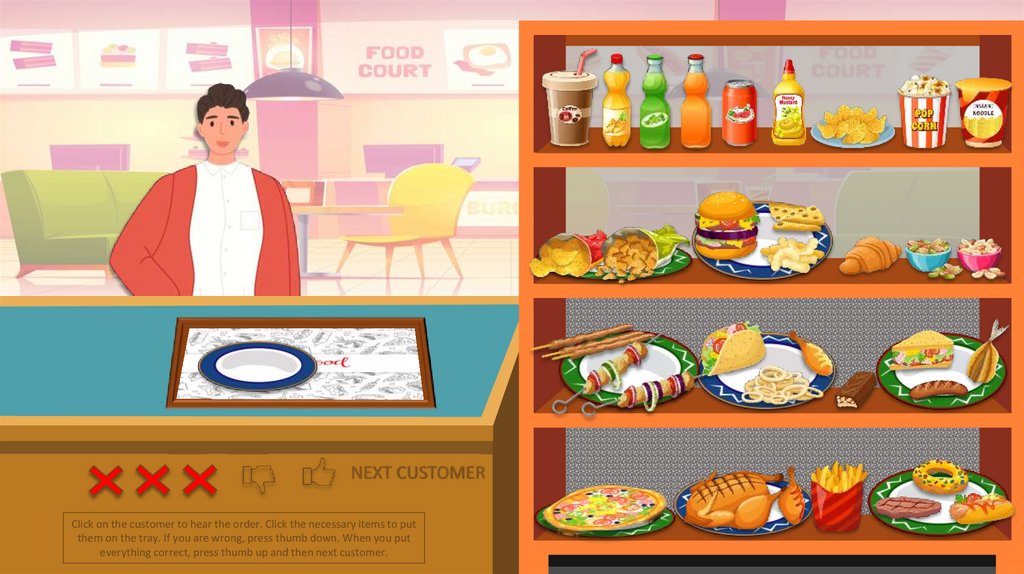
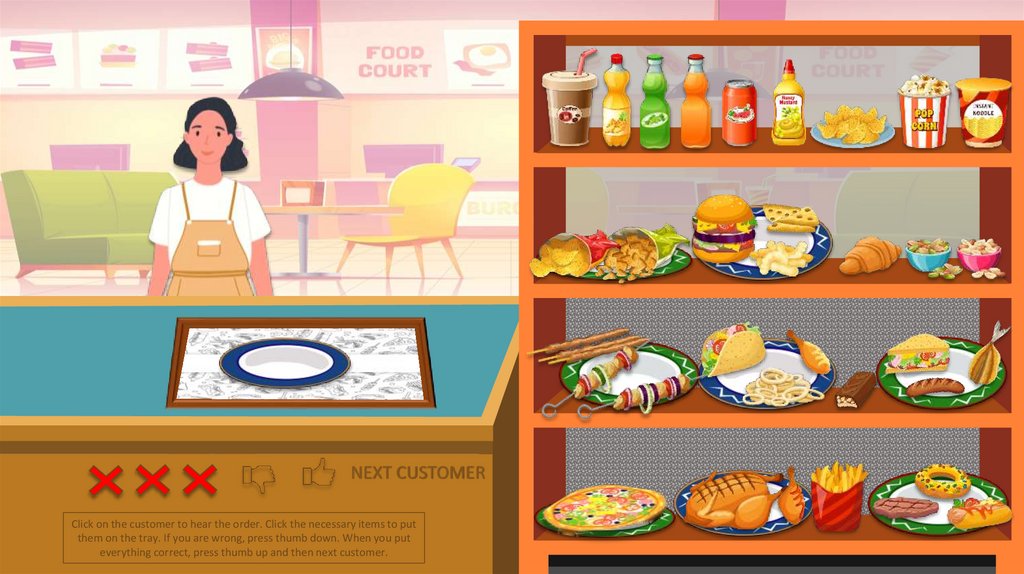
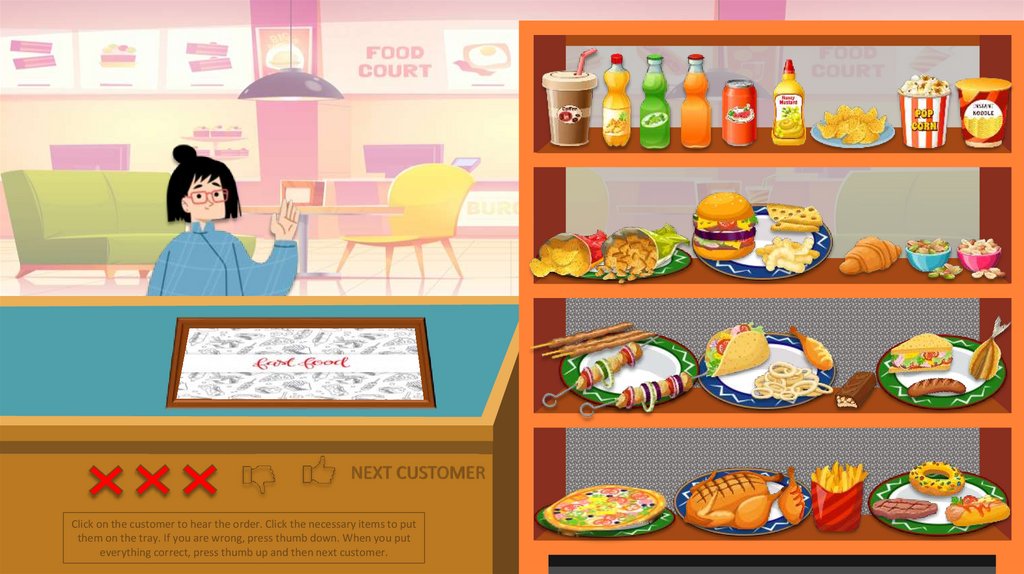
Click on the customer to hear the order. Click the necessary items to put
them on the tray. If you are wrong, press thumb down. When you put
everything correct, press thumb up and then next customer.
6.
`NEXT CUSTOMER
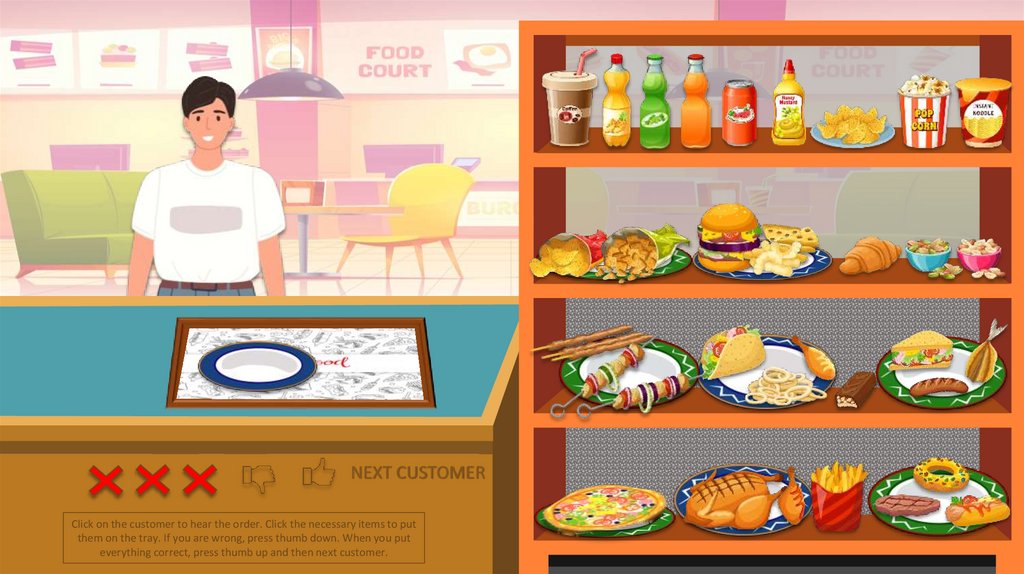
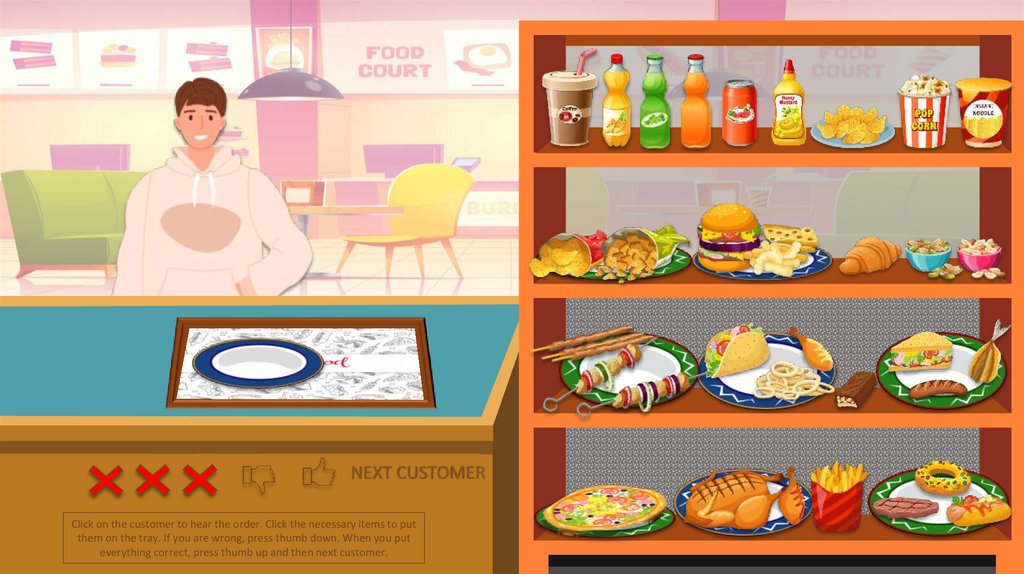
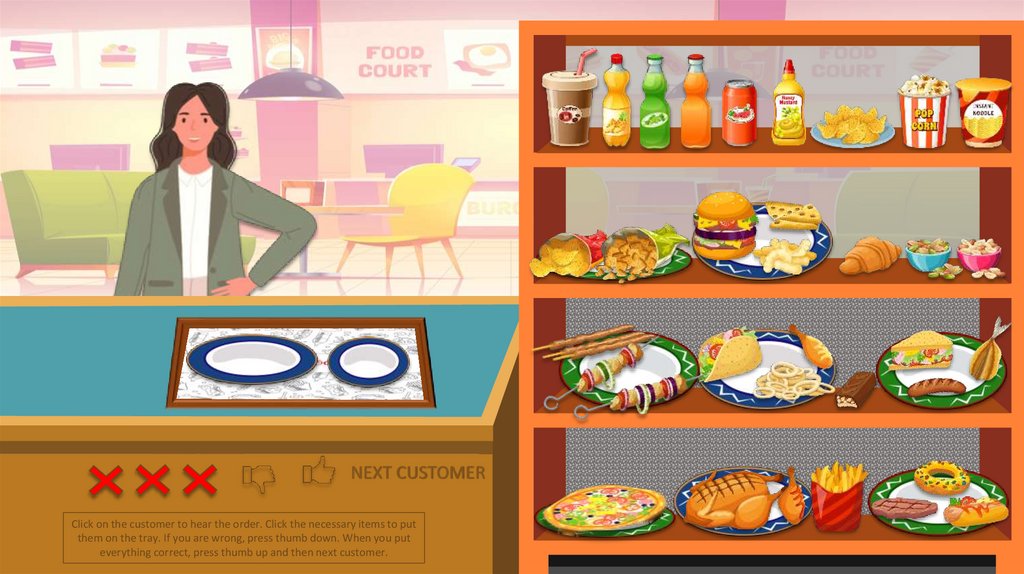
Click on the customer to hear the order. Click the necessary items to put
them on the tray. If you are wrong, press thumb down. When you put
everything correct, press thumb up and then next customer.
7.
`NEXT CUSTOMER
Click on the customer to hear the order. Click the necessary items to put
them on the tray. If you are wrong, press thumb down. When you put
everything correct, press thumb up and then next customer.
8.
`NEXT CUSTOMER
Click on the customer to hear the order. Click the necessary items to put
them on the tray. If you are wrong, press thumb down. When you put
everything correct, press thumb up and then next customer.
9.
`NEXT CUSTOMER
Click on the customer to hear the order. Click the necessary items to put
them on the tray. If you are wrong, press thumb down. When you put
everything correct, press thumb up and then next customer.
10.
`NEXT CUSTOMER
Click on the customer to hear the order. Click the necessary items to put
them on the tray. If you are wrong, press thumb down. When you put
everything correct, press thumb up and then next customer.
11.
`NEXT CUSTOMER
Click on the customer to hear the order. Click the necessary items to put
them on the tray. If you are wrong, press thumb down. When you put
everything correct, press thumb up and then next customer.
12.
`NEXT CUSTOMER
Click on the customer to hear the order. Click the necessary items to put
them on the tray. If you are wrong, press thumb down. When you put
everything correct, press thumb up and then next customer.
13.
`NEXT CUSTOMER
Click on the customer to hear the order. Click the necessary items to put
them on the tray. If you are wrong, press thumb down. When you put
everything correct, press thumb up and then next customer.
14.
`NEXT CUSTOMER
Click on the customer to hear the order. Click the necessary items to put
them on the tray. If you are wrong, press thumb down. When you put
everything correct, press thumb up and then next customer.
15.
`NEXT CUSTOMER
Click on the customer to hear the order. Click the necessary items to put
them on the tray. If you are wrong, press thumb down. When you put
everything correct, press thumb up and then next customer.
16.
`NEXT CUSTOMER
Click on the customer to hear the order. Click the necessary items to put
them on the tray. If you are wrong, press thumb down. When you put
everything correct, press thumb up and then next customer.
17.
`THE END
Click on the customer to hear the order. Click the necessary items to put
them on the tray. If you are wrong, press thumb down. When you put
everything correct, press thumb up and then next customer.
18.
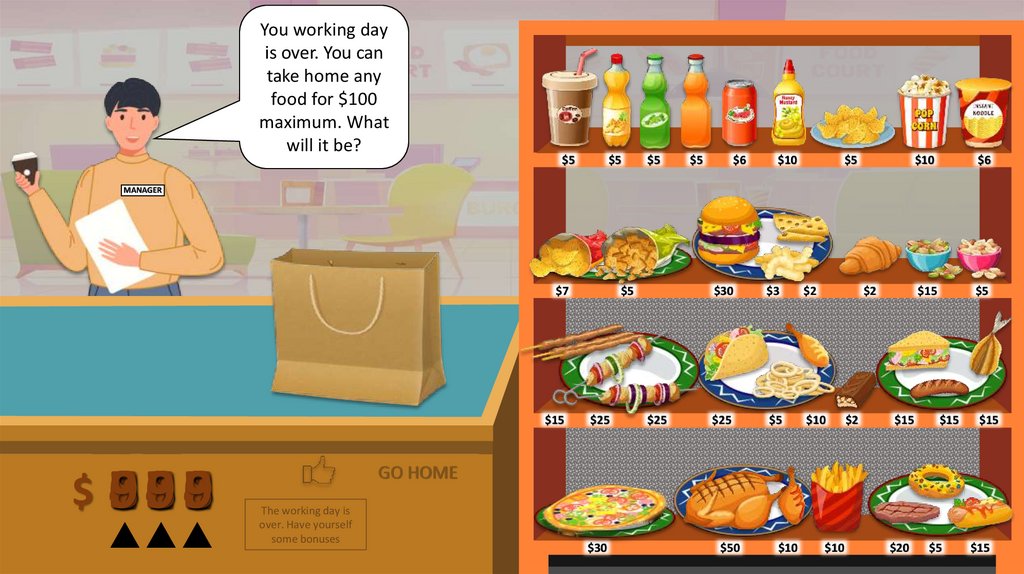
You working dayis over. You can
take home any
food for $100
maximum. What
will it be?
$5
$5
$5
$5
$6
$10
$5
$10
$6
$15
$5
MANAGER
$7
$5
$30
$3
$2
$2
$25
$5
$10
$50
$10
`
$15
$1
47
3
2
6
09
5 14
8
2
37
6
09
5 16
8
47
3
2
09
5
8
$25
$25
$2
$15
$15
$15
GO HOME
The working day is
over. Have yourself
some bonuses
$30
$10
$20
$5
$15