

 Программное обеспечение
Похожие презентации:




Telegram PowerPoint Template
1.
TelegramPowerPoint
Template
2.
AboutTelegram is a cloud-based instant messaging app and
platform that allows users to send messages, make voice
Join us on
Telegram
username
and video calls, share media files, and create and join
groups or channels.
3.
Messaging FeaturesTelegram provides a robust messaging experience with
features such as text messaging, voice messages, and
multimedia file sharing. Users can send messages to
individuals or create group chats with up to 200,000
members.
4.
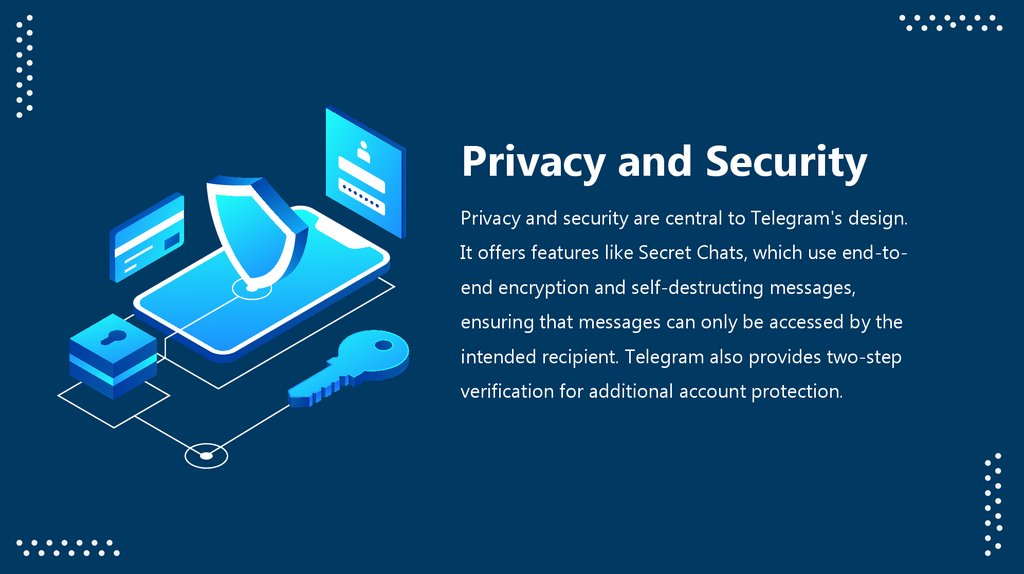
Privacy and SecurityPrivacy and security are central to Telegram's design.
It offers features like Secret Chats, which use end-to-
end encryption and self-destructing messages,
ensuring that messages can only be accessed by the
intended recipient. Telegram also provides two-step
verification for additional account protection.
5.
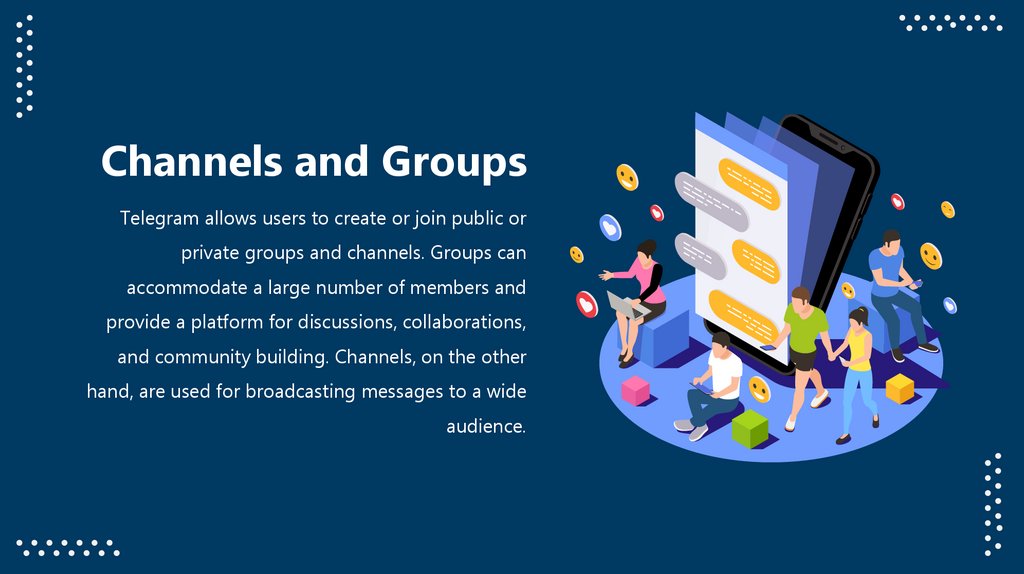
Channels and GroupsTelegram allows users to create or join public or
private groups and channels. Groups can
accommodate a large number of members and
provide a platform for discussions, collaborations,
and community building. Channels, on the other
hand, are used for broadcasting messages to a wide
audience.
6.
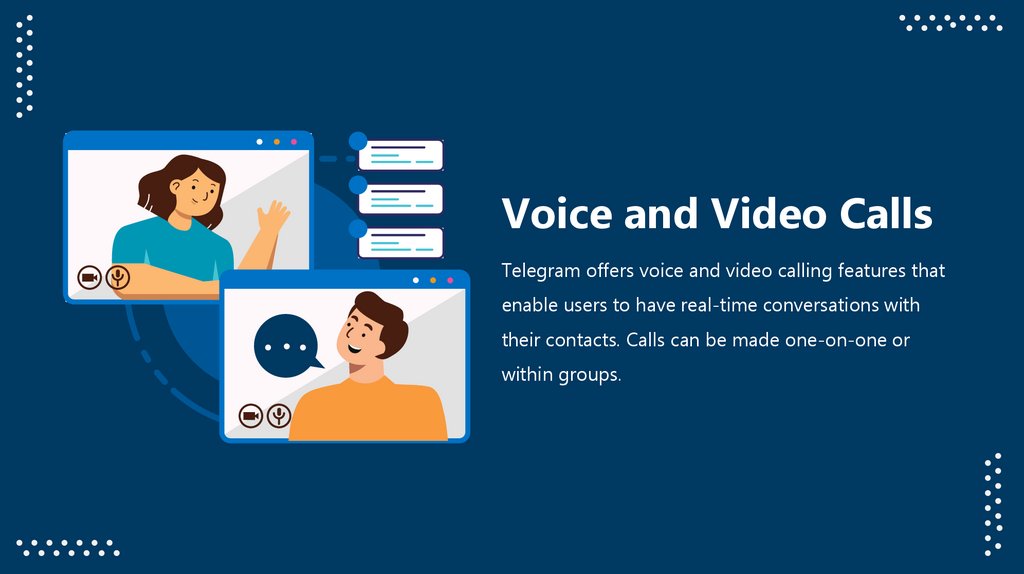
Voice and Video CallsTelegram offers voice and video calling features that
enable users to have real-time conversations with
their contacts. Calls can be made one-on-one or
within groups.
7.
Bots and Third-PartyIntegrations
Telegram has a robust API that allows developers to
create bots and integrate various services into the
platform. Bots can provide automated responses,
perform tasks, or offer services within Telegram
chats.
2
8.
Icons9.
Icons10.
How To Edit ShapesYou can add and edit some shapes to your presentation to present your data in a visual way.
• Choose your favourite infographic and insert it in your presentation using Ctrl C + Ctrl V or Cmd
C + Cmd V in Mac.
• Select one of the parts and ungroup it by right-clicking and choosing “Ungroup”.
• Change the color by clicking on the paint bucket.
• Then resize the element by clicking and dragging one of the square-shaped points of its
bounding box (the cursor should look like a double-headed arrow). Remember to hold Shift while
dragging to keep the proportions.
• Group the elements again by selecting them, right-clicking and choosing “Group”.
• Repeat the steps above with the other parts and when you’re done editing, copy the end result
and paste it into your presentation.
• Remember to choose the “Keep source formatting” option so that it keeps the design. For more
info, please visit Slideegg (Tips & Tricks).
11.
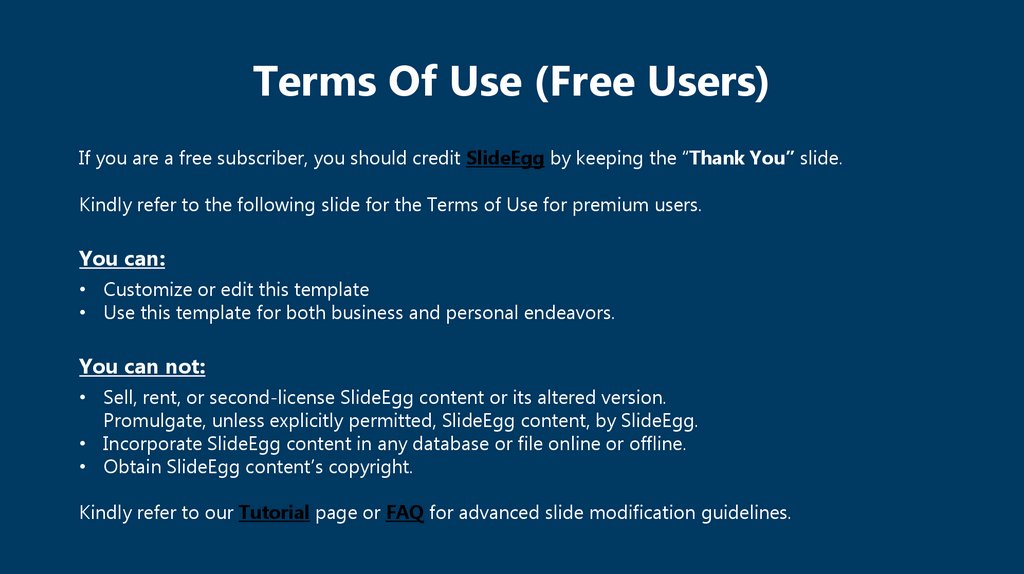
Terms Of Use (Free Users)If you are a free subscriber, you should credit SlideEgg by keeping the “Thank You” slide.
Kindly refer to the following slide for the Terms of Use for premium users.
You can:
• Customize or edit this template
• Use this template for both business and personal endeavors.
You can not:
• Sell, rent, or second-license SlideEgg content or its altered version.
Promulgate, unless explicitly permitted, SlideEgg content, by SlideEgg.
• Incorporate SlideEgg content in any database or file online or offline.
• Obtain SlideEgg content’s copyright.
Kindly refer to our Tutorial page or FAQ for advanced slide modification guidelines.
12.
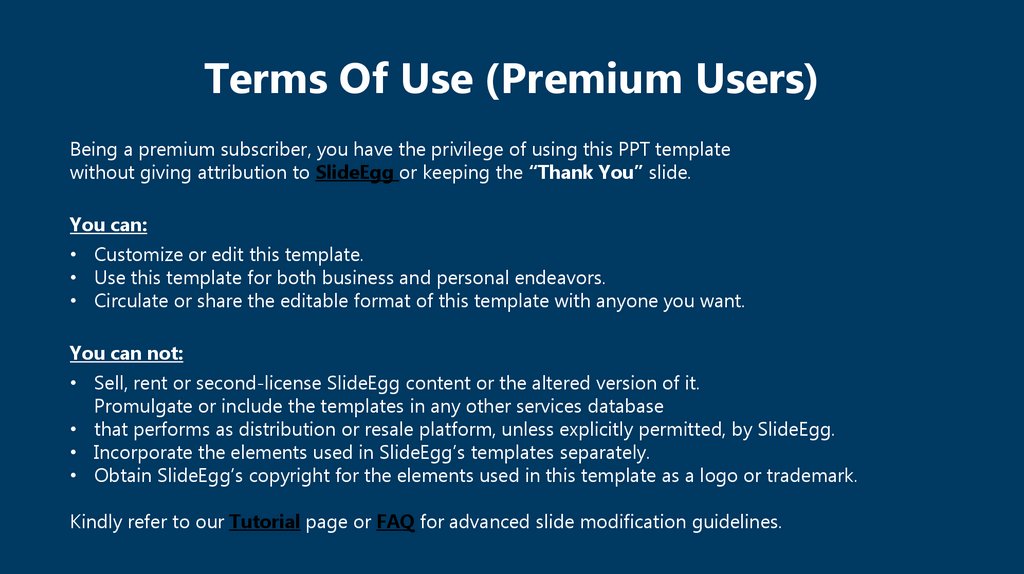
Terms Of Use (Premium Users)Being a premium subscriber, you have the privilege of using this PPT template
without giving attribution to SlideEgg or keeping the “Thank You” slide.
You can:
• Customize or edit this template.
• Use this template for both business and personal endeavors.
• Circulate or share the editable format of this template with anyone you want.
You can not:
• Sell, rent or second-license SlideEgg content or the altered version of it.
Promulgate or include the templates in any other services database
• that performs as distribution or resale platform, unless explicitly permitted, by SlideEgg.
• Incorporate the elements used in SlideEgg’s templates separately.
• Obtain SlideEgg’s copyright for the elements used in this template as a logo or trademark.
Kindly refer to our Tutorial page or FAQ for advanced slide modification guidelines.
13.
Thank You!We respect your valuable time with SlideEgg!
If you have any questions, please reach us
Do you have a design request, please visit our redesign page.
CREDIT: SlideEgg created this PowerPoint template.
Let this slide be kept for attribution.
www.slideegg.com