


 Программирование
 Информатика
Похожие презентации:









JavaScript
1. JavaScript
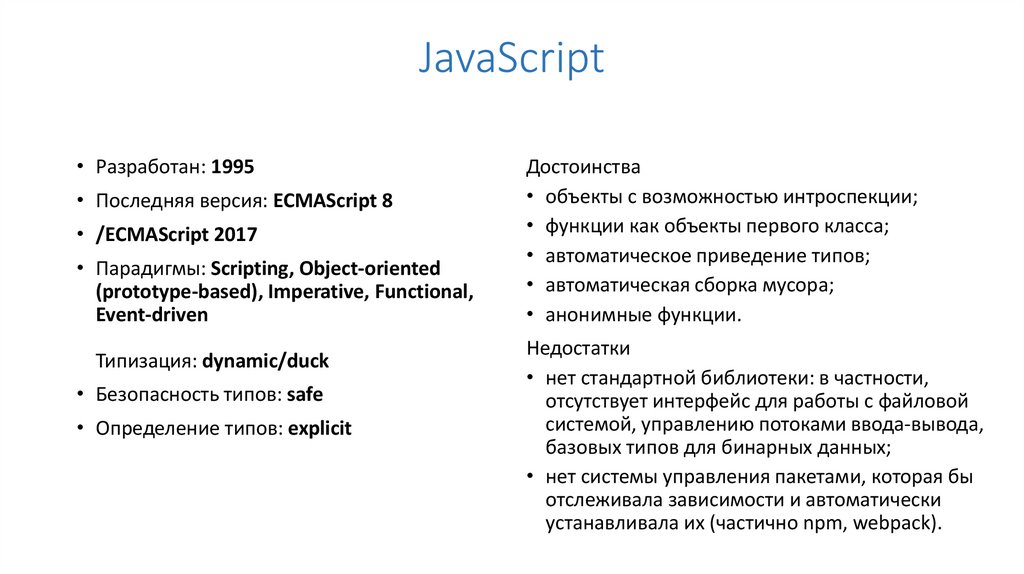
• Разработан: 1995• Последняя версия: ECMAScript 8
• /ECMAScript 2017
• Парадигмы: Scripting, Object-oriented
(prototype-based), Imperative, Functional,
Event-driven
Типизация: dynamic/duck
• Безопасность типов: safe
• Определение типов: explicit
Достоинства
• объекты с возможностью интроспекции;
• функции как объекты первого класса;
• автоматическое приведение типов;
• автоматическая сборка мусора;
• анонимные функции.
Недостатки
• нет стандартной библиотеки: в частности,
отсутствует интерфейс для работы с файловой
системой, управлению потоками ввода-вывода,
базовых типов для бинарных данных;
• нет системы управления пакетами, которая бы
отслеживала зависимости и автоматически
устанавливала их (частично npm, webpack).
2.
var vs let vs vs constfunction sayMe() {
var me = 'Zell';
console.log(me);
}
sayMe(); // Zell
console.log(me); // Uncaught ReferenceError: me is not defined
for (var i = 1; i < 5; i++) {
console.log(i);
setTimeout(function () {
console.log(i);
}, 1000)
};
for (let i = 1; i < 5; i++) {
console.log(i);
setTimeout(function () {
console.log(i);
}, 1000);
};
const name = 'Zell';
name = 'Sleepy head';
// TypeError: Assignment to constant variable.
let name1 = 'Zell';
name1 = 'Sleepy head';
console.log(name1); // 'Sleepy head'
3.
Стрелочные функцииlet array = [1,7,98,5,4,2]; // ES5 вариант
var moreThan20 = array.filter(function (num) {
return num > 20;
});
// ES6 вариант
let moreThan20 = array.filter(num => num > 20);
// Применение анонимной callback-функции
button.addEventListener('click', function() {
// код функции
});
// callback стрелочной функции
button.addEventListener('click', () => { // код функции })
const zeroArgs = () => {/* код функции */}
const zeroWithUnderscore = _ => {/* код функции */}
const oneArg = arg1 => {/* код функции */}
const oneArgWithParenthesis = (arg1) => {/* код */}
const manyArgs = (arg1, arg2) => {/* код функции */}
При вызове this через простую функцию оно ссылается на глобальный объект
При вызове this в методе объекта, оно ссылается на сам объект
При вызове функции-конструктора this ссылается на конструируемый объект
В стрелочных функциях this никогда не приобретает новое значение
4.
Параметры по умолчаниюfunction announcePlayer (firstName, lastName, teamName) {
console.log(firstName + ' ' + lastName + ', ' + teamName);
}
announcePlayer('Stephen', 'Curry', 'Golden State Warriors'); //
Stephen Curry, Golden State Warriors
function announcePlayer (firstName, lastName, teamName) {
if (!teamName) {
teamName = 'unaffiliated';
}
console.log(firstName + ' ' + lastName + ', ' + teamName);
}
const announcePlayer = (firstName, lastName, teamName = 'unaffiliated') => {
console.log(firstName + ' ' + lastName + ', ' + teamName);
}
announcePlayer('Zell', 'Liew'); // Zell Liew, unaffiliated
announcePlayer('Stephen', 'Curry', 'Golden State Warriors');
// Stephen Curry, Golden State Warriors
5.
Деструктуризация объектовconst Zell = { firstName: 'Zell', lastName: 'Liew' }
let firstName = Zell.firstName; // Zell
let lastName = Zell.lastName; // Liew
let { firstName, lastName } = Zell;
console.log(firstName); // Zell
console.log(lastName); // Liew
// То, что ES6 выполняет:
let firstName = Zell.firstName;
let lastName = Zell.lastName;
let { name: courseName } = course;
console.log(courseName); // JS Fundamentals for
Frontend Developers
// То, что ES6 выполняет:
let courseName = course.name;
let { package } = course;
console.log(package); // undefined
let { package: packageName = 'full course' } = course;
console.log(packageName); // full course
6.
Деструктуризация массивовlet [one, two] = [1, 2, 3, 4, 5];
console.log(one); // 1
console.log(two); // 2
function sayMyName ({ firstName = 'Zell', lastName = 'Liew' } = {}) {
console.log(firstName + ' ' + lastName);
}
let [one, two, three] = [1, 2];
console.log(one); // 1
console.log(two); // 2
console.log(three); // undefined
sayMyName(); // Zell Liew
sayMyName({firstName: 'Zell'}); // Zell Liew
sayMyName({firstName: 'Vincy', lastName: 'Zhang'});
// Vincy Zhang
let scores = ['98', '95', '93', '90', '87', '85'];
let [first, second, third, ...rest] = scores;
let a = 2;
let b = 3; // перестановка деструктуризацией массива
[a, b] = [b, a];
console.log(a); // 3
console.log(b); // 2
7.
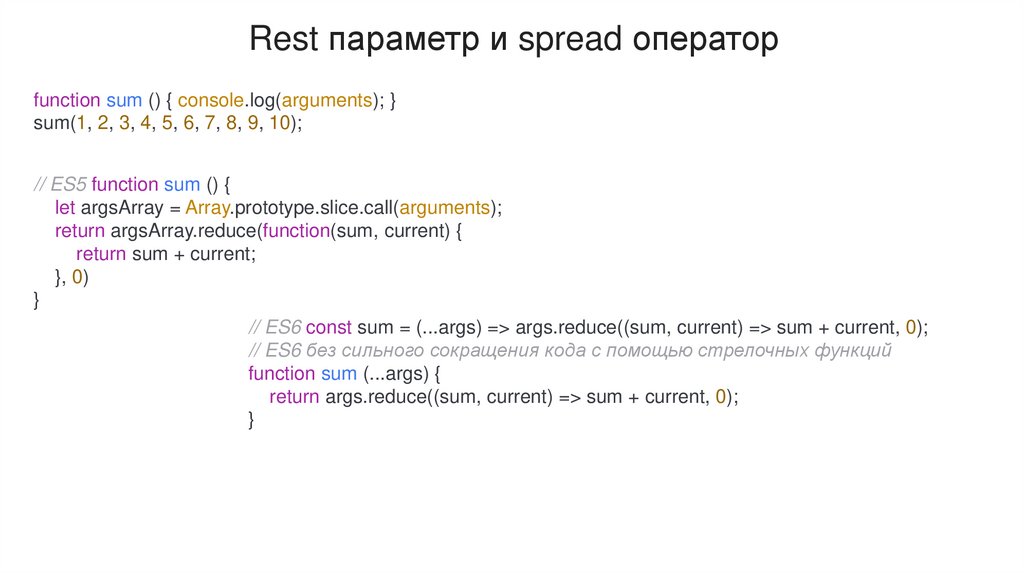
Rest параметр и spread операторfunction sum () { console.log(arguments); }
sum(1, 2, 3, 4, 5, 6, 7, 8, 9, 10);
// ES5 function sum () {
let argsArray = Array.prototype.slice.call(arguments);
return argsArray.reduce(function(sum, current) {
return sum + current;
}, 0)
}
// ES6 const sum = (...args) => args.reduce((sum, current) => sum + current, 0);
// ES6 без сильного сокращения кода с помощью стрелочных функций
function sum (...args) {
return args.reduce((sum, current) => sum + current, 0);
}
8.
Spread операторlet array = ['one', 'two', 'three']; // Ниже строки кода равнозначны
console.log(...array); // one two three
console.log('one', 'two', 'three'); // one two three
// ES5
let combinedArray = array1.concat(array2).concat(array3);
console.log(combinedArray)
// ['one', 'two', 'three', 'four', 'five', 'six'];
// ES6 let combinedArray = [...array1, ...array2, ...array3];
console.log(combinedArray);
// ['one', 'two', 'three', 'four', 'five', 'six']
9.
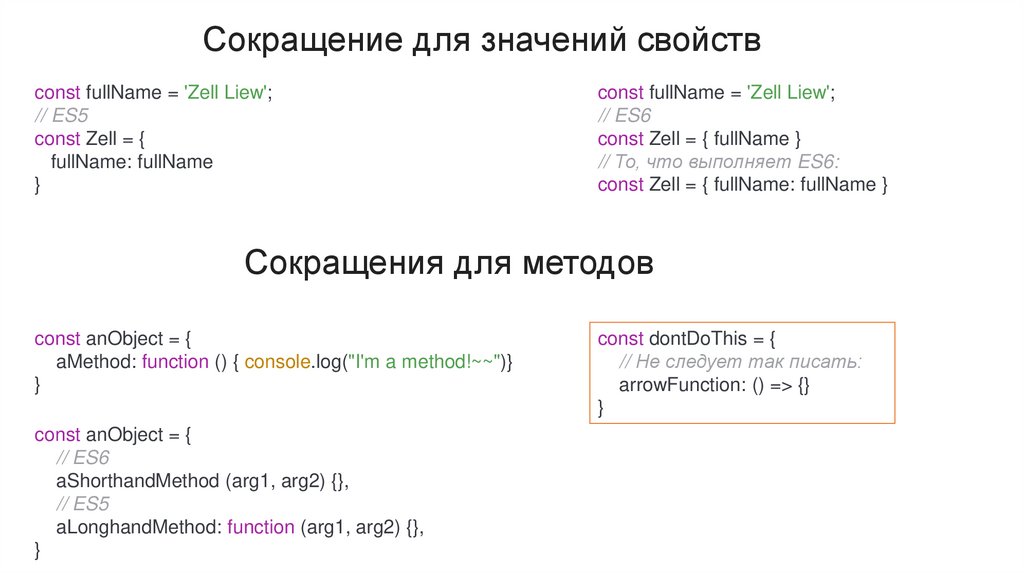
Сокращение для значений свойствconst fullName = 'Zell Liew';
// ES5
const Zell = {
fullName: fullName
}
const fullName = 'Zell Liew';
// ES6
const Zell = { fullName }
// То, что выполняет ES6:
const Zell = { fullName: fullName }
Сокращения для методов
const anObject = {
aMethod: function () { console.log("I'm a method!~~")}
}
const anObject = {
// ES6
aShorthandMethod (arg1, arg2) {},
// ES5
aLonghandMethod: function (arg1, arg2) {},
}
const dontDoThis = {
// Не следует так писать:
arrowFunction: () => {}
}
10.
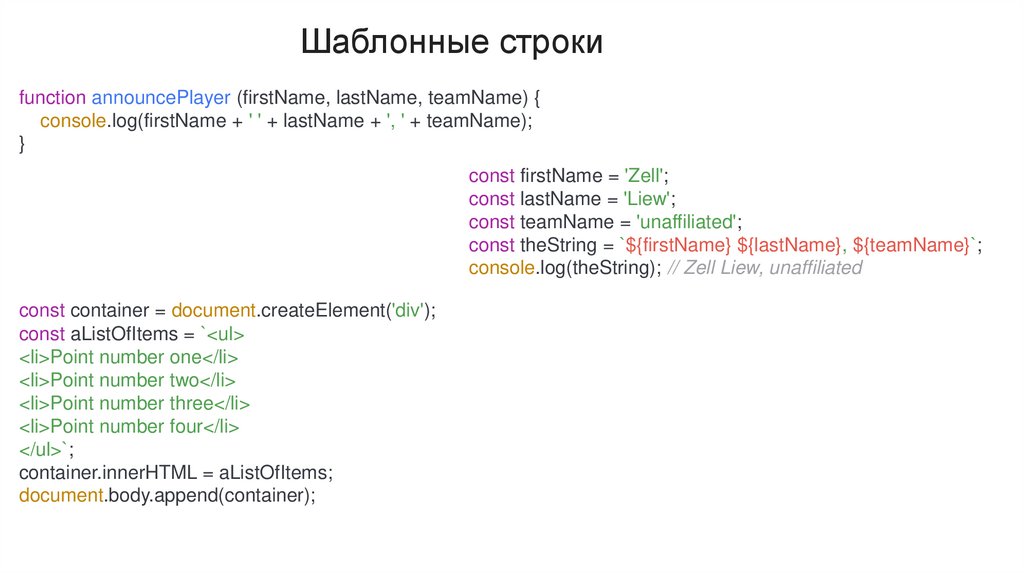
Шаблонные строкиfunction announcePlayer (firstName, lastName, teamName) {
console.log(firstName + ' ' + lastName + ', ' + teamName);
}
const firstName = 'Zell';
const lastName = 'Liew';
const teamName = 'unaffiliated';
const theString = `${firstName} ${lastName}, ${teamName}`;
console.log(theString); // Zell Liew, unaffiliated
const container = document.createElement('div');
const aListOfItems = `<ul>
<li>Point number one</li>
<li>Point number two</li>
<li>Point number three</li>
<li>Point number four</li>
</ul>`;
container.innerHTML = aListOfItems;
document.body.append(container);