

 Программирование
Похожие презентации:








Debounce: Preventing Race Conditions in Searches by Myself
1.
Debounce: Preventing RaceConditions in Searches
by Myself
2.
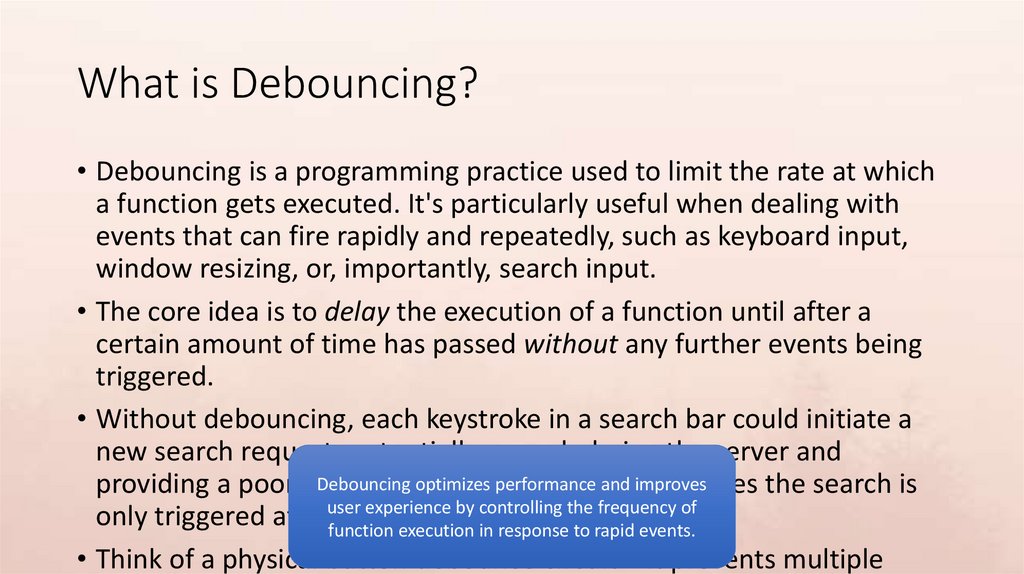
What is Debouncing?• Debouncing is a programming practice used to limit the rate at which
a function gets executed. It's particularly useful when dealing with
events that can fire rapidly and repeatedly, such as keyboard input,
window resizing, or, importantly, search input.
• The core idea is to delay the execution of a function until after a
certain amount of time has passed without any further events being
triggered.
• Without debouncing, each keystroke in a search bar could initiate a
new search request, potentially overwhelming the server and
Debouncing
optimizes performance
and improves
providing a poor user
experience.
Debouncing
ensures the search is
experience by controlling the frequency of
only triggered afteruser
the
user has paused typing.
function execution in response to rapid events.
• Think of a physical button debounce circuit – it prevents multiple
3.
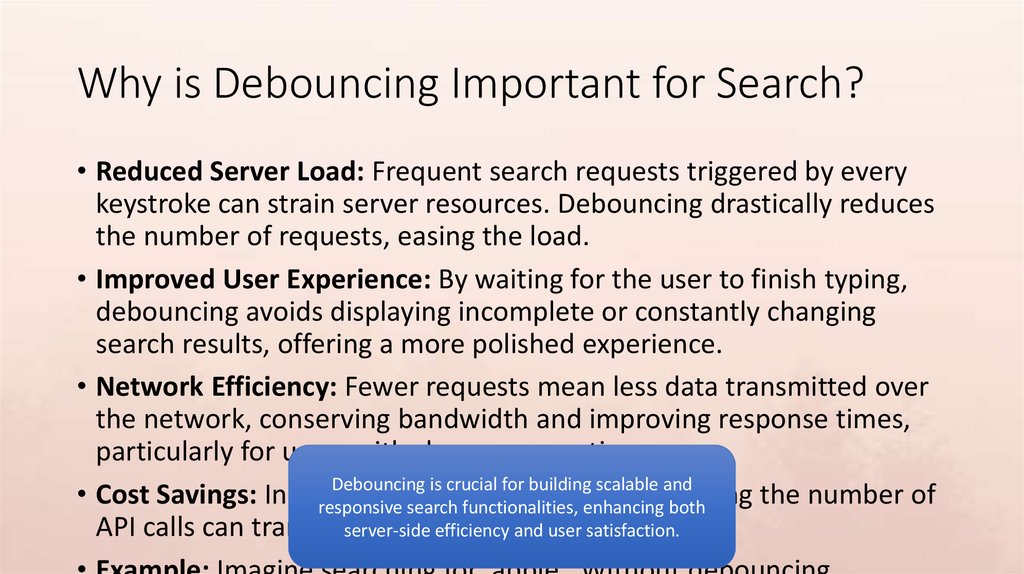
Why is Debouncing Important for Search?• Reduced Server Load: Frequent search requests triggered by every
keystroke can strain server resources. Debouncing drastically reduces
the number of requests, easing the load.
• Improved User Experience: By waiting for the user to finish typing,
debouncing avoids displaying incomplete or constantly changing
search results, offering a more polished experience.
• Network Efficiency: Fewer requests mean less data transmitted over
the network, conserving bandwidth and improving response times,
particularly for users with slower connections.
Debouncing is crucial for building scalable and
• Cost Savings: In cloud-based
services,
reducing
the number of
responsive searchsearch
functionalities,
enhancing
both
API calls can translateserver-side
into significant
costsatisfaction.
savings.
efficiency and user
4.
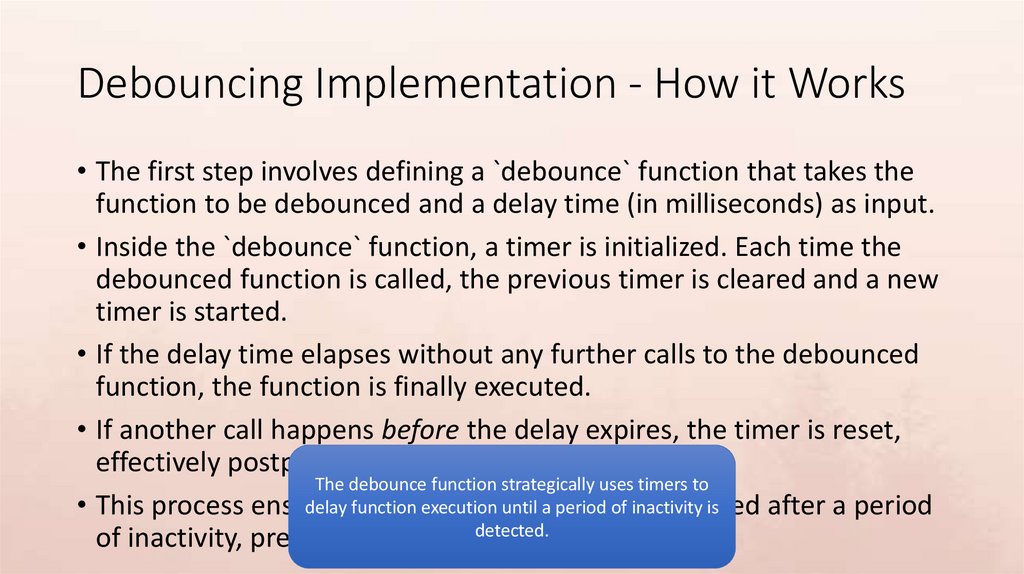
Debouncing Implementation - How it Works• The first step involves defining a `debounce` function that takes the
function to be debounced and a delay time (in milliseconds) as input.
• Inside the `debounce` function, a timer is initialized. Each time the
debounced function is called, the previous timer is cleared and a new
timer is started.
• If the delay time elapses without any further calls to the debounced
function, the function is finally executed.
• If another call happens before the delay expires, the timer is reset,
effectively postponing the execution.
The debounce function strategically uses timers to
delay function
execution
until a period
of inactivity
is
• This process ensures
that the
function
is only
executed
after a period
of inactivity, preventing the racedetected.
condition.
5.
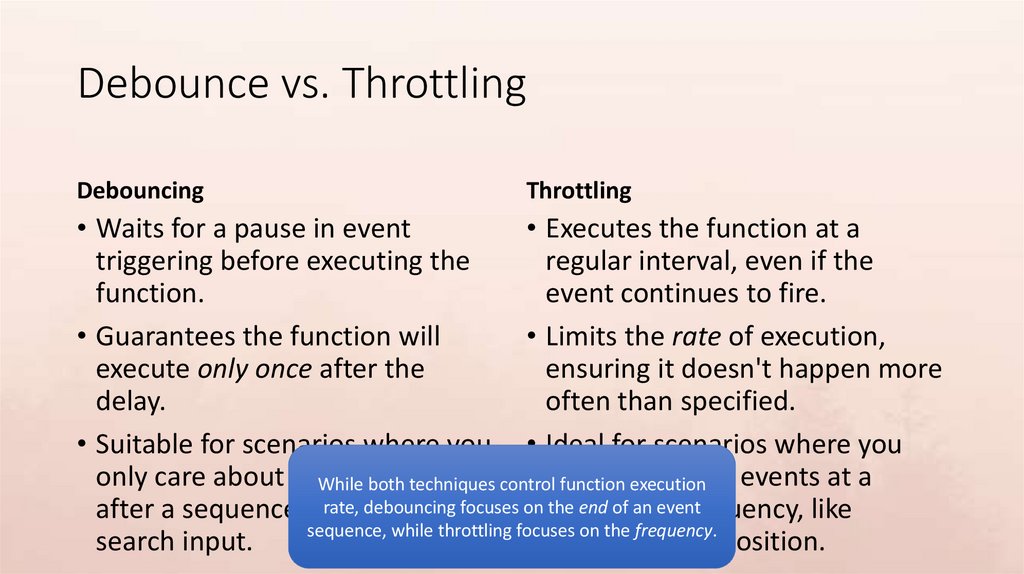
Debounce vs. ThrottlingDebouncing
Throttling
• Waits for a pause in event
• Executes the function at a
triggering before executing the
regular interval, even if the
function.
event continues to fire.
• Guarantees the function will
• Limits the rate of execution,
execute only once after the
ensuring it doesn't happen more
delay.
often than specified.
• Suitable for scenarios where you • Ideal for scenarios where you
only care about theWhile
final
need
toexecution
sample events at a
bothresult
techniques control
function
debouncing
the end of an event
after a sequence ofrate,
events,
likefocuses on consistent
frequency, like
sequence, while throttling focuses on the frequency.
search input.
tracking scroll position.
6.
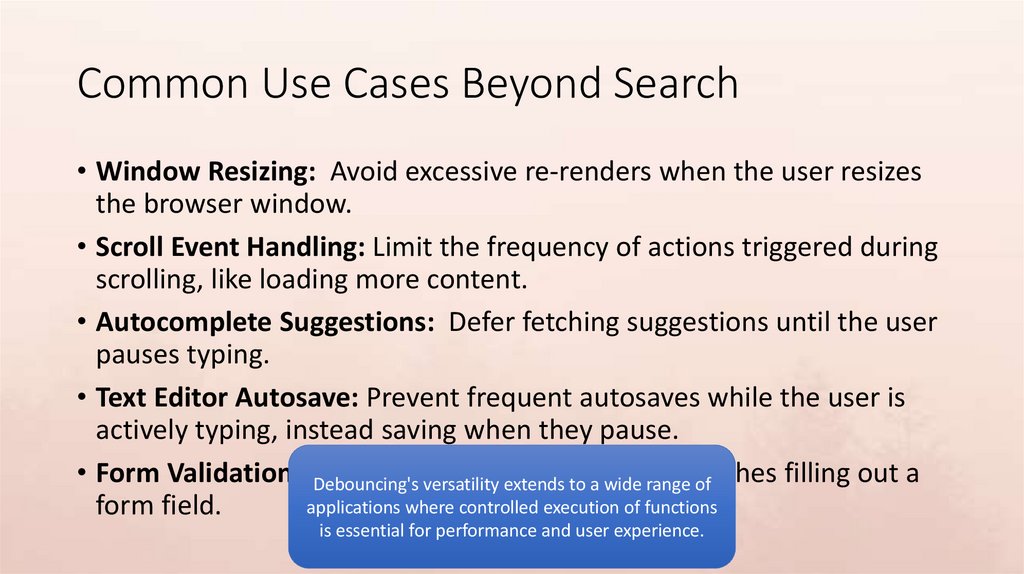
Common Use Cases Beyond Search• Window Resizing: Avoid excessive re-renders when the user resizes
the browser window.
• Scroll Event Handling: Limit the frequency of actions triggered during
scrolling, like loading more content.
• Autocomplete Suggestions: Defer fetching suggestions until the user
pauses typing.
• Text Editor Autosave: Prevent frequent autosaves while the user is
actively typing, instead saving when they pause.
• Form Validation: Debouncing's
Delay validation
untiltothe
user
filling out a
versatility extends
a wide
rangefinishes
of
applications where controlled execution of functions
form field.
is essential for performance and user experience.
7.
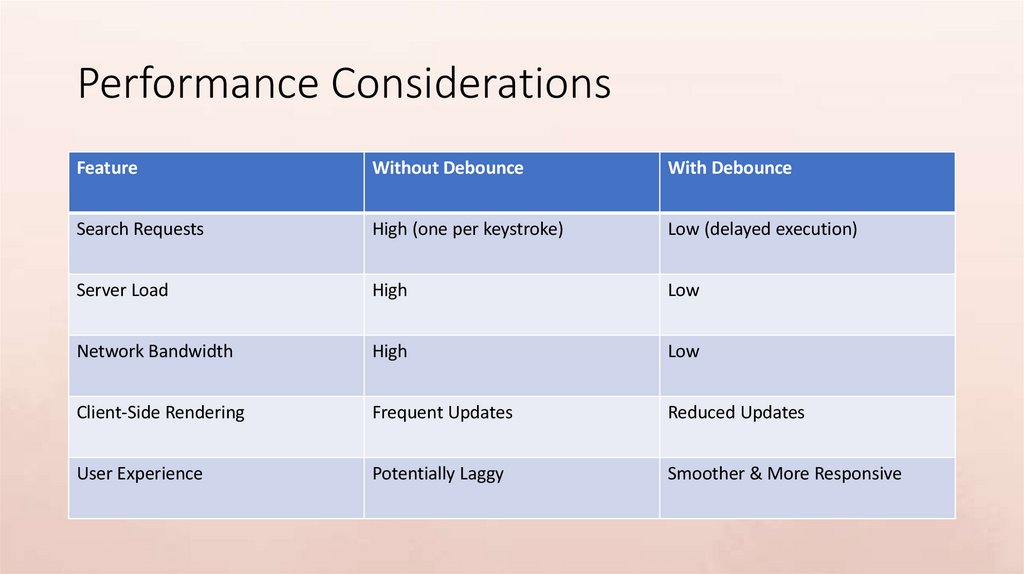
Performance ConsiderationsFeature
Without Debounce
With Debounce
Search Requests
High (one per keystroke)
Low (delayed execution)
Server Load
High
Low
Network Bandwidth
High
Low
Client-Side Rendering
Frequent Updates
Reduced Updates
User Experience
Potentially Laggy
Smoother & More Responsive
8.
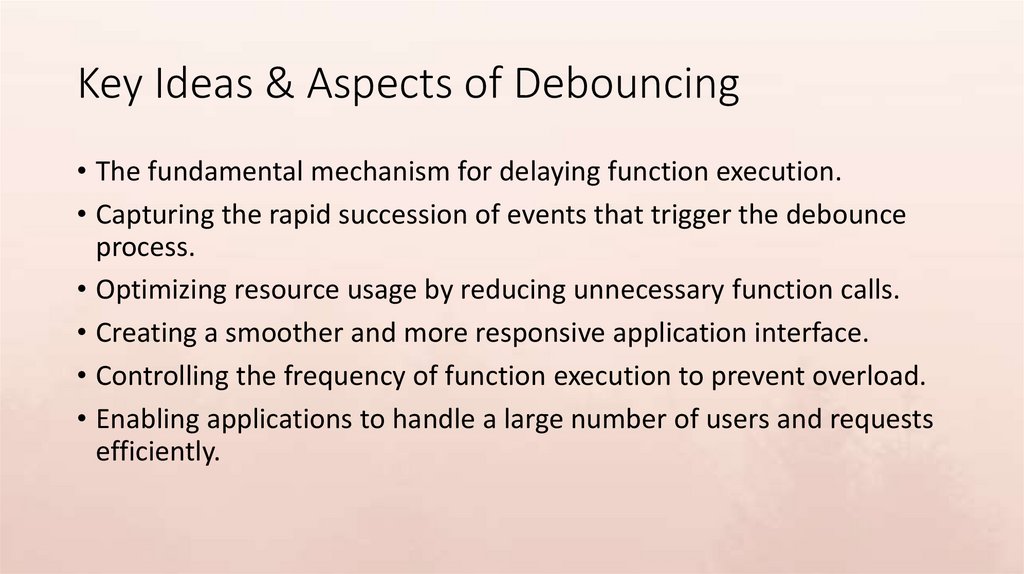
Key Ideas & Aspects of Debouncing• The fundamental mechanism for delaying function execution.
• Capturing the rapid succession of events that trigger the debounce
process.
• Optimizing resource usage by reducing unnecessary function calls.
• Creating a smoother and more responsive application interface.
• Controlling the frequency of function execution to prevent overload.
• Enabling applications to handle a large number of users and requests
efficiently.
9.
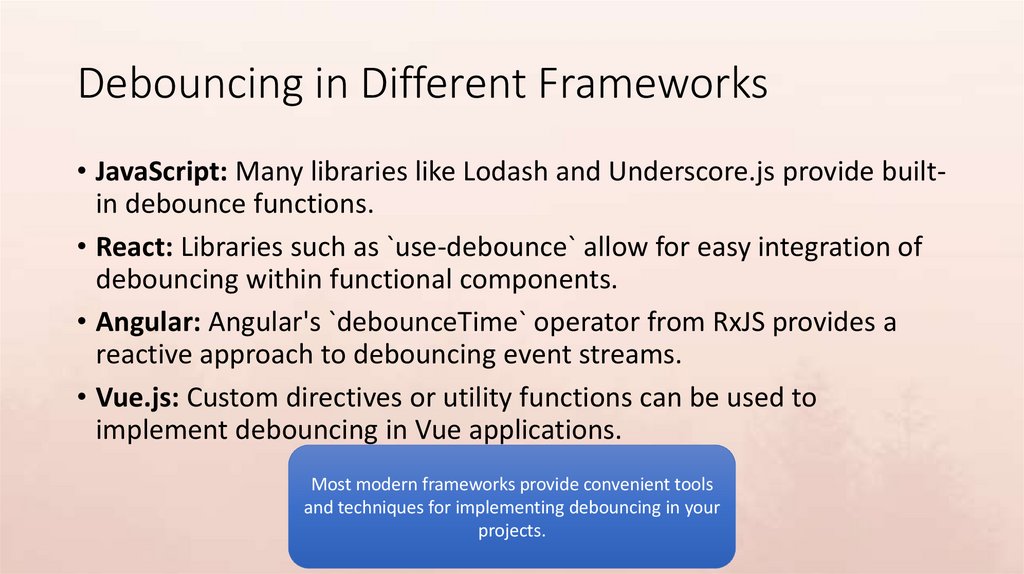
Debouncing in Different Frameworks• JavaScript: Many libraries like Lodash and Underscore.js provide builtin debounce functions.
• React: Libraries such as `use-debounce` allow for easy integration of
debouncing within functional components.
• Angular: Angular's `debounceTime` operator from RxJS provides a
reactive approach to debouncing event streams.
• Vue.js: Custom directives or utility functions can be used to
implement debouncing in Vue applications.
Most modern frameworks provide convenient tools
and techniques for implementing debouncing in your
projects.
10.
Potential Pitfalls and Considerations• Choosing the Right Delay: A delay that's too short may not
effectively reduce the event rate, while a delay that's too long can
make the application feel unresponsive. Finding the optimal balance
is crucial.
• Context Binding: Ensure the debounced function retains the correct
context (i.e., `this` value) when it's eventually executed.
• Testing: Thoroughly test the debounced function to verify that it
behaves as expected under various conditions.
• Complex Event Handling: For more intricate event sequences,
Effective debouncing requires careful consideration
consider combiningof debouncing
with
other
like throttling
the delay time, context
binding,
and techniques
thorough
or leading/trailing edge
handling.
testing
to avoid unexpected behavior.
11.
Conclusion: The Power of Debouncing• Debouncing is a powerful technique for optimizing performance and
enhancing user experience in applications that handle frequent
events.
• It's especially valuable in search functionalities, preventing server
overload and providing a smoother user experience.
• By carefully considering the delay time and context binding,
developers can effectively leverage debouncing to build scalable and
responsive applications.
• Consider incorporating debouncing into your projects to improve
Debouncing is an essential tool in the modern
efficiency and responsiveness,
especially
when
dealing with rapid
developer's toolkit for
creating efficient
and useruser input.
friendly applications.