 Информатика
Похожие презентации:






Storage Box Use Cases
1.
Storage Box Use Cases• User may autofill samples into a storage box when assigning samples
to storage.
• User may drag and drop samples into specific positions in a storage
box when assigning samples to storage.
• User may create a storage box when assigning samples to storage.
• Pages:
Ordering- Biospecimens- Assign Primary Samples to Storage
Workflow- Assign Primary Samples to Storage
Workflow- Assign Derivatives to Storage
Sample Management
2.
Gaps• Gap - Storage boxes come in different dimensions ranging from a
slide box (up to 1x200) to a tube box (up to 10x20). A majority of
storage boxes utilized by the biorepository utilize numerical / onedimensional positioning. How can these entities be visualized for
drag and drop storage?
• Storage box displays must identify each individual compartment for tracking
and chain of custody.
• Storage box positioning must be structured in a numerical / one-dimensional
positioning model.
• Storage box displays must fit within the screen.
• Storage box displays must be compatible for variable dimensions.
3.
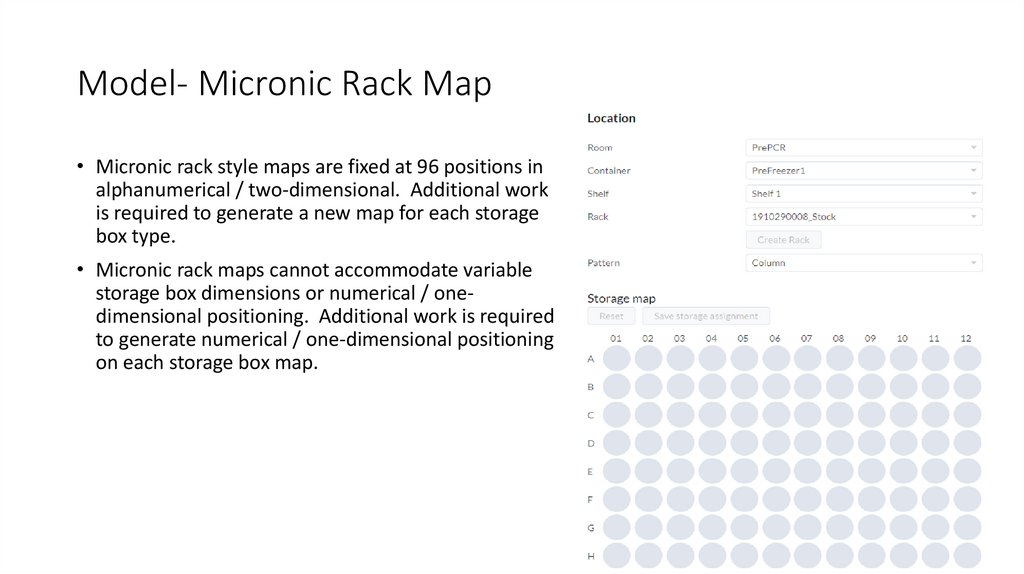
Model- Micronic Rack Map• Micronic rack style maps are fixed at 96 positions in
alphanumerical / two-dimensional. Additional work
is required to generate a new map for each storage
box type.
• Micronic rack maps cannot accommodate variable
storage box dimensions or numerical / onedimensional positioning. Additional work is required
to generate numerical / one-dimensional positioning
on each storage box map.
4.
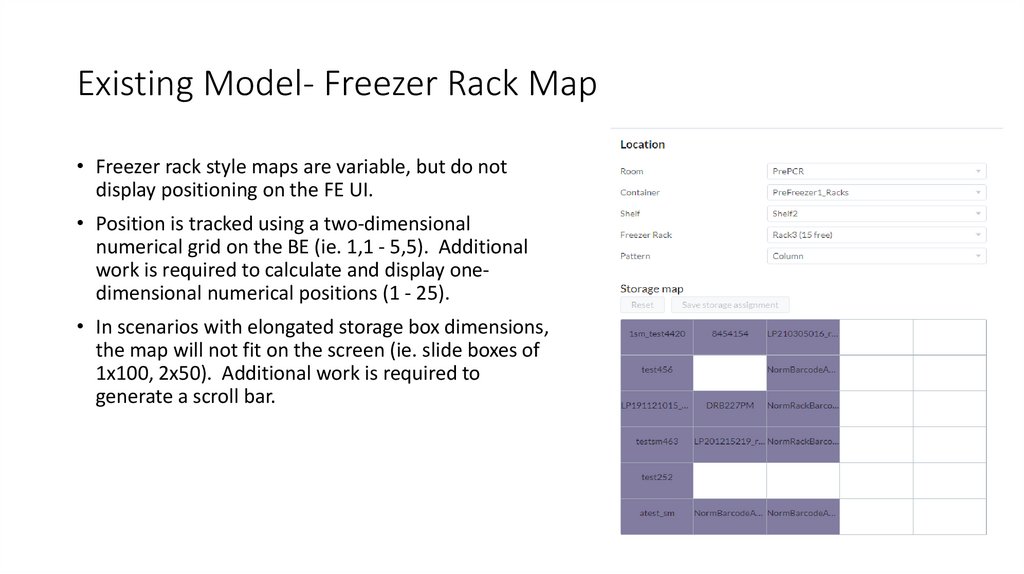
Existing Model- Freezer Rack Map• Freezer rack style maps are variable, but do not
display positioning on the FE UI.
• Position is tracked using a two-dimensional
numerical grid on the BE (ie. 1,1 - 5,5). Additional
work is required to calculate and display onedimensional numerical positions (1 - 25).
• In scenarios with elongated storage box dimensions,
the map will not fit on the screen (ie. slide boxes of
1x100, 2x50). Additional work is required to
generate a scroll bar.
5.
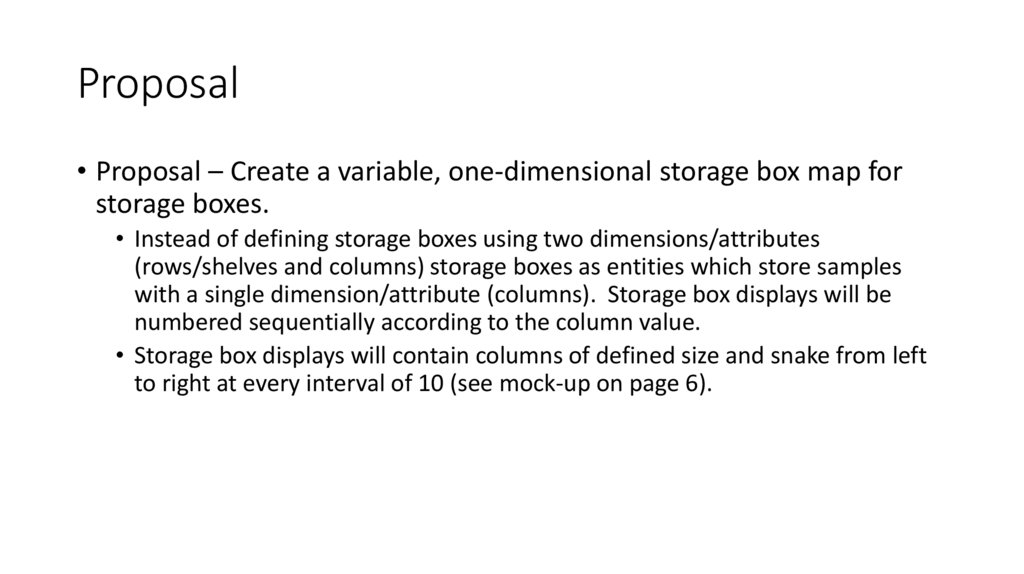
Proposal• Proposal – Create a variable, one-dimensional storage box map for
storage boxes.
• Instead of defining storage boxes using two dimensions/attributes
(rows/shelves and columns) storage boxes as entities which store samples
with a single dimension/attribute (columns). Storage box displays will be
numbered sequentially according to the column value.
• Storage box displays will contain columns of defined size and snake from left
to right at every interval of 10 (see mock-up on page 6).
6.
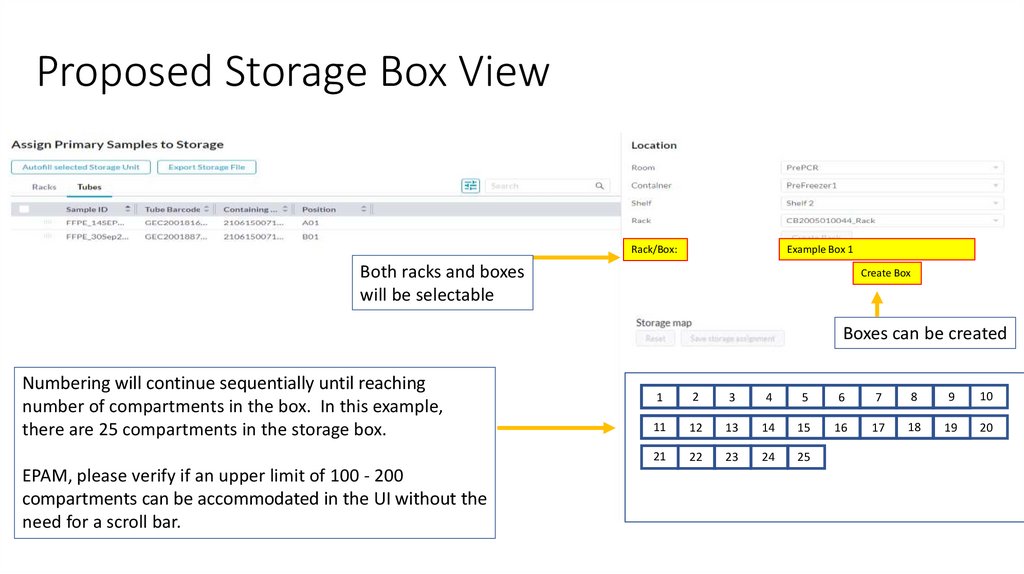
Proposed Storage Box ViewRack/Box:
Example Box 1
Both racks and boxes
will be selectable
Create Box
Boxes can be created
Numbering will continue sequentially until reaching
number of compartments in the box. In this example,
there are 25 compartments in the storage box.
EPAM, please verify if an upper limit of 100 - 200
compartments can be accommodated in the UI without the
need for a scroll bar.
1
2
3
4
5
6
7
8
9
10
11
12
13
14
15
16
17
18
19
20
21
22
23
24
25
7.
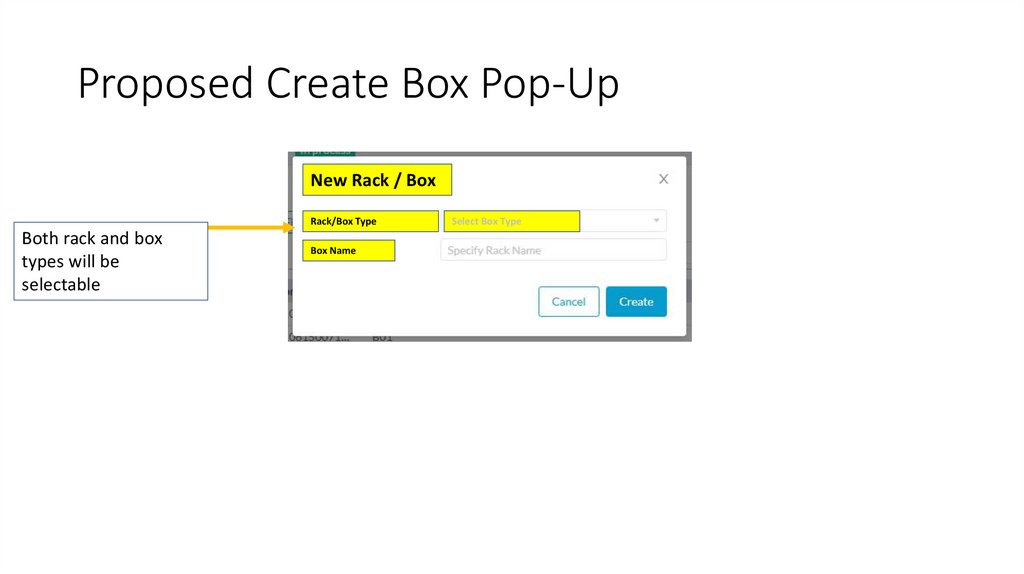
Proposed Create Box Pop-UpNew Rack / Box
Rack/Box Type
Both rack and box
types will be
selectable
Box Name
Select Box Type
8.
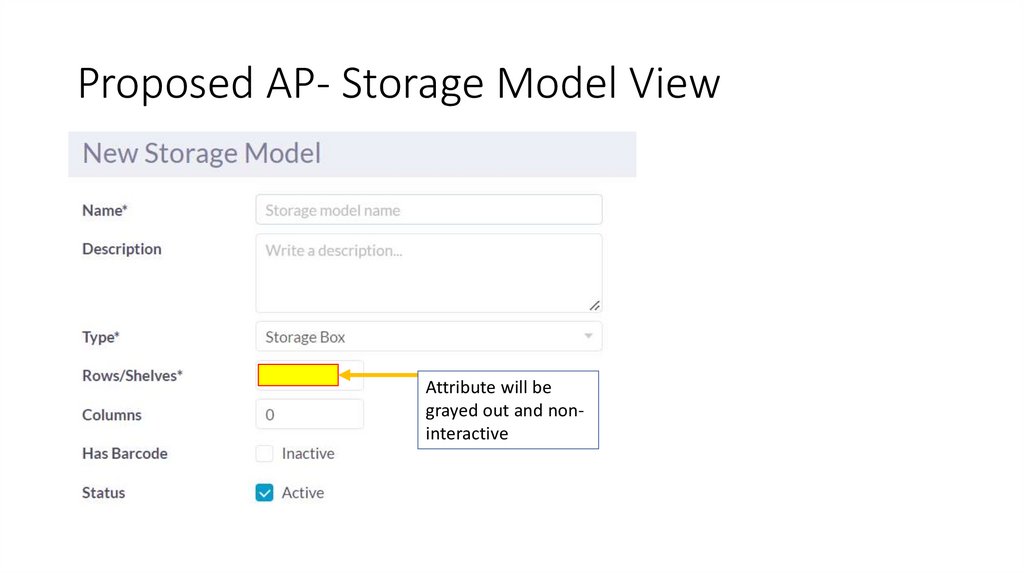
Proposed AP- Storage Model ViewAttribute will be
grayed out and noninteractive